Best of the Year 1 results Remote Work AI Tools

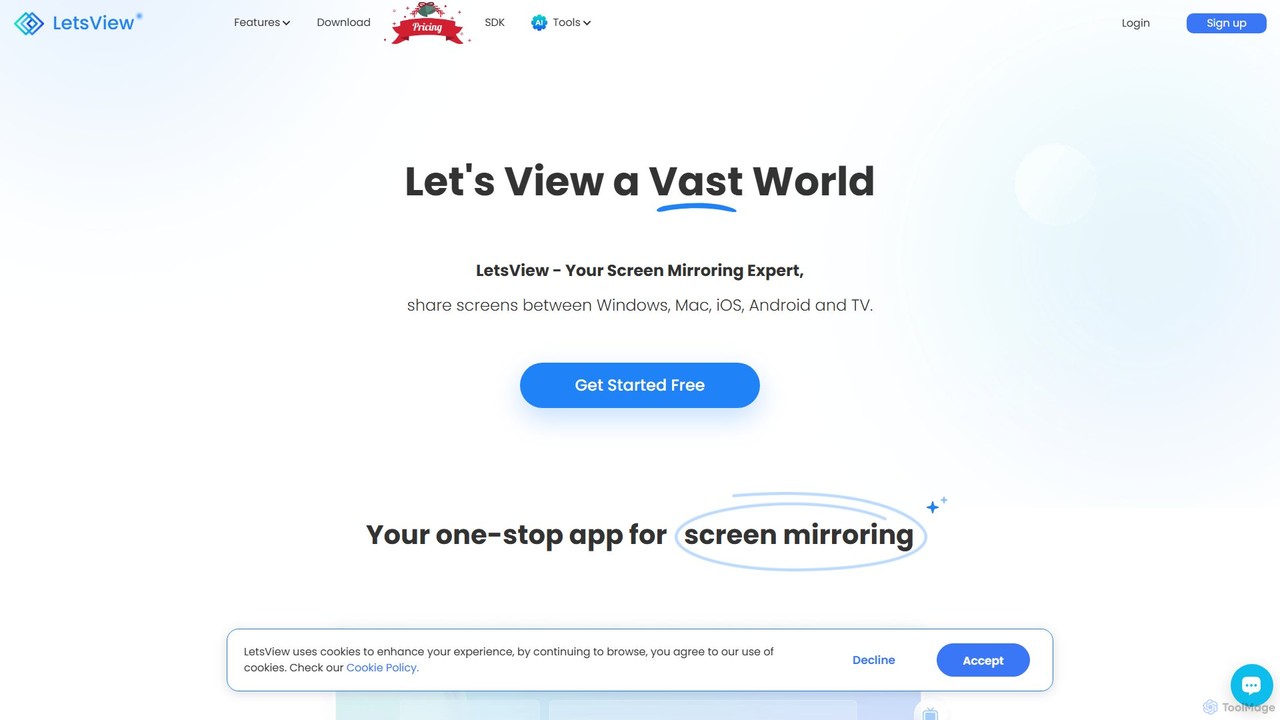
Popular AI tools in the Remote Work field include LetsView, etc., helping you quickly improve efficiency.

LetsView

LetsView

A powerful and versatile screen mirroring and remote access tool. LetsView allows you to wirelessly cast your phone, …

600.8K

About Remote Work

AI Remote Work tools are a suite of applications that leverage artificial intelligence to optimize communication, collaboration, and project management for distributed teams. These tools utilize technologies like natural language processing (NLP) for meeting summaries and machine learning for task prioritization. They enhance remote operations by automating administrative tasks, providing data-driven insights into productivity, and fostering more effective asynchronous communication. This allows teams to bridge physical distances, reduce meeting fatigue, and focus on strategic work.

Core Features

  • Intelligent Meeting Assistance: Automatically transcribes, summarizes, and extracts action items from video or audio calls.
  • Automated Task Management: Prioritizes tasks, suggests schedules, and tracks project progress based on team workload and deadlines.
  • Asynchronous Communication Hubs: Centralizes knowledge and discussions with AI-powered search to reduce the need for real-time meetings.
  • Productivity Analytics: Analyzes work patterns to provide insights on team well-being, identify bottlenecks, and suggest workflow improvements.

Use Cases

These tools are widely adopted by global technology companies to manage teams across different time zones, digital marketing agencies for coordinating creative projects, and consulting firms that require secure and efficient client collaboration platforms. They are essential for any organization aiming to build a scalable and productive remote or hybrid work environment.

How to Choose

When selecting an AI Remote Work tool, consider its integration capabilities with your existing software stack (e.g., Slack, Jira, Google Workspace). Evaluate the core functionality—whether it specializes in meeting management, project automation, or offers an all-in-one solution. Also, assess its scalability to support team growth and ensure it meets your company's data security and privacy standards.

Remote WorkUse Cases

1

Automate Post-Meeting Workflows

A project manager leads a one-hour client strategy session. Instead of manually re-listening to the recording and typing notes, they use an AI meeting assistant. The tool instantly generates a full transcript, a concise summary highlighting key decisions, and a list of action items with assigned owners. This summary and task list are then automatically synced to their project management platform, saving the manager over an hour of administrative work and ensuring no critical follow-ups are missed.

2

Optimize Asynchronous Collaboration

A design team spread across Europe and North America collaborates on a new product interface. They use an AI-powered virtual whiteboard and knowledge base. Team members can leave feedback at any time. The AI organizes comments by theme, surfaces relevant design assets from past projects stored in the knowledge base, and creates a summary of unresolved feedback for the lead designer each morning. This eliminates the need for daily sync-up meetings and allows for continuous progress across time zones.

3

Enhance Team Focus and Well-being

A team lead notices a drop in productivity. Instead of making assumptions, she uses an AI analytics tool that integrates with the team's calendars and communication apps. The tool analyzes anonymized data and generates a report showing that the engineering team is spending over 15 hours a week in meetings, leaving little time for deep work. Based on this insight, the lead implements 'no-meeting Wednesdays' and encourages more asynchronous updates, resulting in improved focus and a 20% increase in completed tasks the following month.

4

Streamline Global Team Communication

An international company with offices in Tokyo, Berlin, and São Paulo struggles with language barriers in their all-hands meetings. They adopt an AI communication platform that provides real-time translation for video calls and chat messages. A Japanese engineer can type a question in Japanese, and it instantly appears in German and Portuguese for their colleagues. This technology fosters inclusivity, ensures that crucial information is understood by everyone, and reduces misunderstandings that arise from language differences.

5

Onboard New Remote Employees Effectively

An HR manager needs to onboard five new hires located in different countries. They use an AI-powered onboarding platform that creates a personalized 30-day plan for each new employee. The platform includes an AI chatbot that answers common questions about company policies and IT setup 24/7. It also automatically schedules introductory meetings with key team members based on mutual availability, ensuring a consistent and welcoming experience for all remote starters, regardless of their location or time zone.

6

Manage Complex Remote Projects with AI

A software development team uses an AI project management tool to build a new mobile app. The AI analyzes the project scope and historical data to predict potential delays and resource bottlenecks. It automatically suggests task assignments based on each developer's skills and current workload. As the project progresses, the tool provides real-time risk assessments for upcoming milestones, allowing the project manager to proactively address issues before they impact the timeline, improving the chances of an on-time delivery.

Remote WorkFrequently Asked Questions