ToolMage
Sign in

Best 1 Community Support AI tools for Social Impact

Popular Community Support AI tools in Social Impact include Be My Eyes, helping you work more efficiently.

Be My Eyes
Free

Be My Eyes

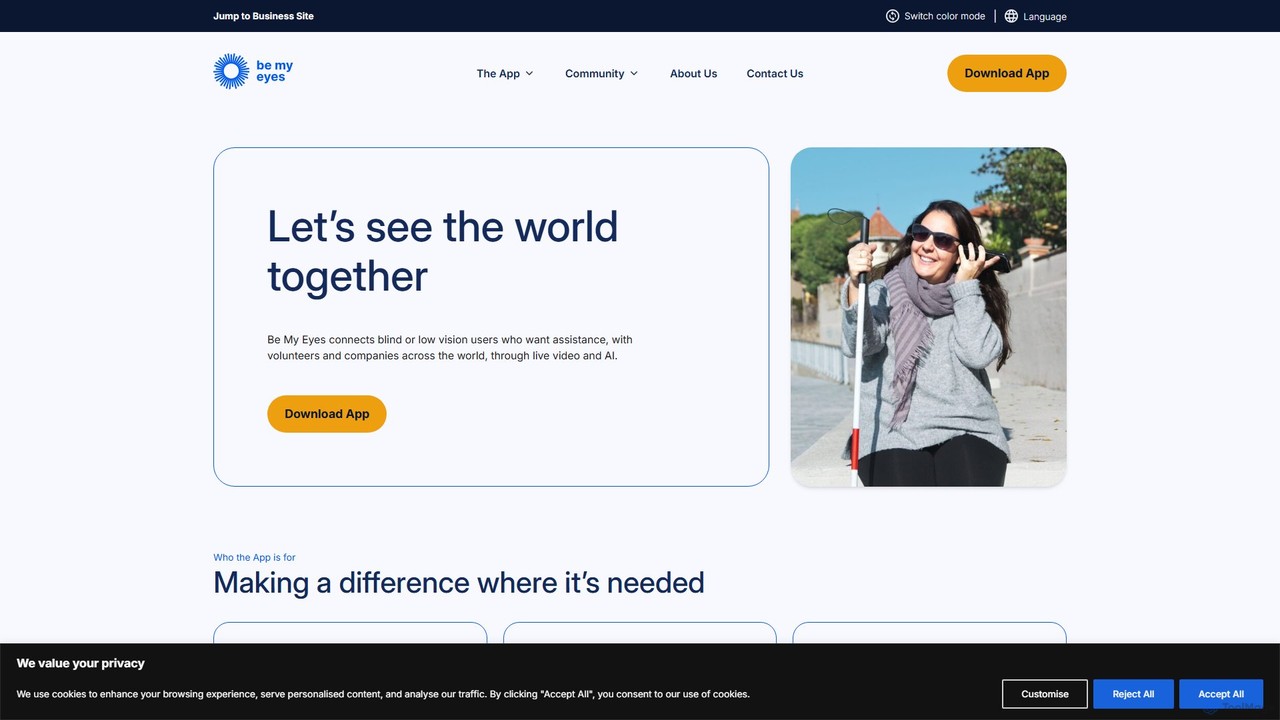
Be My Eyes is a free mobile app that connects blind and low-vision individuals with sighted volunteers and advanced AI for visual assistance. Through live video calls or AI-powered image descriptions, users get help with tasks like reading labels, navigating new places, and identifying objects, fostering greater independence.

Visual Assistance
Visits 200.5KFavorites 141Likes 143

About Community Support

Community Support AI tools are designed to enhance and automate various aspects of online community management and engagement. These tools leverage natural language processing, machine learning, and sentiment analysis to streamline moderation, provide instant assistance, and foster a more positive environment. They play a crucial role within the broader Social Impact category by enabling organizations to build, scale, and maintain healthy digital communities effectively.

Core Features

  • Automated Moderation: Proactively identifies and filters inappropriate content, spam, or harmful interactions in real-time.
  • Intelligent Q&A: Provides instant, accurate answers to frequently asked questions, reducing manual support workload.
  • Sentiment Analysis: Monitors community discussions to gauge overall mood, identify emerging issues, and understand member feedback.
  • Personalized Engagement: Suggests tailored content, connections, or outreach based on individual member profiles and activity.
  • Resource Curation: Automatically organizes and recommends relevant articles, guides, or discussions to community members.

Applicable Scenarios

These tools are invaluable for organizations managing large online forums, social media groups, or member platforms. Non-profits can use them to scale volunteer coordination, while educational institutions can enhance student support. Businesses leverage them to build brand communities, gather product feedback, and provide peer-to-peer assistance efficiently.

How to Choose

When selecting Community Support AI tools, consider the specific needs of your community, such as its size, activity level, and content types. Evaluate the tool's integration capabilities with existing platforms, its customization options for moderation rules, and the accuracy of its AI models. Also, assess the level of human oversight required and the vendor's commitment to data privacy and ethical AI use.

Community Support use cases

1

Automating Forum Moderation

A large online gaming community manager uses AI tools to automatically detect and flag toxic language, spam, and rule violations in real-time across thousands of daily posts. This significantly reduces the manual moderation workload, allowing human moderators to focus on complex cases and community building, ensuring a safer and more welcoming environment for players.

2

Instant FAQ Resolution for Members

A non-profit organization supporting a global network of volunteers deploys an AI-powered chatbot within its member portal. The chatbot provides immediate answers to common questions about event registration, resource access, and policy guidelines, reducing email inquiries by 40% and ensuring volunteers receive timely support regardless of time zone.

3

Gauging Community Sentiment and Trends

A product development team monitors their user community forum using AI sentiment analysis. The tool identifies recurring themes, positive/negative feedback spikes related to new features, and emerging pain points. This data informs product roadmap decisions, helping the team prioritize improvements that directly address user needs and concerns.

4

Personalizing Member Onboarding

A professional networking platform utilizes AI to personalize the onboarding experience for new members. Based on their profile information and initial interactions, the AI suggests relevant groups, potential connections, and introductory resources, increasing new member engagement rates by 25% within the first week.

5

Proactive Spam and Misinformation Detection

An educational online learning platform employs AI to proactively identify and remove spam accounts, phishing attempts, and misinformation shared within student discussion groups. This protects students from harmful content and ensures the integrity of academic discussions, maintaining a secure and trustworthy learning environment.

6

Streamlining Event Communication and Management

A community event organizer uses AI tools to automate event-related communications, such as sending personalized reminders, collecting RSVPs, and answering attendee questions about schedules or venues. This frees up significant administrative time, allowing the organizer to focus on event content and attendee experience, leading to smoother operations and higher satisfaction.

Community Support FAQ

What are AI Community Support tools?

AI Community Support tools are specialized software applications that use artificial intelligence to automate and enhance various aspects of managing and engaging with online communities. They leverage technologies like NLP, machine learning, and sentiment analysis to streamline tasks such as content moderation, answering member queries, and analyzing community dynamics, fostering healthier and more active digital spaces.

How do AI tools improve community engagement?

AI tools improve community engagement by enabling more personalized interactions, providing instant support, and maintaining a positive environment. They can suggest relevant content or connections to members, quickly resolve common issues through automated Q&A, and proactively moderate harmful content, making members feel more valued, heard, and safe, thus encouraging participation.

What specific tasks can AI Community Support tools automate?

AI Community Support tools can automate a range of tasks, including:

  • Content Moderation: Automatically detecting and flagging spam, hate speech, or off-topic discussions.
  • FAQ Answering: Providing instant, accurate responses to common member questions.
  • Sentiment Analysis: Monitoring discussions to gauge community mood and identify emerging issues.
  • Personalized Outreach: Suggesting tailored content or connections to individual members.
  • Resource Curation: Organizing and recommending relevant information to the community.
These automations free up human moderators and community managers for more strategic tasks.

How to choose the right AI Community Support tool for my organization?

Choosing the right tool involves assessing your community's specific needs, size, and activity level. Key factors include:

  • Core Features: Ensure it offers essential functionalities like moderation, Q&A, or sentiment analysis that align with your priorities.
  • Integration: Check compatibility with your existing community platforms (e.g., forums, social media groups).
  • Customization: Look for tools that allow tailoring moderation rules, responses, and engagement strategies.
  • Scalability: Consider if the tool can grow with your community's increasing demands.
  • Ethical AI & Privacy: Verify the vendor's commitment to data security and responsible AI practices.

How do AI Community Support tools differ from general customer service AI?

While both use AI for support, Community Support AI tools are specifically tailored for peer-to-peer or group interactions within a community context, focusing on fostering engagement, managing discussions, and maintaining a positive social environment. General customer service AI, conversely, is primarily designed for one-on-one interactions between a customer and a business, aiming to resolve individual queries, process transactions, or provide product support. Community tools prioritize collective well-being and interaction dynamics, whereas customer service AI focuses on individual problem resolution.