Multiplayer
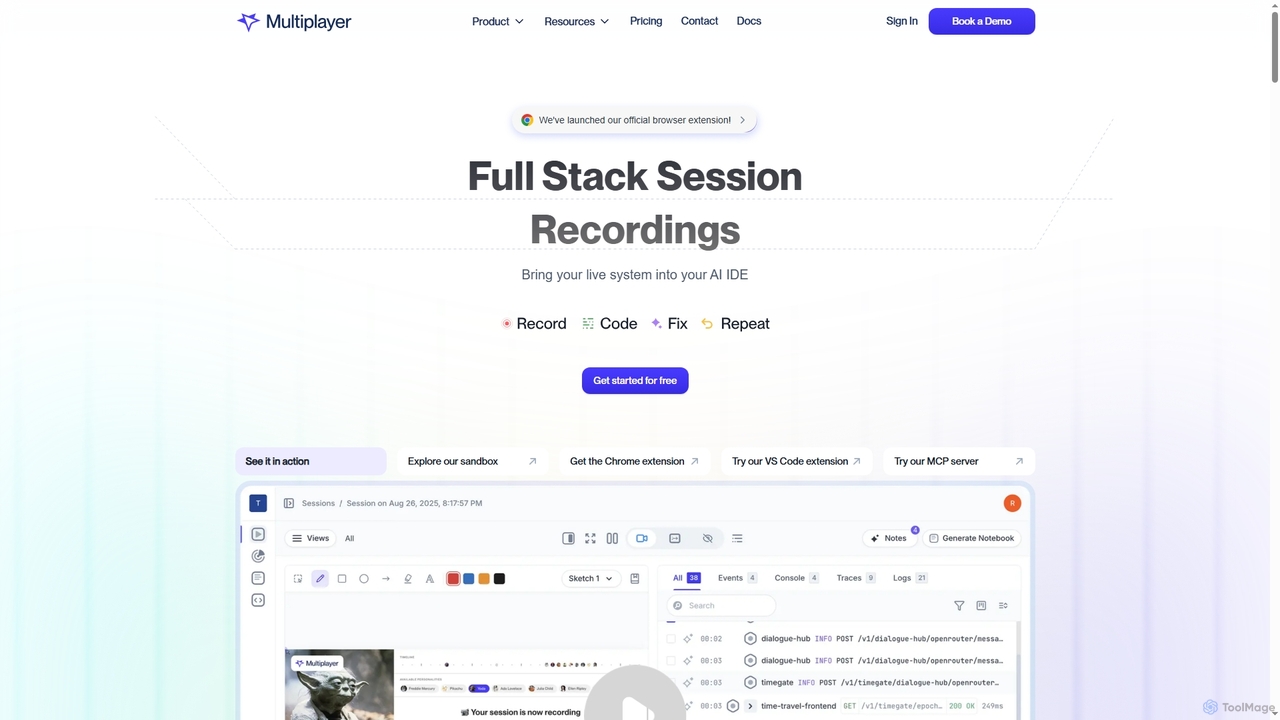
Multiplayer is a full-stack session recording platform that captures frontend and backend data, providing complete context for debugging, …
Multiplayer is a full-stack session recording platform that captures frontend and backend data, providing complete context for debugging, testing, and AI-powered feature development. It integrates seamlessly with AI IDEs and engineering workflows to accelerate problem resolution and build new features with confidence.
About Software Testing
AI Software Testing tools are a class of applications that leverage artificial intelligence and machine learning to automate and enhance the software quality assurance process. These tools analyze application interfaces, code, and user behavior to intelligently generate test cases, identify defects, and predict potential failure points. This enables development teams to accelerate release cycles, improve test coverage, and detect complex bugs that traditional automation scripts might miss. Unlike rule-based automation, AI-driven testing adapts to application changes, significantly reducing test maintenance overhead.
Core Features
- AI-Powered Test Generation: Automatically creates test cases and scripts by exploring the application or analyzing requirements.
- Visual Regression Testing: Uses computer vision to detect unintended UI changes, such as layout shifts, color errors, or missing elements.
- Self-Healing Tests: Intelligently adapts test scripts when UI elements change, reducing the need for manual script maintenance.
- Predictive Bug Analysis: Analyzes code changes and historical data to predict which areas are most likely to contain defects.
- Smart Test Execution: Prioritizes and runs the most critical tests based on risk analysis and recent code modifications.
Use Cases
AI Software Testing tools are widely used by Agile and DevOps teams to build robust CI/CD pipelines. They are particularly valuable for testing large-scale enterprise applications, complex e-commerce platforms, and mobile apps where frequent updates are common. Roles such as QA engineers, developers, and DevOps specialists use these tools to ensure software quality without slowing down development velocity.
How to Choose
When selecting an AI Software Testing tool, consider its compatibility with your technology stack (e.g., JavaScript frameworks, mobile platforms). Evaluate the types of testing it supports, such as UI, API, or performance testing. Assess its integration capabilities with your existing CI/CD tools like Jenkins or GitHub Actions. Finally, consider the tool's learning curve, choosing between low-code platforms for manual testers and more advanced frameworks for automation engineers.
Software TestingUse Cases
Automating UI Regression Testing for Web Applications
A QA automation engineer at a fast-paced e-commerce company needs to verify that new features do not break existing functionality. Manually testing every page after each weekly release is time-consuming and prone to human error. By using an AI testing tool, the engineer can automate the process. The tool crawls the website, captures baseline screenshots of key pages, and on subsequent test runs, its computer vision algorithm compares new versions against the baseline. It automatically flags visual discrepancies like layout shifts, color changes, or missing buttons, providing a detailed report that allows developers to fix UI bugs quickly before they reach production.
Generating API Tests from Specifications
A backend developer is building a microservices architecture with hundreds of API endpoints. Writing comprehensive tests for each endpoint manually is tedious. The developer provides the OpenAPI (Swagger) specification file to an AI testing tool. The tool parses the specification and automatically generates a suite of tests covering various scenarios: valid requests, requests with invalid data types, missing parameters, and boundary conditions. This ensures high API test coverage is achieved in a fraction of the time, securing the backend services and preventing integration issues with frontend applications.
Stabilizing CI/CD Pipelines with Self-Healing Tests
A DevOps team finds their CI/CD pipeline frequently fails due to brittle test scripts. Minor UI changes, like renaming a button's ID, cause traditional Selenium tests to break, halting the entire deployment process. They implement an AI testing tool with self-healing capabilities. When a locator for an element changes, the AI doesn't just fail the test. It analyzes other attributes (like text, position, and nearby elements) to identify the intended element and automatically updates the test script with the new locator. This makes the test suite resilient to minor code changes, ensuring the pipeline remains stable and developers receive faster, more reliable feedback.
Optimizing Test Coverage for Mobile Apps
A mobile app tester is tasked with ensuring quality across dozens of Android and iOS device models. It's impractical to manually execute every test case on every device. The tester uses an AI tool that autonomously explores the app, creating a map of all screens and user flows. The AI then analyzes this map to identify the most critical and frequently used paths. This allows the testing team to focus their manual and automated testing efforts on these high-impact areas, ensuring that core functionalities work flawlessly on all target devices while optimizing testing resources and time.
Predictive Defect Analysis for Enterprise Software
A Quality Assurance Manager for a large enterprise software product needs to allocate limited testing resources effectively. With thousands of code commits per release, it's impossible to test everything with the same level of rigor. The manager uses an AI testing platform that integrates with their version control system. The AI analyzes historical defect data, code complexity, and the impact of recent changes to generate a risk score for each software module. This allows the QA team to adopt a risk-based testing strategy, focusing intensive testing on high-risk areas and reducing the likelihood of critical bugs slipping into production.
Automating Accessibility Testing in Development
A frontend developer needs to ensure their public-facing website complies with WCAG accessibility standards. Manual accessibility checks are complex and often overlooked in fast development cycles. The developer integrates an AI-powered accessibility testing tool into their CI/CD pipeline. During each build, the tool automatically scans new and updated web pages. It identifies issues like insufficient color contrast, missing alt text for images, and improper ARIA roles. The tool provides code-level recommendations for fixes directly in the developer's workflow, helping the team systematically improve accessibility and ensure an inclusive experience for all users.