
Spreadsheet Tools Best in category 1 results Data Automation AI Tool

Popular AI tools in the Data Automation field of Spreadsheet Tools include AI Doc Suite, etc., helping you quickly improve efficiency.

AI Doc Suite

AI Doc Suite

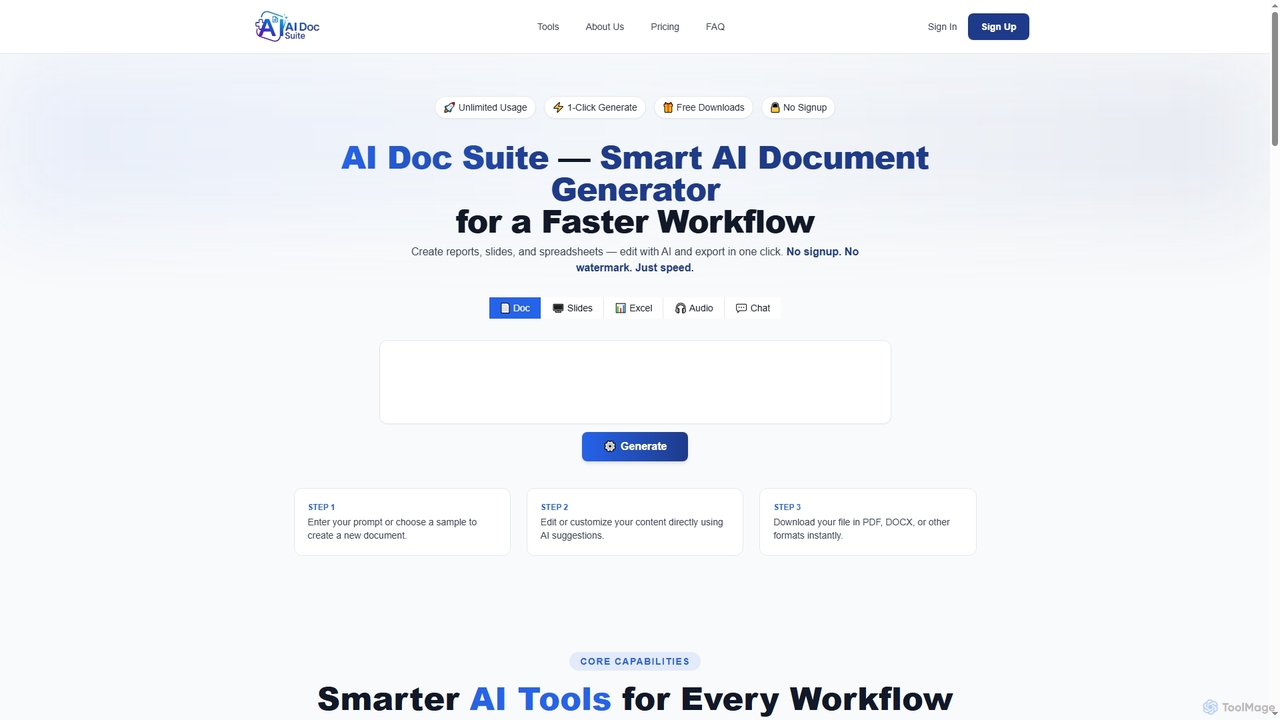
AI Doc Suite is an advanced, browser-based AI workspace for creating, editing, and converting professional documents, slides, spreadsheets, …

8.0K

About Data Automation

Data Automation tools are a specialized category of spreadsheet utilities that use AI to connect and automate data workflows between spreadsheets and other applications. They operate on no-code or low-code principles, allowing users to build automated data pipelines without extensive programming. These tools are designed to eliminate manual tasks like data entry, report generation, and data synchronization, freeing up valuable time for analysis. Their key advantage lies in creating reliable, trigger-based automations that run in the background, ensuring data is always up-to-date.

Core Features

  • No-Code Workflow Builder: Create multi-step automations using a visual, drag-and-drop interface without writing any code.
  • API & App Integration: Natively connect to hundreds of third-party apps, databases, and APIs to pull or push data seamlessly.
  • Scheduled & Trigger-Based Execution: Run automations on a fixed schedule (e.g., daily) or in response to specific events (e.g., a new form submission).
  • Data Transformation & Cleaning: Automatically format, clean, and enrich data as it moves between systems, ensuring consistency.

Use Cases

These tools are highly valuable for roles like marketing analysts, operations managers, and financial teams. For instance, a marketing team can automatically pull daily campaign performance data from various ad platforms into a single Google Sheet. An e-commerce manager can sync new Shopify orders to a master inventory spreadsheet in real-time, preventing stock discrepancies.

How to Choose

When selecting a Data Automation tool, first assess its library of integrations to ensure it supports your existing software stack. Evaluate the complexity of workflows it can handle and its user-friendliness for non-technical team members. Also, review the pricing model, which is often based on the number of tasks or operations per month, and ensure it aligns with your expected usage volume.

Data AutomationUse Cases

1

Automate Sales Lead Management in Spreadsheets

A sales operations manager needs to consolidate leads from various sources like web forms, LinkedIn, and email campaigns into a central Google Sheet. Using a data automation tool, they build a workflow where new leads from any source trigger an action. The tool automatically adds the lead's information as a new row in the spreadsheet, standardizes formatting (like phone numbers and states), and even enriches the data by pulling company size from a service like Clearbit. This eliminates hours of daily manual data entry and ensures the sales team always has an up-to-date, clean lead list.

2

Generate Daily Social Media Performance Reports

A digital marketer manages multiple social media accounts and needs to report on key metrics daily. Instead of manually logging into each platform (Facebook, Twitter, Instagram) and copying data, they set up an automation. Every morning at 8 AM, the tool's workflow triggers. It connects to each social media API, pulls yesterday's metrics (likes, shares, reach), and populates a pre-formatted report in an Excel spreadsheet. The report is then automatically emailed to stakeholders. This process saves about 45 minutes each day and reduces the risk of human error in data transfer.

3

Sync E-commerce Orders to an Inventory Spreadsheet

An e-commerce store owner using Shopify needs to maintain an accurate, real-time inventory count in a master Google Sheet, which is also used for financial forecasting. They create an automation that triggers every time a new order is placed on Shopify. The tool instantly pulls the product SKU and quantity from the order and updates the corresponding cells in the inventory sheet. This ensures the inventory count is always accurate, preventing overselling of popular items and providing a live view of stock levels for reordering decisions without any manual intervention.

4

Automate Customer Feedback Analysis

A product manager uses a tool like Typeform to collect user feedback. To analyze this qualitative data efficiently, they connect Typeform to a Google Sheet via a data automation tool. Whenever a new survey is submitted, the response is added as a new row. A subsequent step in the automation sends the text of the open-ended feedback to an AI sentiment analysis model. The model's output (e.g., 'Positive', 'Negative', 'Neutral') is then written back into an adjacent column in the same row. This creates a structured, quantifiable dataset from unstructured feedback, allowing for quick trend analysis and reporting.

5

Consolidate Financial Data for Monthly Reporting

A financial analyst for a small business needs to consolidate transaction data from multiple sources, including Stripe, PayPal, and several bank accounts, into a master Excel workbook for monthly closing. They use a data automation tool to create a scheduled workflow that runs on the first day of each month. The tool connects to each financial platform's API, pulls all transactions from the previous month, standardizes the date and currency formats, and appends the data to the appropriate tabs in the Excel sheet. This automation ensures data accuracy and saves the analyst a full day of tedious, manual data aggregation each month.

6

Track Content Production Workflow

A content manager uses a Trello board to track articles from 'Idea' to 'Published'. To create an automated content calendar, they use a data automation tool. They set up a trigger for when a card is moved to the 'Published' list in Trello. The automation then extracts the card's title, author (custom field), and the date it was moved. This information is instantly added as a new row in a Google Sheet that serves as a master content calendar. This provides a real-time, historical record of all published content without requiring the content manager to manually update a separate spreadsheet, ensuring consistency and saving time.

Data AutomationFrequently Asked Questions