Streaming Best in category 1 results Broadcasting Tools AI Tool

Popular AI tools in the Broadcasting Tools field of Streaming include Beam Eye Tracker, etc., helping you quickly improve efficiency.

Beam Eye Tracker

Beam Eye Tracker

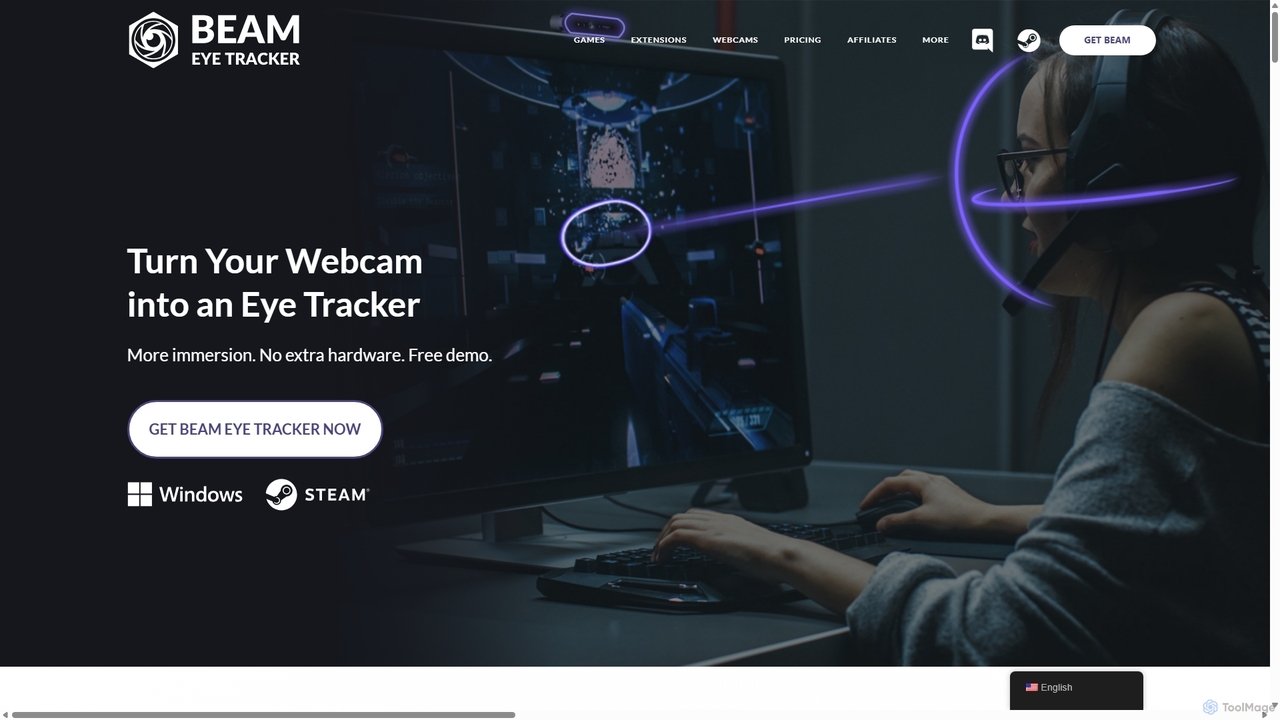
Beam Eye Tracker is an AI-powered software that transforms your webcam or smartphone into a high-performance eye and …

65.4K

About Broadcasting Tools

AI Broadcasting Tools are software applications that function as virtual production studios for creating professional live streams and video recordings. These tools leverage AI to automate complex tasks like scene switching, audio enhancement, and real-time graphic overlays. They empower creators to manage multiple video sources, such as cameras and screen shares, and combine them into a polished, engaging broadcast for platforms like YouTube, Twitch, and LinkedIn Live. This technology significantly lowers the barrier to producing high-quality, television-style content from a personal computer.

Core Features

  • AI-Powered Scene Switching: Automatically switches between cameras or scenes based on speaker activity or pre-set rules.
  • Multi-Source Management: Simultaneously captures and mixes video from webcams, screen shares, media files, and remote guests.
  • Real-Time Graphics & Overlays: Easily adds logos, lower thirds, tickers, and interactive elements to the live feed.
  • Audio Enhancement: Utilizes AI for noise cancellation, background removal, and audio level balancing for clear sound.
  • Multi-Platform Streaming (Simulcasting): Broadcasts a single stream to multiple platforms like YouTube, Facebook, and Twitch at the same time.

Use Cases

These tools are ideal for content creators, marketers, educators, and businesses. Common applications include producing professional webinars, hosting interactive virtual events, creating engaging gaming streams, recording high-quality video podcasts, and broadcasting corporate town hall meetings. Any scenario requiring the combination of multiple video and audio sources into a single, polished output can benefit from these tools.

How to Choose

When selecting an AI Broadcasting Tool, consider the number and type of sources you need to manage. Evaluate the AI features—do you need automatic scene switching or advanced audio processing? Check for integration with your target streaming platforms and assess the ease of use of the interface. Finally, consider the pricing model, whether it's a one-time purchase or a subscription, and ensure it aligns with your usage frequency and budget.

Broadcasting ToolsUse Cases

1

Producing Professional Webinars and Virtual Events

A marketing manager for a tech company needs to host a product launch webinar. Using an AI Broadcasting Tool, they can create a dynamic presentation by seamlessly switching between a live camera feed of the speaker, a screen share of the product demo, and pre-recorded video testimonials. The tool's AI automatically manages audio levels and can add professional branding, lower thirds for speakers, and interactive Q&A overlays, resulting in a broadcast that rivals a physical event in quality and engagement.

2

Creating Engaging Gaming Livestreams

A Twitch streamer wants to enhance their broadcast quality. They use an AI Broadcasting Tool to combine their gameplay capture, a high-resolution webcam feed, and real-time overlays for follower alerts and donation goals. The software allows them to create different scenes for 'starting soon,' 'live gameplay,' and 'be right back' moments, switching between them with a single click. AI-powered audio cleanup removes keyboard clicks, ensuring viewers hear only the game audio and the streamer's commentary clearly.

3

Recording High-Quality Video Podcasts

A podcast host records interviews with remote guests. An AI Broadcasting Tool allows them to capture their own camera and the guest's video feed in separate tracks for post-production flexibility. During the recording, they can display the podcast's branding and guest information on screen. The AI can automatically create a dynamic layout, switching focus to the person who is currently speaking, which creates a more engaging final video for platforms like YouTube and Spotify Video.

4

Broadcasting Corporate Town Halls and All-Hands Meetings

An internal communications team needs to stream a quarterly all-hands meeting to a global workforce. They use a broadcasting tool to mix a live feed of the CEO on stage with presentation slides and pre-recorded departmental updates. The tool's ability to stream to a secure, internal platform ensures confidentiality. AI features can provide real-time captions for accessibility, making the broadcast inclusive for all employees regardless of their location or hearing ability.

5

Delivering Interactive Online Courses and Training

An online educator teaches a coding class. Using a broadcasting tool, they can show their face in a small window while dedicating the main screen area to their code editor. They can easily switch to a full-screen view of a digital whiteboard to explain concepts, or bring in a student's screen share to help debug code live. The tool helps create a structured and visually clear learning environment that is more effective than a simple screen share call.

6

Live E-commerce and Product Demonstrations

An online retailer hosts a live shopping event to showcase a new product line. The host uses a broadcasting tool to switch between a wide shot of the products, a close-up camera for details, and customer testimonials. They can overlay real-time discount codes and links to the product page directly onto the stream. This creates an interactive and immersive shopping experience, driving immediate sales and customer engagement in a way that static product pages cannot.

Broadcasting ToolsFrequently Asked Questions