ZenMic
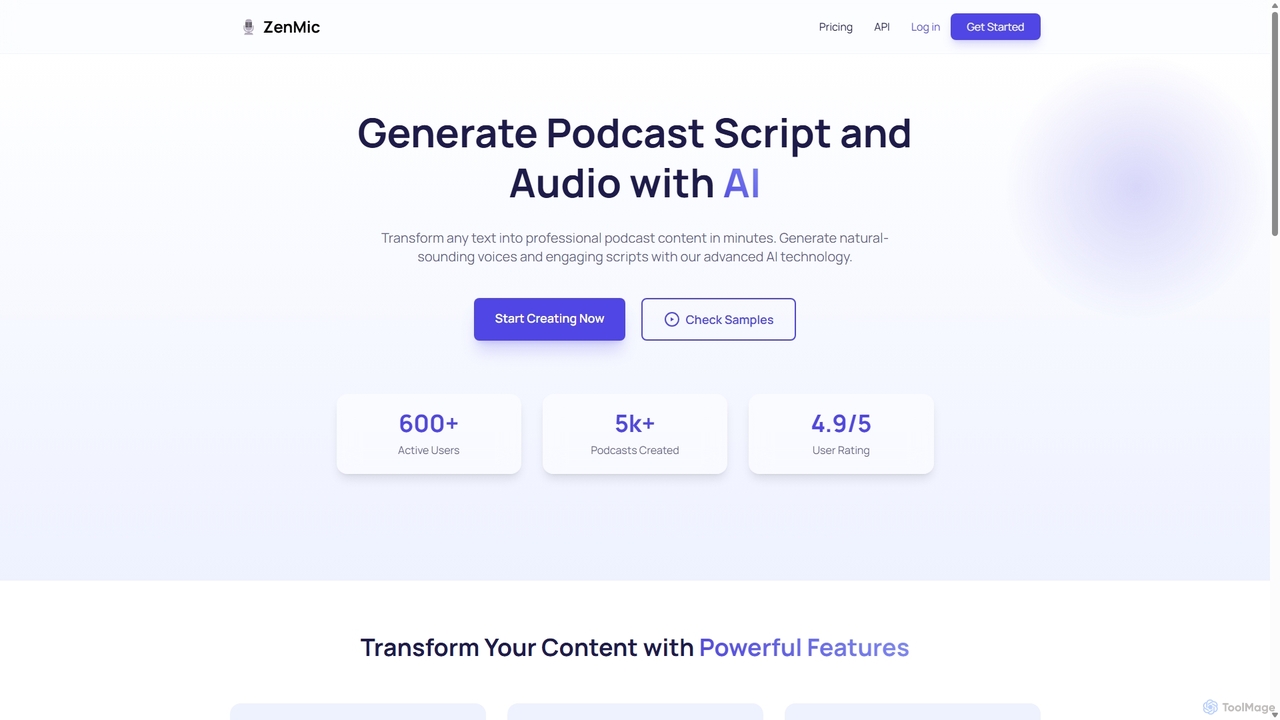
ZenMic is an AI-powered podcast generator that transforms any text into professional-quality podcast episodes in minutes. It automates …
ZenMic is an AI-powered podcast generator that transforms any text into professional-quality podcast episodes in minutes. It automates the entire process, from generating engaging scripts based on your topic or content to producing natural-sounding audio with advanced AI voices. Ideal for content creators, marketers, and educators looking to repurpose written material into audio format effortlessly, ZenMic simplifies podcast production, making it accessible to everyone without needing technical skills or recording equipment.
AIdeaFlow AI Podcast Generator
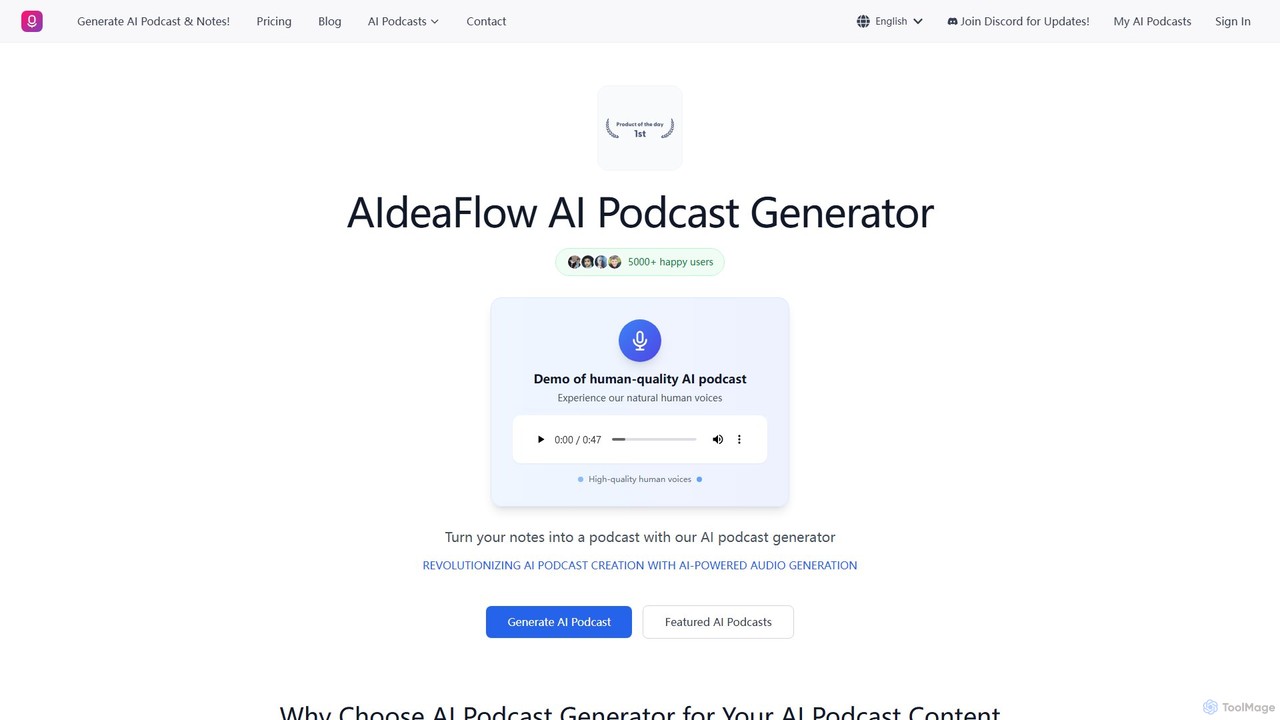
An advanced AI tool that transforms any text into engaging, multi-speaker dialogue podcasts. It features over 120 natural-sounding …
An advanced AI tool that transforms any text into engaging, multi-speaker dialogue podcasts. It features over 120 natural-sounding voices, supports 50+ languages, and offers deep customization. Ideal for content creators, educators, and marketers to effortlessly produce high-quality audio content.

aiclonevoicefree
aiclonevoicefree is a freemium AI voice cloning tool that generates realistic voice replicas from short audio samples (5-30 …
aiclonevoicefree is a freemium AI voice cloning tool that generates realistic voice replicas from short audio samples (5-30 seconds). It offers high-quality text-to-speech (TTS) synthesis, supports cross-language cloning, and provides a library of pre-made character voices. No registration is required for the free version, making advanced voice technology accessible to everyone for personal projects and content creation.
About Text To Speech
Text To Speech (TTS) tools are AI-powered applications that convert written text into natural-sounding spoken audio. These tools leverage advanced neural networks and deep learning models to synthesize human-like voices with realistic intonation and emotion. They are widely used to create audio content, enhance accessibility for digital materials, and generate professional voiceovers without recording equipment. Modern TTS platforms offer a vast selection of voices, languages, and accents, providing high-quality audio output for diverse needs.
Core Features
- Extensive Voice Library: Access a wide range of pre-built male, female, and child voices across numerous languages and accents.
- Voice Customization & Control: Adjust parameters such as speech rate, pitch, volume, and pauses to fine-tune the audio output.
- Emotional Tones: Generate speech with specific emotions like happy, sad, or excited to match the context of the text.
- SSML Support: Utilize Speech Synthesis Markup Language (SSML) for advanced control over pronunciation, emphasis, and speech flow.
Use Cases
These tools are valuable for content creators producing video narrations and podcasts, educators developing e-learning courses, and businesses creating automated voice prompts for IVR systems. Developers also integrate TTS APIs to add voice capabilities to applications and services.
How to Choose
When selecting a Text To Speech tool, evaluate the naturalness and quality of the voices. Consider the breadth of language and accent support, the level of customization available (including SSML), API access for integration, and the pricing structure based on character usage or subscription.
Text To SpeechUse Cases
Creating Voiceovers for Video Content
A content creator needs to produce a documentary-style YouTube video but lacks professional recording equipment or a suitable voice. Using a Text To Speech tool, they can paste their script into the editor, select a deep, authoritative voice from the library, and adjust the pacing to match the video's visuals. The tool generates a high-quality MP3 audio file that can be directly imported into their video editing software, saving hours of recording and editing time and ensuring a consistent, professional narration.
Developing Accessible E-Learning Materials
An instructional designer at a corporation is tasked with making training modules accessible to employees with visual impairments and catering to auditory learners. They use a TTS tool with API access to automatically convert all written course content—from slide text to quizzes—into audio format. This allows learners to listen to the material on the go, improving engagement and ensuring compliance with accessibility standards without manually recording hundreds of pages of text.
Automating Podcast Production
A solo podcaster who repurposes blog articles into audio episodes wants to increase their output. Instead of spending hours recording each article, they use a TTS tool with a natural, conversational voice. They can quickly convert a 2,000-word article into a 15-minute audio segment. By using SSML tags, they can add strategic pauses and emphasize key points, creating a polished listening experience that closely mimics human narration and allows them to publish new episodes daily.
Generating IVR Prompts for Customer Service
A telecommunications company needs to update its Interactive Voice Response (IVR) system with new menu options and promotional messages. Instead of hiring voice actors for small updates, the system administrator uses a TTS tool. They type the new prompts, such as "Press 5 for our new fiber optic plans," and generate clear, consistent audio files in a friendly, professional voice. This process reduces turnaround time from weeks to minutes and ensures all system prompts have a uniform sound.
Prototyping Audiobooks for Authors
An independent author wants to gauge how their new novel sounds as an audiobook before investing in a professional narrator. They upload a chapter of their manuscript to a TTS tool and select a voice that matches their protagonist's character. Listening to the AI-generated audio helps them identify awkward phrasing, repetitive sentences, and pacing issues in their dialogue. This allows them to refine the text for better auditory flow, creating a stronger manuscript for the final human-narrated production.
Adding Real-Time Narration to Applications
A mobile app developer is creating a language-learning app and needs to provide audio pronunciations for thousands of words and phrases. Manually recording each one is impractical. They integrate a TTS API into their app. When a user taps a word, the app sends a request to the API, which instantly returns a high-quality audio stream of the correct pronunciation in the selected language and accent. This provides a scalable and cost-effective solution for adding critical audio features.