Avoidable Apps
Avoidable Apps is an AI-powered productivity SaaS suite designed to eliminate busywork, reduce context switching, and help teams …
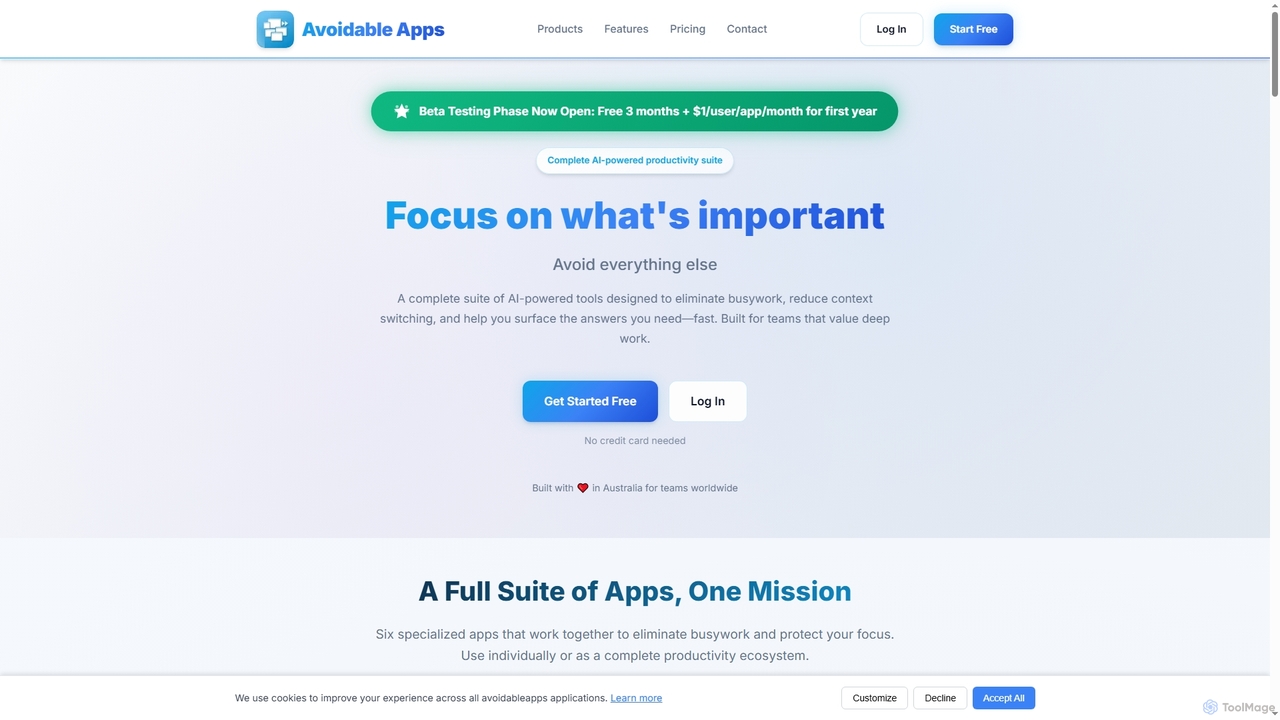
Avoidable Apps is an AI-powered productivity SaaS suite designed to eliminate busywork, reduce context switching, and help teams achieve deep work. It offers a comprehensive ecosystem of six specialized applications that can be used individually or together to streamline workflows and enhance focus.
About Productivity Analytics
Productivity Analytics tools are AI-powered solutions that transform raw time tracking data into actionable insights. They leverage machine learning to identify work patterns, analyze efficiency, and pinpoint areas for improvement. These tools help individuals and teams understand how time is spent, optimize workflows, and enhance overall output. Moving beyond simple time logging, they provide a deeper understanding of work habits and their impact on performance.
Core Features
- Activity Monitoring: Tracks application usage, website visits, and task duration to provide a comprehensive view of work activities.
- Pattern Recognition: Identifies recurring work habits, peak productivity times, and common distractions through AI-driven analysis.
- Performance Reporting: Generates detailed reports on individual and team efficiency, project progress, and resource allocation.
- Goal Tracking & Benchmarking: Allows users to set productivity goals and compare their performance against personal or team benchmarks.
- Distraction Detection: Flags non-work related activities or excessive context switching to help improve focus.
Use Cases
These tools are invaluable for remote teams, project managers, and individuals seeking to optimize their work processes. They provide data-driven insights to enhance decision-making regarding resource allocation, workflow improvements, and personal development. Businesses across various sectors, from tech startups to consulting firms, utilize productivity analytics to gain a competitive edge.
How to Choose
When selecting a Productivity Analytics tool, consider its data collection methods, privacy features, and integration capabilities with existing time tracking or project management software. Evaluate the depth of its analytical reports, customization options, and scalability for your team's size. User interface intuitiveness and pricing models (subscription vs. per-user) are also crucial factors for long-term adoption and value.
Productivity AnalyticsUse Cases
Optimizing Remote Team Performance
Remote team managers utilize Productivity Analytics tools to gain insights into their team's engagement and work patterns across different time zones. By analyzing activity data, they can identify potential bottlenecks, understand individual contributions, and ensure equitable workload distribution. This data-driven approach helps foster a more productive and balanced remote work environment, leading to improved team cohesion and output without micromanagement.
Improving Individual Focus & Habits
Freelancers, students, or employees seeking self-improvement can use Productivity Analytics to analyze their personal work patterns. The tools highlight time spent on productive tasks versus distractions, identifying peak concentration periods and common interruptions. This self-awareness enables users to proactively adjust their schedules, block distracting websites, and cultivate habits that foster deep work and sustained focus, ultimately boosting personal efficiency.
Project Budget & Resource Allocation
Project managers leverage Productivity Analytics to gain precise insights into how time is spent on various project tasks. By analyzing data on task duration, team member contributions, and potential delays, they can accurately estimate future project timelines and optimize resource allocation. This data-driven approach helps in identifying cost overruns, reallocating personnel efficiently, and ensuring projects stay within budget and on schedule, leading to more successful project deliveries.
Identifying Training Needs
HR departments and team leads can utilize Productivity Analytics to identify skill gaps or areas requiring training within their workforce. By analyzing team-wide productivity trends and individual performance metrics, they can pinpoint specific tasks or software where employees might be struggling or spending excessive time. This data-driven insight allows for targeted training programs, improving overall team competency and efficiency, and fostering continuous professional development.
Enhancing Client Billing Accuracy
Consultants, agencies, and service providers can significantly enhance the accuracy and transparency of client billing using Productivity Analytics. By meticulously tracking time spent on specific client projects, tasks, and communications, these tools provide detailed activity logs. This ensures that clients are billed fairly for actual work performed, minimizes disputes, and builds trust through transparent reporting, ultimately improving client satisfaction and financial accountability.
Streamlining Software Development Cycles
Software development teams can utilize Productivity Analytics to optimize their sprint planning and reduce bottlenecks. By analyzing data on coding time, debugging efforts, meeting durations, and context switching, team leads can identify inefficiencies in the development cycle. This allows for data-driven adjustments to workflows, better allocation of developer time, and improved project velocity, leading to faster and more predictable software releases.