Talk To Locals
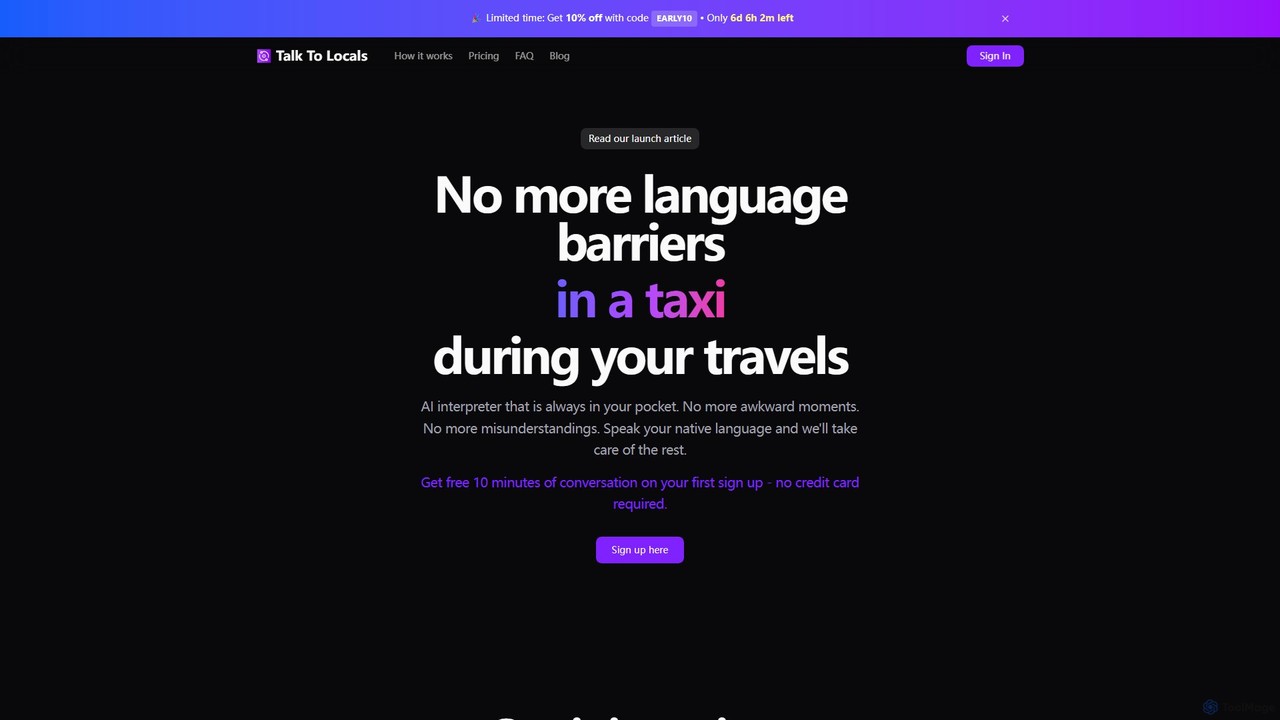
Talk To Locals is an AI-powered personal interpreter designed for real-time, face-to-face conversations. It supports over 40 languages, …
Talk To Locals is an AI-powered personal interpreter designed for real-time, face-to-face conversations. It supports over 40 languages, providing seamless speech-to-speech translation directly in your browser without needing an app. Ideal for travelers, it helps break down language barriers in various situations, from ordering food to connecting with locals. It operates on a flexible pay-as-you-go model, with a free trial for new users.
Translate Menu
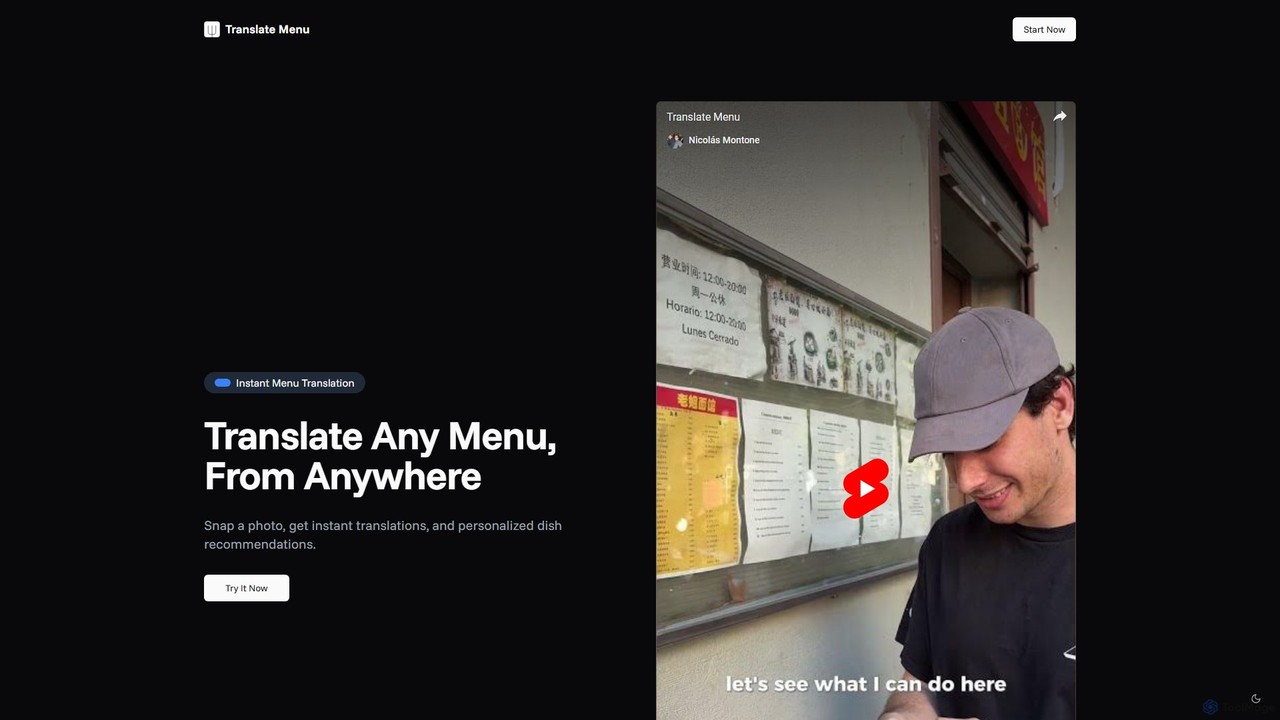
An AI-powered tool that instantly translates restaurant menus from a photo. It provides not just translations but also …
An AI-powered tool that instantly translates restaurant menus from a photo. It provides not just translations but also personalized dish recommendations based on your dietary preferences and restrictions, supporting over 50 languages.
About Translation
AI Translation tools are applications that leverage artificial intelligence to provide real-time language conversion, an essential function for modern travel. These tools utilize advanced neural machine translation (NMT) and optical character recognition (OCR) to instantly translate spoken words, written text, and images. For travelers, they act as a personal interpreter, breaking down communication barriers and enabling confident navigation, dining, and interaction in foreign environments. Many now offer robust offline modes, making them reliable even without an internet connection.
Core Features
- Real-time Voice Translation: Instantly translates spoken conversations, facilitating two-way communication.
- Camera & Image Translation: Uses the device's camera to translate text on signs, menus, and documents in real-time.
- Offline Mode: Allows users to download language packs for use without an internet or data connection.
- Text Translation: Provides high-accuracy translation for typed or pasted text, often with context suggestions.
- Conversation Mode: Offers a split-screen interface to make back-and-forth dialogue with another person seamless.
Use Cases
These tools are indispensable for international tourists, business travelers, and backpackers. They are used for daily tasks like asking for directions, ordering food in a restaurant by translating the menu, communicating with hotel staff, or haggling in a local market. They also serve a crucial role in understanding public transport schedules, museum exhibit descriptions, and important public announcements.
How to Choose
When selecting an AI Translation tool for travel, prioritize several key factors. First, verify the availability and quality of offline language packs for your destination. Second, assess the feature set—do you need superior voice conversation mode or highly accurate camera translation? Also, consider the user interface's simplicity for quick use on the go. Finally, check recent reviews for real-world accuracy in your specific language pairs.
TranslationUse Cases
Navigating a Foreign City with Confidence
A tourist in Tokyo uses their phone's camera to instantly translate subway maps and street signs from Japanese. When needing to ask for directions, they use the real-time voice translation feature to communicate with a local resident. The app speaks the translated question in Japanese and then translates the resident's spoken reply back into English. This process eliminates the stress of navigating an unfamiliar writing system and allows for independent exploration of the city.
Ordering Food from a Foreign Menu
A traveler in a small restaurant in Italy faces a menu written entirely in Italian. Using an AI translation app, they activate the camera feature and point it at the menu. The app overlays English translations directly onto the menu items on their screen. This allows them to understand the dishes, identify potential allergens, and confidently place their order with the waiter without confusion, ensuring a pleasant dining experience.
Communicating Needs at a Local Pharmacy
A tourist in Germany develops a minor ailment and needs to visit a pharmacy. They use a text translation tool to type out their symptoms, such as "headache and mild fever," and translate it into German. They can then show the translated text to the pharmacist. This ensures clear and accurate communication of their medical needs, helping them receive the correct over-the-counter medication without language barriers causing a potential health risk.
Haggling Prices in a Local Market
A backpacker in a bustling market in Thailand wants to buy souvenirs. Using the conversation mode on their translation app, they engage with a vendor. The app's split-screen interface shows both English and Thai. The backpacker speaks in English, and the app voices the Thai translation. The vendor replies in Thai, which is then translated back to English. This facilitates a friendly negotiation, allowing the traveler to agree on a fair price and enjoy an authentic cultural interaction.
Smooth Hotel Check-in and Special Requests
A family arrives at a hotel in Spain where the receptionist has limited English proficiency. Using a voice translation app, the parent clearly states their reservation name and asks for a quiet room away from the elevator. The app translates this into Spanish for the receptionist. The receptionist's reply, confirming the room request, is translated back into English. This ensures all check-in details and special requests are understood correctly, starting the vacation smoothly.
Understanding Museum Exhibits with Offline Translation
A history enthusiast visits a remote historical site in Peru where internet service is unavailable. Many exhibit descriptions are only in Spanish. Before the trip, they downloaded the Spanish offline language pack for their translation app. At the site, they use the camera translation feature in offline mode to read the detailed information about the artifacts. This allows for a rich, educational experience that would have been impossible without pre-downloaded offline translation capabilities.