WEVO
WEVO is an AI-powered UX research platform that combines artificial intelligence with human insight to test, validate, and …
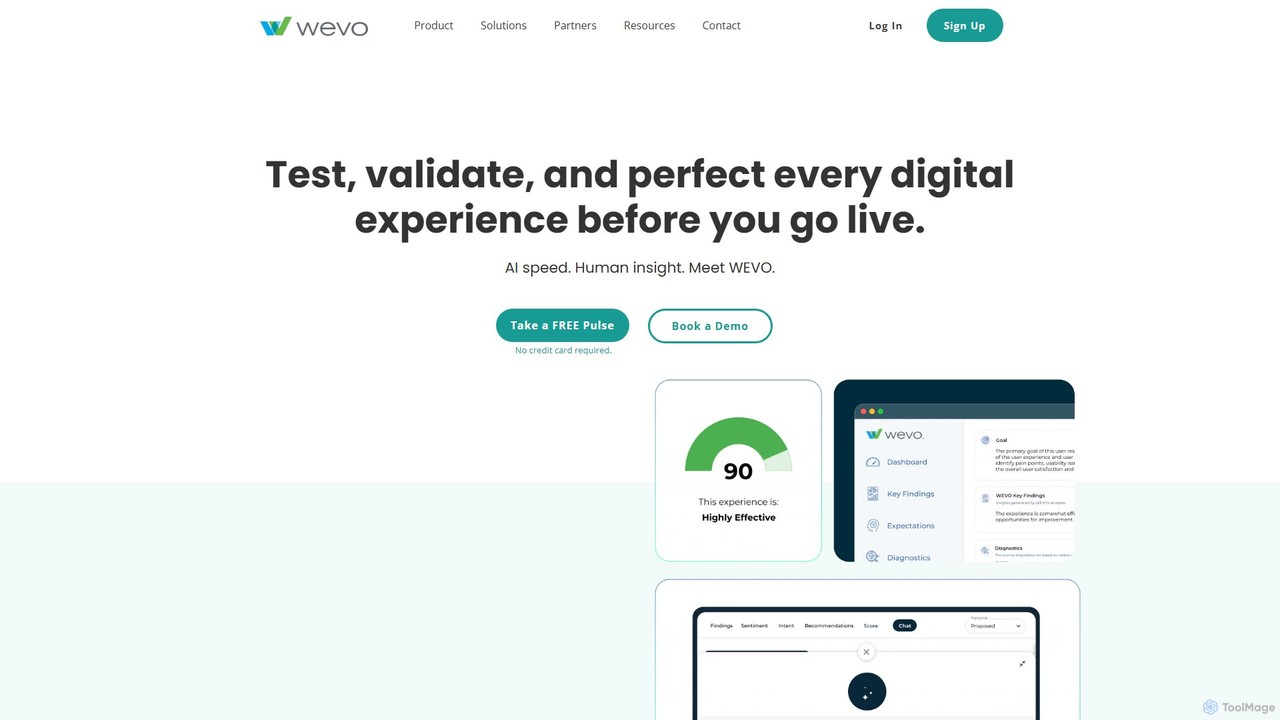
WEVO is an AI-powered UX research platform that combines artificial intelligence with human insight to test, validate, and perfect digital experiences before they go live. It enables teams to get rapid, actionable feedback, benchmark against competitors, and increase conversion rates with confidence.
About User Research
AI User Research tools are a specialized category of software designed to automate the collection, analysis, and synthesis of user feedback and behavioral data. They leverage natural language processing (NLP) and machine learning to analyze qualitative data like interviews and surveys, and to identify patterns in quantitative data from user testing. These tools accelerate the research process, uncover deeper insights from large datasets, and help product teams make more data-driven design decisions within the broader user experience (UX) workflow. Unlike general analytics tools, they focus specifically on synthesizing the 'why' behind user actions, not just the 'what'.
Core Features
- AI-Powered Transcription & Analysis: Automatically transcribes audio/video interviews and uses NLP to tag themes, sentiment, and key quotes.
- Automated Survey Analysis: Processes open-ended survey responses to identify recurring topics and sentiment patterns without manual coding.
- User Persona Generation: Synthesizes research data from multiple sources to create data-backed user personas and journey maps.
- Unmoderated Testing Analysis: Captures user interactions on prototypes or live sites and uses AI to generate heatmaps and identify usability issues.
- Insight Repository Management: Creates a searchable, centralized database of all research findings, making insights accessible across the organization.
Applicable Scenarios
These tools are primarily used by UX researchers, product managers, and designers in technology companies, digital agencies, and large enterprises. They are essential during the discovery phase of product development, for gathering continuous feedback on live products, and for validating design hypotheses with large-scale user data.
How to Choose
When selecting an AI User Research tool, consider its data source integrations (e.g., Zoom, Figma, survey platforms). Evaluate the depth of its AI analysis—does it just tag keywords or identify complex themes? Also, assess its collaboration features for sharing insights and its primary focus, whether on qualitative interview analysis or quantitative usability testing.

User ResearchUse Cases
Rapid Analysis of User Interview Transcripts
A UX researcher needs to analyze 20 hour-long customer interviews for a new feature. Instead of spending weeks manually transcribing and coding, they upload the audio files to an AI tool. The platform automatically transcribes the conversations with high accuracy, identifies key themes like 'pricing concerns' or 'onboarding confusion', and tags relevant quotes. This reduces the analysis time from weeks to days, allowing the team to quickly identify critical user pain points and iterate on the design based on solid evidence.
Generating Data-Driven User Personas
A product manager needs to create accurate user personas to guide strategy. They have a mix of survey data, support tickets, and interview notes. By feeding this unstructured data into an AI research tool, the system synthesizes the information, groups users by behavior and needs, and generates detailed persona profiles. These profiles include goals, frustrations, and key characteristics, providing an objective, evidence-based foundation for product decisions instead of relying on assumptions.
Uncovering Insights from Open-Ended Survey Responses
A market researcher has collected 5,000 open-ended comments from a Net Promoter Score (NPS) survey. Manually analyzing this volume of text is impractical. By importing the data into an AI tool, the text is automatically categorized by topic (e.g., 'customer support', 'feature request', 'bug report') and assigned a sentiment score. This allows the researcher to quickly quantify qualitative feedback, identify the top reasons for low scores, and provide actionable insights to the product team without days of manual work.
Validating Design Prototypes with Unmoderated Testing
A UI/UX designer needs to test a new checkout flow prototype with 100 users before development. Using an AI research tool, they set up an unmoderated usability test. The tool records users' screens, clicks, and verbal feedback as they complete tasks. The AI then automatically generates heatmaps, click paths, and a summary of common usability issues, such as where users hesitated or encountered errors. This provides large-scale usability feedback quickly and affordably, helping to identify critical design flaws before coding begins.
Building a Centralized Research Repository
A Head of Research is struggling with research findings scattered across different documents and platforms. This makes it hard to find past insights and leads to duplicate work. By implementing an AI User Research tool as a central repository, all past and new data (interviews, surveys, reports) is imported and automatically tagged by the AI. This creates a searchable 'single source of truth' where anyone in the company can find relevant user insights, increasing the impact of research and preventing valuable knowledge from being lost.
Identifying User Frustration from Session Replays
A Conversion Rate Optimization (CRO) specialist wants to understand why users abandon the shopping cart. An AI research tool captures user session replays and its AI automatically flags sessions containing 'rage clicks,' erratic mouse movements, or error messages. Instead of watching hours of random sessions, the specialist can focus on these flagged replays to quickly diagnose bugs or confusing UI elements that are causing user frustration and hurting conversion rates, leading to faster, more targeted improvements.