ToolMage
Sign in

Best 1 User Research AI tools for Ux

Popular User Research AI tools in Ux include UserCall, helping you work more efficiently.

UserCall
Paid

UserCall

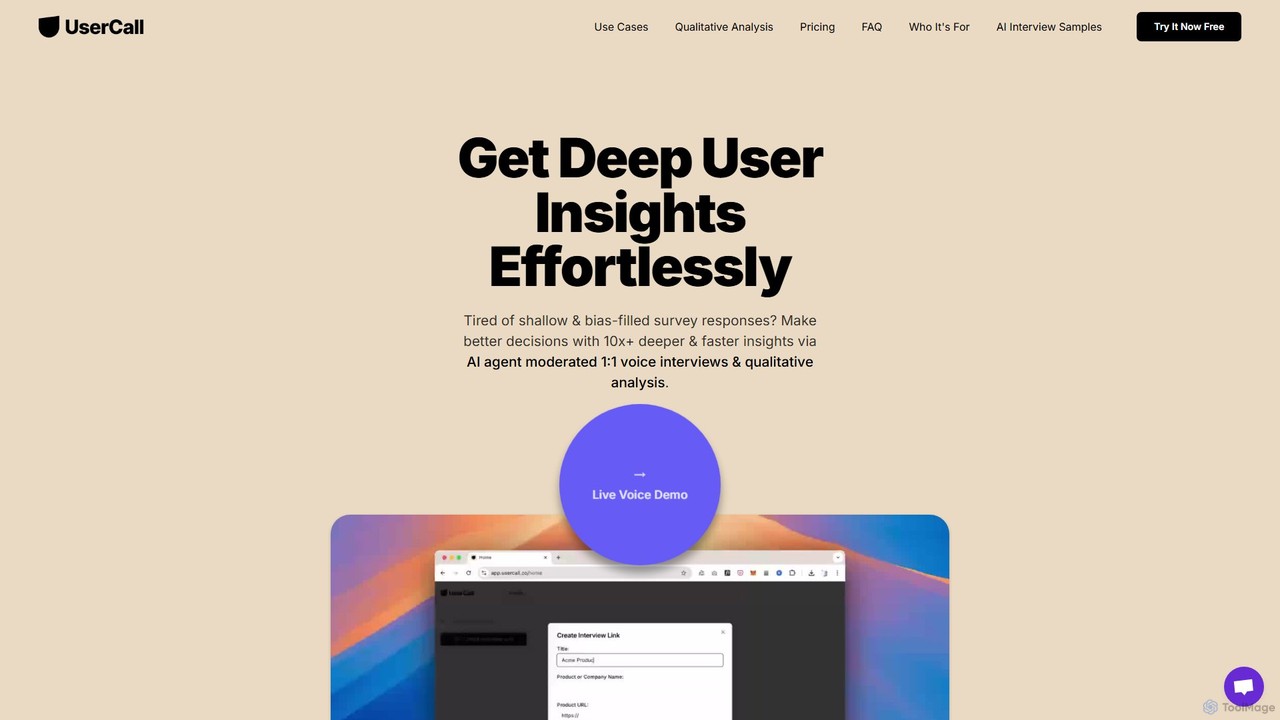
UserCall is an AI-powered qualitative research platform that scales user insights. It features AI-moderated voice interviews to capture deep, nuanced feedback asynchronously, eliminating scheduling hassles. It also offers automated thematic analysis to instantly turn transcripts and qualitative data into actionable themes, summaries, and quote clusters. Ideal for product, UX, and marketing teams needing rich insights at the speed of surveys.

Feedback Management
Visits 15.2KFavorites 144Likes 140

About User Research

User Research AI tools are a category of advanced software designed to automate and enhance the process of understanding user behaviors, needs, and motivations. Leveraging natural language processing, machine learning, and data analytics, these tools efficiently collect, analyze, and synthesize qualitative and quantitative user data. They empower product teams, designers, and marketers to gain deeper, faster insights, leading to more user-centric product development and improved user experiences within the broader UX discipline.

Core Features

  • Automated Transcription & Analysis: Converts audio/video interviews into text and identifies key themes, sentiment, and pain points.
  • Sentiment Analysis: Automatically detects emotional tone in user feedback, reviews, and survey responses.
  • Thematic Grouping: Clusters similar user comments, feedback, or open-ended survey responses into actionable themes.
  • Survey Data Synthesis: Analyzes large volumes of survey data, identifying trends, correlations, and anomalies.
  • Usability Testing Insights: Processes user interaction data (e.g., click paths, heatmaps) to highlight usability issues and patterns.

Applicable Scenarios

Product managers and UX designers utilize User Research AI tools to rapidly analyze feedback from beta tests, user interviews, and support tickets, identifying critical pain points before product launch. Marketing teams leverage them to understand customer sentiment from social media and reviews, informing campaign strategies. Researchers in academia or market research firms use these tools to process large datasets from ethnographic studies or focus groups, accelerating insight generation.

How to Choose

When selecting a User Research AI tool, consider its data input capabilities (e.g., audio, text, video, survey formats), the depth of its analytical features (e.g., sentiment, thematic, correlation analysis), and its integration with existing UX or product management platforms. Evaluate the accuracy of its AI models for your specific data types and language, as well as its scalability for handling varying volumes of user data. Finally, assess the clarity of its insight visualization and reporting features.

User Research use cases

1

Streamline User Interview Analysis

UX researchers conducting numerous user interviews can use AI tools to automatically transcribe recordings, identify key themes, extract sentiment, and summarize findings. This significantly reduces the manual effort of reviewing hours of audio, allowing researchers to focus on synthesizing insights and making design recommendations rather than tedious data processing. It accelerates the discovery of user pain points and needs.

2

Analyze Large Volumes of Customer Feedback

Product teams managing extensive customer feedback channels, such as app store reviews, support tickets, and social media comments, can deploy User Research AI tools to process this unstructured data. The AI identifies recurring issues, feature requests, and sentiment trends across thousands of entries, providing a comprehensive overview of customer satisfaction and areas for product improvement without manual review.

3

Extract Deeper Usability Test Insights

During usability testing, AI tools can analyze user session recordings, eye-tracking data, and verbal feedback to pinpoint specific moments of confusion, frustration, or success. By automatically tagging relevant events and identifying common navigation patterns or obstacles, these tools help UX designers quickly understand where users struggle, enabling more targeted and effective design iterations.

4

Discover Emerging Market & User Trends

Market researchers and strategists can leverage User Research AI tools to analyze vast public datasets, including online forums, news articles, and competitor reviews. The AI identifies emerging trends, unmet needs, and shifts in consumer preferences, providing valuable intelligence for product innovation, market positioning, and strategic decision-making, far beyond what manual analysis could achieve.

5

Inform Personalized User Experiences

E-commerce platforms or content providers can use AI-driven user research to understand individual user preferences and behaviors at a granular level. By analyzing past interactions, search queries, and feedback, the AI helps segment users and inform personalized recommendations, content delivery, and interface adjustments, leading to higher engagement and satisfaction.

6

Validate Product Concepts with Early Feedback

Before committing significant resources to development, product managers can use User Research AI tools to gather and analyze early feedback on prototypes or concept mockups. The AI quickly processes qualitative comments from small user groups, highlighting critical concerns or strong positive reactions, allowing for rapid iteration and validation of product ideas with minimal investment.

User Research FAQ

What are User Research AI tools?

User Research AI tools are software applications that utilize artificial intelligence, such as natural language processing and machine learning, to automate and enhance various aspects of user research. They help collect, analyze, and synthesize qualitative and quantitative data from users, providing insights into their behaviors, needs, and motivations. These tools are crucial for making data-driven decisions in product development and UX design.

How do AI tools improve traditional user research?

AI tools significantly improve traditional user research by accelerating data processing, reducing manual effort, and uncovering deeper insights from large datasets. They can automate tasks like transcription, sentiment analysis, and thematic grouping, which are time-consuming for humans. This allows researchers to analyze more data, identify subtle patterns, and focus on strategic interpretation rather than repetitive tasks, leading to faster and more comprehensive research outcomes.

What types of data can User Research AI tools analyze?

User Research AI tools are capable of analyzing a wide range of data types. This includes qualitative data such as audio and video recordings of interviews, open-ended survey responses, customer support transcripts, and social media comments. They also process quantitative data from surveys, usability testing metrics (e.g., click rates, time on task), and behavioral analytics, providing a holistic view of user interactions and feedback.

What's the difference between User Research AI tools and general UX analytics platforms?

User Research AI tools specifically focus on generating insights from unstructured or semi-structured user feedback and behavior data, often involving qualitative analysis and thematic discovery. General UX analytics platforms, while providing valuable data on user interactions and product performance, typically focus on quantitative metrics and predefined dashboards. User Research AI tools delve deeper into why users behave a certain way, complementing the what provided by broader UX analytics.

Who benefits most from using User Research AI tools?

Product managers, UX designers, market researchers, and content strategists benefit most from User Research AI tools. Product managers gain faster insights for feature prioritization, while UX designers can quickly identify usability issues. Market researchers can efficiently analyze market trends and competitor feedback, and content strategists can understand audience preferences for more effective content creation. Essentially, anyone involved in understanding and serving users can leverage these tools.