Immerse
Immerse is an AI-powered language training platform for enterprises, using immersive VR, desktop, and mobile experiences. It combines …
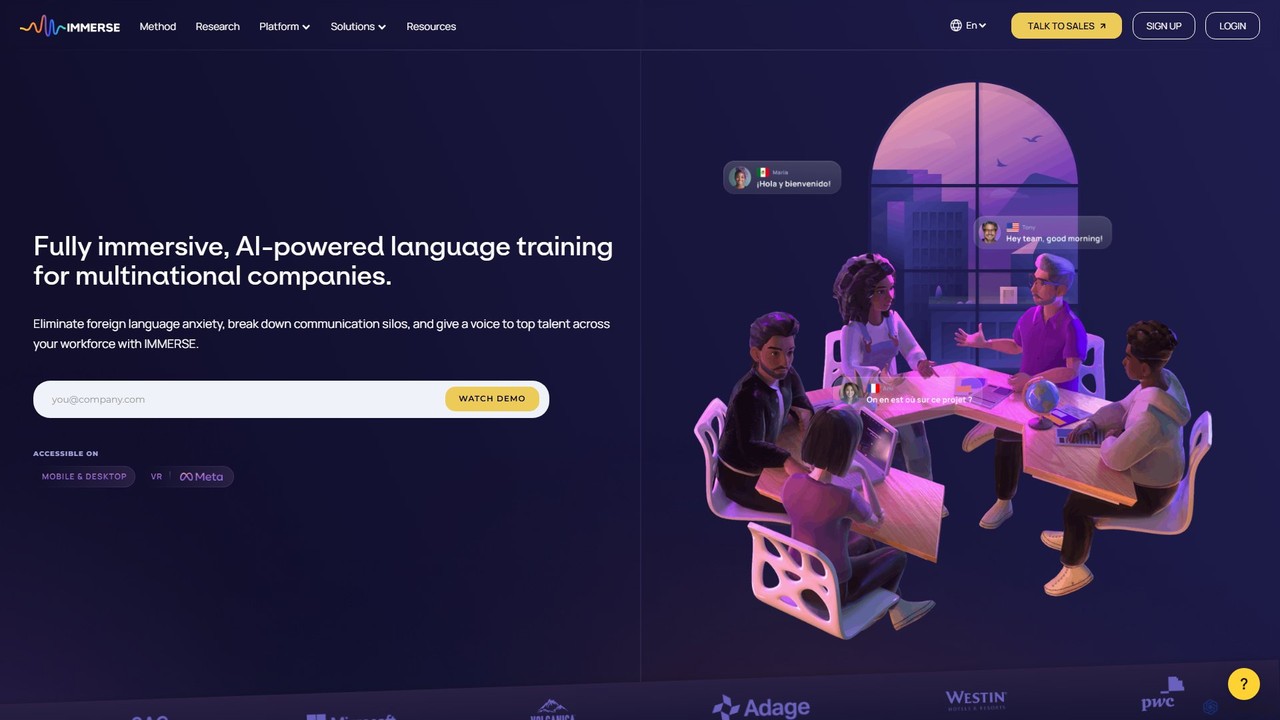
Immerse is an AI-powered language training platform for enterprises, using immersive VR, desktop, and mobile experiences. It combines AI avatar coaching, real-world simulations, and live instructor-led classes to eliminate language anxiety, boost conversational fluency, and increase employee engagement up to 9x faster than traditional methods.
About Ar & Vr
AR & VR tools are software platforms for creating immersive digital experiences, either by overlaying computer-generated content onto the real world (Augmented Reality) or by building entirely new, simulated environments (Virtual Reality). These tools often use AI for object recognition, spatial mapping, and interaction logic, simplifying the development workflow. They empower creators to build interactive applications for training, marketing, education, and entertainment. The primary value lies in their ability to merge the digital and physical worlds, offering highly engaging and context-rich user interactions.
Core Features
- 3D Asset Management: Import, optimize, and manage 3D models, textures, and animations for real-time rendering.
- Cross-Platform Publishing: Develop an experience once and deploy it across various devices, including VR headsets (e.g., Quest, Vive) and mobile phones (ARKit, ARCore).
- Interaction Design: Utilize visual scripting or code editors to define how users interact with virtual objects and the environment.
- Real-World Tracking (AR): Anchor digital content to physical spaces using plane detection, image targets, or spatial mapping.
- Immersive Environment Building (VR): Construct detailed virtual worlds with realistic lighting, spatial audio, and physics simulations.
Use Cases
These tools are widely adopted in industries like retail for virtual try-ons and product visualization, manufacturing for complex assembly training, and real estate for immersive property tours. In education, they facilitate the creation of interactive learning modules, while in entertainment, they are the foundation for games and narrative experiences.
How to Choose
When selecting an AR & VR tool, first identify your target platform (e.g., mobile AR, PC VR, standalone headset). Evaluate the tool's ease of use—whether it's a no-code platform for beginners or a full-featured engine for developers. Also, assess its asset library, integration capabilities with other software (like CAD or 3D modeling tools), and the overall pricing structure.

Ar & VrUse Cases
Interactive Product Visualization for E-commerce
An e-commerce manager for a furniture brand aims to reduce product returns and increase conversion rates. Using an AR tool, their team develops a web-based AR feature allowing customers to view furniture in their own homes via their smartphone camera. The platform optimizes 3D models for fast mobile loading and provides a simple interface for users to place, rotate, and scale the virtual furniture. This 'try before you buy' experience gives a realistic sense of size and style, leading to higher purchase confidence.
Immersive Employee Training Simulations
A safety officer in a manufacturing plant needs to train new hires on operating heavy machinery without risking injury or equipment damage. Using a VR development platform, they create a realistic simulation of the factory floor. New employees can wear a VR headset to practice operating procedures, respond to simulated emergencies, and learn safety protocols in a controlled, virtual environment. The tool allows for tracking user performance and identifying areas where more training is needed, leading to a better-prepared workforce.
AR-Enhanced Museum Exhibits
A museum curator wants to create more engaging and educational exhibits. They use an AR development tool to build an application that visitors can use on their smartphones. By pointing their phone's camera at an ancient artifact, the app overlays a 3D reconstruction of the object in its original state, along with interactive text and animations explaining its history. This AR layer provides deeper context and brings history to life without altering the physical display, significantly enhancing the visitor experience.
Virtual Real Estate Tours
A real estate agent wants to showcase properties to international clients who cannot visit in person. Using a VR platform, they convert 360-degree photos of a property into an immersive virtual tour. Potential buyers can use a VR headset or even a web browser to 'walk through' the house, examine details, and get a true sense of the space and layout. This saves time and travel costs for clients and allows the agent to reach a wider market, accelerating the sales process.
Collaborative Architectural Design Review
An architectural firm with a distributed team needs an effective way to review 3D building models. They use a collaborative VR platform where architects, engineers, and clients can meet as avatars in a shared virtual space. Inside this space, they can walk through a full-scale model of the building, make annotations, measure distances, and discuss changes in real-time. This immersive review process helps identify design flaws early and ensures all stakeholders are aligned before construction begins.
AR Marketing Campaigns
A marketing team for a beverage company wants to create a viral campaign. They use a WebAR platform to build an interactive experience triggered by a QR code on their product packaging. When a customer scans the code, a 3D character and a mini-game appear in their real-world environment through their phone's browser, with no app download required. This novel and shareable experience increases brand engagement, encourages social media sharing, and provides a unique way to connect with consumers.