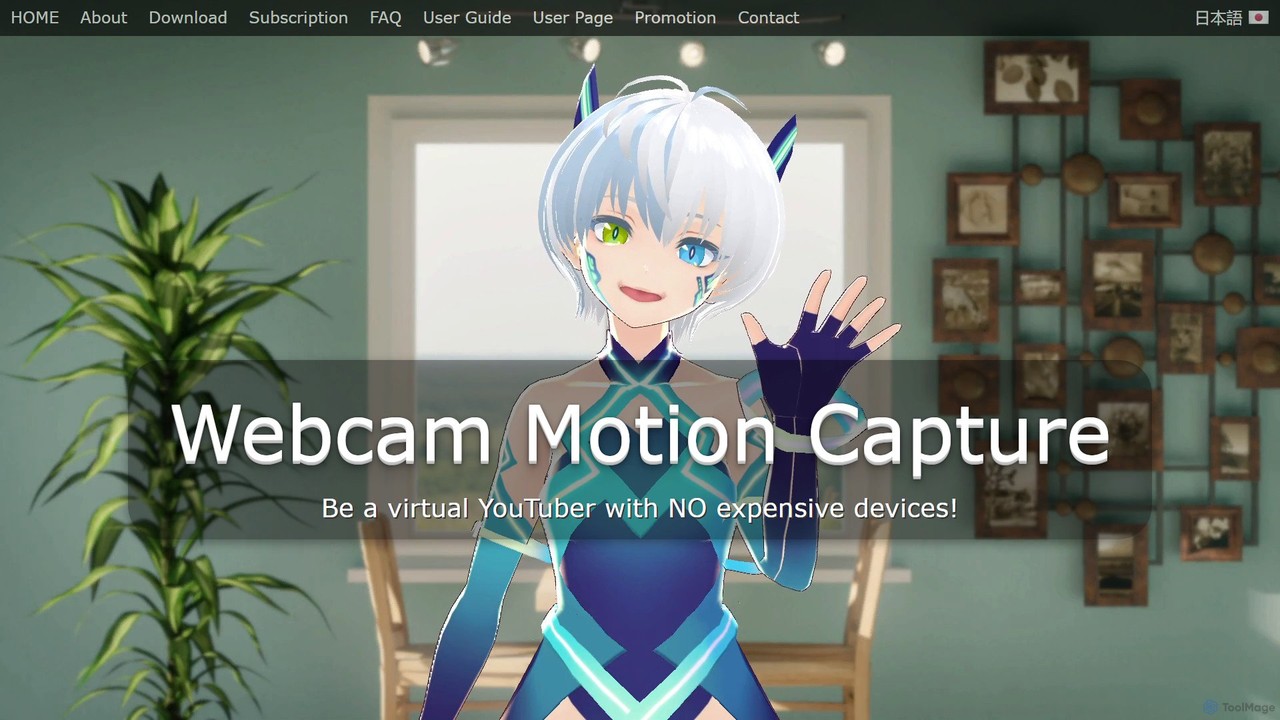
Webcam Motion Capture
An AI-powered application that enables real-time hand, body, and facial motion capture using only a standard webcam. It …
An AI-powered application that enables real-time hand, body, and facial motion capture using only a standard webcam. It allows users to animate 3D VRM avatars for VTubing, live streaming, and video creation without needing expensive, specialized hardware. Supports Windows and macOS.
About Streaming
Streaming tools for Vtubing are applications that integrate virtual avatars with live broadcasting platforms, acting as the central hub for a live production. They work by capturing the real-time output from avatar and tracking software and composing it with other sources like games or web content. These tools are essential for creating professional, interactive live streams, allowing Vtubers to manage scenes, display audience interactions, and broadcast a polished final video to platforms like Twitch and YouTube. They provide the technical foundation for any engaging virtual broadcast.
Core Features
- Scene Composition: Create, save, and switch between different visual layouts for various stream segments.
- Source Integration: Combine multiple inputs, including game capture, avatar software (via Spout2/NDI), webcams, and browser windows.
- Interactive Overlays: Display real-time chat messages, subscriber alerts, donation notifications, and other dynamic widgets.
- Performance Management: Tools to monitor and manage CPU/GPU load to ensure a smooth stream while running resource-intensive applications.
- Recording & Broadcasting: Simultaneously stream to multiple platforms and record high-quality local copies of the broadcast.
Use Cases
These tools are fundamental for virtual YouTubers (Vtubers) and virtual streamers across all content genres. They are used for live gaming broadcasts, 'Just Chatting' or 'Zatsudan' sessions, collaborative streams with other creators, virtual concerts, and online workshops. Any creator using a virtual avatar for live content relies on this software to produce their show.
How to Choose
When selecting a streaming tool, evaluate its compatibility with your avatar software and tracking protocols (e.g., Spout2, NDI, VMC). Assess its performance impact on your system, as Vtubing is resource-intensive. Consider the ease of use, the availability of community-made plugins for added functionality, and built-in support for platform-specific interactive features. Some Vtubers prefer general-purpose software like OBS with plugins, while others opt for specialized Vtuber-centric solutions.

StreamingUse Cases
Broadcasting an Interactive Live Gaming Session
A Vtuber uses a streaming tool to broadcast their gameplay live. The software captures the game window, their virtual avatar from another application, and their microphone audio. They arrange these elements into a professional layout, adding an overlay to display live chat from Twitch. During the stream, they can seamlessly switch to a full-screen avatar scene to talk to their audience during loading screens, all managed within the single streaming application. This creates an engaging and dynamic experience for viewers.
Hosting a 'Just Chatting' Stream with Audience Interaction
For a 'Just Chatting' or 'Zatsudan' stream, a creator focuses on audience interaction. They use the streaming tool to set up a simple scene with their avatar prominently displayed. Crucially, they integrate various widgets: a live chat box, a real-time subscriber goal bar, and pop-up alerts for new followers and donations. The tool allows them to easily manage these interactive elements, ensuring they can thank supporters promptly and respond to questions from the chat, fostering a strong community connection.
Setting Up a Multi-Person Collaboration Stream
When collaborating with another Vtuber, streaming tools are used to combine multiple video feeds. Each creator sends their avatar's video output to one host. The host's streaming software then arranges both avatars on screen, along with the shared activity (like a game or a whiteboard). They can create different scenes for various layouts, such as a side-by-side view or individual focus shots. This setup allows for complex, TV-show-like productions, all managed from a single interface.
Creating Professional Scene Transitions and Stingers
A professional-looking stream often includes custom transitions between scenes. A Vtuber uses their streaming software to set up animated transitions (stingers) instead of simple cuts or fades. For example, when switching from their 'Starting Soon' screen to their main gameplay scene, a custom animation with their logo plays. This is configured within the tool to happen automatically on scene change. This adds a high level of polish and branding to the broadcast, making it feel more like a professional production.
Recording High-Quality Offline Content
Beyond live streaming, these tools are excellent for recording offline content like YouTube videos or tutorials. A creator can set up their scenes just as they would for a live stream, but instead of broadcasting, they use the tool's high-quality recording function. This allows them to capture their avatar and gameplay in separate tracks or as a combined high-resolution video file. They can then take this clean recording into a video editor for post-production, ensuring the final video has the best possible audio and video quality.
Managing Audio Sources for a Clean Mix
A Vtuber's audio setup can be complex, involving a microphone, game audio, background music, and alert sounds. A streaming tool provides an audio mixer to control the volume levels of each source independently. The user can add filters like noise suppression to their microphone or a compressor to the game audio to prevent sudden loud noises. This ensures the final broadcast has a balanced, professional-sounding audio mix where the Vtuber's voice is always clear and audible over other sounds, which is critical for audience retention.