Lindra
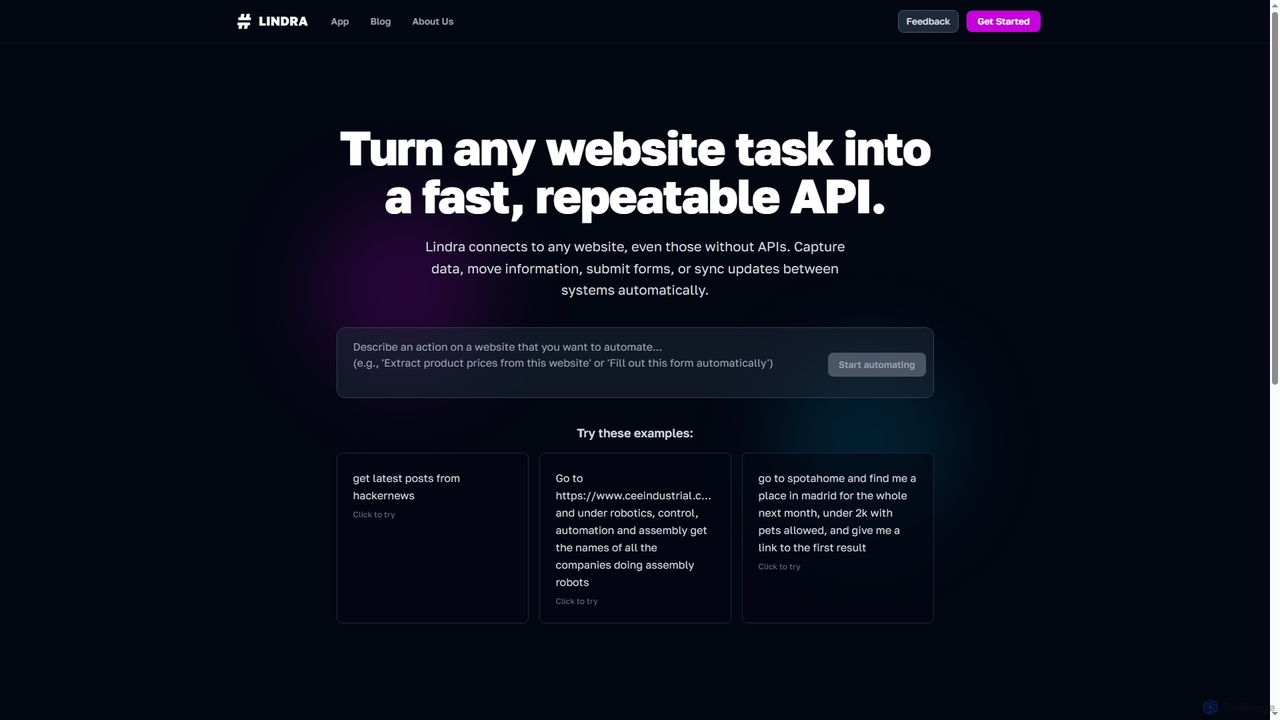
Lindra transforms any website task into a fast, repeatable API, enabling automated data capture, information movement, form submissions, …
Lindra transforms any website task into a fast, repeatable API, enabling automated data capture, information movement, form submissions, and system synchronization. It connects to websites even without existing APIs, democratizing web automation with intuitive, no-code interfaces. Ideal for businesses and power users seeking to program the web effortlessly.
About Web Automation
Web Automation tools are AI-powered solutions designed to automate repetitive tasks and interactions performed within web browsers. These tools leverage advanced AI, machine learning, and robotic process automation (RPA) techniques to simulate human actions, such as clicking, typing, navigating, and extracting data from websites. By automating these digital workflows, Web Automation significantly enhances operational efficiency, reduces manual errors, and frees up human resources for more strategic activities across various industries.
Core Features
- Automated Data Extraction: Systematically collects specific information from web pages, such as product details, pricing, or contact information.
- Intelligent Form Filling: Automatically populates web forms with predefined data, streamlining registration, application, or data entry processes.
- Workflow Orchestration: Designs and executes complex sequences of browser actions, enabling multi-step processes like lead generation or content publishing.
- UI Interaction Simulation: Mimics human clicks, scrolls, and keyboard inputs to navigate websites and interact with elements without manual intervention.
- Scheduled Task Execution: Allows users to set up automated tasks to run at specific times or intervals, ensuring timely data updates or report generation.
Use Cases
Web Automation is invaluable for businesses and individuals seeking to optimize their digital operations. It is widely adopted by marketing teams for competitive analysis, sales teams for lead qualification, and data analysts for large-scale information gathering. Specific applications include monitoring competitor prices, automating content uploads to CMS, and generating personalized reports from online dashboards.
How to Choose
When selecting a Web Automation tool, consider its ease of use (no-code/low-code options), integration capabilities with existing systems (CRMs, databases), scalability to handle varying task volumes, and the robustness of its AI for handling dynamic web elements. Evaluate the pricing model, security features for sensitive data, and the quality of customer support to ensure it aligns with your technical expertise and business needs.
Web AutomationUse Cases
Automate Market Research Data Collection
Market researchers and business analysts can leverage Web Automation to systematically collect vast amounts of data from competitor websites, industry portals, and news sources. By setting up automated bots, they can extract pricing, product specifications, customer reviews, and market trends, compiling comprehensive datasets for analysis. This eliminates tedious manual data entry, ensuring up-to-date insights and enabling faster strategic decision-making.
Streamline E-commerce Product Information Updates
E-commerce managers often face the challenge of updating product listings, prices, and inventory across multiple platforms. Web Automation tools can automatically log into vendor portals or internal systems, extract updated product information, and then upload it to e-commerce sites or marketplaces. This ensures product catalogs are always current, reduces pricing discrepancies, and significantly cuts down on the manual effort required for inventory management.
Automate Lead Generation and CRM Entry
Sales and marketing teams can utilize Web Automation to identify potential leads from online directories, social media platforms, or industry-specific websites. The tools can automatically visit these sources, extract contact information (names, emails, company details), and then seamlessly input this data into a CRM system. This accelerates the lead qualification process, builds a robust sales pipeline, and minimizes manual data entry errors.
Efficient Social Media Content Scheduling
Content creators and social media managers can automate the repetitive process of posting content across various social media platforms. Web Automation tools can be configured to log into different accounts, upload pre-prepared text, images, or videos, and schedule posts at optimal times. This ensures consistent online presence, saves significant time, and allows creators to focus more on content strategy and engagement.
Automate Software Testing and Quality Assurance
Software developers and QA engineers can employ Web Automation for repetitive testing of web applications. These tools can simulate user interactions, navigate through different functionalities, fill out forms, and verify outputs, identifying bugs or performance issues. Automated testing ensures consistent quality across releases, speeds up the development cycle, and reduces the manual effort involved in regression testing.
Personalized Customer Onboarding Workflow
Customer success teams can automate parts of the customer onboarding process. For instance, after a new customer signs up, a web automation tool can automatically navigate to various internal systems to create accounts, set up personalized dashboards, or send initial welcome emails with relevant resources. This ensures a smooth, consistent, and personalized onboarding experience, improving customer satisfaction and retention rates.