Zoer
Zoer is an innovative AI App Builder designed to transform your ideas into fully functional applications. It empowers …
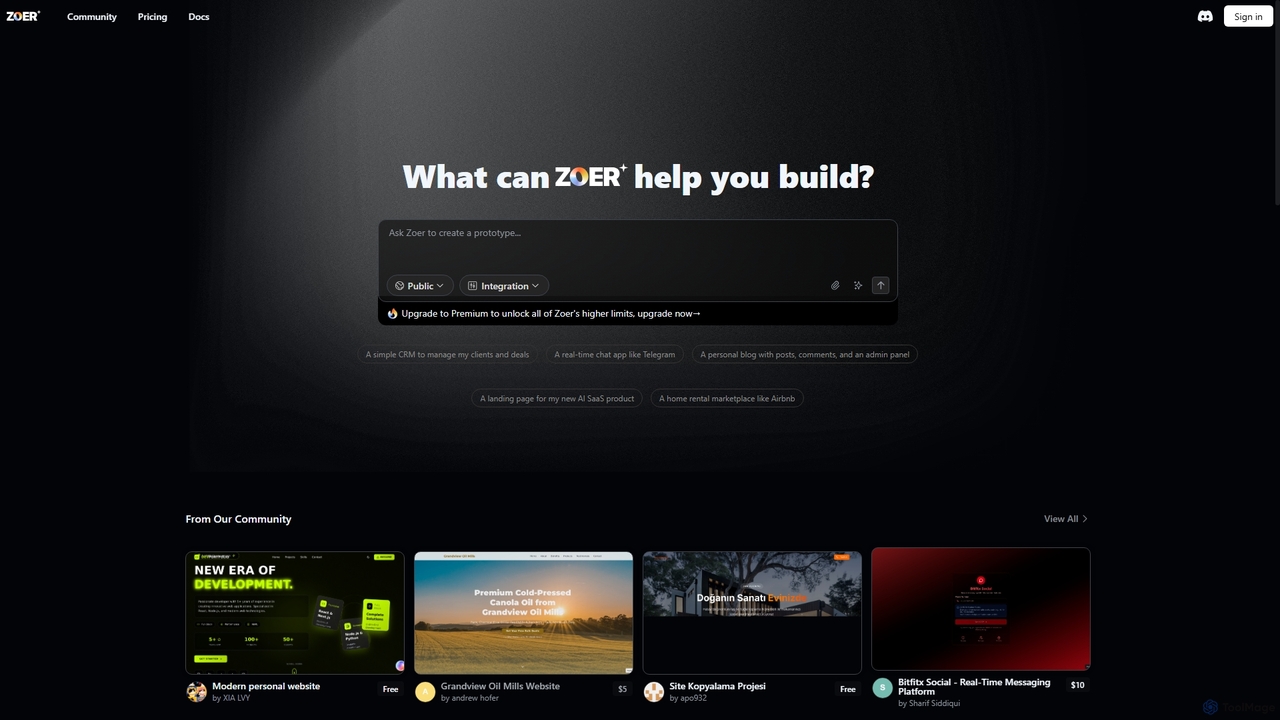
Zoer is an innovative AI App Builder designed to transform your ideas into fully functional applications. It empowers users to quickly create prototypes and complete web applications, ranging from CRMs and chat apps to personal blogs and e-commerce platforms, all through an intuitive, AI-driven process.
About No Code
No Code tools are a category of platforms that enable users to build applications and websites without writing any traditional programming code. These platforms leverage visual development interfaces, drag-and-drop functionalities, and pre-built components to simplify the creation process. They empower individuals and businesses to rapidly prototype, develop, and deploy digital solutions, significantly reducing development time and technical barriers. This approach democratizes software creation, making web design and application development accessible to a broader audience.
Core Features
- Visual Development Interface: Offers intuitive drag-and-drop editors and graphical user interfaces for design and layout.
- Pre-built Components: Provides ready-to-use elements like forms, buttons, databases, and integrations for rapid assembly.
- Workflow Automation: Tools to define and automate business processes and data flows without requiring scripting.
- Database Management: Simplifies the creation, organization, and management of data structures and content.
- Integration Capabilities: Connectors to seamlessly link with third-party services, APIs, and existing systems.
Applicable Scenarios
No Code tools are widely adopted by entrepreneurs, small businesses, and marketing teams to quickly launch minimum viable products (MVPs), build internal tools, or create marketing landing pages. They are also invaluable for designers who want to bring their concepts to life without relying on developers, and for educators teaching basic application logic.
How to Choose
When selecting a No Code platform, consider the specific type of application you need to build (web app, mobile app, internal tool), the complexity of your data models, and the required integrations. Evaluate the platform's scalability, community support, and pricing structure, as well as its learning curve and the availability of templates that match your project's needs.
No CodeUse Cases
Launch a Marketing Landing Page
Marketing specialists can use No Code platforms to quickly design and publish high-converting landing pages for campaigns. They can drag-and-drop sections, integrate forms for lead capture, and connect to CRM systems, allowing rapid iteration and A/B testing without developer intervention. This accelerates campaign deployment and optimizes lead generation efforts.
Build Internal Business Tools
Small to medium-sized businesses can create custom internal tools like project trackers, CRM dashboards, or inventory management systems. Operations managers can design interfaces, define data flows, and automate reporting, tailoring solutions precisely to their unique workflows and improving operational efficiency without hiring dedicated developers.
Develop a Minimum Viable Product (MVP)
Entrepreneurs and startups can leverage No Code tools to build and test an MVP for a new product idea. They can construct core functionalities, user interfaces, and basic database interactions, allowing them to validate market demand and gather user feedback rapidly before investing in extensive custom coding.
Create a Community Forum or Membership Site
Content creators or community managers can build interactive online communities or exclusive membership portals. They can set up user registration, content posting features, and payment gateways, fostering engagement and monetizing content without needing complex backend development.
Automate Data Collection and Reporting
Researchers or analysts can design custom forms and dashboards to collect specific data and generate automated reports. No Code platforms allow them to define data fields, set up conditional logic, and visualize results, streamlining data management and analysis processes for various projects.
Design and Deploy E-commerce Stores
Small business owners can quickly set up fully functional online stores to sell products or services. They can customize store layouts, manage product listings, integrate payment gateways, and configure shipping options, enabling them to enter the e-commerce market rapidly and manage their online presence independently.