Avoidable Apps
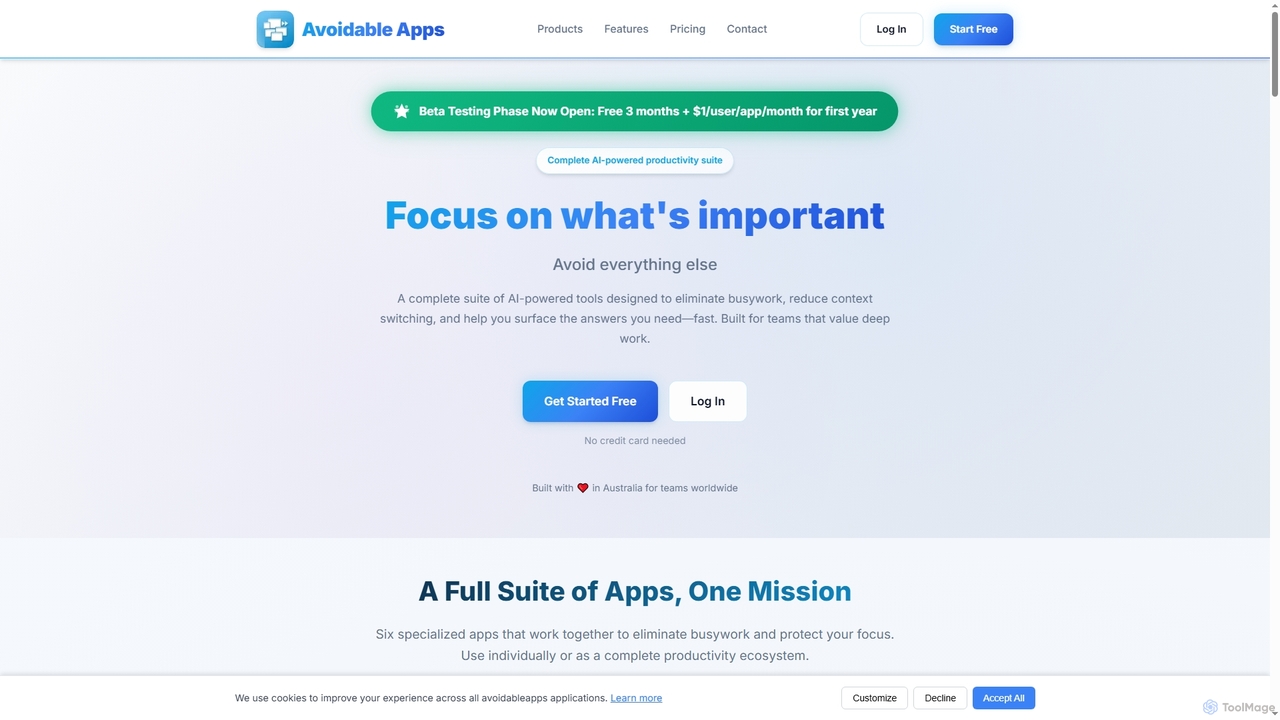
Avoidable Apps is an AI-powered productivity SaaS suite designed to eliminate busywork, reduce context switching, and help teams …
Avoidable Apps is an AI-powered productivity SaaS suite designed to eliminate busywork, reduce context switching, and help teams achieve deep work. It offers a comprehensive ecosystem of six specialized applications that can be used individually or together to streamline workflows and enhance focus.
About Workspace Automation
Workspace Automation tools are AI-powered solutions designed to streamline and optimize routine tasks and complex workflows within professional environments. Leveraging artificial intelligence, these tools automate repetitive processes, manage data, and facilitate communication, significantly enhancing operational efficiency and productivity. They empower individuals and teams to focus on strategic initiatives by reducing manual effort and minimizing errors across various business functions.
Core Features
- Task Automation: Automatically executes repetitive tasks such as data entry, report generation, and email management.
- Workflow Orchestration: Connects disparate applications and systems to create seamless, automated multi-step processes.
- Intelligent Document Processing: Uses AI to extract, classify, and process information from documents, forms, and invoices.
- AI-Powered Assistants: Provides virtual assistants that can answer queries, schedule meetings, and manage calendars.
- Data Integration & Synchronization: Ensures consistent data flow and real-time updates across various platforms and databases.
Use Cases
Workspace Automation tools are widely adopted across various sectors, from small businesses to large enterprises. They are particularly valuable for administrative staff, marketing teams, HR departments, and IT professionals seeking to reduce manual workload and improve response times. Common applications include automating customer support interactions, managing project timelines, and streamlining employee onboarding processes.
How to Choose
When selecting a Workspace Automation tool, consider its integration capabilities with your existing software ecosystem, the breadth of its automation features, and its scalability to meet future needs. Evaluate the ease of use, the level of AI intelligence for complex decision-making, and the vendor's support and security protocols. A clear understanding of your specific automation requirements will guide the best choice.

Workspace AutomationUse Cases
Automating Customer Support Ticket Routing
Customer service managers can utilize Workspace Automation to automatically categorize incoming support tickets based on keywords and sentiment, then route them to the most appropriate department or agent. This reduces manual sorting time, ensures faster response times, and improves customer satisfaction by connecting users with the right expert quickly.
Streamlining Employee Onboarding Processes
HR departments can automate the entire employee onboarding journey, from sending welcome emails and distributing necessary forms to provisioning software access and scheduling initial training sessions. This ensures a consistent, efficient, and personalized experience for new hires, reducing administrative burden on HR staff.
Automating Financial Report Generation
Finance teams can leverage Workspace Automation to automatically pull data from various accounting systems, consolidate it, and generate weekly or monthly financial reports. This eliminates manual data compilation, reduces errors, and frees up financial analysts to focus on strategic analysis rather than data preparation.
Managing Social Media Content Scheduling
Marketing professionals can use these tools to automate the scheduling and publishing of social media posts across multiple platforms. By integrating with content calendars and asset libraries, the tools ensure consistent brand messaging and optimal posting times, saving significant manual effort in content distribution.
Optimizing Sales Lead Nurturing Workflows
Sales teams can automate the follow-up process for new leads. When a lead interacts with marketing content, the automation tool can trigger personalized email sequences, assign tasks to sales representatives, and update CRM records, ensuring no lead falls through the cracks and improving conversion rates.
Automating IT Incident Response and Alerting
IT operations teams can set up automation to monitor system logs and performance metrics. Upon detecting an anomaly or incident, the tool can automatically create a ticket, notify the relevant on-call engineer via multiple channels (email, SMS), and even initiate basic troubleshooting steps, drastically reducing downtime.