1ui
Code Generation
AI TOOL COMPARISON
What is the difference, and which fits your workflow? Compare features, usage, pricing models and traffic side by side.
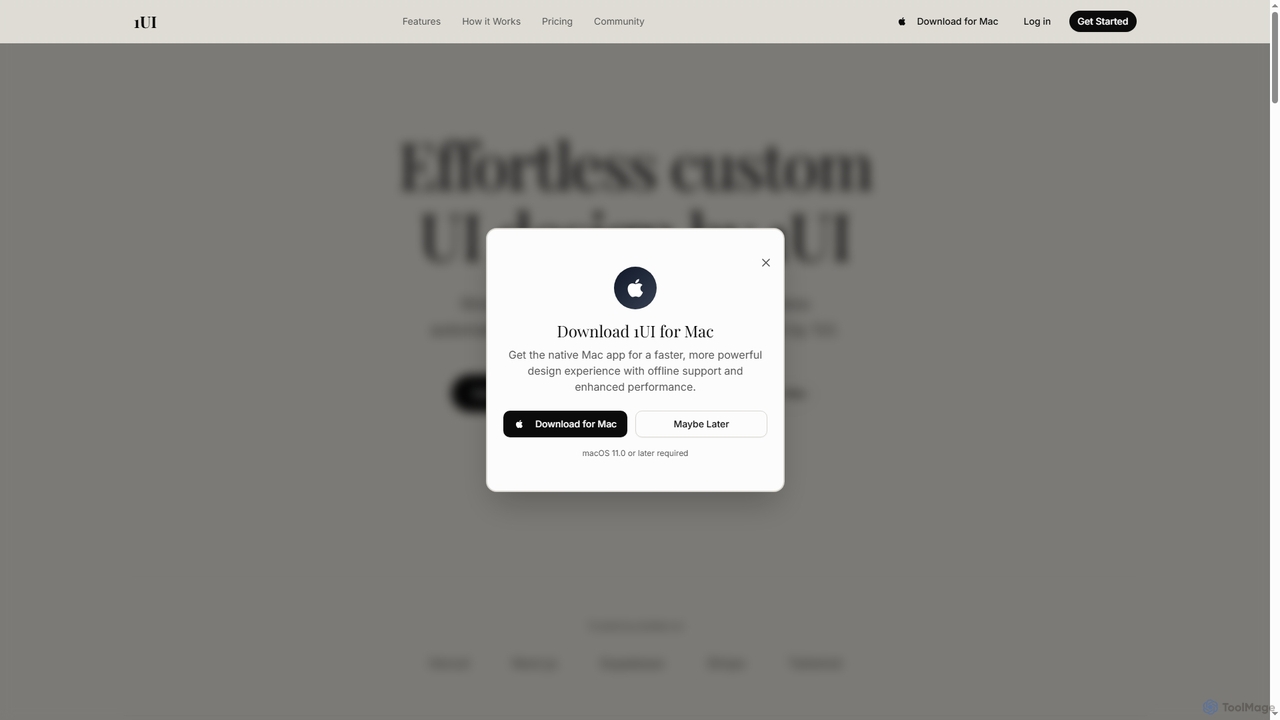
1ui is an AI-powered platform that generates pixel-perfect, production-ready UI designs from natural language prompts. It streamlines the design process by creating responsive layouts, contextual images, and clean HTML/CSS code in seconds. Features include a prompt enhancer, team collaboration, and direct export to Figma as editable layers.
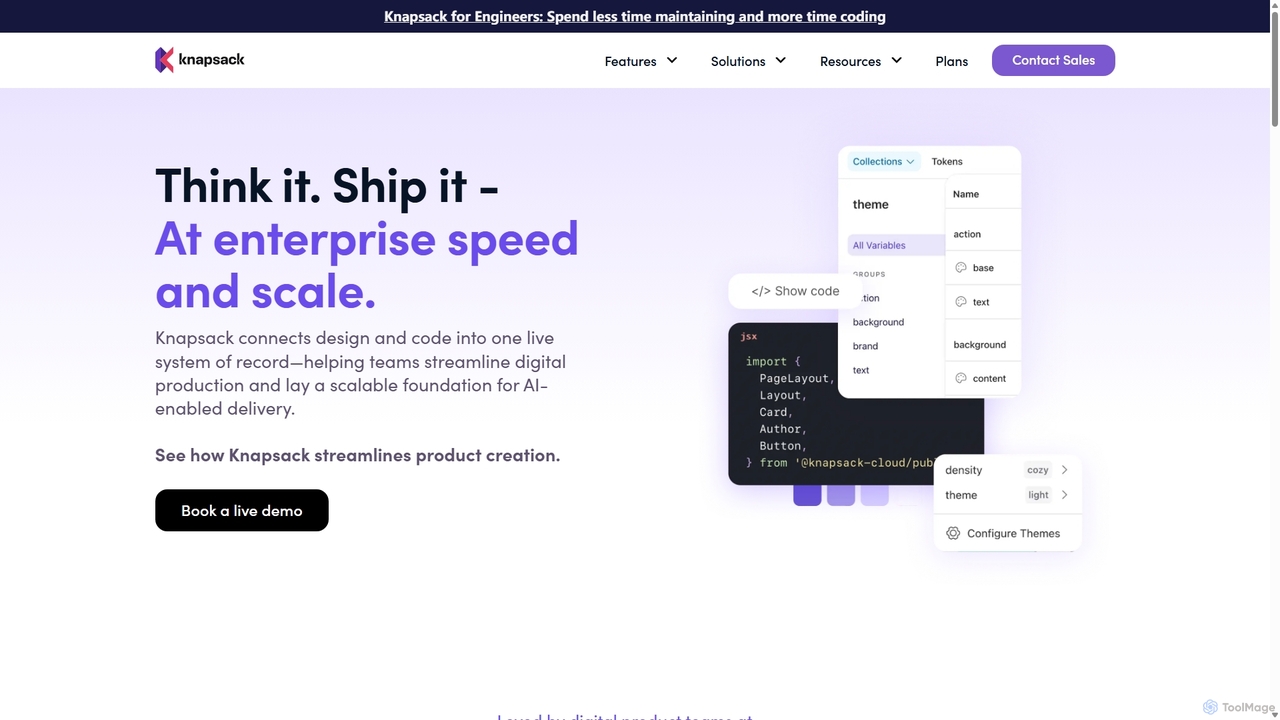
Knapsack is an enterprise-grade digital production platform that connects design, code, and documentation into a unified, AI-ready system of record. It streamlines workflows, accelerates product delivery, and ensures brand consistency at scale by creating a single source of truth for reusable components and design tokens.
Compare product focus, pricing models and audiences. Highlighted rows indicate different listed information; unknown pricing does not mean free.
| Quick facts | 1ui | Knapsack |
|---|---|---|
| Pricing model | Freemium | Paid |
| Product type | Web | Web |
| Primary focus | Code Generation | Prototyping |
| Audience and roles | Frontend Developer · Graphic Designer · Marketing Manager · Product Manager · Software Developer · Startup Founder · UI Designer · UX Designer | Design Lead · Engineering Manager · Frontend Developer · Product Manager · Software Developer · Systems Architect · UI Designer · UX Designer |
| Categories | Code Generation · Ui Design · Frontend Development · Prototyping | Prototyping · Design System · Collaboration |
| Added | Oct 20, 2025 | Sep 14, 2025 |
| Updated | Nov 19, 2026 | Nov 19, 2026 |
Explore the listed product descriptions, features and workflows. Taxonomy labels alone are not feature evaluations.
1ui is a cutting-edge, AI-driven design platform created to dramatically accelerate the UI design workflow for developers, designers, and teams. By simply describing an interface in natural language, users can generate complete, responsive, and visually stunning designs in seconds. The platform is engineered for speed and precision, leveraging advanced AI from Studdio App to interpret prompts, generate contextual assets, and produce clean, production-ready code. It aims to democratize design, making it faster and more accessible for everyone to bring their ideas to life.
The process is streamlined into three simple steps: 1. Describe Your Design: Type what you want to create using natural language. You can also upload reference images to provide more context. The AI understands design principles and context to interpret your vision. 2. AI Generates Your Design: In seconds, 1ui orchestrates the entire process, generating images, composing layouts, and writing production-ready HTML and CSS. 3. Export and Integrate: Download your design as a PNG, copy the HTML/CSS code directly, or export it to Figma. By using the free 'HTML to Design' community plugin, the exported file becomes a fully editable design in Figma with distinct layers.
Ideal for rapid prototyping of web and application interfaces, allowing teams to visualize and iterate on ideas at unprecedented speed. It's perfect for developers needing to quickly create front-end components, for marketers designing landing pages, and for product managers building mockups. It also serves as a powerful tool for bridging the gap between design and development by providing an instant, code-ready foundation.
The primary advantage of 1ui is its incredible speed, enabling up to 10x faster design iteration compared to traditional methods. It boasts 98% accuracy in design generation, minimizing manual adjustments. The platform provides a seamless workflow from a simple idea to a fully editable Figma file or production-ready code, significantly boosting productivity. It also makes high-quality UI design accessible to non-designers, empowering a wider range of creators.
1ui offers a transparent pricing structure with three main tiers:
Please note that according to the Terms of Service, all sales are final and no refunds are provided.
Knapsack is a comprehensive digital production platform designed for enterprise teams to streamline the way they build and deliver digital products. It addresses the common challenges of fragmented workflows, siloed teams, and outdated processes by creating a live, reusable system of record. This central hub connects design assets from tools like Figma with production code from Git repositories, ensuring that design, code, and documentation are always synchronized and up-to-date.
The platform is built to prepare organizations for the future of AI-enabled delivery. By structuring design and code data in a machine-readable format, Knapsack lays the groundwork for automation and intelligent agents to accelerate iteration and production. It empowers cross-functional teams to collaborate more effectively, reducing wasted time and rework while enhancing overall efficiency.
Using Knapsack involves integrating it into your existing design and development workflows to create a cohesive ecosystem. The process typically follows these steps:
Knapsack is ideal for large organizations looking to scale their digital product development. Success stories include:
The primary advantage of Knapsack is its ability to create a cohesive and efficient digital production ecosystem. It breaks down silos between design and engineering, leading to faster delivery cycles and higher quality products. By providing a single source of truth, it eliminates confusion and rework. Its focus on creating AI-ready, structured data also future-proofs an organization's development process, preparing it for the next wave of automation and intelligent tooling.
Knapsack offers tailored plans for enterprise teams and does not have a free trial. Pricing is available upon request by contacting their sales team for a live demo.
Billing is on an annual subscription basis, with paid user seats required for Admin and Editor roles who make changes to the workspace.
Their taxonomy shows where the products overlap and where each one has a more distinct focus. Unknown fields are shown explicitly and are never filled with assumptions.
Traffic is shown on the same scale so differences in market visibility are not visually understated.
Both charts share the same months and vertical scale. Each tool identifies its latest reporting month; missing months are left blank, not counted as zero. Regional and source visit counts are estimates calculated from the reported shares.
No data available
| Country/region | Percentage | Estimated visits |
|---|---|---|
| 🇺🇸United States | 56.59% | 6.3K |
| 🇮🇳India | 25.31% | 2.8K |
| 🇬🇧United Kingdom | 9.13% | 1K |
| 🇫🇷France | 5.83% | 649 |
| 🇩🇪Germany | 3.14% | 349 |
Ratings, comments, favorites, and likes are community signals—not a substitute for product fit.
To export your design to Figma, you first generate it in 1ui and click 'Download Figma HTML'. Then, you need to install the free 'HTML to Design' community plugin in Figma. Finally, upload the downloaded HTML file to the plugin, and it will convert your design into fully editable Figma layers with proper hierarchy.
The Basic plan is limited to 100 AI-powered UI screen generations per month. For unlimited generations, you would need to upgrade to the Pro plan.
Yes, every design generated by 1ui is responsive by default. The platform automatically optimizes each design for mobile, tablet, and desktop screens with perfect responsive behavior.
Yes, 1ui offers a native Mac app for users on macOS 11.0 or later. The app provides a faster, more powerful experience with offline support and enhanced performance.
1ui generates clean, semantic HTML and CSS that follows best practices. The code is production-ready and can be directly integrated into your projects.
This page is assembled from ToolMage product listings, taxonomy, traffic statistics and on-site user feedback. It is not a hands-on test or an independent review.