7taps
Human Resources
AI TOOL COMPARISON
What is the difference, and which fits your workflow? Compare features, usage, pricing models and traffic side by side.
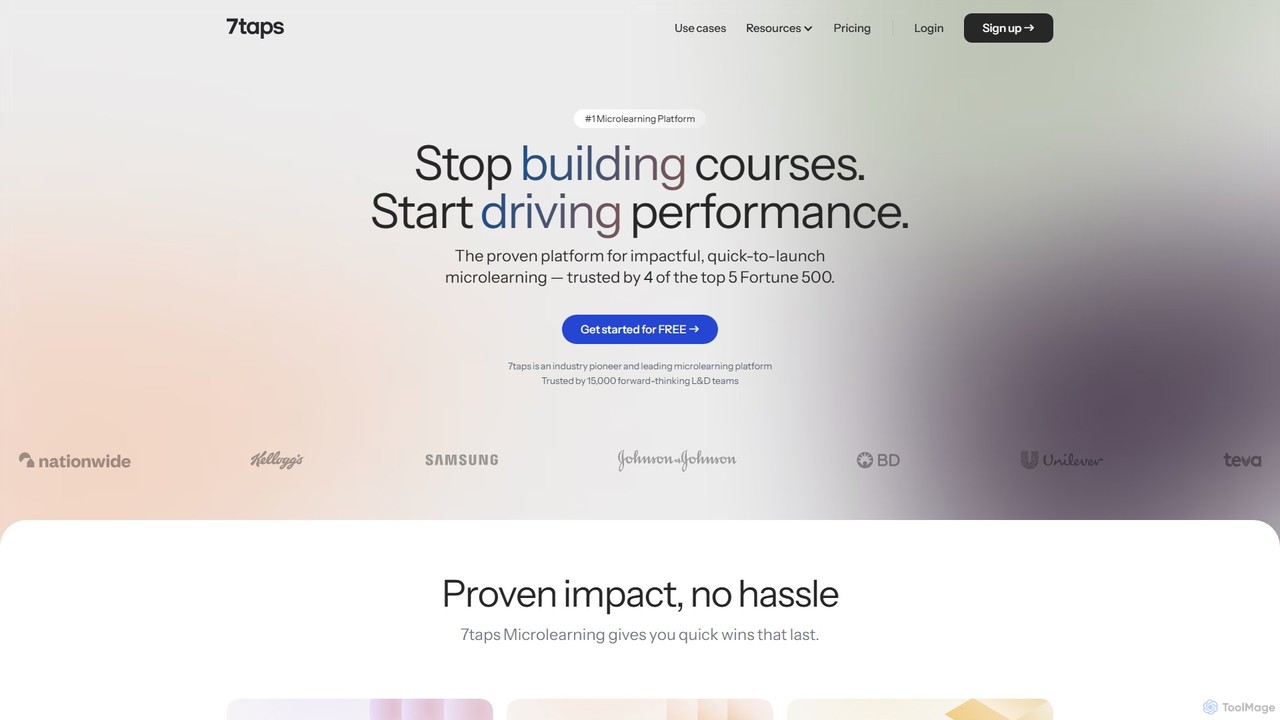
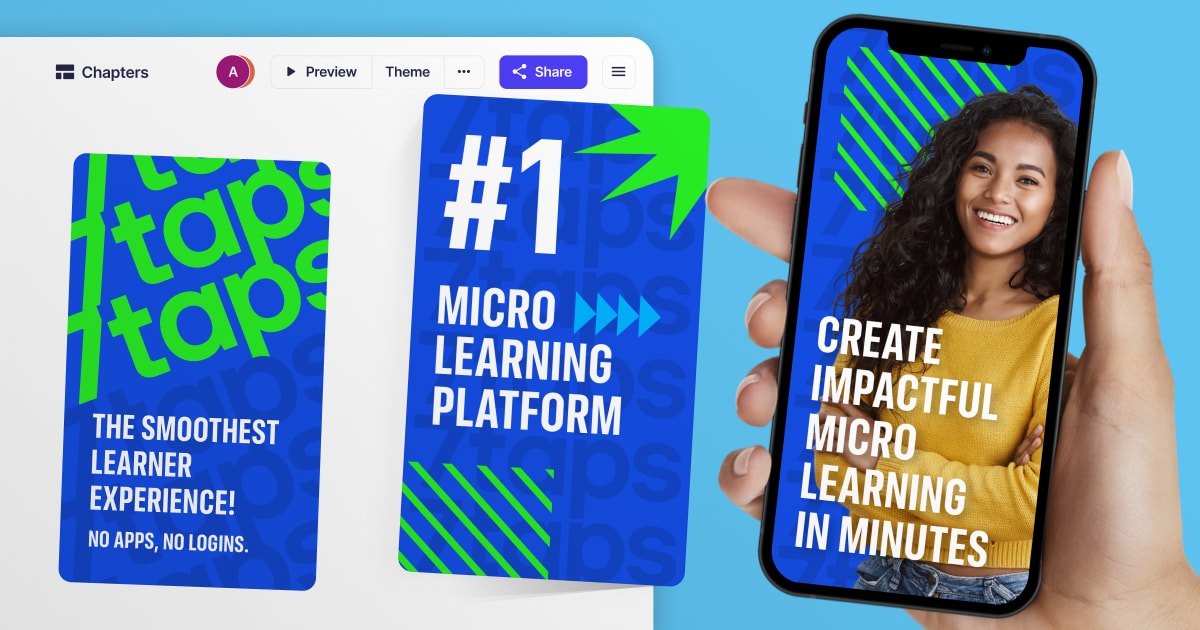
7taps is an AI-powered microlearning platform for creating and delivering bite-sized training. Trusted by Fortune 500 companies, it enables rapid creation of engaging, mobile-first courses for employee onboarding, sales enablement, and compliance training. Its science-driven approach ensures high engagement and knowledge retention, with no app required for learners.
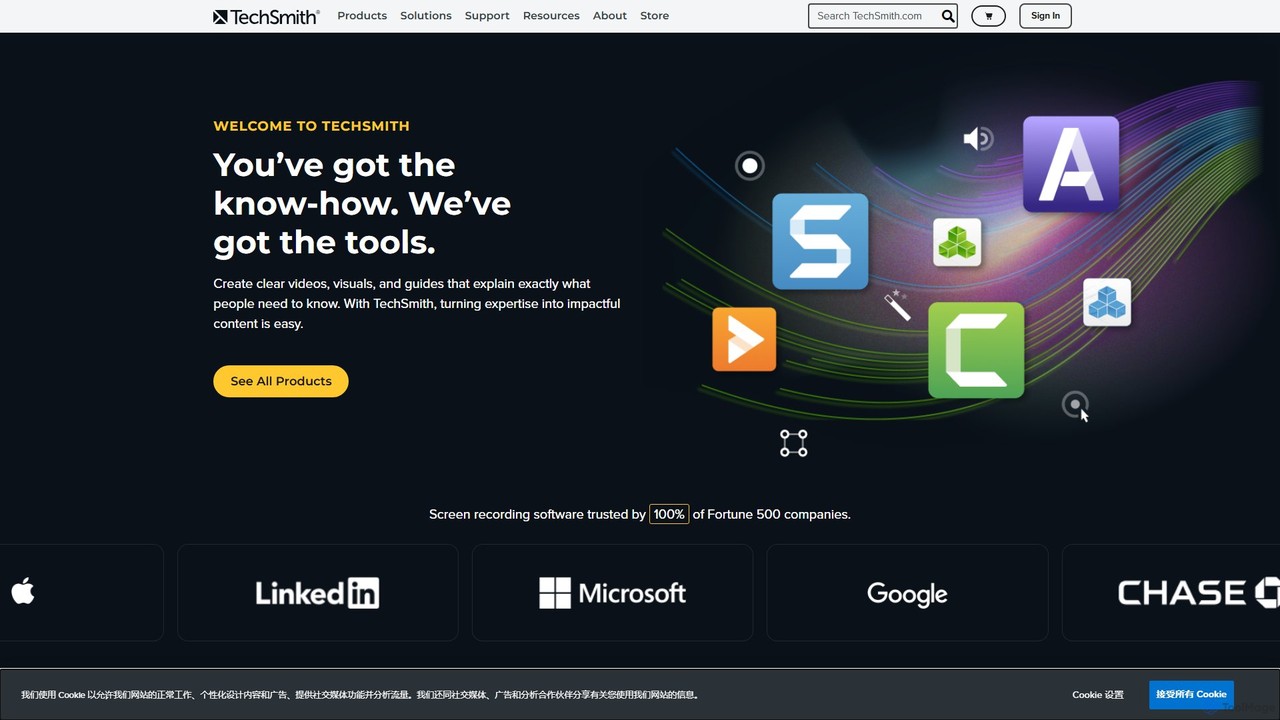
TechSmith offers a powerful suite of tools, including Snagit and Camtasia, for professional screen capture and video creation. Leveraging AI-assisted features, users can easily record, edit, and share high-quality tutorials, training videos, and presentations. It simplifies complex communication by transforming expertise into clear, engaging visual content, trusted by professionals and Fortune 500 companies worldwide.
Compare product focus, pricing models and audiences. Highlighted rows indicate different listed information; unknown pricing does not mean free.
| Quick facts | 7taps | TechSmith |
|---|---|---|
| Pricing model | Freemium | Paid |
| Product type | Web | App |
| Primary focus | Human Resources | E Learning |
| Audience and roles | No data available | No data available |
| Categories | Human Resources · E Learning · Training | E Learning · Content Creation · Training · Screen Recording |
| Added | Aug 11, 2025 | Aug 7, 2025 |
| Updated | Nov 19, 2026 | Nov 19, 2026 |
Explore the listed product descriptions, features and workflows. Taxonomy labels alone are not feature evaluations.
7taps is a leading, science-driven microlearning platform designed to create and distribute effective, bite-sized training content with ease and speed. Trusted by over 15,000 companies, including 4 of the Top 5 Fortune 500, 7taps has pioneered the implementation of microlearning in the corporate L&D landscape. It functions as a specialized Learning Management System (LMS) focused entirely on the principles of microlearning, ensuring optimal knowledge absorption and retention. The platform leverages AI, with its '7taps AI' feature, to allow users to generate a complete mini-course in 15 minutes or less. It's built for immediate impact, helping organizations transform their training for leadership, compliance, safety, and sales into engaging, easily accessible experiences.
Getting started with 7taps is designed to be a seamless and rapid process. First, you sign up for a free account online in seconds, with no credit card required, which automatically gives you a trial of the Enterprise plan. To create a course, you can use the intuitive, no-code editor. You can start from scratch, use one of the pre-designed templates, or leverage the 7taps AI assistant to generate content quickly. You can then add various elements like text, images, GIFs, quizzes, and soundbites to make the content interactive. Once your course is ready, sharing it is incredibly versatile. You can distribute it via a direct link, QR code, email, or SMS. Furthermore, 7taps integrates directly into the flow of work, allowing you to share courses on platforms like Slack, MS Teams, and WhatsApp. Learners can access the content with a single click on any device—mobile or desktop—without needing to download an app or log in. Finally, you can track learner progress, completion rates, and engagement through the built-in analytics dashboard to measure the impact of your training.
7taps is versatile and can be applied across various business needs. For Corporate L&D, it's used to amplify leadership training and make compliance training more engaging and effective, as seen with companies slashing training time by 85% and boosting completion rates to 98%. In Sales Enablement, it helps deliver essential product knowledge and sales techniques to busy, on-the-go sales reps. For Employee Onboarding, it streamlines the process by turning lengthy materials into automated, bite-sized courses delivered over time. In Performance Support, it provides instant how-to resources and job aids accessible via QR codes right where employees work. It's also used for Safety Awareness, replacing paper handouts with digital, interactive training, and for Customer Education, offering quick tutorials and guides.
The primary advantage of 7taps is its unparalleled speed and simplicity in creating and deploying training. It can save up to 90% of content development time compared to traditional methods. The platform's barrier-free access for learners leads to significantly higher engagement and completion rates. Its science-driven, bite-sized format is proven to improve knowledge retention and drive actual behavior change. Another key advantage is its transparent and cost-effective pricing model, which does not charge per learner, offering a flat, predictable cost. This makes it a scalable solution for both small businesses and large enterprises. Finally, its seamless integration into existing workflows ensures that learning happens at the moment of need, making it a practical and impactful tool.
7taps operates on a freemium model. There is a Free plan available that allows users to create courses and share one course of their choice. For full functionality, 7taps offers paid plans, including an Enterprise plan. Upon signing up, users automatically receive a free trial of the Enterprise plan to experience all its features. A standout feature of 7taps' pricing is its transparent, flat-rate structure. Unlike most e-learning vendors, 7taps does not charge per learner, eliminating the need to manage user counts and avoiding hidden costs. This makes budgeting simple and predictable, regardless of the organization's size. If a paid plan is canceled, users can downgrade to the Free plan and retain access to their content, with sharing limited to one course.
TechSmith is a global leader in visual communication software, empowering users to transform their expertise into impactful content. Its flagship products, Snagit and Camtasia, provide a comprehensive solution for screen capture and video creation, trusted by millions of users, including 100% of Fortune 500 companies. TechSmith's mission is to make it easy for anyone to create clear, concise, and engaging videos and visuals that help explain complex topics, train teams, and communicate more effectively.
At the core of TechSmith's offering is the synergy between Snagit's powerful screen capture capabilities and Camtasia's advanced, AI-assisted video editing. Camtasia, in particular, integrates artificial intelligence to streamline the editing process, making professional-quality video production accessible to everyone, regardless of their technical skill level. These AI features automate tedious tasks, allowing creators to focus on their message and storytelling.
The workflow within the TechSmith ecosystem is designed for efficiency and ease of use:
TechSmith's tools are versatile and used across various industries:
TechSmith stands out for its user-centric design and powerful features. The primary advantages include its remarkable ease of use, making it accessible for beginners, while still offering the depth required by professionals. The integration of AI in Camtasia significantly accelerates the video creation workflow, automating complex tasks and saving valuable time. The one-time purchase model offers excellent long-term value compared to subscription-only competitors. Finally, being an employee-owned company with decades of experience, TechSmith is known for its stability, reliability, and strong customer support.
TechSmith primarily offers its software through a one-time purchase model, providing a perpetual license for the version you buy. This includes one year of maintenance, which grants you access to all updates and premium support. After the first year, users can opt to pay a small annual fee to continue receiving maintenance. Free trials are available for all major products.
Special pricing is also available for education, government, and non-profit organizations.
Their taxonomy shows where the products overlap and where each one has a more distinct focus. Unknown fields are shown explicitly and are never filled with assumptions.
Traffic is shown on the same scale so differences in market visibility are not visually understated.
Both charts share the same months and vertical scale. Each tool identifies its latest reporting month; missing months are left blank, not counted as zero. Regional and source visit counts are estimates calculated from the reported shares.
| Country/region | Percentage | Estimated visits |
|---|---|---|
| 🇺🇸United States | 59.72% | 20.8K |
| 🇧🇷Brazil | 13.52% | 4.7K |
| 🇸🇻El Salvador | 10.24% | 3.6K |
| 🇨🇦Canada | 8.29% | 2.9K |
| 🇬🇧United Kingdom | 8.23% | 2.9K |
| Source type | Percentage | Estimated visits |
|---|---|---|
| Direct | 70.08% | 24.4K |
| Referral | 27.2% | 9.5K |
| 2.72% | 946 |
| Country/region | Percentage | Estimated visits |
|---|---|---|
| 🇺🇸United States | 77.37% | 674.2K |
| 🇮🇳India | 12.05% | 105K |
| 🇨🇦Canada | 3.86% | 33.6K |
| 🇩🇪Germany | 3.47% | 30.2K |
| 🇬🇧United Kingdom | 3.25% | 28.3K |
| Source type | Percentage | Estimated visits |
|---|---|---|
| Direct | 79.69% | 694.4K |
| Referral | 13.55% | 118.1K |
| 6.76% | 58.9K |
Ratings, comments, favorites, and likes are community signals—not a substitute for product fit.
This page is assembled from ToolMage product listings, taxonomy, traffic statistics and on-site user feedback. It is not a hands-on test or an independent review.