ToolMage
Sign in

AI TOOL COMPARISON

Appsmith vs Dify

What is the difference, and which fits your workflow? Compare features, usage, pricing models and traffic side by side.

Jump to key differences

Product overview

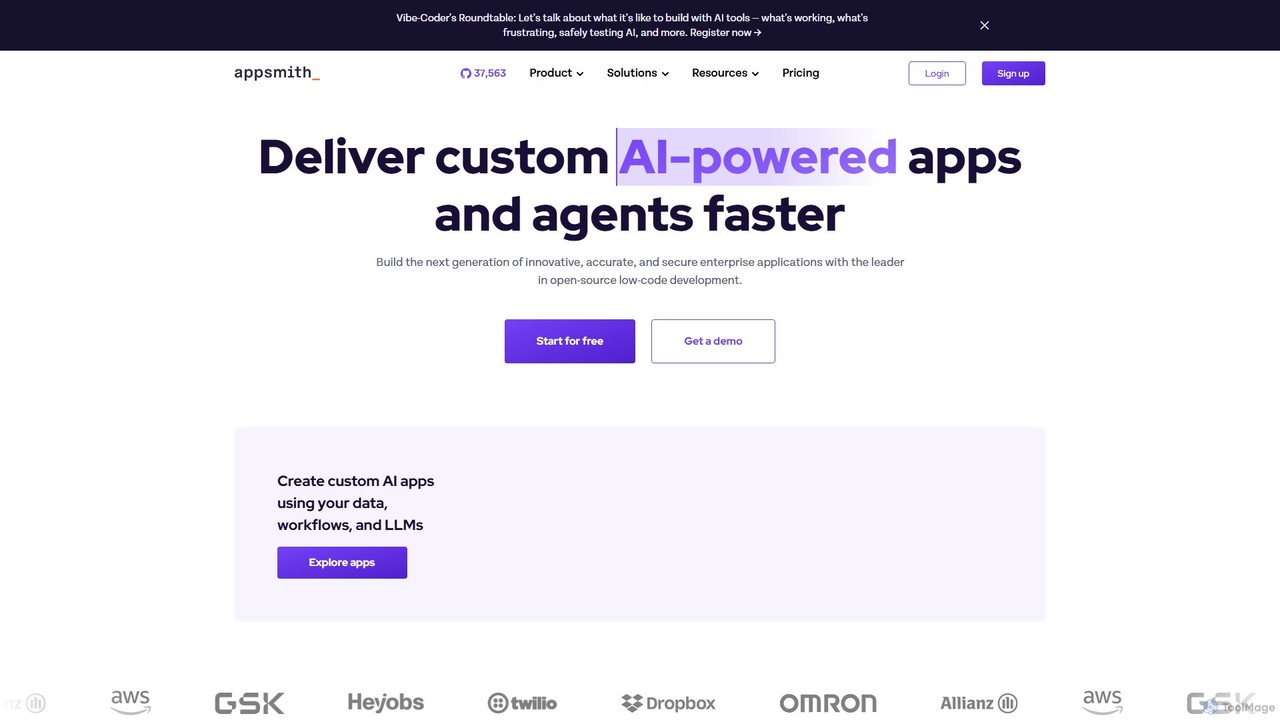
Appsmith Product overview

Appsmith is an open-source, low-code platform designed for developers to build, ship, and maintain internal tools, dashboards, and AI-powered applications rapidly. It connects to any data source, allows UI building via drag-and-drop or natural language, and offers full customization with JavaScript, empowering teams to create secure, scalable enterprise-grade applications with unprecedented speed.

Preview

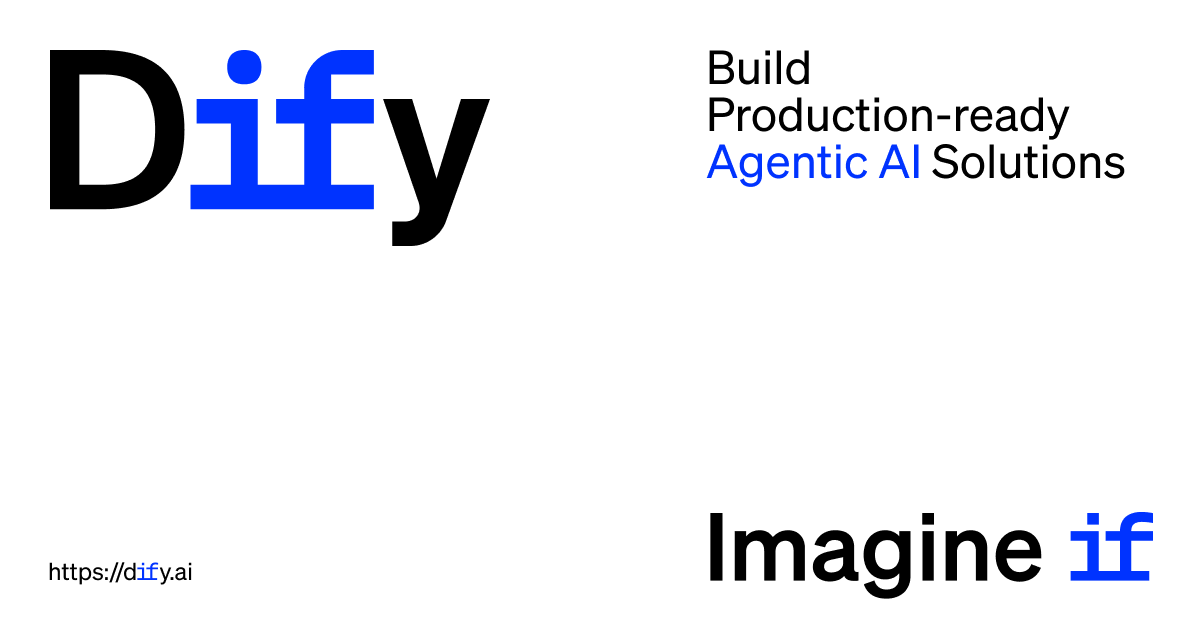
Dify Product overview

Dify is an open-source, low-code AI development platform for building and operating production-ready generative AI applications. It enables the creation of AI agents and workflows powered by RAG pipelines, extensive model support, and full observability, simplifying the entire development lifecycle from idea to deployment.

Preview

Quick facts

Compare product focus, pricing models and audiences. Highlighted rows indicate different listed information; unknown pricing does not mean free.

Appsmith VS Dify — Quick facts
Quick factsAppsmithDify
Pricing modelFreemiumFreemium
Product typeWebWeb
Primary focusInternal ToolsAi Agent
Audience and rolesNo data availableNo data available
CategoriesInternal Tools · Dashboard · Low Code No Code · Workflow AutomationAi Agent · Chatbot · Low Code No Code · Workflow Automation
AddedAug 13, 2025Aug 10, 2025
UpdatedNov 19, 2026Nov 19, 2026

Features, usage and use cases

Explore the listed product descriptions, features and workflows. Taxonomy labels alone are not feature evaluations.

Appsmith

Appsmith is a leading open-source low-code development platform that empowers developers and enterprises to build custom, AI-powered applications and internal tools with remarkable speed and efficiency. Designed with a developer-first philosophy, Appsmith bridges the gap between no-code simplicity and full-code flexibility. It provides a comprehensive environment to connect to various data sources, build responsive user interfaces, customize business logic, and securely deploy applications. By integrating with Large Language Models (LLMs), Appsmith enables the creation of innovative, accurate, and secure enterprise applications, helping businesses automate processes, streamline operations, and modernize legacy systems.

How to use Appsmith

Using Appsmith follows a straightforward, four-step development lifecycle:

  1. Connect to Data: Start by connecting to your data sources. Appsmith offers seamless integration with any database (like PostgreSQL, MongoDB), SaaS tool, or API (REST/GraphQL). You can also self-host for secure access to internal data.
  2. Build the UI: Assemble your application's user interface using a powerful drag-and-drop editor with a rich library of pre-built widgets. For faster development, you can use natural language prompts to generate UI components or even code your own custom widgets using JS/HTML/CSS.
  3. Customize Logic: Define your application's behavior and business logic. You can write JavaScript code directly within a centralized IDE that features auto-complete, debugging, and linting. Alternatively, use natural language prompts to generate code for workflows and data transformations. You can also import your own JS libraries for extended functionality.
  4. Deploy and Maintain: Connect your Appsmith application to a Git repository (like GitHub or GitLab) for version control. This allows you to manage development, staging, and production environments, review pull requests, and automate deployments using your existing CI/CD pipelines.

Core Features of Appsmith

  • AI-Powered Development: Build custom AI apps using your data, workflows, and preferred LLMs. Use built-in AI actions and natural language prompts to generate UI and logic.
  • Open-Source & Self-Hostable: The Community Edition is fully open-source under the Apache 2.0 license, offering transparency and eliminating vendor lock-in. It can be self-hosted on your own infrastructure, including air-gapped environments.
  • Extensive Integrations: Natively connect to dozens of databases, APIs, and SaaS platforms like Stripe, Google Sheets, and more.
  • Drag-and-Drop UI Builder: A visual editor with responsive widgets to quickly build beautiful and functional user interfaces.
  • Full-Code Flexibility: A developer-centric IDE to write and debug JavaScript, transform data, and control every aspect of your application's logic.
  • Git-Based Version Control: Integrate with Git to collaborate, manage versions, review changes, and deploy updates seamlessly across different environments.
  • Enterprise-Grade Security: Features include SAML/OIDC SSO, Role-Based Access Control (RBAC), SCIM for user provisioning, audit logs, and SOC 2 Type II compliance.
  • Embeddable Applications: Embed Appsmith applications within your existing legacy or SaaS applications with shared logins to extend their functionality.

Use Cases for Appsmith

Leading companies from startups to enterprises leverage Appsmith to improve operations and efficiency:

  • Admin Panels & CRUD Interfaces: Quickly build interfaces for managing data in your databases, such as a UI on top of Snowflake control tables or a Django admin panel alternative.
  • Workflow Automation: Automate manual processes like refund processing with Stripe, server fleet patching, or new customer application approvals.
  • Custom Dashboards: Create unified Customer 360 dashboards that visualize KPIs from multiple sources or track marketing campaigns with a centralized UTM manager.
  • Internal Tools: Develop a wide range of internal tools, from a Zendesk clone for customer support to custom extensions for project management platforms, significantly reducing seat license costs.
  • Legacy System Modernization: Add new features and modern interfaces to existing legacy applications up to 90% faster.

Advantages of Appsmith

Appsmith offers a unique combination of speed, control, and security. Its developer-first approach ensures that you are never limited by the platform's abstractions, always providing code-level control. The open-source model provides transparency, a vibrant community, and the flexibility to self-host for maximum data security. Businesses can build and iterate on applications 80-90% faster than traditional methods, reduce operational costs, and empower their teams to innovate without being bogged down by repetitive development tasks.

Pricing and Plans

Appsmith offers a simple, user-based pricing model that scales with your needs:

  • Free: Perfect for individuals and small teams. Includes up to 5 users (cloud), Git integration, Google SSO, and community support.
  • Business: Priced at $15 per user/month. Designed for growing teams, it includes everything in Free plus up to 99 users, unlimited environments and repos, workflows, premium integrations, custom roles, audit logs, and email/chat support.
  • Enterprise: Starts at $2,500/month for 100 users. For teams needing advanced security and scale, this plan adds SAML/OIDC SSO, SCIM user provisioning, CI/CD, private app embedding, dedicated support with SLAs, and optional add-ons like air-gapped deployment and managed hosting.

Dify

Dify is a leading Agentic AI Development Platform designed to empower developers and teams to build, deploy, and scale production-ready AI applications with ease. As an open-source and low-code platform, Dify provides a comprehensive, all-in-one solution that integrates agentic workflows, Retrieval-Augmented Generation (RAG) pipelines, extensive integrations, and full observability. This puts the power of sophisticated AI into the hands of creators, regardless of their technical background, accelerating the journey from initial concept to a live, scalable product.

How to use Dify

Using Dify is an intuitive process designed for rapid development and iteration:

  1. Visual Workflow Creation: Start by using the drag-and-drop interface to visually map out your AI application's logic. You can create complex, multi-step workflows that handle diverse tasks without writing extensive code.
  2. Integrate Language Models: Connect to a wide array of Large Language Models (LLMs), including those from OpenAI, Anthropic, Llama2, Azure, Hugging Face, and even locally hosted models via Ollama. Dify allows you to switch between and compare the performance of different models seamlessly.
  3. Build a Knowledge Base (RAG): Enhance your application with a RAG pipeline. Upload your data from various sources (documents, websites, etc.), and Dify will handle the extraction, transformation, and indexing into a vector database, making your data ready for LLM consumption.
  4. Expand with Tools and Plugins: Supercharge your AI's capabilities by adding tools from Dify's expanding marketplace. Integrate with services like Zapier, Brave Search, or create custom tools to perform specific actions.
  5. Publish and Deploy: Once your application is ready, publish it with flexible options. You can deploy it as a standalone web application or expose it as an API for integration into other services. Dify's Backend-as-a-Service (BaaS) manages the underlying infrastructure complexities.
  6. Monitor and Iterate: Use the built-in observability features to monitor your application's performance, analyze logs, and gather user feedback. This data-driven approach allows you to iterate and improve your product continuously.

Core Features of Dify

  • Visual Workflow Builder: An intuitive drag-and-drop interface for creating and managing complex AI workflows and agentic logic.
  • Advanced RAG Engine: A comprehensive RAG pipeline that supports various data sources, document formats, and advanced retrieval strategies like hybrid search and reranking for high-accuracy responses.
  • Multi-LLM Support: Access, switch, and compare performance across a wide range of global LLMs, including proprietary, open-source, and self-hosted models.
  • Agentic Capabilities: Build autonomous AI agents that can reason, make decisions, and use tools to complete complex tasks.
  • Extensible Plugin Ecosystem: Enhance applications with a versatile set of plugins from the marketplace or build your own to connect to any service.
  • Backend-as-a-Service (BaaS): Dify handles the complex backend infrastructure, providing a scalable, stable, and secure foundation for your applications.
  • Full Observability: Monitor application usage, analyze costs and latency, and review logs to debug and optimize performance.
  • Open-Source and Self-Hostable: Offers full transparency and control, with the option to self-host for maximum data privacy and security.

Use Cases for Dify

Dify is versatile enough to power a wide range of applications across various industries:

  • Enterprise Solutions: Companies like Volvo and Ricoh use Dify for internal Q&A bots serving thousands of employees, automating research, and rapidly validating new AI-driven ideas to gain a competitive edge.
  • Customer Support Automation: Create intelligent chatbots and AI assistants that can access a knowledge base to provide accurate, context-aware answers to customer queries 24/7.
  • Content Creation and Marketing: Build workflows to generate multi-format marketing copy, social media posts, or even AI-generated podcasts by processing information from various sources.
  • Research and Analysis: Develop deep research agents that can automate information gathering from the web, analyze documents, and generate structured summary reports, such as for financial investment analysis.
  • Developer Tools: Create specialized tools like a "Twitter MBTI Analyzer" or multilingual document translators, leveraging Dify's ability to connect various APIs and models.

Advantages of Dify

Dify stands out by democratizing AI development. Its low-code, visual interface makes it accessible to citizen developers and non-technical teams, while its advanced features and open-source nature provide the depth required by professional developers. The platform accelerates time-to-market significantly, allowing teams to build and deploy an MVP in record time. Its all-in-one, production-ready infrastructure ensures applications are scalable, stable, and secure from day one, eliminating the need to piece together multiple tools.

Pricing and Plans

Dify offers a flexible pricing structure to suit different needs, available as both a Cloud Service and a Self-hosted option.

  • Sandbox (Free): Ideal for individuals and hobbyists to explore core features. Includes 200 message credits, 1 team member, 5 apps, and a 50MB knowledge base.
  • Professional ($59/workspace/month): Designed for independent developers and small teams. Includes 5,000 message credits/month, 3 team members, 50 apps, a 5GB knowledge base, and unlimited log history.
  • Team ($159/workspace/month): For medium-sized teams requiring collaboration and higher throughput. Includes 10,000 message credits/month, 50 team members, 200 apps, and a 20GB knowledge base.
  • Enterprise: Custom plans for large organizations requiring advanced security, support, and self-hosting capabilities. Contact sales for details.

Dify also offers free plans for students and educators, making it an accessible tool for learning and innovation.

Positioning

Their taxonomy shows where the products overlap and where each one has a more distinct focus. Unknown fields are shown explicitly and are never filled with assumptions.

Categories

Shared
Low Code No CodeWorkflow Automation
Only Appsmith
Internal ToolsDashboard
Only Dify
Ai AgentChatbot

Tags

Shared
developer toolslow-codeno-codeopen sourceworkflow automation
Only Appsmith
admin panelAI application builderdashboard builderdatabase GUIGitinternal toolsjavascript
Only Dify
AI agentapplication builderchatbot builderLLMOpsRAG

Audience and roles

Shared
No listed items
Only Appsmith
No listed items
Only Dify
No listed items

Traffic comparison

Traffic is shown on the same scale so differences in market visibility are not visually understated.

How to interpret the traffic data

Both charts share the same months and vertical scale. Each tool identifies its latest reporting month; missing months are left blank, not counted as zero. Regional and source visit counts are estimates calculated from the reported shares.

Appsmith monthly traffic:

Latest traffic · 2026-05

Monthly visits
243.7K
Avg. visit duration
3:49
Pages per visit
6.58
Bounce rate
37.03%
Data updated 2026-06-15

Monthly traffic trend

  • 2025-09: 294.9K
  • 2026-01: 245K
  • 2026-02: 222.9K
  • 2026-03: 264K
  • 2026-04: 335.3K
  • 2026-05: 243.7K

Top regions

Top 5 countries/regions
Country/regionPercentageEstimated visits
🇮🇳India53.21%129.7K
🇦🇷Argentina16.66%40.6K
🇺🇸United States13.8%33.6K
🇫🇷France8.43%20.5K
🇳🇬Nigeria7.9%19.3K

Traffic sources

Source typePercentageEstimated visits
Direct87.03%212.1K
Referral7.91%19.3K
Email5.06%12.3K

Search keywords

app smithappsmithchange theme in appsmith browser pageiunlockerwarframe market

Dify monthly traffic:

Latest traffic · 2026-05

Monthly visits
1.1M
Avg. visit duration
7:16
Pages per visit
5.67
Bounce rate
42.2%
Data updated 2026-06-15

Monthly traffic trend

  • 2025-09: 1.2M
  • 2026-01: 1.3M
  • 2026-02: 1.1M
  • 2026-03: 1.5M
  • 2026-04: 1.2M
  • 2026-05: 1.1M

Top regions

Top 5 countries/regions
Country/regionPercentageEstimated visits
🇨🇳China66.76%708.9K
🇯🇵Japan15.49%164.5K
🇺🇸United States11.18%118.7K
🇭🇰Hong Kong3.33%35.4K
🇸🇬Singapore3.24%34.4K

Traffic sources

Source typePercentageEstimated visits
Direct80.17%851.3K
Referral19.17%203.5K
Email0.66%7K

Search keywords

diffydifidifydify aidify官网

Community signals

Ratings, comments, favorites, and likes are community signals—not a substitute for product fit.

Appsmith

Rating
No data available
Comments
0
Favorites
144
Likes
141

Dify

Rating
No data available
Comments
0
Favorites
131
Likes
152

Appsmith vs Dify · Comparison FAQ

What do Appsmith and Dify have in common?
Both tools are listed under Low Code No Code、Workflow Automation. These categories indicate overlapping use cases; compare their detailed descriptions for workflows, capabilities and limitations.
Are Appsmith and Dify free?
Listed pricing models: Appsmith — Freemium; Dify — Freemium. Missing pricing is not proof of a free plan, and freemium does not mean every feature is free. Check official sites for current plans, limits and trials.
How should I choose between Appsmith and Dify?
The primary listed category is Internal Tools for Appsmith, and Ai Agent for Dify. Compare features, steps and use cases, then verify pricing, data permissions and deployment needs. This page does not include hands-on testing and does not declare a winner from traffic or tags.

Sources and comparison methodology

This page is assembled from ToolMage product listings, taxonomy, traffic statistics and on-site user feedback. It is not a hands-on test or an independent review.
  • Feature and plan descriptions reflect information in the listings, not real-time guarantees. Verify pricing, quotas, availability and privacy terms on the official sites.
  • Traffic uses the reporting months shown. Missing statistics do not mean zero visits, and different periods do not establish growth or superiority. Regional and source visit counts are estimates based on shares.
  • Different tags indicate differences in the listings, not proof that the other product lacks a capability. Ratings, favorites and visits are not used to declare a winner.

Related comparisons