ToolMage
Sign in

AI TOOL COMPARISON

Basedash vs ChatExcel

What is the difference, and which fits your workflow? Compare features, usage, pricing models and traffic side by side.

Jump to key differences

Product overview

Basedash Product overview

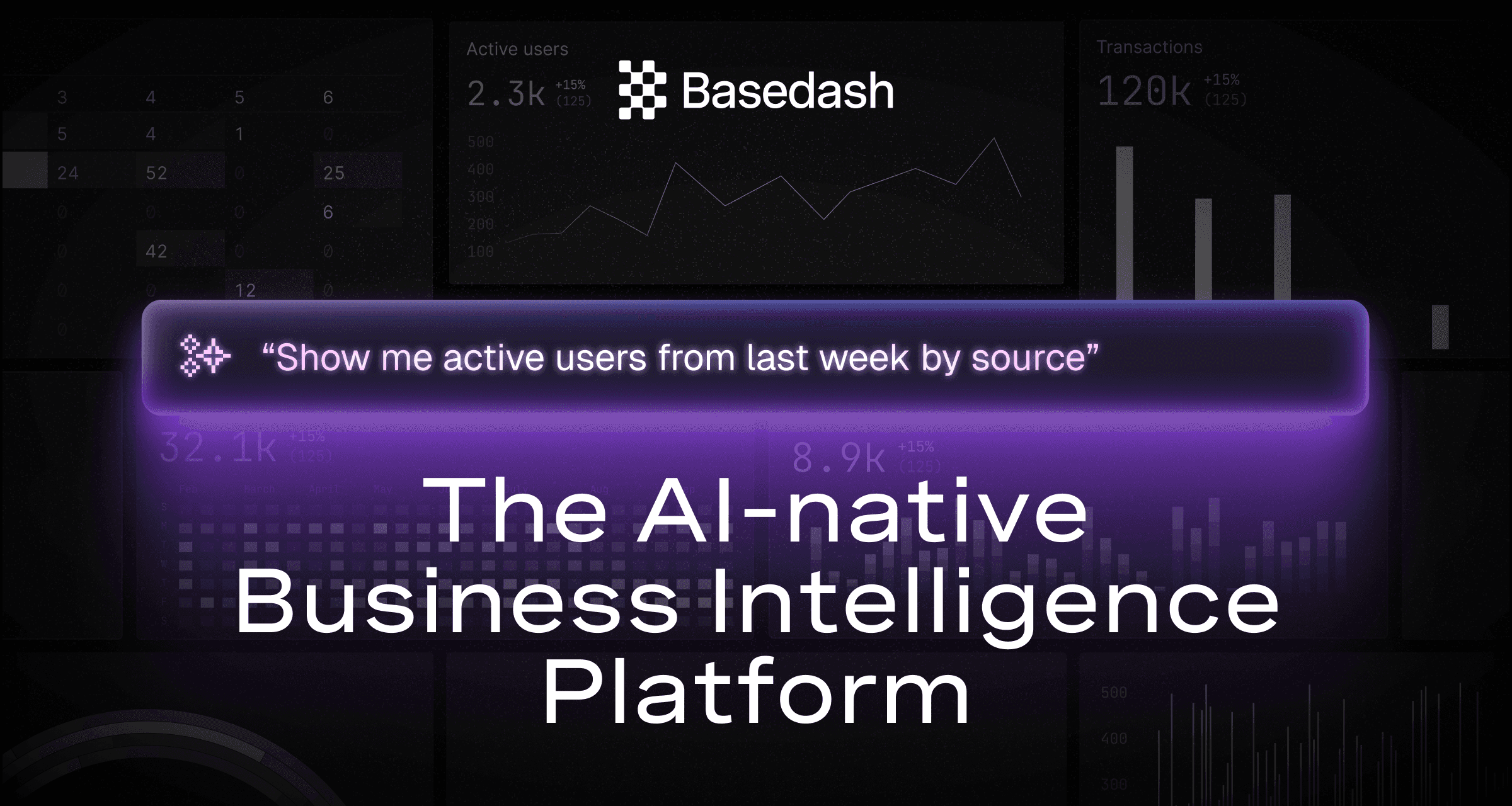
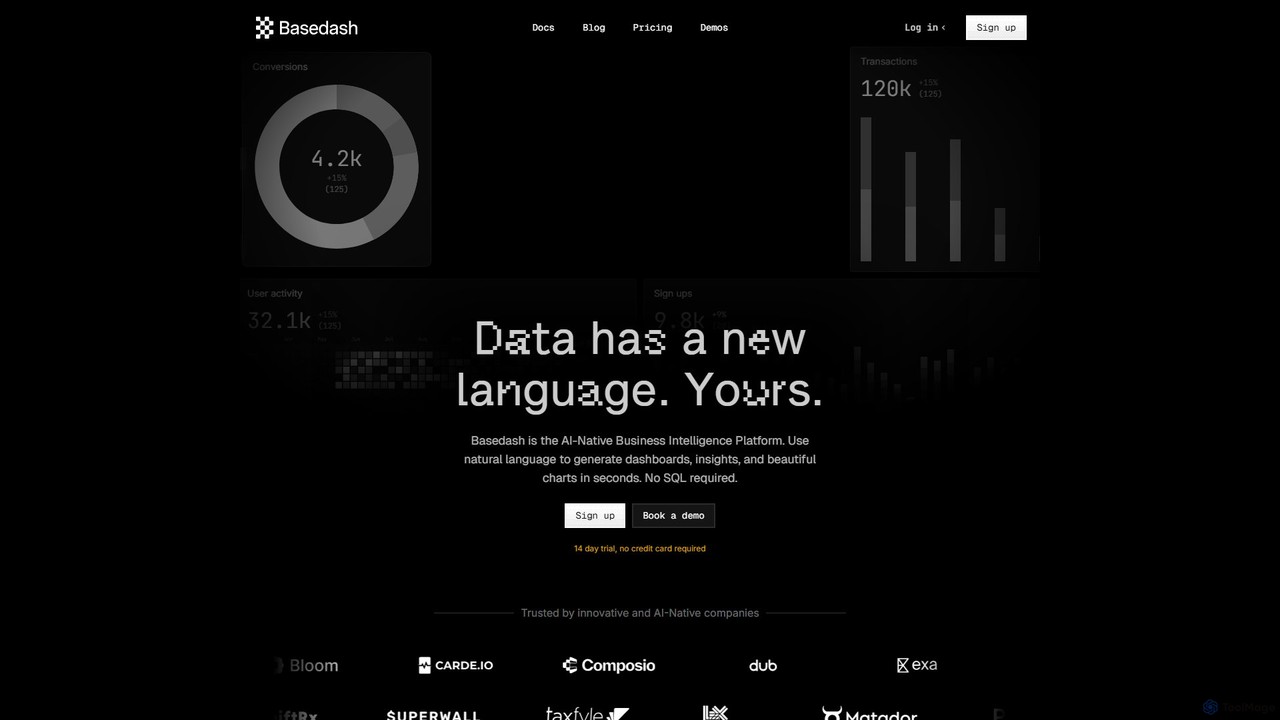
Basedash is an AI-native business intelligence platform that allows teams to interact with their data using natural language. Generate beautiful dashboards, charts, and insights in seconds without writing any SQL code. Connect your data sources and simply ask questions to get answers.

Preview

ChatExcel Product overview

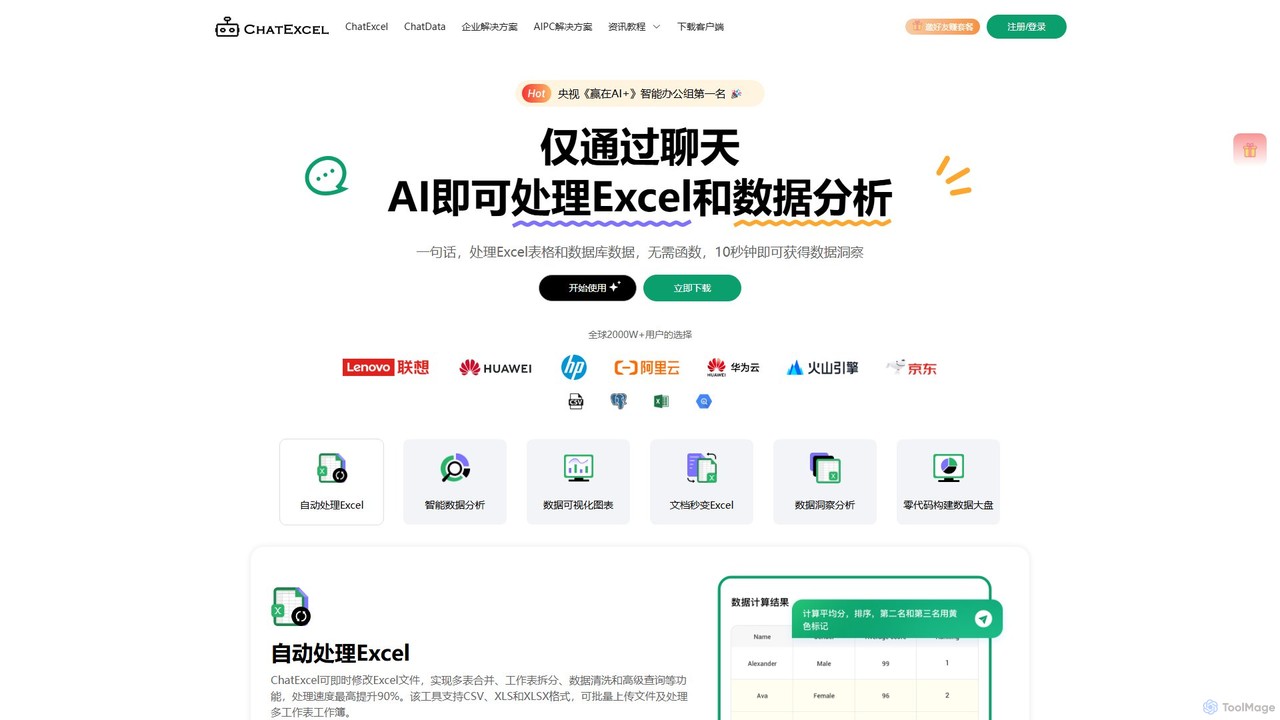
ChatExcel is an AI-powered data analysis tool that allows users to process spreadsheets and analyze data through a simple chat interface. It automates tasks like data cleaning, merging, and analysis, and generates over 100 types of charts and visualizations from natural language commands. No coding or complex formulas required, boosting productivity by up to 90%.

Preview

Quick facts

Compare product focus, pricing models and audiences. Highlighted rows indicate different listed information; unknown pricing does not mean free.

Basedash VS ChatExcel — Quick facts
Quick factsBasedashChatExcel
Pricing modelFreemiumFreemium
Product typeWebWeb
Primary focusBusiness IntelligenceBusiness Intelligence
Audience and rolesNo data availableNo data available
CategoriesBusiness Intelligence · Data Analysis · Database · DashboardBusiness Intelligence · Data Analysis · Spreadsheets
AddedAug 9, 2025Aug 15, 2025
UpdatedNov 19, 2026Nov 19, 2026

Features, usage and use cases

Explore the listed product descriptions, features and workflows. Taxonomy labels alone are not feature evaluations.

Basedash

Basedash is a revolutionary AI-native business intelligence (BI) platform designed to democratize data access for modern teams. It fundamentally changes how companies interact with their data by replacing complex query languages with a simple, conversational interface. With Basedash, anyone on your team, regardless of their technical expertise, can ask questions in plain English and receive instant insights, visualizations, and comprehensive dashboards. The platform is built to understand your business's unique context, jargon, and KPIs, making data analysis more intuitive and efficient than ever before.

By connecting directly to your databases, data warehouses, or over 600 other sources, Basedash eliminates the traditional barriers to data exploration. Its agentic AI doesn't just translate language to SQL; it writes multiple queries, resolves errors, and evaluates responses to delve deep into your data, ensuring you get the most accurate and relevant answers. This AI-native approach empowers product, sales, marketing, and leadership teams to make data-driven decisions quickly and confidently.

How to use Basedash

Getting started with Basedash is a straightforward process designed to deliver value in minutes:

  1. Connect Your Data Source: Begin by connecting Basedash directly to your database (like PostgreSQL, SQL Server, Supabase) or data warehouse. The platform also offers over 600 integrations with other products. For those without a warehouse, Basedash provides its own managed ClickHouse-based warehouse with instant setup.
  2. Chat with Your Data: Once connected, use the chat interface to ask questions in natural language. For example, you can ask, "Show me the top users over the last month by session count," or "What is our cohort retention for new users from May?"
  3. Generate Visualizations and Dashboards: The AI will automatically generate the appropriate visualization—such as bar charts, pie charts, line graphs, or tables—to answer your question. You can then group these charts into interactive dashboards for different departments like Product, Sales, or Marketing.
  4. Refine and Customize: If the AI's initial response isn't perfect, you can ask it to refine the query, change the chart type, or update it to work with a new schema. You can also teach the AI about your company's specific KPIs and terminology for more contextual understanding.
  5. Collaborate and Share: Share your dashboards and insights with your team via Slack, scheduled email reports, or direct links. For technical users, a powerful, VS Code-like SQL editor is available for writing and collaborating on custom queries.

Core Features of Basedash

  • AI-Powered Natural Language Querying: Chat with your data in plain English to get insights without writing SQL. The AI is conversational and can ask clarifying questions.
  • Automated Dashboard Generation: Instantly create beautiful, interactive dashboards for monitoring KPIs across product, sales, marketing, and more.
  • Schema-Aware AI: The AI automatically understands your database schema, so you don't need to specify table or column names.
  • Extensive Integrations: Connects to hundreds of data sources, including popular databases, warehouses, and SaaS applications.
  • Basedash Warehouse: An optional, high-performance data warehouse built on ClickHouse, provided for users who need a centralized data repository.
  • Professional Grade SQL Editor: A multiplayer, VS Code-like SQL editor for technical users, featuring autocompletion, version history, and variables.
  • Spreadsheet-like Table Explorer: Allows non-technical users to explore database tables with the familiarity of a spreadsheet.
  • Collaboration and Reporting: Features groups and permissions, scheduled reports with email alerts, and robust Slack integration for sharing insights.
  • Enterprise-Ready Security: SOC 2 Type II certified, ensuring your data is handled securely.

Use Cases for Basedash

Basedash is versatile and can be used by various teams within an organization:

  • Product Teams: Track user signups, feature adoption, user activity, and cohort retention to build better products.
  • Sales & Marketing Teams: Monitor revenue, new subscriptions, customer acquisition cost (CAC), and campaign performance to optimize growth strategies.
  • Leadership & Operations: Get a high-level view of business KPIs like burn rate, runway, and LTV on a centralized dashboard.
  • Customer Success Teams: Identify the most active users, understand user behavior patterns, and proactively address issues.
  • Data Analysts: Accelerate their workflow by using AI to generate initial queries and dashboards, freeing up time for more in-depth analysis using the powerful SQL editor.

Advantages of Basedash

Basedash offers significant advantages over traditional BI tools:

  • Democratization of Data: Empowers every team member, not just data analysts, to access and understand data.
  • Unmatched Speed: Go from connecting a data source to a fully functional dashboard in under 30 minutes.
  • No SQL Barrier: Removes the need for technical expertise, making data analysis accessible to everyone.
  • Truly AI-Native: AI is the core interface, not just a feature, leading to a more intuitive and powerful user experience.
  • High Performance: Engineered for speed and responsiveness, with a keyboard-first design for power users.
  • Flexibility and No Vendor Lock-in: Supports both no-code and pro-code workflows. The Basedash Warehouse is built on open-source ClickHouse, allowing you to migrate your data at any time.

Pricing and Plans

Basedash offers a transparent pricing structure with a 14-day free trial (no credit card required).

  • Pro Plan: $999/month. This plan includes unlimited members, unlimited dashboards, unlimited charts, 10 million records, and a Slackbot.
  • Enterprise Plan: Custom pricing. This plan is for larger organizations and includes features like on-premise deployment, SAML SSO, dedicated onboarding and training, embedded dashboards, and multiple workspaces.

Discounts are available for non-profits and YC-backed companies.

ChatExcel

ChatExcel is a revolutionary AI tool designed to transform how users interact with spreadsheets and data. Recognized as a leader in intelligent office solutions, it empowers anyone to perform complex data processing, analysis, and visualization simply by chatting. Trusted by over 20 million users worldwide, ChatExcel eliminates the need for memorizing complex formulas or writing code. You can merge tables, split worksheets, clean data, and run advanced queries using simple, conversational language. The platform is engineered for efficiency, capable of increasing data processing speeds by up to 90% and turning raw data into actionable insights in seconds.

How to use ChatExcel

Using ChatExcel is incredibly intuitive and straightforward. The process involves three simple steps:
1. Upload Your File: Simply drag and drop your spreadsheet file onto the platform. ChatExcel supports various formats, including CSV, XLS, and XLSX, and can handle batch uploads and workbooks with multiple sheets.
2. Chat with Your Data: In the chatbox, type your request in plain English. For example, you can say, "Calculate the total sales for the second quarter," "Analyze the salary distribution by department and create a pie chart," or "Merge the data from Sheet1 and Sheet2 based on the 'Employee ID' column."
3. Get Instant Results: ChatExcel's AI will immediately process your command, perform the required operations, and present the results. This could be a modified table, a calculated value, a detailed analytical report, or a dynamic, presentation-ready chart. The entire process, from command to insight, often takes less than 10 seconds.

Core Features of ChatExcel

  • Conversational Data Processing: Use natural language to perform over 400 Excel functions, including multi-table merging, worksheet splitting, data cleaning, advanced lookups, and complex calculations without writing a single formula.
  • Intelligent Data Analysis: Effortlessly conduct various types of analysis, such as comparative, statistical, cross-tabulation, and correlation analysis. Generate comprehensive, professional reports with a single command.
  • Advanced Data Visualization: Instantly create more than 100 types of dynamic and interactive charts. Options include bar charts, line graphs, pie charts, scatter plots, heatmaps, area charts, and sophisticated combination charts.
  • Versatile File Handling: Supports CSV, XLS, and XLSX formats. Users can upload multiple files at once and work with multi-sheet workbooks seamlessly.
  • Format Conversion: Easily convert files from other formats like PDF, PNG, JPG, and JPEG directly into structured Excel spreadsheets.
  • Multi-Source Data Integration: Connect to and analyze data not just from files, but also from various databases, live web pages, and APIs, centralizing your data analysis workflow.
  • Flexible Deployment Options: Caters to diverse user needs with multiple versions, including a web-based SaaS platform, an AI PC version for secure local processing, on-premise private deployment for enterprises, and API access for custom integrations.

Use Cases for ChatExcel

ChatExcel is a versatile tool applicable across numerous industries and roles:
Finance: Accountants and analysts can instantly calculate sales totals with specific conditions, summarize quarterly expenses, and generate financial performance charts.
Human Resources: HR professionals can analyze salary proportions across departments, visualize employee performance data, and track recruitment metrics by simply describing the desired outcome.
E-commerce & Sales: Teams can plot sales trends over time, create dynamic heatmaps of regional performance, and analyze customer segmentation data to drive strategy.
Education: Educators and administrators can extract and compare student scores, visualize performance distributions, and identify academic trends without manual data wrangling.
Government & Research: Analysts can create complex combination charts for economic data (e.g., GDP vs. growth rate) and efficiently process large public datasets for research purposes.

Advantages of ChatExcel

The primary advantage of ChatExcel is its ability to democratize data analysis. It empowers non-technical users to perform tasks that were once the domain of data experts. Key benefits include a massive efficiency boost, reducing hours of manual work to mere seconds. Its accessibility removes the steep learning curve associated with traditional spreadsheet software. The tool consistently produces high-quality, professional outputs, from cleaned data tables to sophisticated visualizations, enhancing the quality of reports and presentations. Furthermore, with options for local and on-premise deployment, ChatExcel addresses the critical need for data security and privacy in sensitive corporate environments.

Pricing and Plans

ChatExcel operates on a freemium model, making it accessible to a wide range of users. A free version is available for individuals and small-scale tasks, allowing users to experience the core functionalities. For professional and enterprise use, ChatExcel offers several advanced plans:
- SaaS Enterprise Edition: Includes features like SSO integration and enhanced security protocols.
- AI PC Version: A downloadable application that runs models locally on compatible PCs (Lenovo, HP, Huawei), ensuring data never leaves the user's machine.
- On-Premise Private Deployment: A fully private version for large organizations requiring maximum control and security, deployable on their own servers.
- API Access: Allows developers to integrate ChatExcel's powerful capabilities into their own applications and workflows.
Detailed pricing for enterprise and deployment plans is available upon request from the sales team.

Positioning

Their taxonomy shows where the products overlap and where each one has a more distinct focus. Unknown fields are shown explicitly and are never filled with assumptions.

Categories

Shared
Business IntelligenceData Analysis
Only Basedash
DatabaseDashboard
Only ChatExcel
Spreadsheets

Tags

Shared
business intelligencedata analysisdata visualizationno-codereporting
Only Basedash
AI-nativedashboarddatabasenatural language querySQL
Only ChatExcel
chart generatordata cleaningexcelproductivityspreadsheet

Audience and roles

Shared
No listed items
Only Basedash
No listed items
Only ChatExcel
No listed items

Traffic comparison

Traffic is shown on the same scale so differences in market visibility are not visually understated.

How to interpret the traffic data

Both charts share the same months and vertical scale. Each tool identifies its latest reporting month; missing months are left blank, not counted as zero. Regional and source visit counts are estimates calculated from the reported shares.

Basedash monthly traffic:

Latest traffic · 2026-05

Monthly visits
47.2K
Avg. visit duration
0:42
Pages per visit
2.35
Bounce rate
39.08%
Data updated 2026-06-15

Monthly traffic trend

  • 2025-09: 57K
  • 2026-01: 57.4K
  • 2026-02: 51.3K
  • 2026-03: 54.4K
  • 2026-04: 47K
  • 2026-05: 47.2K

Top regions

Top 5 countries/regions
Country/regionPercentageEstimated visits
🇺🇸United States39.83%18.8K
🇪🇸Spain22.12%10.4K
🇧🇷Brazil13.84%6.5K
🇳🇬Nigeria12.79%6K
🇮🇳India11.42%5.4K

Traffic sources

Source typePercentageEstimated visits
Direct88.95%42K
Referral11.05%5.2K

Search keywords

base dashbasedashbasedash aijibble - dashboardyc application

ChatExcel monthly traffic:

Latest traffic · 2026-05

Monthly visits
317.3K
Avg. visit duration
6:11
Pages per visit
2.82
Bounce rate
43.89%
Data updated 2026-06-15

Monthly traffic trend

  • 2025-09: 145K
  • 2026-01: 323.5K
  • 2026-02: 192.9K
  • 2026-03: 410.6K
  • 2026-04: 362.4K
  • 2026-05: 317.3K

Top regions

Top 5 countries/regions
Country/regionPercentageEstimated visits
🇨🇳China85.16%270.2K
🇲🇾Malaysia5.68%18K
🇺🇸United States3.51%11.1K
🇭🇰Hong Kong2.93%9.3K
🇹🇼Taiwan2.72%8.6K

Traffic sources

Source typePercentageEstimated visits
Direct79.79%253.1K
Referral19.05%60.4K
Email1.16%3.7K

Search keywords

chat excelchatexcel在线ppt生成日常办公文件处理用什么ai最适合大学生的ai

Community signals

Ratings, comments, favorites, and likes are community signals—not a substitute for product fit.

Basedash

Rating
No data available
Comments
0
Favorites
164
Likes
160

ChatExcel

Rating
No data available
Comments
0
Favorites
162
Likes
174

Basedash vs ChatExcel · Comparison FAQ

What do Basedash and ChatExcel have in common?
Both tools are listed under Business Intelligence、Data Analysis. These categories indicate overlapping use cases; compare their detailed descriptions for workflows, capabilities and limitations.
Are Basedash and ChatExcel free?
Listed pricing models: Basedash — Freemium; ChatExcel — Freemium. Missing pricing is not proof of a free plan, and freemium does not mean every feature is free. Check official sites for current plans, limits and trials.
How should I choose between Basedash and ChatExcel?
The primary listed category is Business Intelligence for Basedash, and Business Intelligence for ChatExcel. Compare features, steps and use cases, then verify pricing, data permissions and deployment needs. This page does not include hands-on testing and does not declare a winner from traffic or tags.

Sources and comparison methodology

This page is assembled from ToolMage product listings, taxonomy, traffic statistics and on-site user feedback. It is not a hands-on test or an independent review.

  • Feature and plan descriptions reflect information in the listings, not real-time guarantees. Verify pricing, quotas, availability and privacy terms on the official sites.
  • Traffic uses the reporting months shown. Missing statistics do not mean zero visits, and different periods do not establish growth or superiority. Regional and source visit counts are estimates based on shares.
  • Different tags indicate differences in the listings, not proof that the other product lacks a capability. Ratings, favorites and visits are not used to declare a winner.

Related comparisons