Blimp
Task Automation
AI TOOL COMPARISON
What is the difference, and which fits your workflow? Compare features, usage, pricing models and traffic side by side.
Task Automation
No Code Development
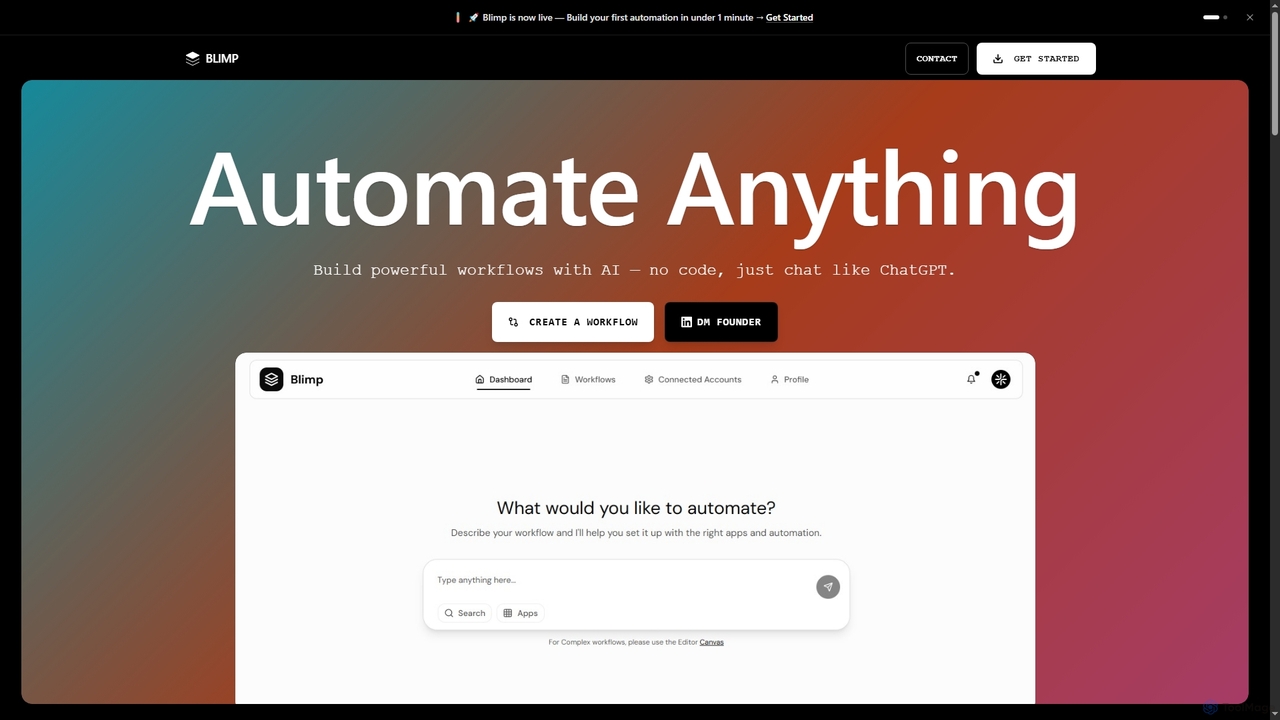
Blimp is an AI-powered, no-code workflow automation platform designed for everyone. It allows users to build powerful automations by simply describing their desired tasks in natural language, connecting seamlessly with popular applications to streamline daily operations.
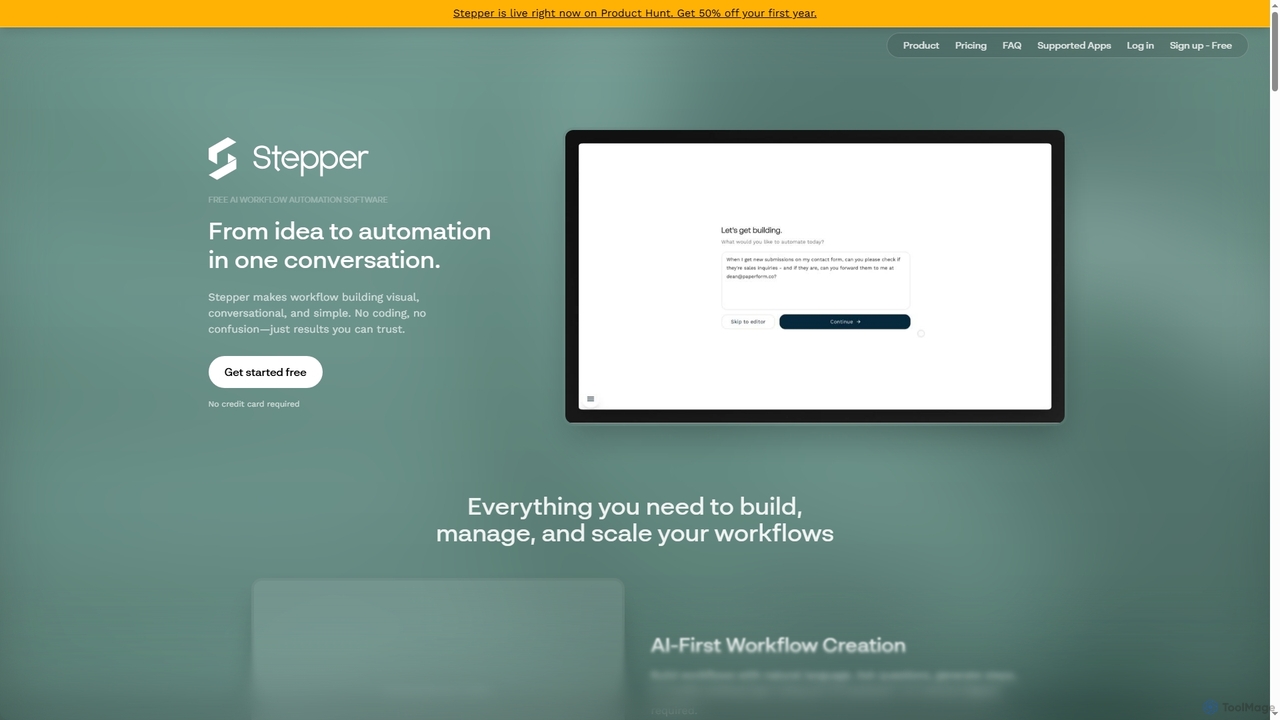
Stepper is a free AI-native workflow automation software designed to simplify complex business processes. It offers a visual, conversational, and no-code platform, allowing users to build, manage, and scale workflows using natural language and reusable components. Automate tasks efficiently and cost-effectively, from lead qualification to content distribution.
Compare product focus, pricing models and audiences. Highlighted rows indicate different listed information; unknown pricing does not mean free.
| Quick facts | Blimp | Stepper |
|---|---|---|
| Pricing model | No data available | Freemium |
| Product type | Web | Web |
| Primary focus | Task Automation | No Code Development |
| Audience and roles | Content Creator · Customer Support · Data Entry Specialist · HR Manager · Marketing Manager · Office Administrator · Operations Manager · Project Manager · Sales Representative · Small Business Owner | Business Owner · Customer Support Manager · Data Analyst · HR Manager · Marketing Manager · No-Code Developer · Office Administrator · Operations Manager · Project Manager · Sales Representative |
| Categories | Task Automation · No Code Development · Workflow Automation | No Code Development · Process Automation · Api Automation · Workflow Automation |
| Added | Nov 18, 2025 | Oct 30, 2025 |
| Updated | Nov 19, 2026 | Nov 19, 2026 |
Explore the listed product descriptions, features and workflows. Taxonomy labels alone are not feature evaluations.
Blimp is an innovative AI workflow automation tool that empowers individuals and teams to create powerful, custom workflows without writing a single line of code. By leveraging advanced artificial intelligence, Blimp transforms natural language descriptions into functional automations, making complex task management accessible to everyone. Users can simply chat with Blimp, much like they would with ChatGPT, to design, test, and deploy sophisticated workflows in minutes.
Using Blimp is straightforward and intuitive. Users begin by describing their desired workflow in plain English. Blimp's AI then interprets this description and automatically constructs the automation. The process involves three key steps: Design, where you articulate your needs; Test, to ensure the workflow functions as intended; and Deploy, to activate your automation. This conversational approach eliminates the need for technical knowledge, allowing anyone to start automating instantly.
Blimp is versatile and can be applied to a wide range of automation needs across various industries and roles. Common use cases include:
Blimp offers significant advantages over traditional automation tools, making it a preferred choice for many:
Stepper is an innovative AI-native workflow automation platform that transforms ideas into automated processes through intuitive conversations. It provides a visual, conversational, and simple environment for building workflows, eliminating the need for coding and ensuring reliable results. Designed from the ground up with AI at its core, Stepper offers a unique approach to automation, making it accessible and powerful for businesses of all sizes.
To use Stepper, you can start by signing up for a free account. The platform features an AI assistant that allows you to create and modify workflows using natural language—simply ask questions or describe the steps you need. For more granular control, you can utilize the visual editor to manually build, tweak, and understand your workflow logic. Leverage the modular, reusable components by building a library of common logic (like authentication or data transformations) and dropping them into multiple flows. You can also explore and utilize pre-built templates, such as the AI OCR PDF Invoices template, to quickly set up common automation tasks.
Stepper can be applied to a wide array of business processes to enhance efficiency and reduce manual effort. Common use cases include AI-powered lead qualification, automated receipt processing (e.g., AI OCR PDF Invoices), change notifications, approval workflows, meeting follow-ups, customer onboarding, content distribution, support ticket routing, contract management, webinar registration, sales pipeline automation, and survey response analysis. It's ideal for any recurring task that benefits from automation and integration across different applications.
Stepper stands out with its AI-native architecture, offering a truly conversational interface for workflow creation, unlike competitors that merely bolt on AI features. Its reusable components significantly reduce development time and effort by allowing users to build logic once and deploy it infinitely, avoiding repetitive rebuilding. The platform is highly cost-effective, especially with the Pro plan's unlimited steps and the option to bring your own API keys, providing significant savings compared to other automation tools. Stepper emphasizes simplicity and clarity, empowering users to automate complex tasks without any coding knowledge, leading to trustworthy and efficient results.
Stepper offers flexible pricing designed to be cost-effective for businesses:
All pricing is in USD. Credits are used for features incurring extra costs like AI steps, sending emails/SMS, and premium APIs, and they do not expire. The fair use policy for the Pro plan's unlimited steps means that if you regularly exceed 250,000 steps per month, Stepper will contact you to discuss a custom plan.
Their taxonomy shows where the products overlap and where each one has a more distinct focus. Unknown fields are shown explicitly and are never filled with assumptions.
Traffic is shown on the same scale so differences in market visibility are not visually understated.
Both charts share the same months and vertical scale. Each tool identifies its latest reporting month; missing months are left blank, not counted as zero. Regional and source visit counts are estimates calculated from the reported shares.
| Country/region | Percentage | Estimated visits |
|---|---|---|
| 🇺🇸United States | 94.2% | 231 |
| 🇭🇰Hong Kong | 5.8% | 14 |
| Country/region | Percentage | Estimated visits |
|---|---|---|
| 🇮🇳India | 30.02% | 8.1K |
| 🇺🇸United States | 29.29% | 7.9K |
| 🇻🇳Vietnam | 17.21% | 4.7K |
| 🇧🇷Brazil | 12.19% | 3.3K |
| 🇩🇪Germany | 11.29% | 3.1K |
Ratings, comments, favorites, and likes are community signals—not a substitute for product fit.
Stepper is an AI-native workflow automation platform designed to simplify the creation of automated processes for businesses. It's described as an AI-first alternative to tools like Zapier or Make, offering a more cost-effective solution for scaling automation.
In Stepper, a 'step' refers to a single action within a workflow. Examples include updating a CRM record, sending an email, or posting a message to Slack.
A 'component' in Stepper is a reusable set of steps. These can be bundled into a component library and then reused across multiple workflows. Components are ideal for abstracting common logic, repeated sequences of steps, or avoiding the need to reinvent solutions.
Credits in Stepper are tokens used for features that incur additional costs, such as AI steps, sending emails or SMS, and using premium APIs. If you run out of credits, any workflows dependent on them will automatically pause. Using AI features during workflow building (e.g., asking AI to explain or build) is free up to a daily quota, after which credits are spent. On the Pro plan, you can purchase additional credits from your dashboard, and these credits do not expire or reset monthly.
Stepper's fair use policy for the Pro plan's 'unlimited steps' is designed to be cost-effective for small businesses automating at scale. While there's no hard limit, if a user regularly exceeds 250,000 steps per month, Stepper will contact them to discuss a custom plan tailored to their needs. Accounts abusing the policy or violating terms of service may be terminated.
This page is assembled from ToolMage product listings, taxonomy, traffic statistics and on-site user feedback. It is not a hands-on test or an independent review.