Bugster
Code Quality
AI TOOL COMPARISON
What is the difference, and which fits your workflow? Compare features, usage, pricing models and traffic side by side.
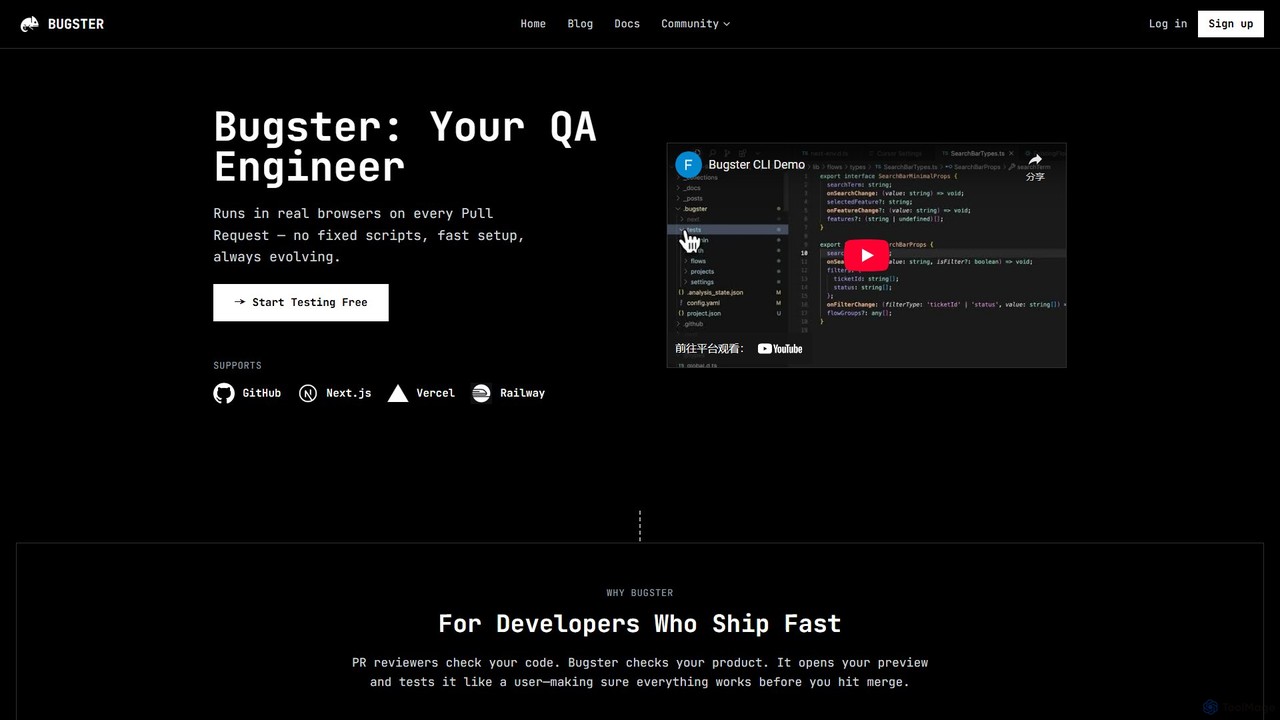
Bugster is an AI-powered QA engineer for developers that automates end-to-end testing. It runs on every pull request, simulating user interactions in real browsers to find bugs before they hit production. It offers automatic test generation, zero-effort maintenance, and seamless integration with GitHub and Vercel.
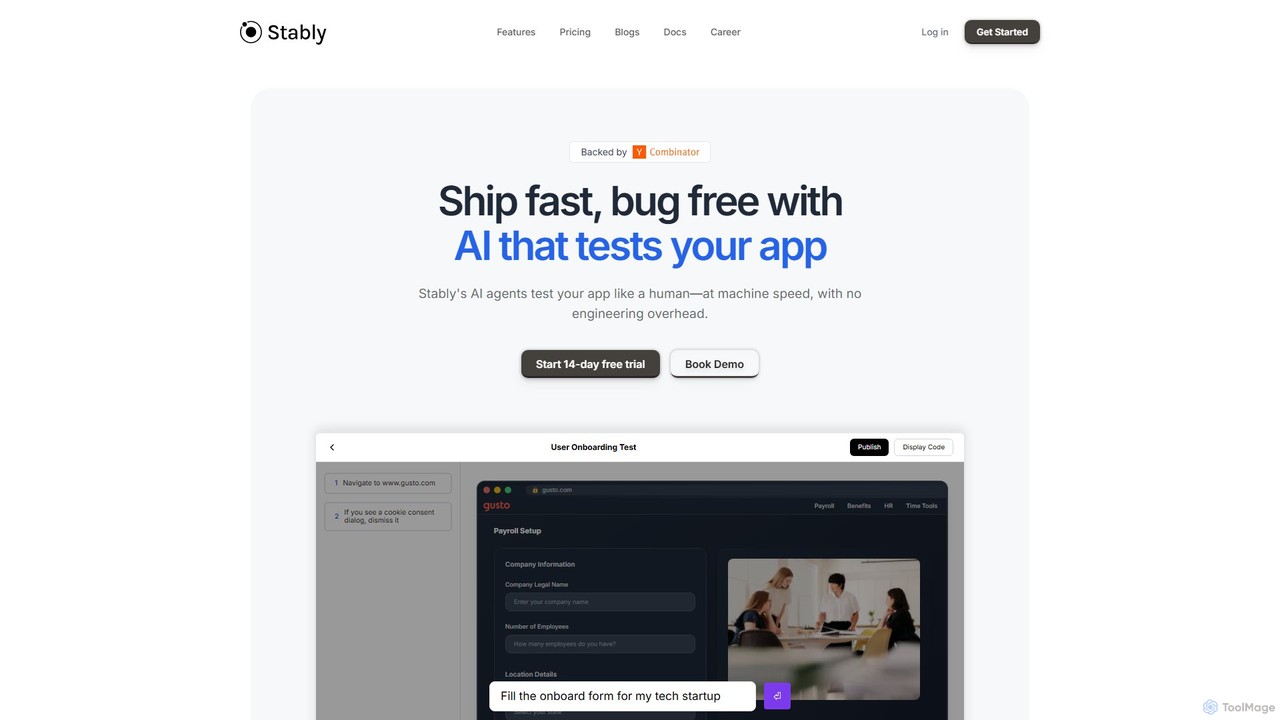
Stably is an AI-powered QA automation platform that enables development teams to ship bug-free web applications faster. It uses intelligent AI agents to test apps like a human, at machine speed, with no engineering overhead. Create, run, and automatically maintain tests using plain English, handling complex user flows and integrating seamlessly with your CI/CD pipeline.
Compare product focus, pricing models and audiences. Highlighted rows indicate different listed information; unknown pricing does not mean free.
| Quick facts | Bugster | Stably |
|---|---|---|
| Pricing model | Freemium | Freemium |
| Product type | Web | Web |
| Primary focus | Code Quality | No Code |
| Audience and roles | No data available | No data available |
| Categories | Code Quality · Testing · Automation | No Code · Testing · Automation |
| Added | Aug 11, 2025 | Aug 1, 2025 |
| Updated | Nov 19, 2026 | Nov 19, 2026 |
Explore the listed product descriptions, features and workflows. Taxonomy labels alone are not feature evaluations.
Bugster is a revolutionary AI-powered testing tool designed for modern development teams who prioritize speed and quality. It acts as an autonomous QA engineer that integrates directly into your development workflow, specifically within your pull requests (PRs). Instead of relying on brittle, manually-written test scripts, Bugster uses AI to automatically generate, maintain, and execute realistic end-to-end (E2E) tests. It checks your product by interacting with it like a real user in a live browser environment, ensuring that every change works perfectly before it gets merged into the main branch.
The core philosophy of Bugster is to make sophisticated testing effortless and invisible. It runs automatically as part of your CI/CD pipeline, evaluating your application in various environments, including GitHub PRs, Vercel previews, localhost, and staging servers. This ensures that tests are conducted exactly where they matter most, providing immediate and relevant feedback to developers.
Getting started with Bugster is designed to be quick and intuitive, taking only a few minutes. You can choose between two main setup methods:
1. Automatic Setup (GitHub App): This is the easiest way to get started. Simply connect the Bugster GitHub App to your repository. Bugster will then automatically sync with your project and begin running tests on new pull requests without any manual configuration.
2. Manual Setup (CLI-based): For developers who want more control or wish to test locally first, the CLI provides a powerful alternative.
- Install the Bugster CLI: Run a simple curl command provided in the documentation to install the command-line interface.
- Initialize your project: Navigate to your project directory and run `bugster init`. This sets up the necessary configuration files.
- Generate a test suite: Use the `bugster generate` command. The AI will analyze your application and create a suite of tests defined in human-readable YML format, which are then stored in your repository.
- Run tests locally: You can execute the generated tests on your local machine using `bugster run` to validate them before pushing.
- Connect to GitHub: Once you're ready, connect the GitHub App to enable automated testing on every PR.
After setup, on every pull request, Bugster automatically detects the relevant test cases, deploys its 'Destructive Agent' to stress-test your changes, runs the full suite in a real browser, and comments on the PR only if it finds a bug, complete with logs, visuals, and reproduction steps.
Bugster is ideal for various development scenarios:
- Agile and DevOps Teams: For teams practicing CI/CD, Bugster automates the QA process, allowing them to ship features faster and with greater confidence.
- Frontend-Heavy Applications: Projects built with frameworks like Next.js, Vercel, and React benefit immensely from automated UI and user-flow testing.
- Reducing QA Bottlenecks: Development teams can take ownership of quality without being burdened by test creation and maintenance, freeing up dedicated QA resources for more complex exploratory testing.
- Preventing Regressions: Automatically catch visual, functional, and interactive regressions before they are merged and deployed to production.
The primary advantage of Bugster is its ability to provide robust E2E testing without the traditional overhead. It combines speed, intelligence, and simplicity. Developers can focus on building features, knowing that a reliable AI QA engineer is constantly monitoring their work. The self-maintaining nature of the tests ensures the system doesn't become a technical debt liability. Furthermore, by only reporting on actual issues, it maintains a high signal-to-noise ratio, ensuring that developers pay attention when it matters.
Bugster operates on a freemium model. There is a generous Free Plan available that allows individual developers and small teams to start testing their projects immediately. This plan typically includes a certain number of test runs and basic features. For larger teams, enterprises, or projects with more demanding testing needs, Bugster offers Paid Plans that provide higher usage limits, advanced features like concurrent testing, priority support, and more. For the most up-to-date and detailed pricing information, please visit the official Bugster website.
Stably is a cutting-edge, AI-powered testing platform designed to revolutionize the quality assurance (QA) process for modern web applications. It empowers engineering and development teams to ship products faster and with greater confidence by automating the detection of bugs. Stably's core innovation lies in its use of sophisticated AI agents that can navigate and test applications just like a human user would, but with the speed and scalability of a machine. This approach significantly reduces the time and engineering resources traditionally spent on writing and maintaining brittle test scripts.
The platform is built for speed and efficiency, allowing teams to create robust tests 5-10x faster than with conventional methods. It caters to both technical and non-technical users by offering multiple ways to generate tests: writing instructions in plain English, recording user actions in a virtual machine, or for advanced cases, writing custom code. This flexibility ensures that everyone, from product managers to senior engineers, can contribute to a comprehensive testing strategy.
Getting started with Stably is designed to be a straightforward process that integrates smoothly into existing development workflows. Users can have their first test running in under five minutes.
1. Create Tests with Ease: The primary method is to describe the test you want to run in plain English. For example, you could instruct the AI to "Fill the onboard form for my tech startup" and provide the necessary details. Alternatively, you can use the browser extension to record a user flow, and Stably will automatically convert it into an editable test.
2. Run Tests on Demand or in CI/CD: Once created, tests can be executed on a schedule, triggered manually, or, most powerfully, integrated directly into your CI/CD pipeline (e.g., GitHub Actions). This ensures that every new code commit is automatically vetted for regressions and bugs before it reaches production. Stably is built to scale, supporting thousands of parallel test executions.
3. Leverage AI Auto-Maintenance: One of Stably's standout features is its self-healing capability. When your application's UI changes (e.g., button text, element IDs), traditional tests break. Stably's AI understands the context and intent of the test, automatically adapting to these changes and updating the test steps, saving teams countless hours of maintenance work.
4. Integrate and Collaborate: Stably tests can be version-controlled with Git, syncing them with your feature branches. This keeps your tests aligned with your codebase, making collaboration seamless for the entire team.
Stably is ideal for fast-moving companies that prioritize both development speed and application quality.
Stably offers a significant competitive edge over traditional testing tools and general-purpose AI models.
Stably offers flexible, usage-based pricing designed to scale with your needs, along with a 14-day free trial to get started.
Their taxonomy shows where the products overlap and where each one has a more distinct focus. Unknown fields are shown explicitly and are never filled with assumptions.
Traffic is shown on the same scale so differences in market visibility are not visually understated.
Both charts share the same months and vertical scale. Each tool identifies its latest reporting month; missing months are left blank, not counted as zero. Regional and source visit counts are estimates calculated from the reported shares.
| Country/region | Percentage | Estimated visits |
|---|---|---|
| 🇺🇸United States | 43.02% | 1.3K |
| 🇨🇱Chile | 22.04% | 652 |
| 🇵🇭Philippines | 15% | 444 |
| 🇻🇳Vietnam | 12.98% | 384 |
| 🇯🇵Japan | 6.96% | 206 |
| Country/region | Percentage | Estimated visits |
|---|---|---|
| 🇺🇸United States | 45.36% | 4.9K |
| 🇻🇳Vietnam | 24.72% | 2.7K |
| 🇧🇷Brazil | 12.81% | 1.4K |
| 🇮🇳India | 9.23% | 1K |
| 🇬🇧United Kingdom | 7.88% | 858 |
Ratings, comments, favorites, and likes are community signals—not a substitute for product fit.
This page is assembled from ToolMage product listings, taxonomy, traffic statistics and on-site user feedback. It is not a hands-on test or an independent review.