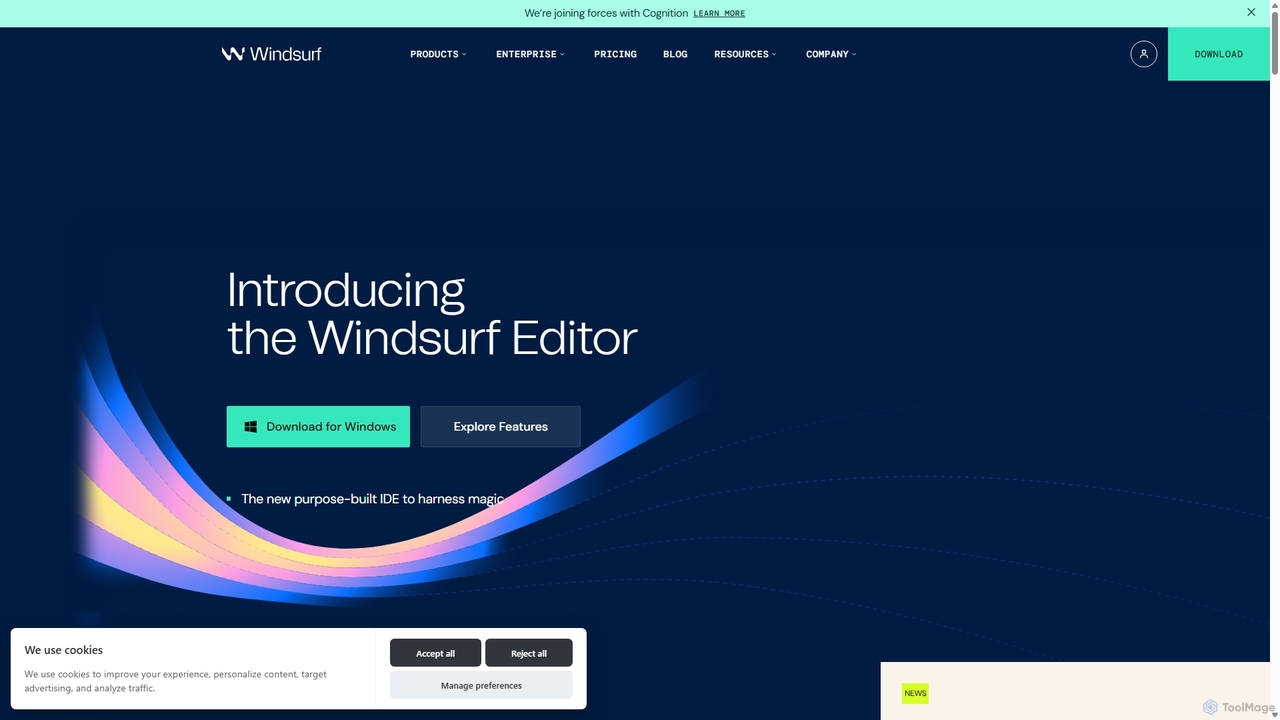
Codeium
Code Assistant
AI TOOL COMPARISON
What is the difference, and which fits your workflow? Compare features, usage, pricing models and traffic side by side.
Codeium is an AI-powered code acceleration toolkit that provides free, ultra-fast code completion, in-editor chat, and other intelligent features. It supports over 70 programming languages and integrates seamlessly with more than 40 popular IDEs to help developers code faster and more efficiently.
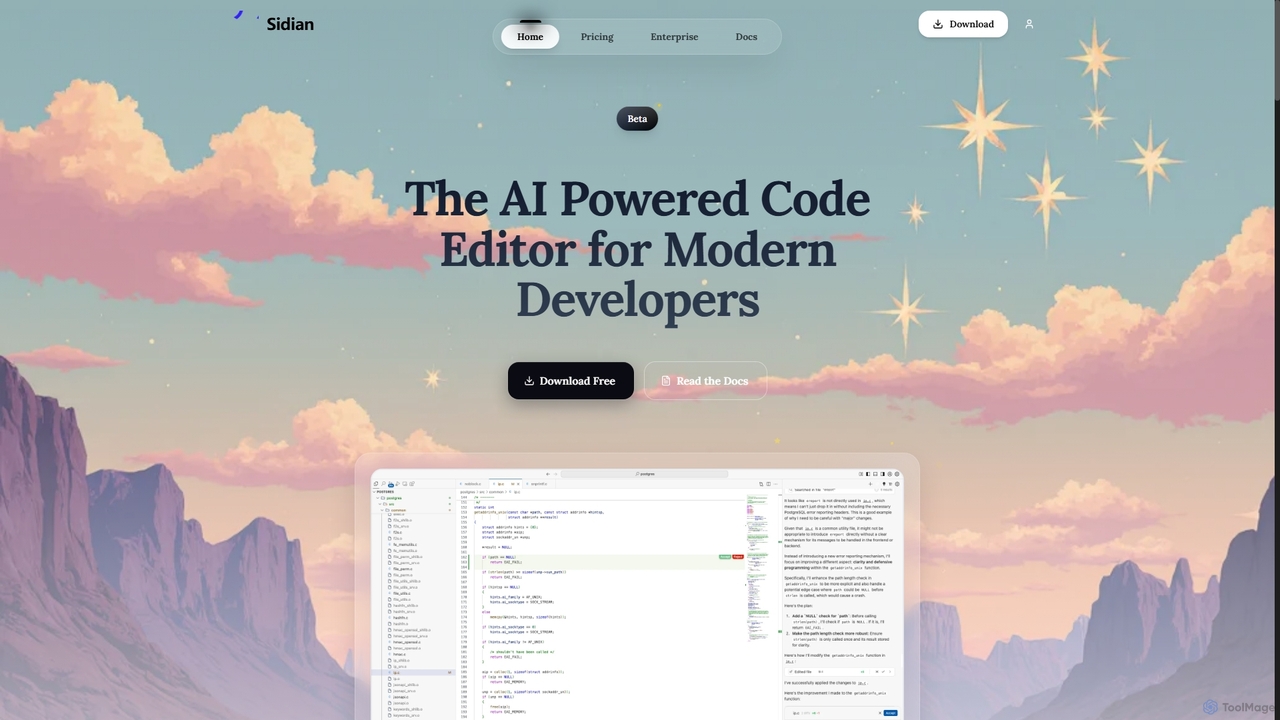
Sidian is an AI-powered code editor designed for modern developers. It features a sophisticated context engine that rapidly understands complex codebases, integrates with major AI providers like OpenAI and Google, and supports local models for enhanced privacy and flexibility.
Compare product focus, pricing models and audiences. Highlighted rows indicate different listed information; unknown pricing does not mean free.
| Quick facts | Codeium | Sidian |
|---|---|---|
| Pricing model | Freemium | Freemium |
| Product type | Extensions | App |
| Primary focus | Code Assistant | Code Generation |
| Audience and roles | Data Scientist · DevOps Engineer · Machine Learning Engineer · Mobile Developer · QA Engineer · Software Developer · Student · Web Developer | Backend Developer · Data Scientist · DevOps Engineer · Frontend Developer · Software Developer · Web Developer |
| Categories | Code Assistant · Developer Tools | Code Generation · Code Assistant · Developer Tools |
| Added | Sep 2, 2025 | Oct 21, 2025 |
| Updated | Nov 19, 2026 | Nov 19, 2026 |
Explore the listed product descriptions, features and workflows. Taxonomy labels alone are not feature evaluations.
Codeium is a modern AI-powered toolkit designed to accelerate the software development lifecycle. It functions as an intelligent assistant directly within a developer's integrated development environment (IDE), offering a suite of tools to enhance productivity and reduce repetitive tasks. Built on proprietary, in-house large language models, Codeium provides high-speed, context-aware code suggestions, making it a powerful alternative to other AI coding assistants. Its core mission is to provide robust AI capabilities to all developers, which is why it offers a comprehensive and unlimited free tier for individuals.
Getting started with Codeium is straightforward. First, you need to install the Codeium extension for your preferred IDE. Codeium supports over 40 IDEs, including Visual Studio Code, the entire JetBrains suite (IntelliJ, PyCharm, etc.), Eclipse, Jupyter Notebooks, and more. After installation and a quick authentication process, Codeium's features become active. The AI Autocomplete will start providing suggestions in grayed-out text as you type, which you can accept with a single keystroke (usually the Tab key). For more complex tasks, you can open the Codeium Chat panel. Here, you can ask questions, request code generation for specific functions, ask for code refactoring, get explanations for complex code blocks, or even get help with debugging.
Codeium is versatile and can be applied in various scenarios. Developers use it for rapid prototyping by generating boilerplate for web servers, database connections, or API clients. It's an excellent learning tool for those new to a language or framework, as the chat can provide instant explanations and examples. For debugging, you can paste error messages or code snippets and ask the AI for potential causes and fixes. It also excels at modernizing legacy code by refactoring it to use newer syntax or design patterns. Finally, it significantly boosts productivity in day-to-day tasks like writing documentation, generating unit tests, and completing repetitive coding patterns.
Codeium's primary advantage is its powerful, unlimited, and genuinely free tier for individual developers, which sets it apart from many competitors. It is renowned for its exceptional speed, delivering suggestions with minimal latency. The tool's extensive support for a wide range of IDEs ensures that developers can use it in their preferred environment. For organizations, the self-hosting option provides a critical advantage in terms of security and data privacy. By allowing personalization on a company's own codebase, Codeium becomes a deeply integrated and highly effective assistant that understands the unique context of the business.
Codeium offers a tiered pricing model to cater to different users:
Sidian is an advanced, AI-powered code editor built to enhance the productivity of modern software engineers. Its core is a powerful context engine that analyzes and understands your entire codebase—including files, symbols, and their relationships—in seconds. This deep understanding allows the AI to provide highly accurate and relevant assistance. Sidian is designed for flexibility, allowing developers to connect with their preferred AI providers such as OpenAI, Anthropic, and Google, or even run large language models locally. With features focused on enterprise-grade needs and developer-centric workflows, it aims to be an indispensable coding companion.
To get started with Sidian, download the application from the official website. Once installed, you can connect it to your preferred AI model provider (e.g., OpenAI, Google) or configure it to use a local LLM. Sidian will then index your project's codebase to build its contextual understanding. From there, you can leverage its features directly within the editor: use inline editing to refactor code with simple text prompts, get context-aware suggestions via tab completion, manage your tasks with the integrated todo list, and let the AI automatically detect and highlight linting issues in the code it generates.
Sidian is ideal for developers looking to accelerate their workflow. It excels at quickly onboarding developers to new or complex codebases by providing instant context. It can be used for rapid prototyping, refactoring legacy code, debugging complex issues by suggesting fixes, and writing cleaner, more consistent code by following predefined rules. It also serves as a powerful learning tool for junior developers, offering suggestions that align with best practices.
The primary advantage of Sidian is its deep, contextual understanding of code, which leads to more precise and useful AI suggestions compared to other tools. Its model-agnostic approach gives developers the freedom to choose the best AI for their needs, including private, local models. The 'Memories & Rules' feature provides a highly personalized experience that adapts to individual and team workflows. Furthermore, its focus on privacy with a zero code retention policy makes it a trustworthy choice for professional and enterprise environments.
Sidian is currently in a free beta period, offering a Pro Trial for 14 days that includes all premium features. Official pricing for the Pro and Enterprise plans is listed as 'Coming soon'. The planned tiers are:
Their taxonomy shows where the products overlap and where each one has a more distinct focus. Unknown fields are shown explicitly and are never filled with assumptions.
Traffic is shown on the same scale so differences in market visibility are not visually understated.
Both charts share the same months and vertical scale. Each tool identifies its latest reporting month; missing months are left blank, not counted as zero. Regional and source visit counts are estimates calculated from the reported shares.
| Country/region | Percentage | Estimated visits |
|---|---|---|
| 🇳🇬Nigeria | 42.03% | 9.9K |
| 🇺🇸United States | 21.47% | 5.1K |
| 🇹🇭Thailand | 16.2% | 3.8K |
| 🇲🇽Mexico | 10.18% | 2.4K |
| 🇩🇪Germany | 10.12% | 2.4K |
| Country/region | Percentage | Estimated visits |
|---|---|---|
| 🇺🇸United States | 39.16% | 678 |
| 🇨🇭Switzerland | 31.23% | 541 |
| 🇧🇷Brazil | 29.61% | 513 |
Ratings, comments, favorites, and likes are community signals—not a substitute for product fit.
According to the pricing page, you can access the Pro features by downloading the Sidian Beta. The Pro Trial is free for 14 days during the beta period.
Yes, the pricing page explicitly lists 'Local LLM Support' as a feature available in the Pro Trial, Pro, and Enterprise plans. This allows you to run AI models on your own machine for enhanced privacy and offline use.
The 'Zero code retention' policy, mentioned as a privacy feature on the pricing page, means that Sidian does not store or keep any of your code on its servers, ensuring your intellectual property remains private.
The Context Engine is Sidian's core technology. As described on the homepage, it works by indexing your codebase's files, symbols, and their relationships. It uses techniques like Semantic Embeddings, RAG Retrieval, and Architecture Graphs to give the AI a deep, unified understanding of your project, resulting in more precise and reliable assistance.
MCP Support, as mentioned on the homepage, allows you to connect various tools and services to enhance your workflows with a simple, one-click setup. It acts as an integration hub within the editor.
This page is assembled from ToolMage product listings, taxonomy, traffic statistics and on-site user feedback. It is not a hands-on test or an independent review.