ToolMage
Sign in

AI TOOL COMPARISON

Sidian vs XcodeChatGPT

What is the difference, and which fits your workflow? Compare features, usage, pricing models and traffic side by side.

Jump to key differences

Product overview

Sidian Product overview

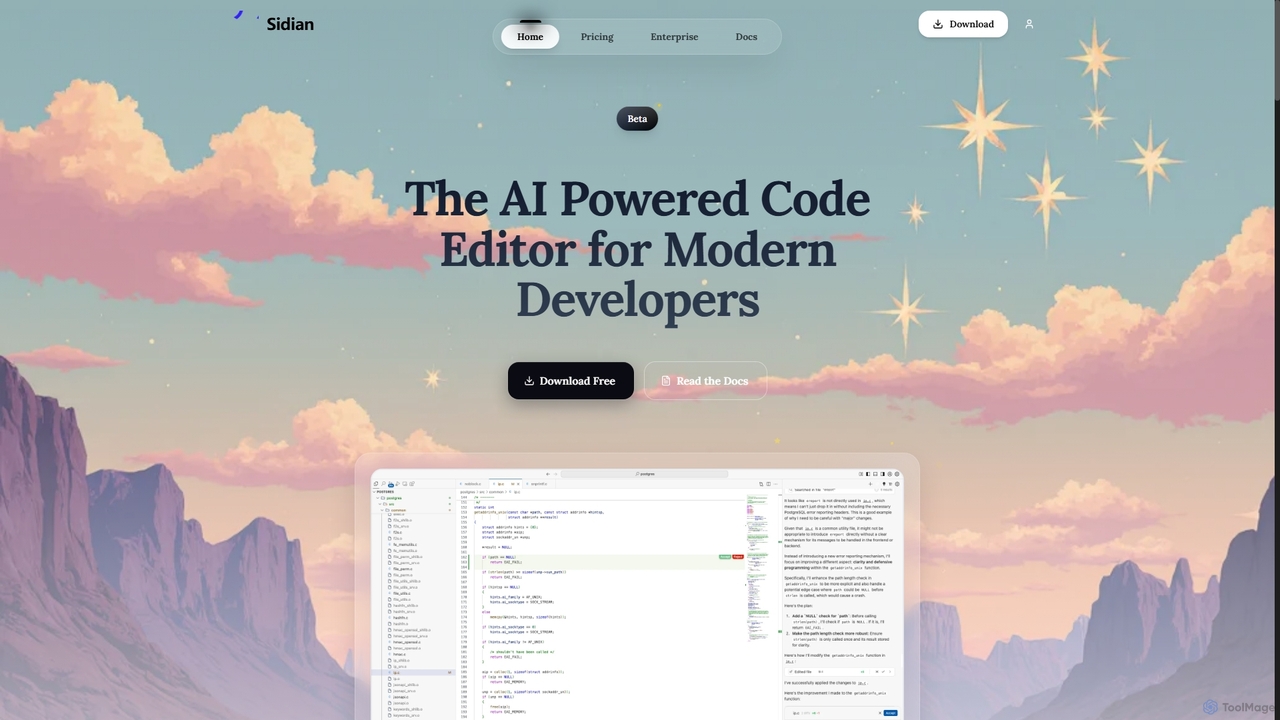
Sidian is an AI-powered code editor designed for modern developers. It features a sophisticated context engine that rapidly understands complex codebases, integrates with major AI providers like OpenAI and Google, and supports local models for enhanced privacy and flexibility.

Preview

XcodeChatGPT Product overview

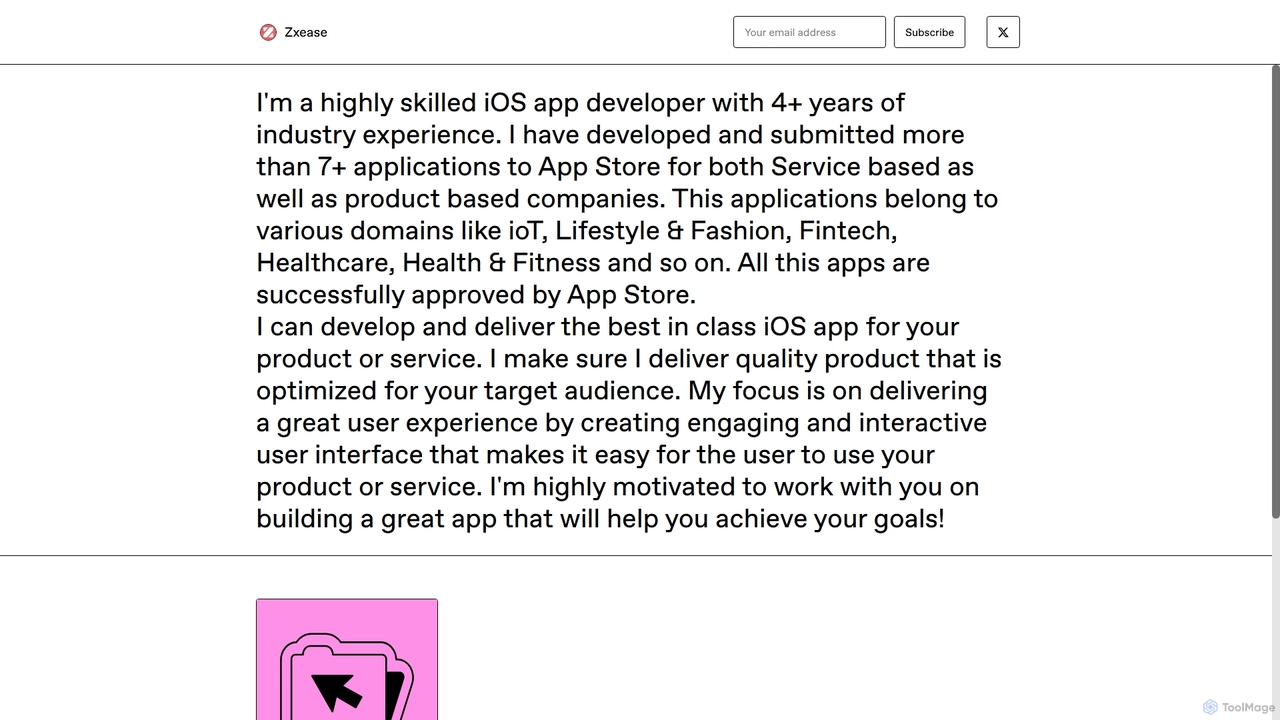
XcodeChatGPT is a powerful AI-powered code assistant that integrates directly into Xcode. It supercharges Swift development by helping developers write, debug, refactor, and understand code faster. Generate code snippets, get explanations, and resolve errors without leaving your IDE.

Preview

Quick facts

Compare product focus, pricing models and audiences. Highlighted rows indicate different listed information; unknown pricing does not mean free.

Sidian VS XcodeChatGPT — Quick facts
Quick factsSidianXcodeChatGPT
Pricing modelFreemiumPaid
Product typeAppExtensions
Primary focusCode GenerationCode Generation
Audience and rolesBackend Developer · Data Scientist · DevOps Engineer · Frontend Developer · Software Developer · Web DeveloperApple Developer · iOS Developer · Mobile App Developer · Software Developer · Swift Developer
CategoriesCode Generation · Code Assistant · Developer ToolsCode Generation · Code Assistant · Developer Tools
AddedOct 21, 2025Sep 16, 2025
UpdatedNov 19, 2026Nov 19, 2026

Features, usage and use cases

Explore the listed product descriptions, features and workflows. Taxonomy labels alone are not feature evaluations.

Sidian

Sidian is an advanced, AI-powered code editor built to enhance the productivity of modern software engineers. Its core is a powerful context engine that analyzes and understands your entire codebase—including files, symbols, and their relationships—in seconds. This deep understanding allows the AI to provide highly accurate and relevant assistance. Sidian is designed for flexibility, allowing developers to connect with their preferred AI providers such as OpenAI, Anthropic, and Google, or even run large language models locally. With features focused on enterprise-grade needs and developer-centric workflows, it aims to be an indispensable coding companion.

How to use Sidian

To get started with Sidian, download the application from the official website. Once installed, you can connect it to your preferred AI model provider (e.g., OpenAI, Google) or configure it to use a local LLM. Sidian will then index your project's codebase to build its contextual understanding. From there, you can leverage its features directly within the editor: use inline editing to refactor code with simple text prompts, get context-aware suggestions via tab completion, manage your tasks with the integrated todo list, and let the AI automatically detect and highlight linting issues in the code it generates.

Core Features of Sidian

  • Unified Context Engine: Rapidly indexes files, symbols, and relationships to provide the AI with a deep understanding of the entire codebase.
  • BYOM (Bring Your Own Model): Integrates with popular AI providers like OpenAI, Anthropic, and Google, and supports running local LLMs for full control and privacy.
  • Memories & Rules: Remembers key information about your codebase and workflow preferences (e.g., preferred language, commit conventions) to personalize its assistance.
  • Inline Editing: Select a block of code, type a request, and Sidian will preview and apply the AI-generated changes instantly.
  • AI-Aware Tab Completion: Offers intelligent code completion that understands data types, coding patterns, and project-specific context.
  • Lint Detection: Automatically identifies and flags potential issues or errors in the code generated by the AI.
  • MCP Support: Allows for one-click setup to connect various tools and services, enhancing your development workflow.
  • Zero Code Retention Policy: Ensures user privacy by not storing or retaining any of the user's code.

Use Cases for Sidian

Sidian is ideal for developers looking to accelerate their workflow. It excels at quickly onboarding developers to new or complex codebases by providing instant context. It can be used for rapid prototyping, refactoring legacy code, debugging complex issues by suggesting fixes, and writing cleaner, more consistent code by following predefined rules. It also serves as a powerful learning tool for junior developers, offering suggestions that align with best practices.

Advantages of Sidian

The primary advantage of Sidian is its deep, contextual understanding of code, which leads to more precise and useful AI suggestions compared to other tools. Its model-agnostic approach gives developers the freedom to choose the best AI for their needs, including private, local models. The 'Memories & Rules' feature provides a highly personalized experience that adapts to individual and team workflows. Furthermore, its focus on privacy with a zero code retention policy makes it a trustworthy choice for professional and enterprise environments.

Pricing and Plans

Sidian is currently in a free beta period, offering a Pro Trial for 14 days that includes all premium features. Official pricing for the Pro and Enterprise plans is listed as 'Coming soon'. The planned tiers are:

  • Pro Trial (Free): Includes the Context Engine, MCP Support, Local LLM Support, and a zero code retention policy.
  • Pro (Coming Soon): Designed for professional developers and teams, adding Priority Support.
  • Enterprise (Coming Soon): Offers on-premise deployment, 24/7 dedicated support, custom integrations, and SLA guarantees.

XcodeChatGPT

XcodeChatGPT is a revolutionary AI-powered coding assistant designed by Zxease, an experienced iOS developer, to seamlessly integrate with Xcode and supercharge the Swift development workflow. This powerful extension brings the advanced capabilities of ChatGPT directly into your favorite IDE, allowing you to write, debug, refactor, and understand code with unprecedented speed and efficiency. It's an indispensable tool for any developer working within the Apple ecosystem, from beginners trying to learn Swift to seasoned professionals building complex applications.

By embedding AI assistance directly into the development environment, XcodeChatGPT eliminates the need for constant context switching between your code and a web browser. This streamlined process not only saves valuable time but also helps maintain focus and flow, leading to higher-quality code and increased productivity. Whether you're stuck on a complex algorithm, need to generate boilerplate code, or want to understand a legacy codebase, XcodeChatGPT is your intelligent partner, ready to assist at a moment's notice.

How to use XcodeChatGPT

Getting started with XcodeChatGPT is a straightforward process designed to get you up and running quickly:

  1. Purchase and Download: Acquire the tool from the official Gumroad page. You will receive a download link for the extension files.
  2. Installation: Follow the provided installation guide. This typically involves placing the extension file into the appropriate Xcode directory and granting necessary permissions on your macOS.
  3. Activation: Launch or restart Xcode. The XcodeChatGPT extension should now be available, often accessible through a new menu item, a toolbar icon, or via keyboard shortcuts.
  4. Interaction: To use the tool, you can typically highlight a block of Swift code and right-click to access a context menu with options like 'Explain Code', 'Find Bugs', or 'Refactor'. Alternatively, you can open a dedicated panel to type natural language prompts, such as "Write a SwiftUI view for a user login screen" or "Create a network manager class to fetch JSON data from an API".

Core Features of XcodeChatGPT

  • Intelligent Code Generation: Go beyond simple snippets. Generate entire functions, classes, SwiftUI views, and even unit tests based on natural language descriptions.
  • In-depth Code Explanation: Select any piece of code, and the AI will provide a detailed, easy-to-understand explanation of its functionality, logic, and potential side effects.
  • Advanced Debugging Assistance: Paste error messages or problematic code, and XcodeChatGPT will analyze them to suggest potential causes and concrete solutions, drastically reducing debugging time.
  • Smart Refactoring and Optimization: Get AI-powered suggestions to improve your code's readability, performance, and adherence to Swift best practices. Convert legacy code to modern syntax, like using async/await.
  • Unit Test Generation: Automatically create test cases for your functions and logic, helping you improve code coverage and ensure reliability with ease.
  • Seamless Xcode Integration: Designed to feel like a native part of Xcode, ensuring a smooth and uninterrupted workflow without ever having to leave your IDE.

Use Cases for XcodeChatGPT

XcodeChatGPT is versatile and benefits developers at all levels:

  • Junior Developers: Acts as a 24/7 mentor, helping them learn Swift, understand complex codebases, and adopt industry best practices faster.
  • Senior Developers: Serves as a productivity multiplier, automating tedious tasks like writing boilerplate code and unit tests, freeing them to focus on high-level architecture and complex problem-solving.
  • Development Teams: Helps standardize code quality, accelerate code reviews by quickly explaining complex sections, and meet tight project deadlines.
  • Rapid Prototyping: Quickly scaffold new application ideas and features, allowing for faster iteration and validation of concepts.

Advantages of XcodeChatGPT

Integrating this tool into your workflow offers significant benefits:

  • Massive Productivity Boost: Write and debug code significantly faster, accelerating your entire development lifecycle.
  • Enhanced Code Quality: Produce cleaner, more efficient, and less error-prone code with AI-driven suggestions and refactoring.
  • Reduced Cognitive Load: Offload repetitive and mentally taxing tasks to the AI, allowing you to conserve mental energy for creative and critical thinking.
  • Accelerated Learning: Quickly grasp new concepts, APIs, and frameworks with instant, context-aware explanations.
  • Cost-Effective: A one-time purchase provides a permanent and powerful upgrade to your development toolkit, offering an exceptional return on investment.

Pricing and Plans

XcodeChatGPT is available for a one-time purchase starting at $17+. This is a 'pay-what-you-want' model, which means you can choose to pay the base price or contribute more to support the ongoing development of the tool. This single payment grants you lifetime access to the extension and its future updates.

Positioning

Their taxonomy shows where the products overlap and where each one has a more distinct focus. Unknown fields are shown explicitly and are never filled with assumptions.

Categories

Shared
Code GenerationCode AssistantDeveloper Tools
Only Sidian
No listed items
Only XcodeChatGPT
No listed items

Tags

Shared
code generationdebuggingdeveloper toolrefactoring
Only Sidian
ai coding assistantanthropiccode completioncode editorgoogle geminilocal llmOpenAI
Only XcodeChatGPT
AI code assistantapple developmentchatgptiOS developmentmacosswiftSwiftUIXcode

Audience and roles

Shared
Software Developer
Only Sidian
Backend DeveloperData ScientistDevOps EngineerFrontend DeveloperWeb Developer
Only XcodeChatGPT
Apple DeveloperiOS DeveloperMobile App DeveloperSwift Developer

Traffic comparison

Traffic is shown on the same scale so differences in market visibility are not visually understated.

How to interpret the traffic data

Both charts share the same months and vertical scale. Each tool identifies its latest reporting month; missing months are left blank, not counted as zero. Regional and source visit counts are estimates calculated from the reported shares.

Sidian monthly traffic:

Latest traffic · 2026-05

Monthly visits
1.7K
Avg. visit duration
0:00
Pages per visit
1.07
Bounce rate
36.6%
Data updated 2026-06-15

Monthly traffic trend

  • 2025-09: 860
  • 2026-01: 5.8K
  • 2026-02: 2.7K
  • 2026-03: 964
  • 2026-04: 487
  • 2026-05: 1.7K

Top regions

Top 5 countries/regions
Country/regionPercentageEstimated visits
🇺🇸United States39.16%678
🇨🇭Switzerland31.23%541
🇧🇷Brazil29.61%513

Search keywords

kimi 2.6 localobsidian comman palltetr shortcutobsidian open command palettesidiansidian inc

XcodeChatGPT

No data available

Community signals

Ratings, comments, favorites, and likes are community signals—not a substitute for product fit.

Sidian

Rating
No data available
Comments
0
Favorites
164
Likes
160

XcodeChatGPT

Rating
No data available
Comments
0
Favorites
210
Likes
175

Sidian vs XcodeChatGPT · Comparison FAQ

What do Sidian and XcodeChatGPT have in common?
Both tools are listed under Code Generation、Code Assistant、Developer Tools. These categories indicate overlapping use cases; compare their detailed descriptions for workflows, capabilities and limitations.
Are Sidian and XcodeChatGPT free?
Listed pricing models: Sidian — Freemium; XcodeChatGPT — Paid. Missing pricing is not proof of a free plan, and freemium does not mean every feature is free. Check official sites for current plans, limits and trials.
How should I choose between Sidian and XcodeChatGPT?
The primary listed category is Code Generation for Sidian, and Code Generation for XcodeChatGPT. Compare features, steps and use cases, then verify pricing, data permissions and deployment needs. This page does not include hands-on testing and does not declare a winner from traffic or tags.

Sidian · Comparison FAQ

How do I get access to the Pro Trial?

According to the pricing page, you can access the Pro features by downloading the Sidian Beta. The Pro Trial is free for 14 days during the beta period.

Does Sidian support running models locally (Local LLM)?

Yes, the pricing page explicitly lists 'Local LLM Support' as a feature available in the Pro Trial, Pro, and Enterprise plans. This allows you to run AI models on your own machine for enhanced privacy and offline use.

What does 'Zero code retention' mean?

The 'Zero code retention' policy, mentioned as a privacy feature on the pricing page, means that Sidian does not store or keep any of your code on its servers, ensuring your intellectual property remains private.

What is the Context Engine?

The Context Engine is Sidian's core technology. As described on the homepage, it works by indexing your codebase's files, symbols, and their relationships. It uses techniques like Semantic Embeddings, RAG Retrieval, and Architecture Graphs to give the AI a deep, unified understanding of your project, resulting in more precise and reliable assistance.

What is MCP Support?

MCP Support, as mentioned on the homepage, allows you to connect various tools and services to enhance your workflows with a simple, one-click setup. It acts as an integration hub within the editor.

Sources and comparison methodology

This page is assembled from ToolMage product listings, taxonomy, traffic statistics and on-site user feedback. It is not a hands-on test or an independent review.

  • Feature and plan descriptions reflect information in the listings, not real-time guarantees. Verify pricing, quotas, availability and privacy terms on the official sites.
  • Traffic uses the reporting months shown. Missing statistics do not mean zero visits, and different periods do not establish growth or superiority. Regional and source visit counts are estimates based on shares.
  • Different tags indicate differences in the listings, not proof that the other product lacks a capability. Ratings, favorites and visits are not used to declare a winner.

Related comparisons