Courseau
Learning And Development
AI TOOL COMPARISON
What is the difference, and which fits your workflow? Compare features, usage, pricing models and traffic side by side.
Learning And Development
Course Creation
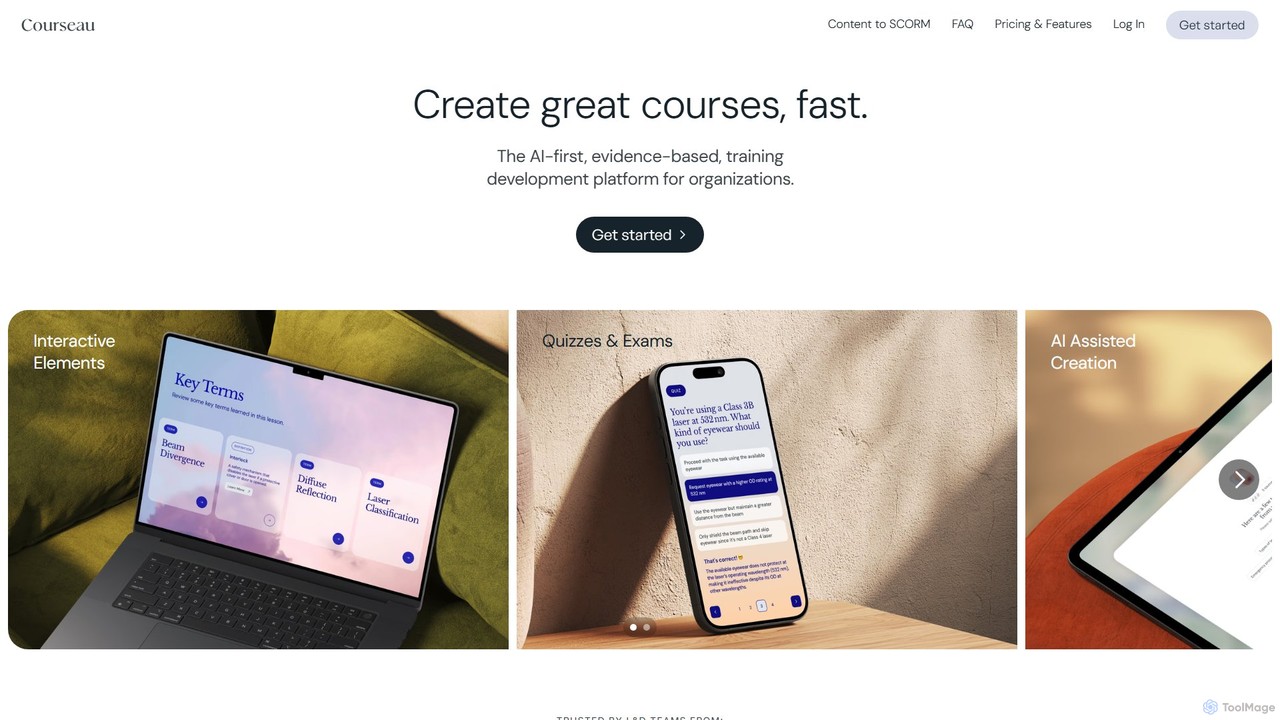
Courseau is an AI-first training development platform designed for organizations. It enables anyone, regardless of design experience, to rapidly create engaging, evidence-based courses from existing content like documents, videos, or audio files. It automates the creation of slides, quizzes, and narration, significantly reducing development time and costs.
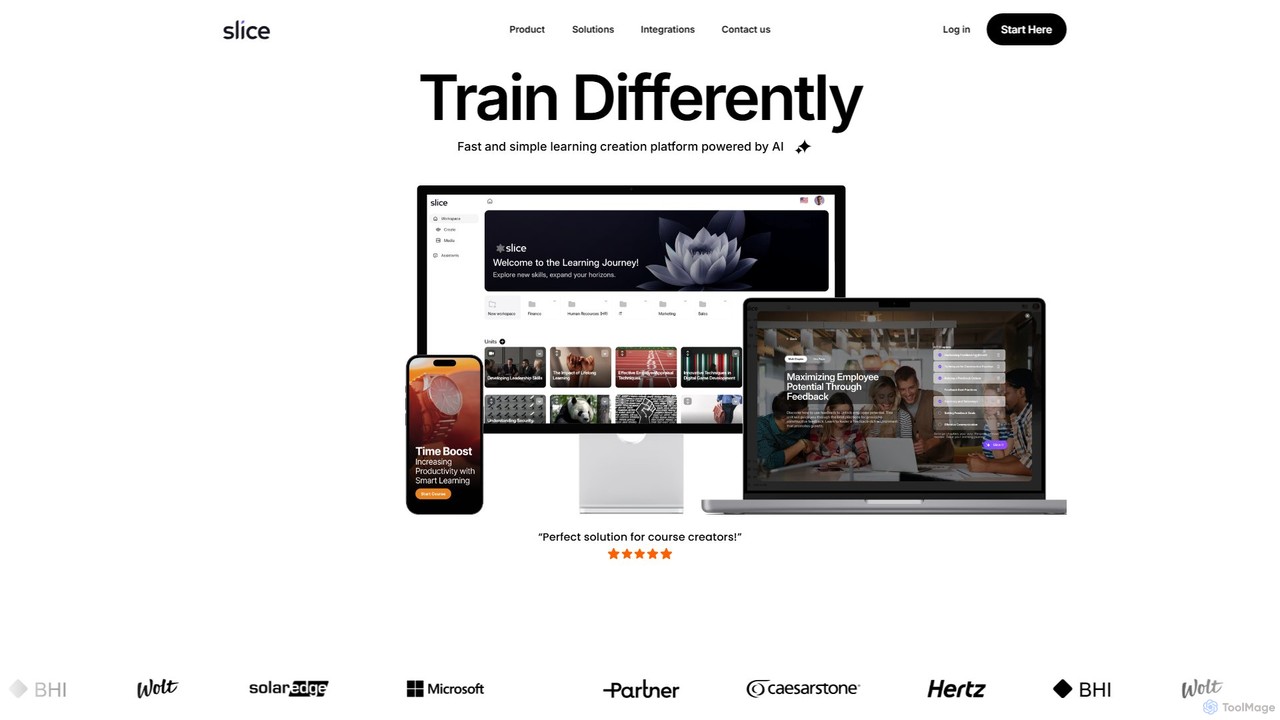
Slice Knowledge is an AI-powered platform designed for rapid learning content creation. It enables HR, L&D teams, educators, and enterprises to quickly generate interactive, SCORM-compliant courses from documents, topics, or scratch. Features include AI assistants, multi-language support, and integrated media tools.
Compare product focus, pricing models and audiences. Highlighted rows indicate different listed information; unknown pricing does not mean free.
| Quick facts | Courseau | Slice Knowledge |
|---|---|---|
| Pricing model | Freemium | Paid |
| Product type | Web | Web |
| Primary focus | Learning And Development | Course Creation |
| Audience and roles | No data available | No data available |
| Categories | Learning And Development · Course Creation · Corporate Training | Course Creation · Lead Generation · Corporate Training |
| Added | Aug 12, 2025 | Aug 5, 2025 |
| Updated | Nov 19, 2026 | Nov 19, 2026 |
Explore the listed product descriptions, features and workflows. Taxonomy labels alone are not feature evaluations.
Courseau is a revolutionary AI-first, evidence-based training development platform built for modern organizations. It empowers Learning & Development (L&D) teams, Subject Matter Experts (SMEs), and HR managers to transform raw content into professional, engaging courses in minutes, not weeks. By leveraging advanced AI, Courseau automates the entire course creation workflow, from outlining and content structuring to generating interactive elements and multimedia, making it a game-changer for corporate training.
The process of creating a course with Courseau is designed for speed and simplicity, requiring no prior instructional design skills.
1. Upload Your Sources: Begin by securely uploading your existing company content. Courseau accepts a wide range of formats, including PDFs, PowerPoint presentations (PPTx), video files, audio clips (MP3), and even web links. You can use a single source or combine multiple files for a comprehensive course.
2. AI-Powered Generation: The platform's AI analyzes your source material. It automatically generates a structured course outline (storyboard), creates a first draft of the slides with logical flow, extracts or generates relevant images, and writes interactive quiz questions and key takeaways.
3. Review and Refine: Use the intuitive drag-and-drop editor to easily review and refine the AI-generated content. You can edit text, swap images, and adjust quiz questions. The platform supports real-time collaboration, allowing team members to comment, review, and approve content together.
4. Customize and Brand: Apply your company's branding with custom themes, colors, and fonts to ensure consistency across all your training materials (available in team plans).
5. Export and Share: Once your course is ready, share it in the format that best suits your team's learning style. Export options include a shareable web link, QR code, PDF, audio playlist, and a fully editable PowerPoint (PPTx) file. For formal training programs, you can export the course as a SCORM package for seamless integration with your Learning Management System (LMS).
Courseau is versatile and ideal for various corporate training needs:
- Leadership & Professional Development: Quickly create modules on management skills, communication, and professional growth.
- Compliance & Risk Mitigation: Efficiently develop and update mandatory compliance training on topics like data security, privacy, and workplace safety.
- Product Knowledge & Sales Enablement: Equip sales teams with up-to-date product information and sales techniques by converting spec sheets and marketing materials into interactive training.
- Process & SOP Training: Standardize internal processes by turning Standard Operating Procedure (SOP) documents into clear, easy-to-follow instructional courses.
Courseau offers significant advantages over traditional course creation tools like Articulate 360. It is built to be AI-first, not just AI-assisted, meaning it handles the heavy lifting of course structuring and design. This leads to a 10-50x faster production cycle and a reported 80% reduction in training development overhead. Its key strength lies in empowering non-designers (SMEs, HR) to create pedagogically sound content without an e-learning background. Furthermore, the ability to export to a fully editable PowerPoint file prevents vendor lock-in and provides ultimate content flexibility.
Courseau offers flexible plans with a 14-day free trial (no credit card required).
- SME & Individual Plan: Priced at $39/month or $32/month when billed annually. It includes 120 credits per year, with 1 credit building a full lesson of up to 15 slides. This plan is ideal for experts, coaches, and occasional use.
- Team & Enterprise Plan: Custom volume pricing (starting at $890/license/year) for organizations scaling their learning departments. It includes 300 credits per license, higher usage limits, and advanced features like SCORM/PPTx export, custom branding, priority support, SSO, and custom onboarding.
- Credit Packs: Additional credits can be purchased as needed, starting from 50 credits for $100.
Slice Knowledge is a revolutionary AI-powered learning creation platform that transforms the way educational and training content is developed. It is specifically designed to serve HR and L&D teams, educators, experts, and enterprises, providing a fast, simple, and efficient solution for creating engaging learning experiences. The platform streamlines the entire course creation process, from initial concept to final delivery, making it an ideal tool for anyone looking to produce high-quality training materials without a steep learning curve.
Using Slice Knowledge is an intuitive process. Users can start by choosing from several content creation methods. You can generate a complete learning unit by simply providing a topic, and the AI will leverage its vast knowledge base to build the course structure and content. Alternatively, you can upload your existing documents—such as PDFs, Word files, or presentations—and the platform will automatically convert them into interactive, responsive, and SCORM-compliant learning modules. Once the base content is ready, you can extensively customize it using the unlimited designer, apply custom CSS, and enrich it with interactive blocks, videos, and quizzes. The platform also allows for the creation of custom AI assistants trained on your own data to provide personalized support to learners.
Slice Knowledge is versatile and caters to a wide range of users. For HR and L&D teams, it's perfect for rapidly developing employee onboarding programs, compliance training (e.g., safety, data privacy), and soft skills or well-being courses. Educators and subject matter experts can use it to quickly turn their knowledge into professional online courses to sell or share. Training content agencies can leverage the platform to streamline their production workflow, delivering high-quality courses to clients faster. For enterprises, it offers a scalable solution for creating and managing large-scale, branded training programs, with options for private cloud deployment and white-labeling.
The primary advantage of Slice Knowledge is its incredible speed and efficiency, significantly reducing course development time. It's an all-in-one solution that combines content creation, instructional design, media integration, and AI assistance. This eliminates the need for multiple disparate tools. The platform produces highly engaging and interactive content, which leads to better learning outcomes and knowledge retention. Its scalability and customization options make it a flexible choice for everyone from individual course creators to large corporations.
Slice Knowledge operates on a subscription-based model, offering both monthly and annual plans. While specific pricing tiers are not detailed on the website, the service is a paid one. They offer a 14-day conditional refund period where customers can receive a 50% refund. For detailed information on the different plans and their features, it is recommended to visit the official website or contact their sales team to book a demo.
Their taxonomy shows where the products overlap and where each one has a more distinct focus. Unknown fields are shown explicitly and are never filled with assumptions.
Traffic is shown on the same scale so differences in market visibility are not visually understated.
Both charts share the same months and vertical scale. Each tool identifies its latest reporting month; missing months are left blank, not counted as zero. Regional and source visit counts are estimates calculated from the reported shares.
| Country/region | Percentage | Estimated visits |
|---|---|---|
| 🇺🇸United States | 94.96% | 1.3K |
| 🇮🇳India | 5.04% | 71 |
No data available
Ratings, comments, favorites, and likes are community signals—not a substitute for product fit.
This page is assembled from ToolMage product listings, taxonomy, traffic statistics and on-site user feedback. It is not a hands-on test or an independent review.