Creatr
Low Code No Code
AI TOOL COMPARISON
What is the difference, and which fits your workflow? Compare features, usage, pricing models and traffic side by side.
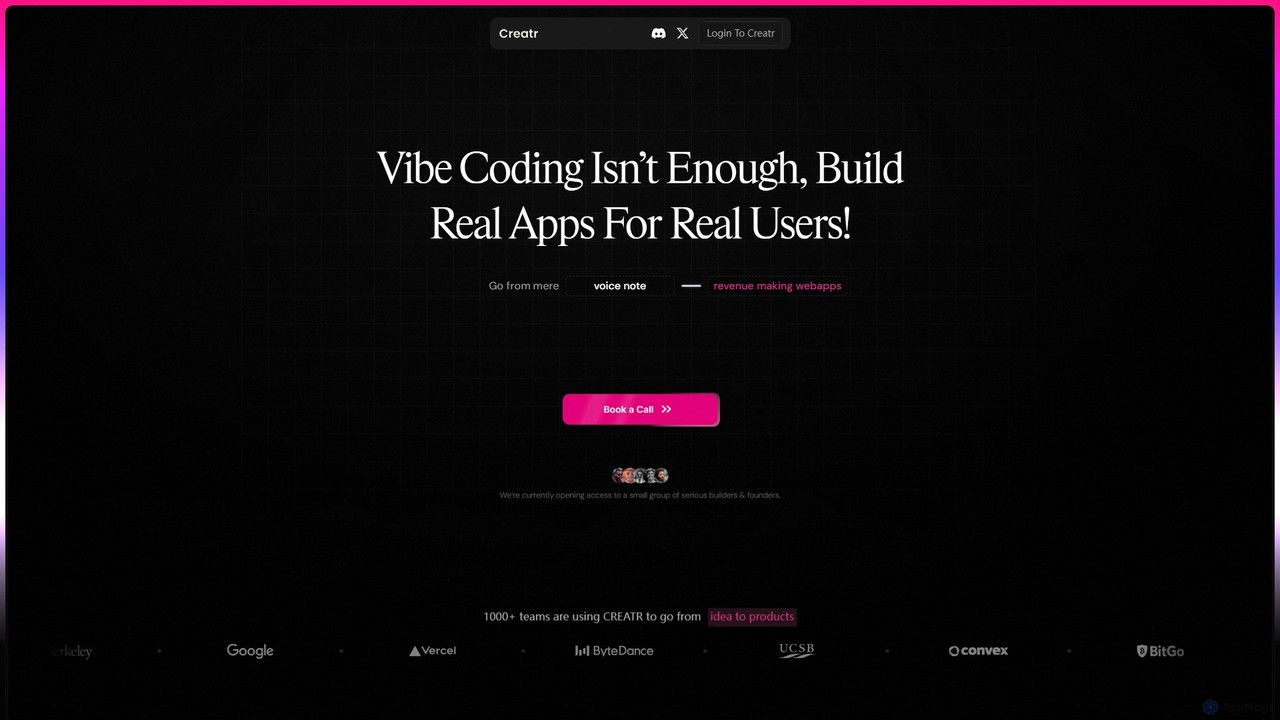
Creatr is an AI-powered platform that transforms ideas into fully-functional, production-ready web applications. It moves beyond simple prototypes by generating clean, deployable code with essential features like authentication, databases, and payment integrations from a single, guided prompt, enabling founders and developers to ship real products faster.
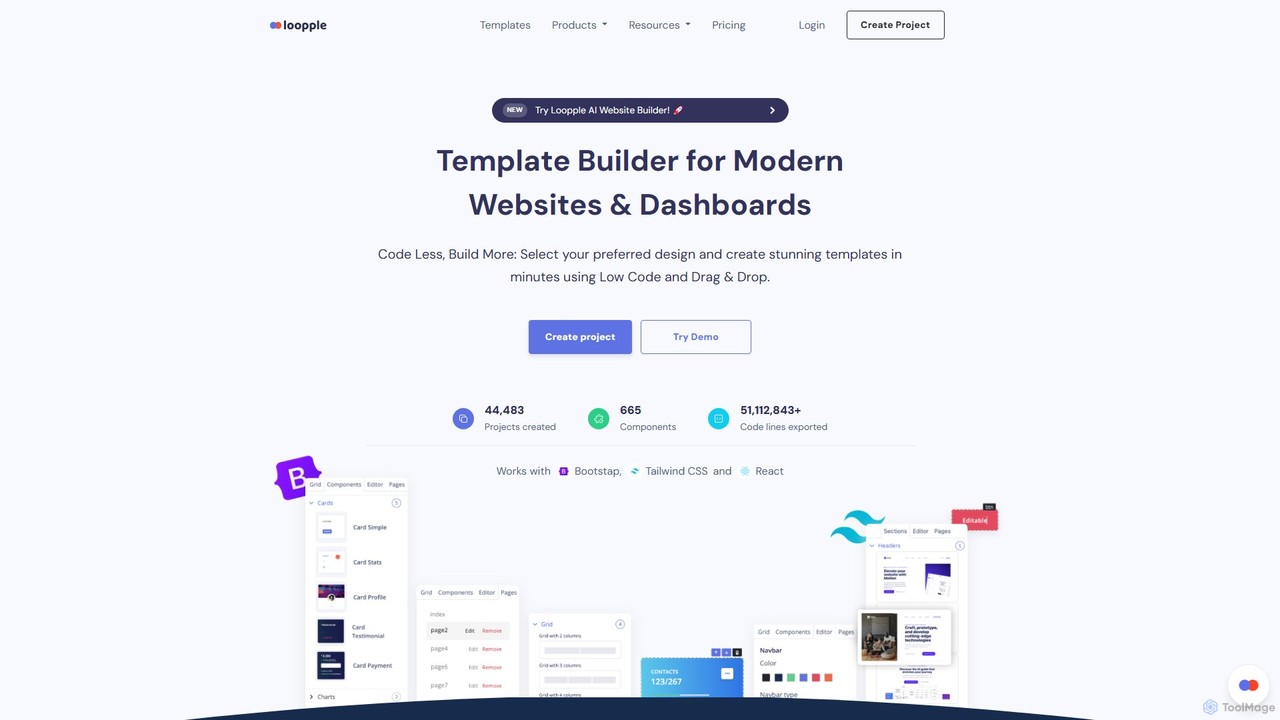
Loopple is an AI-powered, low-code platform for building modern websites and dashboards. It features a drag-and-drop editor, a vast library of pre-built components and templates for Bootstrap, Tailwind CSS, and React. With its AI text help and direct code export, Loopple accelerates the front-end development process for developers and teams, enabling rapid creation of responsive, professional-grade user interfaces.
Compare product focus, pricing models and audiences. Highlighted rows indicate different listed information; unknown pricing does not mean free.
| Quick facts | Creatr | Loopple |
|---|---|---|
| Pricing model | Paid | Freemium |
| Product type | Web | Web |
| Primary focus | Low Code No Code | Low Code No Code |
| Audience and roles | No data available | No data available |
| Categories | Low Code No Code · Website Builder · Prototyping · Mvp | Low Code No Code · Website Builder · Prototyping |
| Added | Aug 9, 2025 | Aug 3, 2025 |
| Updated | Nov 19, 2026 | Nov 19, 2026 |
Explore the listed product descriptions, features and workflows. Taxonomy labels alone are not feature evaluations.
Creatr is a revolutionary AI development platform designed to bridge the critical gap between a working demo and a shippable, revenue-generating product. It targets serious builders, founders, and development studios who are tired of the endless loop of prompt rewriting, bug-fixing, and the limitations of typical AI code generators. Instead of producing fragmented code or non-functional UIs, Creatr uses a sophisticated 'Deep Build' process to interpret user intent and construct a complete, fully-functional web application.
The platform's core philosophy is to move creation at the speed of thought but with the clarity of design and the structure of real, professional code. It eliminates the common frustrations of AI-assisted development, such as hallucinated UIs, missing state management, and the manual setup of backend services. With Creatr, users can describe their product in simple terms and receive a live, robust application in a matter of hours, not weeks or months.
The process of building with Creatr is streamlined for maximum efficiency and clarity. 1. **Initial Prompt:** You start by describing your product idea. Instead of wrestling with dozens of prompts, Creatr uses a guided approach, asking specific questions to deeply understand your requirements for functionality, user flows, and integrations. 2. **AI Analysis & Build:** Once your intent is captured, Creatr's AI gets to work. It doesn't just generate code snippets; it architects and builds the entire application asynchronously. This includes setting up the database, authentication systems (login/signup), user dashboards, and other core components. 3. **Receive Your App:** Within 12-14 hours, you receive a link to your fully functional, live web application. The process is designed to work in the background, freeing you to focus on other aspects of your business. 4. **Deploy & Extend:** The code delivered by Creatr is clean, well-structured, and production-ready. You can deploy it immediately or hand it off to a development team for further customization and scaling. The code is designed to be built upon, not rescued.
Creatr is ideal for a variety of users and scenarios. For solo founders and indie hackers, it's a powerful tool to rapidly build and launch an MVP (Minimum Viable Product) to validate an idea or present to investors. A founder can describe their product in a few sentences and have a live app within a day. For boutique development studios, Creatr can accelerate the initial phase of a client project, handling the foundational build so developers can focus on custom, high-value features. For entrepreneurs with a clear vision but limited technical resources, it provides a direct path from concept to a tangible, market-ready product without the high cost and long timelines of traditional development.
The primary advantage of Creatr is its focus on shipping real products. It drastically reduces the time and cost of development by automating the most time-consuming parts of building an application. Unlike other tools that produce prototypes, Creatr delivers a complete, functional, and reliable web app. This allows founders to exit the 'prototype loop' and start engaging with real users and generating revenue. The quality of the code ensures that the application is not a dead end but a solid foundation for future growth and feature expansion.
Creatr is currently in a private access phase, focusing on a select group of serious builders and founders. Access to the platform is available by joining a waitlist or booking a demo call through their website. This approach suggests a premium, high-touch service where pricing is likely customized based on the project's scope and requirements. Interested users should book a call to discuss their needs and receive detailed pricing information.
Loopple is a dynamic and innovative low-code platform designed to dramatically accelerate the development of modern, responsive websites and dashboards. It uniquely combines a user-friendly drag-and-drop interface with powerful, developer-centric features, including an integrated AI Website Builder and AI text assistance. This hybrid approach empowers both individual developers and large teams to "Code Less, Build More," transforming complex design ideas into production-ready applications in a fraction of the usual time. The platform is built on top of the most popular and robust front-end frameworks, offering extensive support for Bootstrap, Tailwind CSS, React, and Chakra UI, ensuring flexibility and adherence to modern web standards. With a community of over 44,000 projects created, Loopple has established itself as a trusted tool for professionals seeking efficiency without sacrificing quality or control.
The workflow in Loopple is streamlined into a simple, three-step process designed for maximum efficiency:
Loopple is a versatile tool suitable for a wide range of web development tasks:
The primary advantage of Loopple is its ability to merge speed with quality. Developers benefit from a massive reduction in development time, as the platform automates the repetitive task of writing boilerplate code for common UI elements. Its user-friendly interface makes it accessible even to backend developers or those with limited UI/UX skills, empowering them to create beautiful designs. The exported code is not obfuscated or proprietary; it's clean, standard-based, and easy to maintain, which is a crucial advantage over many other website builders. This combination of speed, ease of use, code quality, and flexibility makes Loopple a highly cost-effective solution for modern web development.
Loopple offers a flexible freemium model with both subscription and lifetime options to suit different needs:
All plans include access to the Bootstrap, Tailwind, and React builders, and paid plans are backed by a 7-day money-back guarantee.
Their taxonomy shows where the products overlap and where each one has a more distinct focus. Unknown fields are shown explicitly and are never filled with assumptions.
Traffic is shown on the same scale so differences in market visibility are not visually understated.
Both charts share the same months and vertical scale. Each tool identifies its latest reporting month; missing months are left blank, not counted as zero. Regional and source visit counts are estimates calculated from the reported shares.
| Country/region | Percentage | Estimated visits |
|---|---|---|
| 🇮🇳India | 91.34% | 6.6K |
| 🇺🇸United States | 8.66% | 627 |
| Source type | Percentage | Estimated visits |
|---|---|---|
| Direct | 97.07% | 7K |
| 2.93% | 212 |
| Country/region | Percentage | Estimated visits |
|---|---|---|
| 🇺🇸United States | 39.16% | 10.9K |
| 🇮🇳India | 28.53% | 7.9K |
| 🇮🇩Indonesia | 11.71% | 3.3K |
| 🇻🇳Vietnam | 10.96% | 3.1K |
| 🇬🇧United Kingdom | 9.64% | 2.7K |
| Source type | Percentage | Estimated visits |
|---|---|---|
| Direct | 72.74% | 20.2K |
| Referral | 27.26% | 7.6K |
Ratings, comments, favorites, and likes are community signals—not a substitute for product fit.
This page is assembled from ToolMage product listings, taxonomy, traffic statistics and on-site user feedback. It is not a hands-on test or an independent review.