CTRL Sheet
Task Automation
AI TOOL COMPARISON
What is the difference, and which fits your workflow? Compare features, usage, pricing models and traffic side by side.
Task Automation
Code Assistant
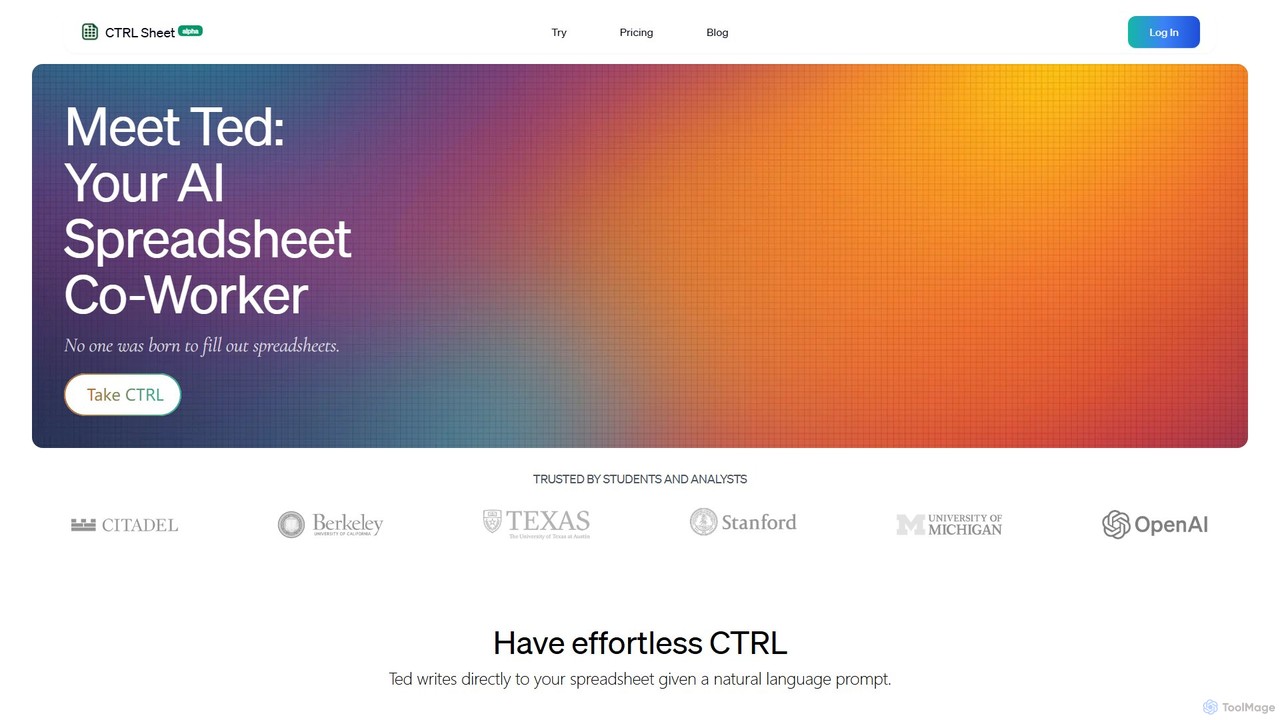
CTRL Sheet is an AI-powered spreadsheet co-worker named Ted that automates data tasks. It allows users to interact with spreadsheets using natural language, extract data from various files like PDFs and images, and generate complex formulas effortlessly. It's designed to save time and reduce errors for students, analysts, and professionals.
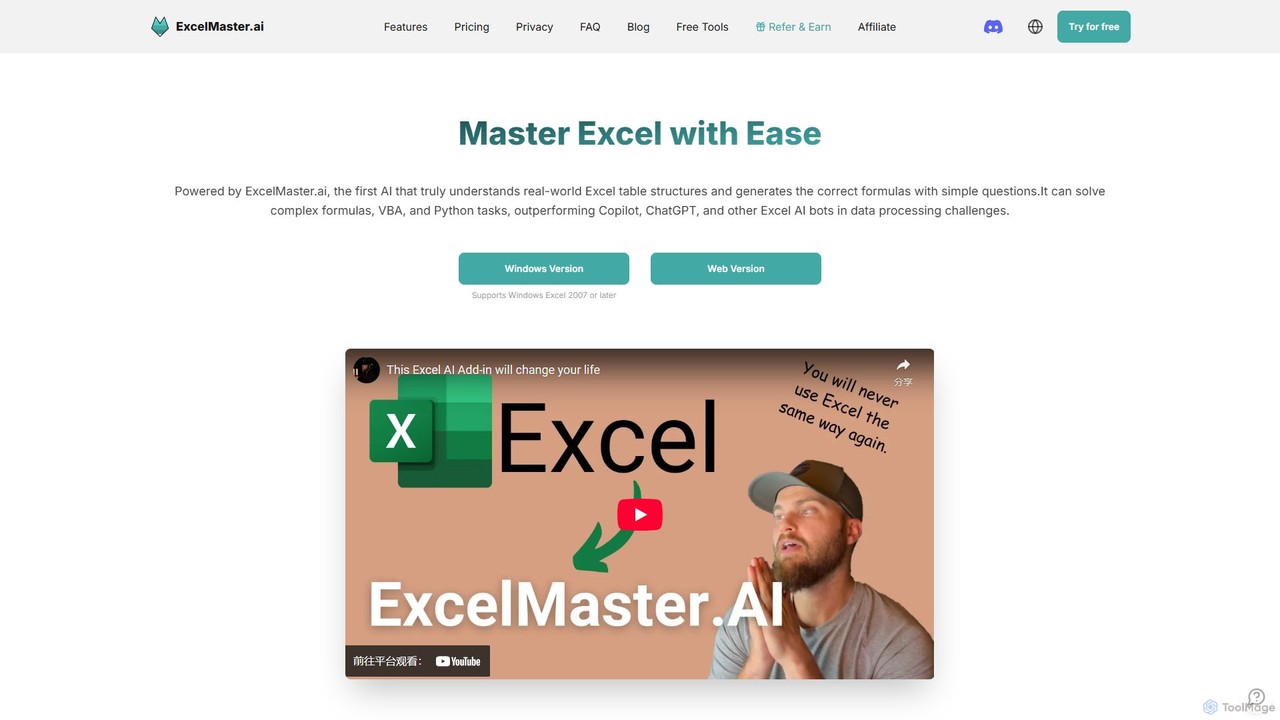
ExcelMaster.ai is an advanced AI assistant designed to master Microsoft Excel. It generates accurate formulas, VBA code, and Python scripts from simple natural language questions. It excels at understanding complex, multi-sheet structures and provides one-click automation, making it a powerful tool for both beginners and expert Excel users to enhance productivity and streamline data-heavy tasks.
Compare product focus, pricing models and audiences. Highlighted rows indicate different listed information; unknown pricing does not mean free.
| Quick facts | CTRL Sheet | ExcelMaster.ai |
|---|---|---|
| Pricing model | Freemium | Freemium |
| Product type | Web | Web |
| Primary focus | Task Automation | Code Assistant |
| Audience and roles | No data available | No data available |
| Categories | Task Automation · Data Analysis · Spreadsheets | Code Assistant · Data Analysis · Accounting · Spreadsheets |
| Added | Aug 6, 2025 | Aug 8, 2025 |
| Updated | Nov 19, 2026 | Nov 19, 2026 |
Explore the listed product descriptions, features and workflows. Taxonomy labels alone are not feature evaluations.
CTRL Sheet introduces Ted, your intelligent AI co-worker designed to revolutionize how you interact with spreadsheets. This powerful tool eliminates the tedious and error-prone aspects of spreadsheet management by allowing you to use simple, natural language commands to perform complex tasks. Whether you're a student, a financial analyst, or a business manager, CTRL Sheet streamlines your workflow, boosts productivity, and makes data analysis more accessible than ever.
The core of CTRL Sheet is its conversational interface. Instead of memorizing complex formulas and functions, you can simply tell Ted what you need. For example, you can ask it to "calculate the quarterly sales growth" or "find the average score for all students." Ted understands your request and writes the correct data or formula directly into your spreadsheet, saving you significant time and effort.
Using CTRL Sheet is designed to be intuitive and straightforward. Here’s a typical workflow:
CTRL Sheet is a versatile tool suitable for a wide range of users and tasks:
The primary advantage of CTRL Sheet is its ability to make powerful spreadsheet capabilities accessible to everyone, regardless of their technical skill level. It saves countless hours by automating repetitive tasks, reduces the risk of human error in data entry and formula writing, and streamlines complex data workflows. The transparent source-highlighting feature builds user trust and ensures data integrity, setting it apart from other data automation tools.
CTRL Sheet offers a freemium model with plans to suit different needs:
ExcelMaster.ai is a pioneering AI-powered tool designed to revolutionize how users interact with Microsoft Excel. It serves as an intelligent assistant that deeply understands the real-world structure of Excel files, including multiple sheets, complex cell references, and intricate formula relationships. By simply asking questions in natural language, users can receive highly accurate Excel formulas, fully functional VBA code, and Python scripts, significantly outperforming general AI assistants like ChatGPT and even specialized tools like Microsoft Copilot. Whether you're a financial analyst building complex models, a student working on academic assignments, or a business professional handling data-heavy reports, ExcelMaster.ai provides instant, expert-level solutions, eliminating the need for tedious manual work and extensive online searches.
Using ExcelMaster.ai is straightforward and designed for all skill levels. It is available as both a web version and a dedicated Windows add-in compatible with Excel 2007 or later.
1. **Connect Your Data:** Start by either using the web interface or installing the Windows add-in. The tool securely analyzes the structure of your Excel file locally, understanding sheet names, headers, and cell layouts.
2. **Ask in Plain English:** In the chat interface, describe the task you want to accomplish. For example, you could ask, "Create a formula in cell G2 to sum the values in column F for all rows where column B says 'Sales'" or "Write a VBA macro to copy data from Sheet1 to Sheet2 based on a specific condition and then email the result."
3. **Refine and Iterate:** The AI provides a solution. If it's not perfect, you can engage in a multi-turn conversation to refine it. Provide feedback like, "That's close, but can you also make it ignore blank rows?" The AI remembers the context and improves the code.
4. **One-Click Execution:** For non-coders, the Pro and Premium plans offer a unique one-click execution feature for VBA and Python. The AI not only generates the code but can also run it directly in your spreadsheet and even self-debug if issues arise, making automation accessible to everyone.
ExcelMaster.ai is versatile and can be applied across various professional and academic fields.
• Financial Analysis: Build and debug complex financial models, automate the generation of financial reports, and create custom formulas for investment analysis.
• Business Operations: Automate repetitive tasks like generating weekly sales reports, cleaning customer data lists, and transferring information between different sheets or workbooks.
• Data Science & Analytics: Use the Python assistant for advanced data manipulation and analysis directly within Excel. Clean and prepare large datasets for analysis efficiently.
• Academic Research: Assist students and researchers in organizing and analyzing research data, generating complex statistical formulas, and automating data formatting.
• For Non-Coders: Empower team members without programming skills to create their own automation tools, such as a button to format a report or a script to archive old data.
ExcelMaster.ai stands out from the competition with several key advantages. Its accuracy in generating formulas and VBA code is significantly higher than general AI and even Microsoft's own Copilot, primarily due to its specialized training and deep understanding of spreadsheet structures. It supports a wide range of Excel versions (2007+), making it accessible to users who do not have a Microsoft 365 subscription. The one-click execution and auto-debugging features democratize automation for non-coders. Finally, it prioritizes data security with a strict zero-data-retention policy, ensuring user data is never stored or used for training.
ExcelMaster.ai operates on a freemium model with a 3-day free trial for its paid plans.
• Starter Plan: $6.9/month (billed monthly) or a discounted yearly rate. Includes 2000 responses per month, AI functions, and multi-sheet understanding for up to 3 sheets.
• Pro Plan: $14.9/month (billed monthly) or a discounted yearly rate. Includes 2000 GPT-4.1 mini responses plus 100 premium model responses, one-click VBA/Python execution and auto-debug, and multi-sheet understanding for up to 15 sheets.
• Premium Plan: $29.9/month (billed monthly) or a discounted yearly rate. Offers unlimited GPT-4.1 mini responses, 300 premium model responses, and all features from the Pro plan.
Their taxonomy shows where the products overlap and where each one has a more distinct focus. Unknown fields are shown explicitly and are never filled with assumptions.
Traffic is shown on the same scale so differences in market visibility are not visually understated.
Both charts share the same months and vertical scale. Each tool identifies its latest reporting month; missing months are left blank, not counted as zero. Regional and source visit counts are estimates calculated from the reported shares.
| Country/region | Percentage | Estimated visits |
|---|---|---|
| 🇺🇸United States | 43.17% | 4.1K |
| 🇻🇳Vietnam | 25.64% | 2.5K |
| 🇬🇧United Kingdom | 16.34% | 1.6K |
| 🇳🇬Nigeria | 9.11% | 870 |
| 🇳🇱Netherlands | 5.74% | 548 |
| Country/region | Percentage | Estimated visits |
|---|---|---|
| 🇮🇳India | 22.45% | 6.9K |
| 🇷🇺Russia | 19.95% | 6.1K |
| 🇺🇸United States | 19.69% | 6K |
| 🇰🇷Korea, Republic of | 19.52% | 6K |
| 🇻🇳Vietnam | 18.39% | 5.6K |
Ratings, comments, favorites, and likes are community signals—not a substitute for product fit.
This page is assembled from ToolMage product listings, taxonomy, traffic statistics and on-site user feedback. It is not a hands-on test or an independent review.