ToolMage
Sign in

AI TOOL COMPARISON

Engine vs What The Diff

What is the difference, and which fits your workflow? Compare features, usage, pricing models and traffic side by side.

Jump to key differences

Product overview

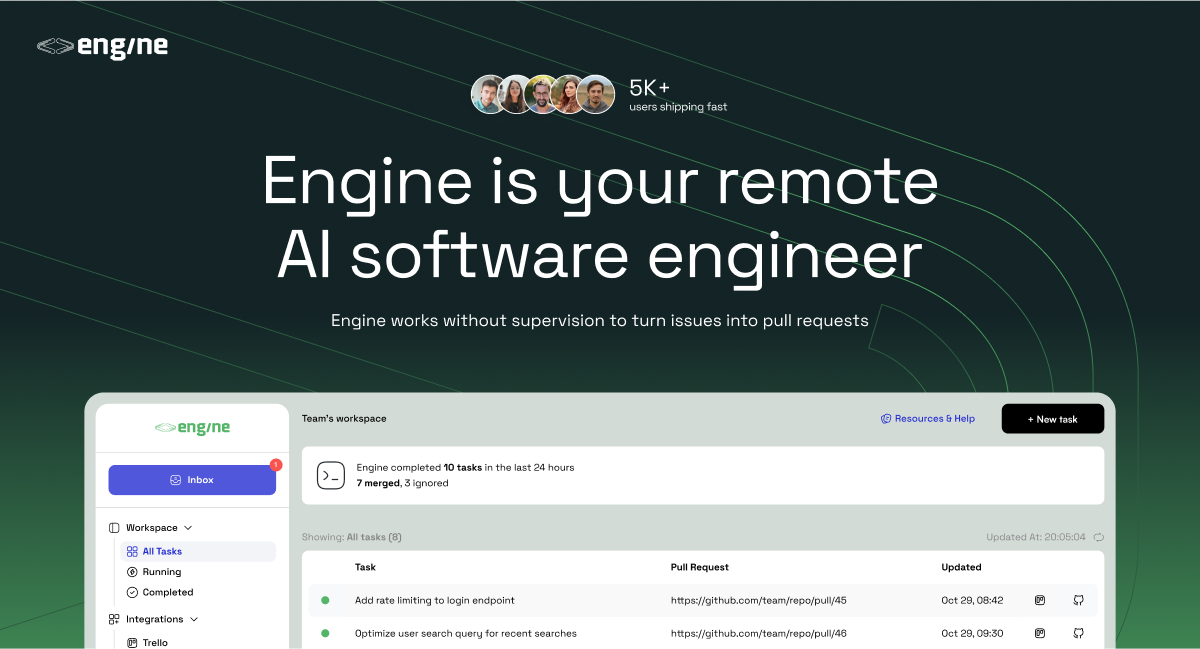
Engine Product overview

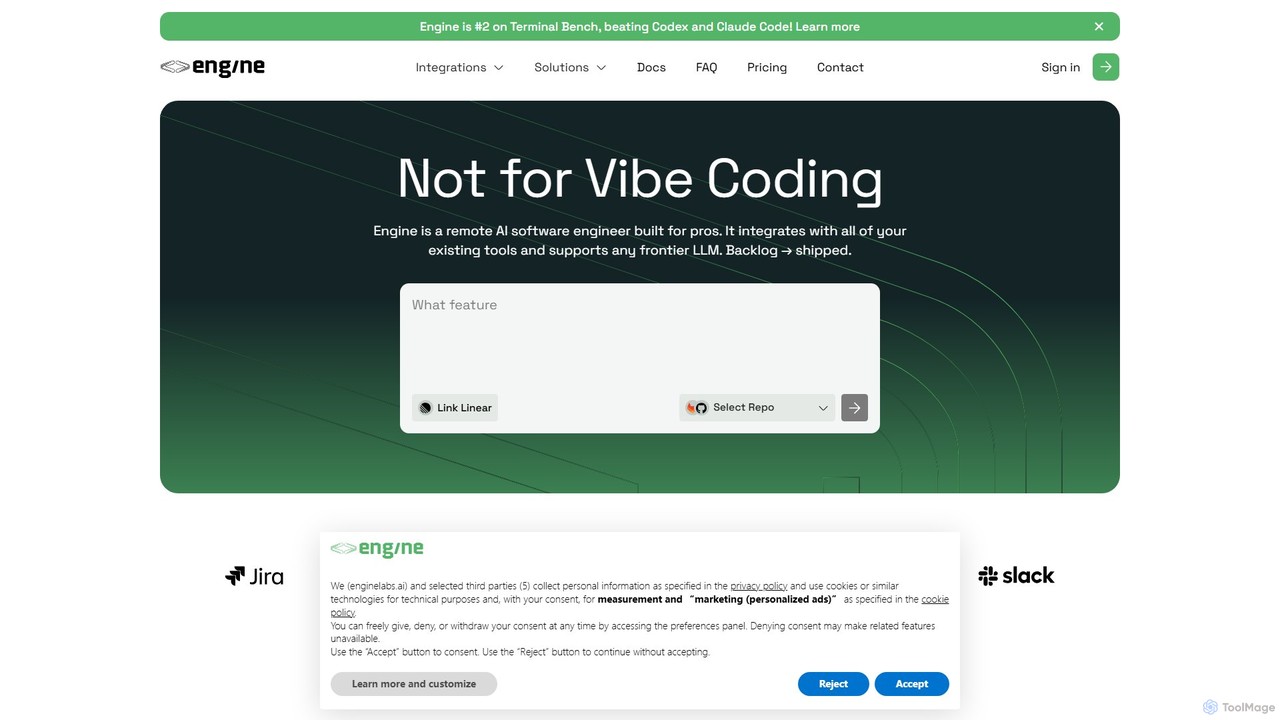
Engine is an AI software engineer designed for professional development teams. It integrates with your existing tools like GitHub and Linear to autonomously fix bugs, ship features, and clear your backlog by creating and managing pull requests, effectively acting as a remote AI team member.

Preview

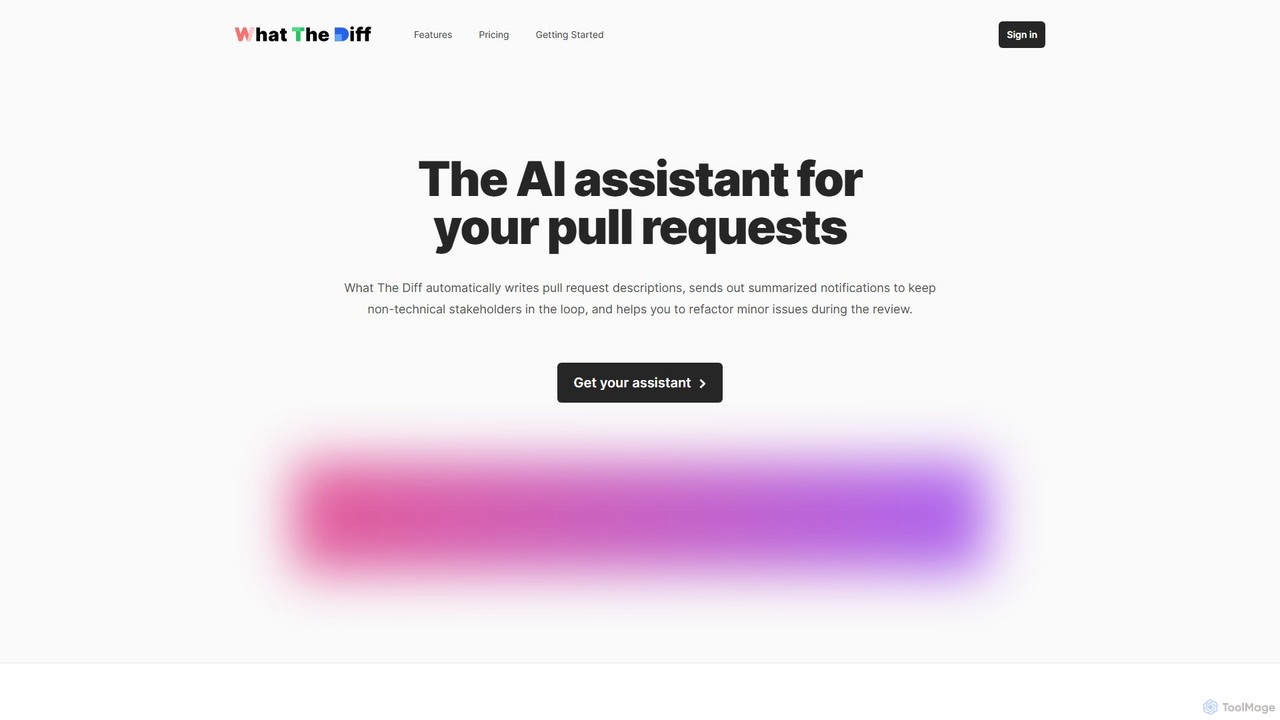
What The Diff Product overview

What The Diff is an AI-powered code review assistant that integrates with GitHub and GitLab. It automatically generates pull request descriptions, sends summarized notifications to stakeholders, and helps refactor code directly within the review process, streamlining development workflows.

Preview

Quick facts

Compare product focus, pricing models and audiences. Highlighted rows indicate different listed information; unknown pricing does not mean free.

Engine VS What The Diff — Quick facts
Quick factsEngineWhat The Diff
Pricing modelFreemiumFreemium
Product typeWebWeb
Primary focusVersion ControlCode Review
Audience and rolesNo data availableNo data available
CategoriesVersion Control · Code Assistant · Task AutomationCode Review · Version Control · Automation
AddedAug 13, 2025Aug 12, 2025
UpdatedNov 19, 2026Nov 19, 2026

Features, usage and use cases

Explore the listed product descriptions, features and workflows. Taxonomy labels alone are not feature evaluations.

Engine

Engine is a sophisticated AI software engineer designed to function as an autonomous member of professional development teams. Positioned as a high-performer that surpasses benchmarks set by tools like Codex and Claude Code, Engine's primary goal is to accelerate the software development lifecycle. It seamlessly integrates into your existing workflows, transforming backlog issues into shipped code with minimal human intervention. By handling a significant portion of coding tasks, Engine frees up human engineers to focus on complex architectural challenges and high-level problem-solving, thereby boosting team productivity and velocity.

This AI agent is not just a code generator; it's a proactive problem-solver. It can independently pick up tasks, understand the requirements, write the necessary code, and submit it for review. This allows teams to make continuous progress on their backlog, day or night, ensuring that development momentum is never lost.

How to use Engine

Getting started with Engine is designed to be a straightforward, three-step process that feels like onboarding a new remote developer:

  1. Connect & Integrate: In just a few seconds, you can connect Engine to your development ecosystem. This involves authorizing access to your code repositories on platforms like GitHub or GitLab, and your project management tools such as Linear, Trello, or Jira.
  2. Assign Tasks or Activate Autopilot: Once integrated, Engine can start working. You can manually assign specific issues or tickets from your backlog to Engine. Alternatively, you can enable 'Autopilot' mode, which empowers the AI agent to proactively select and work on unassigned issues from your backlog, prioritizing them based on predefined criteria. It can also be tasked with reviewing existing pull requests submitted by human team members.
  3. Review & Merge: After completing the coding work for a task, Engine submits a standard pull request (PR) to your repository. Your team can then review the AI-generated code just as they would with any other contribution. You can approve and merge the PR, or provide feedback and request changes, which Engine will then address in a subsequent commit.

Core Features of Engine

  • Autonomous Code Generation: Takes issues and feature requests directly from your backlog, writes the implementation code, and submits complete pull requests for review.
  • AI-Powered Code Review: Acts as a dedicated code reviewer. It can be assigned to existing pull requests to provide suggestions, identify potential bugs, enforce coding standards, or make direct changes to improve code quality.
  • Backlog Automation: Capable of completing over 50% of typical software issues, significantly reducing your backlog and accelerating development cycles.
  • Seamless Workflow Integration: Natively connects with essential developer tools including GitHub, GitLab, Linear, Trello, and more, fitting directly into your team's established processes without disruption.
  • Autopilot Mode: A set-and-forget feature that allows the AI agent to continuously and automatically work on your backlog issues 24/7, ensuring constant progress.
  • Flexible LLM Support: Built to be compatible with any frontier Large Language Model (LLM), ensuring it remains at the cutting edge of AI capabilities and performance.
  • Collaborative Agent: Functions like a remote team member, capable of understanding and responding to feedback on its pull requests.

Use Cases for Engine

Engine is versatile and can be applied to various scenarios within the software development process:

  • Accelerating Feature Development: Assign new feature tickets from Linear or Trello directly to Engine. It can generate the boilerplate and initial implementation, allowing human engineers to focus on the core logic and final refinements.
  • Automated Bug Squashing: Automatically assign bug reports to Engine as they are created. It will analyze the issue, write the fix, and submit a PR, freeing up developers from time-consuming debugging.
  • Clearing Technical Debt: Utilize Autopilot mode to systematically work through a backlog of low-priority bugs, refactoring tasks, and minor improvements that often get neglected.
  • Enhancing Code Quality and Consistency: Use Engine as a mandatory CI/CD step to review all incoming PRs, ensuring they adhere to project standards and best practices before they are merged.

Advantages of Engine

  • Increased Velocity: Ship features and fixes faster by offloading a significant volume of coding tasks to a reliable AI agent.
  • Reduced Backlog: Make continuous, around-the-clock progress on your issue tracker, preventing tasks from piling up.
  • Improved Developer Focus: Allow your senior engineers to delegate routine coding and bug fixing, enabling them to concentrate on high-impact architectural and strategic work.
  • Frictionless Integration: No need to overhaul your existing toolchain or workflows; Engine adapts to your current setup.
  • Scalable Workforce: Instantly add a productive 'engineer' to your team without the traditional overhead of hiring, onboarding, and management.

Pricing and Plans

Engine offers flexible pricing to suit individuals and teams of all sizes:

  • Intern Plan: $0.00/month. This free plan is perfect for individual engineers or those just getting started. It includes 180 credits per month and allows for 1 task to be processed at a time, with access to all standard workflow integrations.
  • Staff Plan: Custom Pricing. This plan is tailored for professional teams and businesses requiring higher throughput and enhanced features. It includes everything in the Intern plan plus effectively unlimited usage (100+ tasks per month), parallel processing (2+ tasks at a time), self-hosted Engine VMs for enhanced security, support for private models, and dedicated 24/7 support via Slack. Interested parties should contact sales for a custom quote.

What The Diff

What The Diff is an intelligent AI assistant designed to revolutionize the code review process for development teams. By integrating seamlessly with GitHub and GitLab, it automates several tedious aspects of managing pull requests (PRs), allowing developers to focus more on coding and less on administrative tasks. The core mission of What The Diff is to make pull requests accessible and understandable for everyone on the team, including non-technical members like product managers and designers.

The tool analyzes the 'diff' (the changes in code) of a pull request and generates a clear, human-readable summary in plain English or other supported languages. This saves developers significant time that would otherwise be spent writing detailed descriptions. Beyond just descriptions, it enhances team communication by sending simplified summary notifications to designated channels like Slack or email, keeping everyone in the loop without needing them to parse through code. This feature is particularly useful for keeping non-technical stakeholders informed about development progress.

How to use What The Diff

Getting started with What The Diff is a straightforward process:

  1. Connect Your Account: Sign up by logging in with your GitHub or GitLab account. This links What The Diff to your chosen version control platform.
  2. Authorize and Select Repositories: Grant the application access to the repositories you want it to monitor. You have full control and can choose to grant access to all or select specific repositories.
  3. Enable and Configure: From your dashboard, enable What The Diff for each desired repository. You can then configure repository-specific settings to tailor its behavior to your team's workflow.
  4. Choose an Operation Mode:
    a) Shortcode Method (Recommended): Add simple shortcodes like wtd:summary, wtd:poem, or wtd:joke directly into your PR description. What The Diff will automatically replace these with AI-generated content.
    b) Automatic Comments: Configure the tool to automatically post a summary as a comment on a PR. This can be triggered by PR creation, updates, or by adding a specific label (e.g., 'WTD') for manual control.
  5. Inline Refactoring: During a code review, simply comment on a line of code with /wtd followed by your refactoring instruction (e.g., /wtd rename this variable to 'userCount'). The AI will suggest the code change directly in the PR for one-click approval.

Core Features of What The Diff

  • Automated PR Descriptions: Automatically generates clear, concise summaries of code changes, saving developer time and effort.
  • Rich Summary Notifications: Sends simplified and translated summaries to non-technical stakeholders via Slack, email, or webhooks to keep them informed.
  • Inline AI Refactoring: Allows reviewers to suggest and apply minor code changes with a simple command, reducing back-and-forth communication.
  • Automated Changelog Generation: Creates beautiful, public-facing changelogs from your PRs, which can also be consumed via a JSON API for internal use.
  • Weekly Progress Reports: Delivers automated weekly reports summarizing all the changes and key PRs, perfect for management and team updates.
  • Fine-Grained Control: Offers detailed settings to manage token consumption, exclude specific files or folders (like build artifacts or documentation), and ignore PRs from CI bots or drafts.
  • Multi-Language Support: Supports nearly all programming languages for analysis and can generate summaries in multiple human languages.

Use Cases for What The Diff

What The Diff is valuable for various scenarios and roles:

  • Development Teams: Speed up the code review cycle by automating description writing and clarifying changes for reviewers.
  • Project Managers: Stay updated on development progress through easy-to-understand Slack or email notifications without needing to navigate GitHub/GitLab.
  • Cross-Functional Collaboration: Bridge the gap between technical and non-technical teams (e.g., design, product, marketing) by providing translated, jargon-free summaries of new features or fixes.
  • Open Source Projects: Maintain high-quality documentation and changelogs automatically, making it easier for contributors and users to follow along.

Advantages of What The Diff

The primary advantage of What The Diff is its ability to significantly improve efficiency and communication. It streamlines the entire PR lifecycle, reduces manual work, and ensures all stakeholders are on the same page. Its focus on privacy is a key benefit; the tool does not store your code, only processing the diff via the official GitHub/GitLab APIs. The flexible configuration and usage-based pricing make it accessible for teams of all sizes, from small startups to large enterprises.

Pricing and Plans

What The Diff offers a usage-based pricing model with a free tier to get started.

  • Free Plan: $0/month. Includes 25,000 tokens per month (enough for ~10 average PRs), unlimited repositories, and inline code refactoring. No credit card is required.
  • Pro - 200k Plan: $19/month. Includes 200,000 tokens per month (~40 PRs), all features of the free plan, plus Slack, Webhook, and Email notifications, and priority email support.
  • Larger Plans: Additional plans are available for teams with higher usage, offering 500k, 1.5M, or even unlimited tokens.

Tokens are consumed when the AI processes the git diff of a pull request. Unused tokens do not roll over to the next month, so users are encouraged to choose a plan that fits their needs and adjust as necessary.

Positioning

Their taxonomy shows where the products overlap and where each one has a more distinct focus. Unknown fields are shown explicitly and are never filled with assumptions.

Categories

Shared
Version Control
Only Engine
Code AssistantTask Automation
Only What The Diff
Code ReviewAutomation

Tags

Shared
automationcode reviewdeveloper toolsgithubgitlabpull request
Only Engine
ai engineerbug fixingcode generationlinearsoftware development
Only What The Diff
AI assistantchangelogcode summaryrefactoring

Audience and roles

Shared
No listed items
Only Engine
No listed items
Only What The Diff
No listed items

Traffic comparison

Traffic is shown on the same scale so differences in market visibility are not visually understated.

How to interpret the traffic data

Both charts share the same months and vertical scale. Each tool identifies its latest reporting month; missing months are left blank, not counted as zero. Regional and source visit counts are estimates calculated from the reported shares.

Engine monthly traffic:

Latest traffic · 2026-05

Monthly visits
4.7K
Avg. visit duration
0:23
Pages per visit
1.77
Bounce rate
42.16%
Data updated 2026-06-15

Monthly traffic trend

  • 2025-09: 45.3K
  • 2026-01: 12.8K
  • 2026-02: 5.1K
  • 2026-03: 6.2K
  • 2026-04: 6.6K
  • 2026-05: 4.7K

Top regions

Top 5 countries/regions
Country/regionPercentageEstimated visits
🇺🇸United States54.36%2.6K
🇮🇳India31.73%1.5K
🇻🇳Vietnam13.91%653

Search keywords

cursorcursor aicursor ai articlecursor ai revirecursor review

What The Diff monthly traffic:

Latest traffic · 2026-05

Monthly visits
893
Avg. visit duration
1:06
Pages per visit
2.15
Bounce rate
33.84%
Data updated 2026-06-15

Monthly traffic trend

  • 2025-09: 3.6K
  • 2026-01: 2.6K
  • 2026-02: 1.7K
  • 2026-03: 1.6K
  • 2026-04: 2K
  • 2026-05: 893

Top regions

Top 5 countries/regions
Country/regionPercentageEstimated visits
🇮🇳India83.18%743
🇺🇸United States16.82%150

Search keywords

code diffcode review githubgithub code reviewthe diffwhat is a diff in coding

Community signals

Ratings, comments, favorites, and likes are community signals—not a substitute for product fit.

Engine

Rating
No data available
Comments
0
Favorites
179
Likes
211

What The Diff

Rating
No data available
Comments
0
Favorites
147
Likes
140

Engine vs What The Diff · Comparison FAQ

What do Engine and What The Diff have in common?
Both tools are listed under Version Control. These categories indicate overlapping use cases; compare their detailed descriptions for workflows, capabilities and limitations.
Are Engine and What The Diff free?
Listed pricing models: Engine — Freemium; What The Diff — Freemium. Missing pricing is not proof of a free plan, and freemium does not mean every feature is free. Check official sites for current plans, limits and trials.
How should I choose between Engine and What The Diff?
The primary listed category is Version Control for Engine, and Code Review for What The Diff. Compare features, steps and use cases, then verify pricing, data permissions and deployment needs. This page does not include hands-on testing and does not declare a winner from traffic or tags.

Sources and comparison methodology

This page is assembled from ToolMage product listings, taxonomy, traffic statistics and on-site user feedback. It is not a hands-on test or an independent review.

  • Feature and plan descriptions reflect information in the listings, not real-time guarantees. Verify pricing, quotas, availability and privacy terms on the official sites.
  • Traffic uses the reporting months shown. Missing statistics do not mean zero visits, and different periods do not establish growth or superiority. Regional and source visit counts are estimates based on shares.
  • Different tags indicate differences in the listings, not proof that the other product lacks a capability. Ratings, favorites and visits are not used to declare a winner.

Related comparisons