ToolMage
Sign in

AI TOOL COMPARISON

Fellow.app vs Superpowered

What is the difference, and which fits your workflow? Compare features, usage, pricing models and traffic side by side.

Jump to key differences

Product overview

Fellow.app Product overview

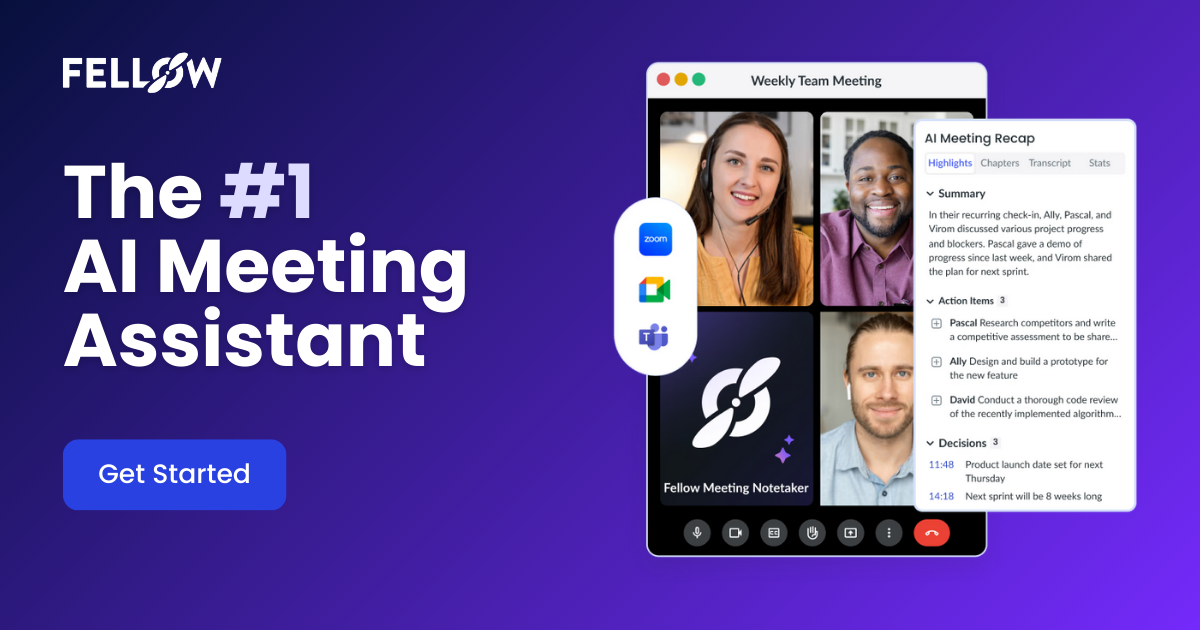
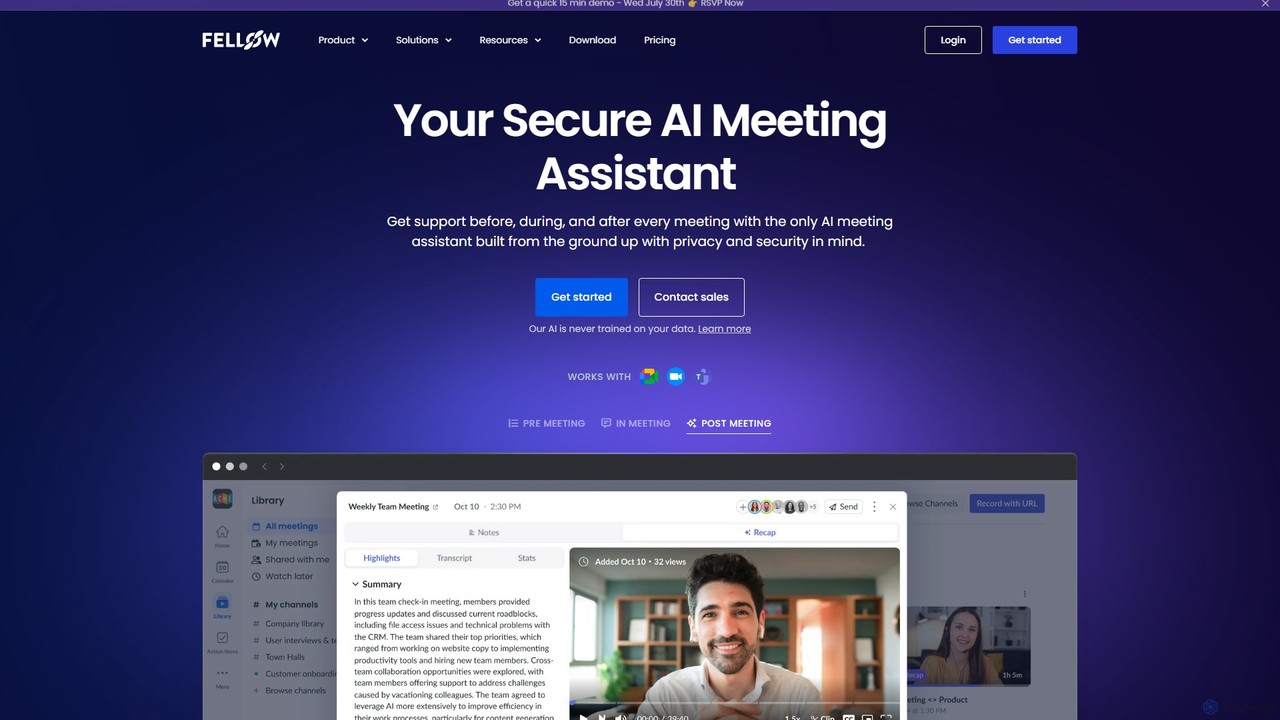
Fellow.app is a secure AI meeting assistant designed to enhance productivity for the entire meeting lifecycle. It automatically records, transcribes, summarizes, and assigns action items, allowing teams to focus on collaboration. With a strong emphasis on privacy, Fellow ensures your meeting data is always protected.

Preview

Superpowered Product overview

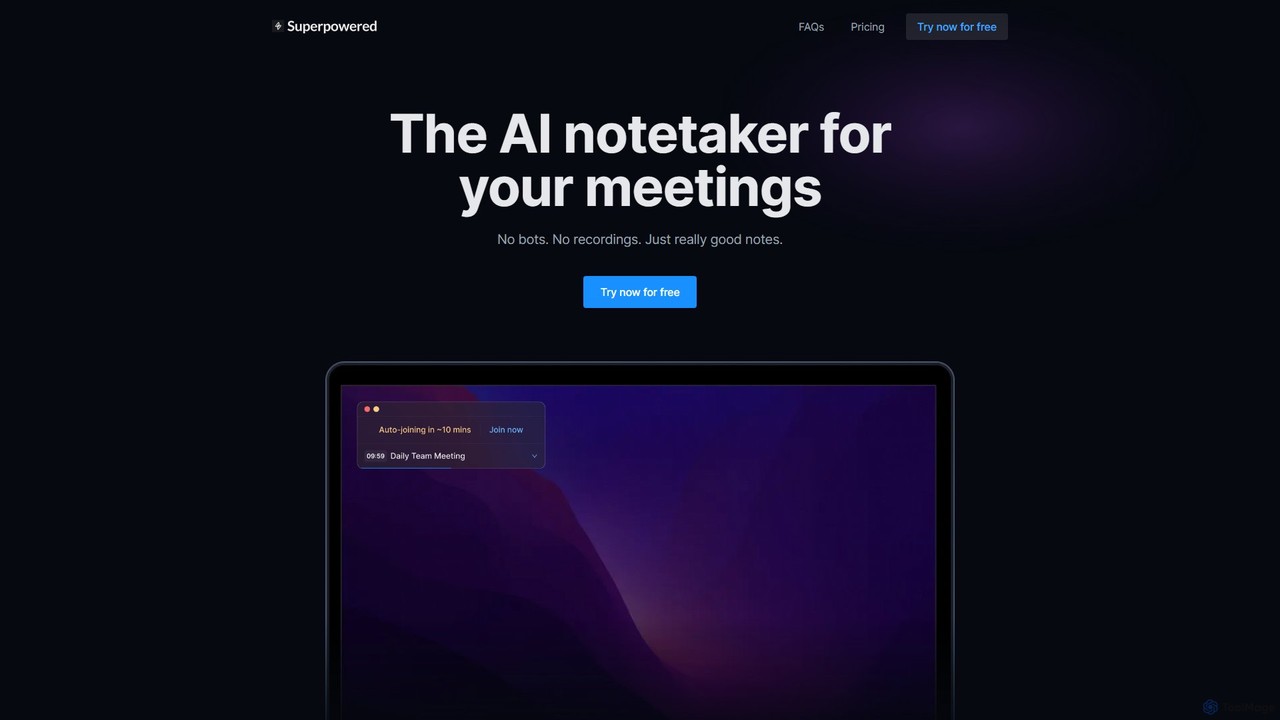
Superpowered is an AI meeting assistant that generates high-quality notes, summaries, and action items without using bots or recordings. It works seamlessly with all meeting platforms by transcribing device audio in real-time, ensuring privacy and security. It integrates with your calendar and workflow tools to boost productivity.

Preview

Quick facts

Compare product focus, pricing models and audiences. Highlighted rows indicate different listed information; unknown pricing does not mean free.

Fellow.app VS Superpowered — Quick facts
Quick factsFellow.appSuperpowered
Pricing modelFreemiumFreemium
Product typeWebApp
Primary focusTeam CollaborationMeeting Assistant
Audience and rolesNo data availableNo data available
CategoriesTeam Collaboration · Meeting Assistant · Note Taking · TranscriptionMeeting Assistant · Note Taking · Transcription · Crm
AddedAug 9, 2025Aug 8, 2025
UpdatedNov 19, 2026Nov 19, 2026

Features, usage and use cases

Explore the listed product descriptions, features and workflows. Taxonomy labels alone are not feature evaluations.

Fellow.app

Fellow.app is an all-in-one AI meeting management platform engineered to make meetings more productive and collaborative for teams of all sizes. It serves as a comprehensive assistant that supports users before, during, and after every meeting. Built from the ground up with a privacy-first approach, Fellow ensures that all your sensitive meeting data, including recordings and notes, remains secure and is never used for training AI models. It seamlessly integrates into your existing workflow, connecting with major calendar and communication tools to centralize your meeting ecosystem.

How to use Fellow.app

Using Fellow.app is a streamlined process designed to fit naturally into your daily work routine:

  1. Before the Meeting: Connect your Google or Office calendar. Fellow automatically creates a space for every meeting. You can then collaborate with your team to build a meeting agenda in advance, using one of Fellow's proven templates (like the Chronological, G.O.O.D., or 90/10 formats for one-on-ones) or creating your own. This ensures everyone arrives prepared and aligned.
  2. During the Meeting: The Fellow AI Copilot can be configured to automatically join your calls on platforms like Zoom, Google Meet, and Microsoft Teams. It records the audio and provides a real-time transcription. This frees all participants from the burden of manual note-taking, allowing them to stay fully present and engaged in the discussion.
  3. After the Meeting: Immediately following the meeting, Fellow generates a concise, human-level AI summary, highlighting key points, decisions, and action items. The full recording and searchable transcript are stored in a centralized library. You can easily share these recaps with attendees or stakeholders who couldn't make it.
  4. Ongoing Insights and Automation: Use the 'Ask Fellow' AI chatbot to query your entire meeting history. Ask questions like "What were the action items from the last marketing sync?" or "Summarize my meetings from last week." Fellow can also automate updates to your CRM based on discussions in sales calls, keeping your records effortlessly up-to-date.

Core Features of Fellow.app

  • AI Meeting Copilot: Automatically records, transcribes (in 99 languages), and summarizes meetings with high accuracy.
  • AI-Generated Summaries & Action Items: Intelligently identifies and extracts key discussion points, decisions made, and actionable tasks with assigned owners.
  • 'Ask Fellow' AI Chatbot: An interactive AI assistant that allows you to ask questions about your meetings and get instant answers from your entire transcript history.
  • Collaborative Meeting Agendas: Shared, real-time agendas with templates and suggested topics to structure productive conversations.
  • Centralized Meeting Library: A single, secure place for all your meeting recordings, transcripts, and notes, with granular privacy and sharing controls.
  • CRM Automation: Automatically syncs meeting information and suggests updates for CRM fields, saving time for sales teams.
  • Extensive Integrations: Over 50 integrations with tools like Google Calendar, Office 365, Slack, Jira, Asana, Zoom, Google Meet, and Microsoft Teams.
  • Enterprise-Grade Security: SOC 2 Type II and GDPR compliant, with AES 256-bit encryption. Fellow guarantees your data is never used to train third-party AI models.

Use Cases for Fellow.app

Fellow.app is versatile and built for every team:

  • Managers & Leaders: Conduct effective one-on-one meetings, track team progress, and maintain a secure record of leadership discussions.
  • Sales Teams: Automate call notes, update CRM records instantly, and use call recordings for coaching and performance analysis.
  • Customer Success & Support: Capture every detail from customer calls, ensure follow-ups are tracked, and share insights across the team.
  • Engineering & Product Teams: Accurately document technical discussions, decisions, and next steps to keep development cycles moving forward.
  • HR Teams: Maintain secure and private records of interviews, performance reviews, and sensitive employee conversations.
  • Marketing Teams: Keep fast-paced projects on track by capturing brainstorming sessions, campaign strategies, and clear action items.

Advantages of Fellow.app

The primary advantage of Fellow.app is its holistic and secure approach to meeting management. It increases productivity by automating tedious tasks, fosters accountability with clear action items, and enhances collaboration through shared resources. Its biggest differentiator is its unwavering commitment to privacy and security, providing enterprise-level controls and ensuring customer data is never compromised for AI training. This makes it a trustworthy choice for organizations of all sizes, from startups to large enterprises.

Pricing and Plans

Fellow.app operates on a freemium model. It offers a free plan with basic features, making it accessible for individuals and small teams to get started. For more advanced capabilities, such as the AI Meeting Copilot, unlimited recordings, and enterprise-grade security features, there are paid tiers (Pro and Enterprise). The Enterprise plan includes advanced controls, org-wide analytics, and dedicated support. For detailed and up-to-date pricing information, it is recommended to visit the official Fellow.app website.

Superpowered

Superpowered is an intelligent AI notetaker designed to revolutionize how you handle meetings. It operates discreetly on your device (macOS and Windows) to capture conversations and transform them into structured, actionable notes. Unlike other tools, Superpowered does not join your calls as a bot and does not record audio, offering a superior level of privacy and security. Trusted by over 15,000 companies and backed by Y Combinator, it is a SOC-2 Type II and GDPR compliant solution that helps you stay focused on the conversation, not on taking notes.

The tool seamlessly integrates with your Google or Outlook calendar, providing notifications for upcoming meetings and even offering an 'auto-join' feature that acts like a personal meeting chauffeur. By transcribing your device's audio live, it generates accurate transcripts which are then used to create intelligent summaries, identify key decisions, and list action items. These transcripts are automatically deleted after 7 days, ensuring your data remains private.

How to use Superpowered

Using Superpowered is a straightforward process designed for maximum efficiency:

  1. Install the Application: Download and install the Superpowered desktop app on your macOS or Windows computer.
  2. Connect Your Calendar: Link your Google or Outlook calendar to allow Superpowered to track your meeting schedule.
  3. Join Meetings: The app will notify you before meetings start. You can use the 'auto-join' feature to enter calls automatically on any platform (Zoom, Google Meet, Microsoft Teams, etc.).
  4. Live Transcription: During the meeting, Superpowered works in the background, transcribing the audio from your computer's output. You don't need to do anything.
  5. Generate AI Notes: After the meeting concludes, you can generate AI-powered notes with a single click. The tool summarizes the discussion, highlights key points, and extracts action items.
  6. Customize and Share: Use AI Templates to format your notes for different meeting types (e.g., sales calls, team syncs). Share the notes directly via integrations with Slack, Notion, Google Drive, and more.

Core Features of Superpowered

  • AI Notetaker: Automatically generates concise summaries, key takeaways, and action items from your meetings, going far beyond simple transcription.
  • Bot-Free & Recording-Free Operation: Ensures privacy and a seamless meeting experience by transcribing system audio locally without bots joining calls or storing audio recordings.
  • AI Templates: Create and use custom templates to structure your notes consistently for various meeting types, ensuring you capture the right information every time.
  • AI Chat: Interact with your meeting transcripts by asking questions to quickly find specific information, such as decisions made or commitments from participants.
  • Calendar Integration & Auto-Join: Connects with Google and Outlook calendars to manage your schedule and automatically join meetings, saving you time and clicks.
  • Broad Integrations: Seamlessly connects with popular productivity tools including Slack, Notion, Google Drive, Salesforce, Hubspot, and Zapier to fit into your existing workflow.
  • High Security Standards: SOC-2 Type II and GDPR compliant, providing enterprise-grade security and data privacy.

Use Cases for Superpowered

Superpowered is versatile and benefits a wide range of professionals:

  • Project Managers: Effortlessly track project progress, decisions, and action items from daily stand-ups and stakeholder meetings.
  • Sales Teams: Capture every client detail, need, and commitment during sales calls, and easily sync notes to Salesforce or Hubspot.
  • Executives and Leaders: Get high-level summaries of back-to-back meetings to stay informed and make decisions faster without being bogged down in details.
  • Consultants: Maintain a perfect record of client discussions, requirements, and agreed-upon deliverables.
  • Recruiters: Keep detailed, unbiased notes from candidate interviews to facilitate better hiring decisions.

Advantages of Superpowered

The primary advantage of Superpowered is its focus on privacy-first, efficient note-taking. By avoiding bots and recordings, it eliminates meeting friction and privacy concerns. The quality of the AI-generated notes is a major differentiator, providing structured summaries and action items that are immediately useful. Its seamless integration with calendars and business applications makes it an indispensable part of a modern professional's toolkit, allowing users to be more present and engaged in conversations.

Pricing and Plans

Superpowered offers a freemium model with plans tailored to different needs:

  • Free Plan ($0): Includes calendar notifications, 1 calendar connection, 1-month notes history, and 10 AI Notes per month.
  • Basic Plan ($25/month): Offers unlimited calendar connections, unlimited notes history, integrations with Email, Slack, Notion, and Google Drive, plus unlimited AI Notes.
  • Pro Plan ($50/month): Includes all features of the Basic plan, plus advanced integrations with Salesforce, Hubspot, and Zapier, and the ability to remove Zoom and Slack branding.

Annual subscriptions are available, offering savings of up to 54%. Business and enterprise plans with custom features are also available upon request.

Positioning

Their taxonomy shows where the products overlap and where each one has a more distinct focus. Unknown fields are shown explicitly and are never filled with assumptions.

Categories

Shared
Meeting AssistantNote TakingTranscription
Only Fellow.app
Team Collaboration
Only Superpowered
Crm

Tags

Shared
action itemsmeeting assistantnote-takingproductivitytranscription
Only Fellow.app
AI summaryCRM automationmeeting managementone-on-onesecure AIteam collaboration
Only Superpowered
ai notetakermeeting notesmeeting summarysalesSOC 2

Audience and roles

Shared
No listed items
Only Fellow.app
No listed items
Only Superpowered
No listed items

Traffic comparison

Traffic is shown on the same scale so differences in market visibility are not visually understated.

How to interpret the traffic data

Both charts share the same months and vertical scale. Each tool identifies its latest reporting month; missing months are left blank, not counted as zero. Regional and source visit counts are estimates calculated from the reported shares.

Fellow.app monthly traffic:

Latest traffic · 2026-05

Monthly visits
194.1K
Avg. visit duration
2:06
Pages per visit
3.18
Bounce rate
48.62%
Data updated 2026-06-15

Monthly traffic trend

  • 2025-09: 224.9K
  • 2026-01: 159.9K
  • 2026-02: 168.9K
  • 2026-03: 189.5K
  • 2026-04: 198.6K
  • 2026-05: 194.1K

Top regions

Top 5 countries/regions
Country/regionPercentageEstimated visits
🇺🇸United States79.82%154.9K
🇨🇦Canada10.38%20.1K
🇬🇧United Kingdom3.84%7.5K
🇩🇪Germany3.42%6.6K
🇲🇽Mexico2.54%4.9K

Traffic sources

Source typePercentageEstimated visits
Direct71.92%139.6K
Referral15.12%29.3K
Email12.96%25.2K

Search keywords

fellow note takerthe art of jogging with your boss pdf

Superpowered monthly traffic:

Latest traffic · 2026-05

Monthly visits
5.1K
Avg. visit duration
0:08
Pages per visit
1.62
Bounce rate
37.73%
Data updated 2026-06-15

Monthly traffic trend

  • 2025-09: 4.3K
  • 2026-01: 3.7K
  • 2026-02: 2.8K
  • 2026-03: 3.8K
  • 2026-04: 4.2K
  • 2026-05: 5.1K

Top regions

Top 5 countries/regions
Country/regionPercentageEstimated visits
🇺🇸United States62.19%3.2K
🇨🇦Canada16.09%822
🇮🇳India10.98%561
🇹🇷Turkey10.74%549

Search keywords

superpower aisuperpoweredsuperpowered aisuperpowered labs incsuperpowered me

Community signals

Ratings, comments, favorites, and likes are community signals—not a substitute for product fit.

Fellow.app

Rating
No data available
Comments
0
Favorites
183
Likes
179

Superpowered

Rating
No data available
Comments
0
Favorites
170
Likes
149

Fellow.app vs Superpowered · Comparison FAQ

What do Fellow.app and Superpowered have in common?
Both tools are listed under Meeting Assistant、Note Taking、Transcription. These categories indicate overlapping use cases; compare their detailed descriptions for workflows, capabilities and limitations.
Are Fellow.app and Superpowered free?
Listed pricing models: Fellow.app — Freemium; Superpowered — Freemium. Missing pricing is not proof of a free plan, and freemium does not mean every feature is free. Check official sites for current plans, limits and trials.
How should I choose between Fellow.app and Superpowered?
The primary listed category is Team Collaboration for Fellow.app, and Meeting Assistant for Superpowered. Compare features, steps and use cases, then verify pricing, data permissions and deployment needs. This page does not include hands-on testing and does not declare a winner from traffic or tags.

Sources and comparison methodology

This page is assembled from ToolMage product listings, taxonomy, traffic statistics and on-site user feedback. It is not a hands-on test or an independent review.

  • Feature and plan descriptions reflect information in the listings, not real-time guarantees. Verify pricing, quotas, availability and privacy terms on the official sites.
  • Traffic uses the reporting months shown. Missing statistics do not mean zero visits, and different periods do not establish growth or superiority. Regional and source visit counts are estimates based on shares.
  • Different tags indicate differences in the listings, not proof that the other product lacks a capability. Ratings, favorites and visits are not used to declare a winner.

Related comparisons