ToolMage
Sign in

AI TOOL COMPARISON

GeniusUI vs Magic Patterns

What is the difference, and which fits your workflow? Compare features, usage, pricing models and traffic side by side.

Jump to key differences

Product overview

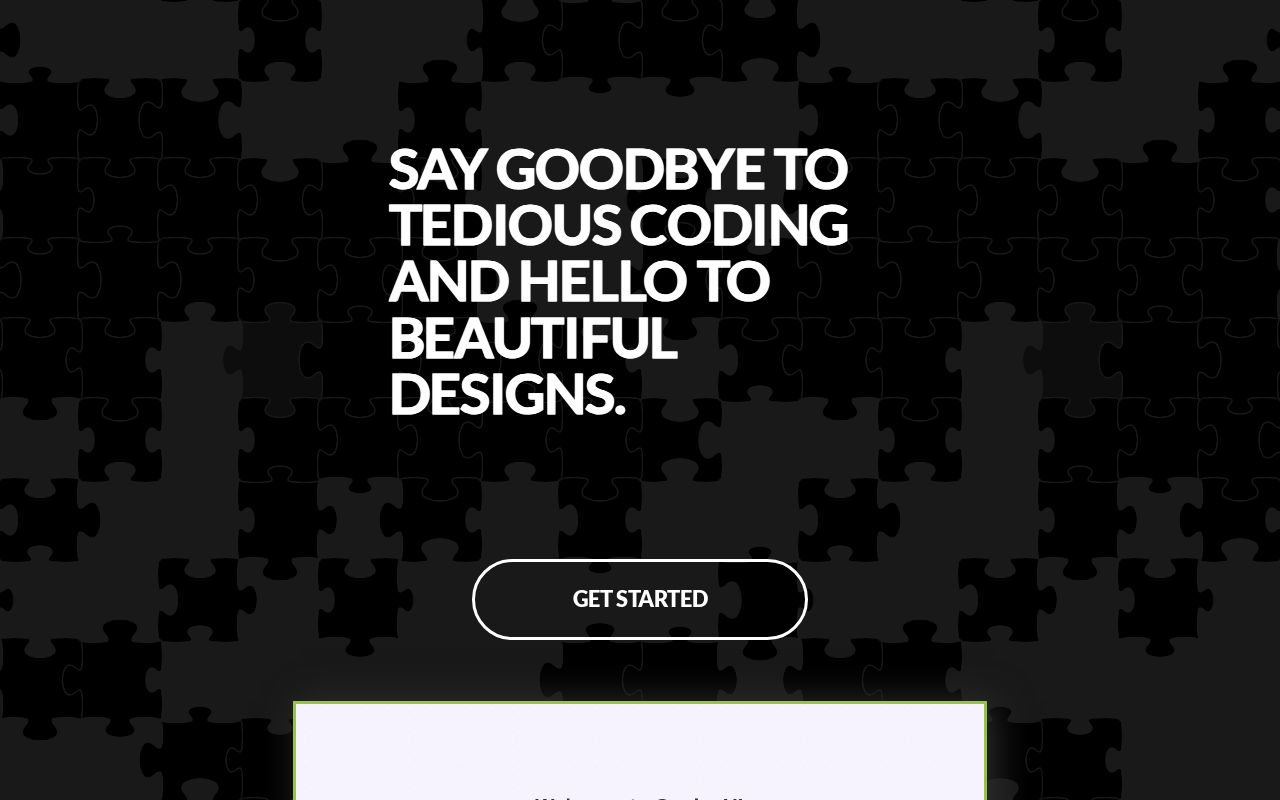
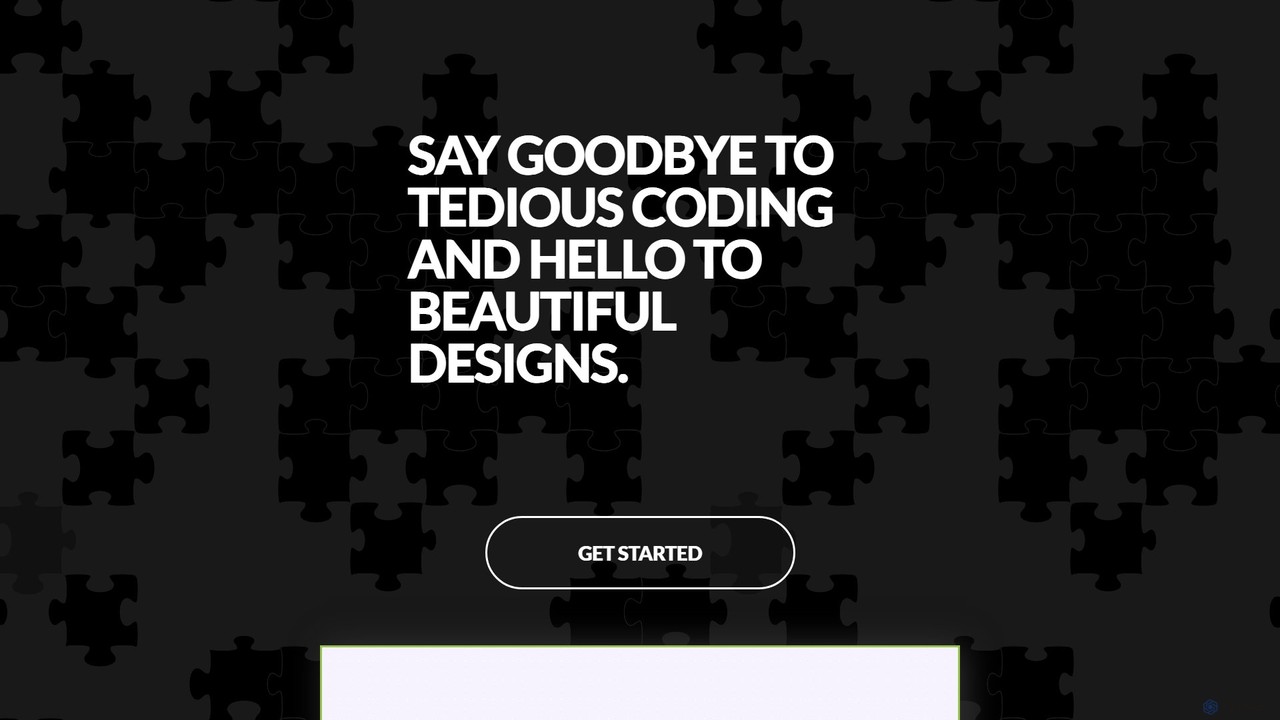
GeniusUI Product overview

GeniusUI is an AI-powered design tool that transforms text prompts into stunning, high-fidelity UI/UX designs and components. It automates the design and front-end coding process, allowing creators to build beautiful interfaces in minutes, not days, without writing a single line of code.

Preview

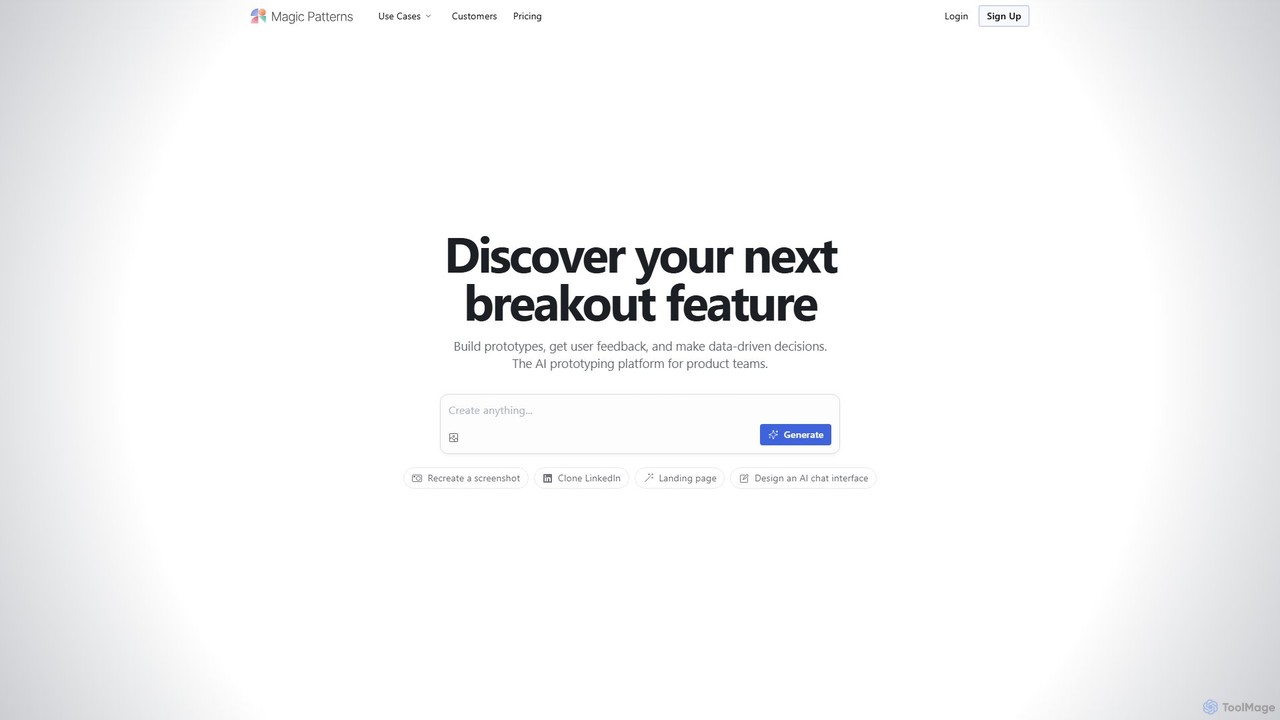
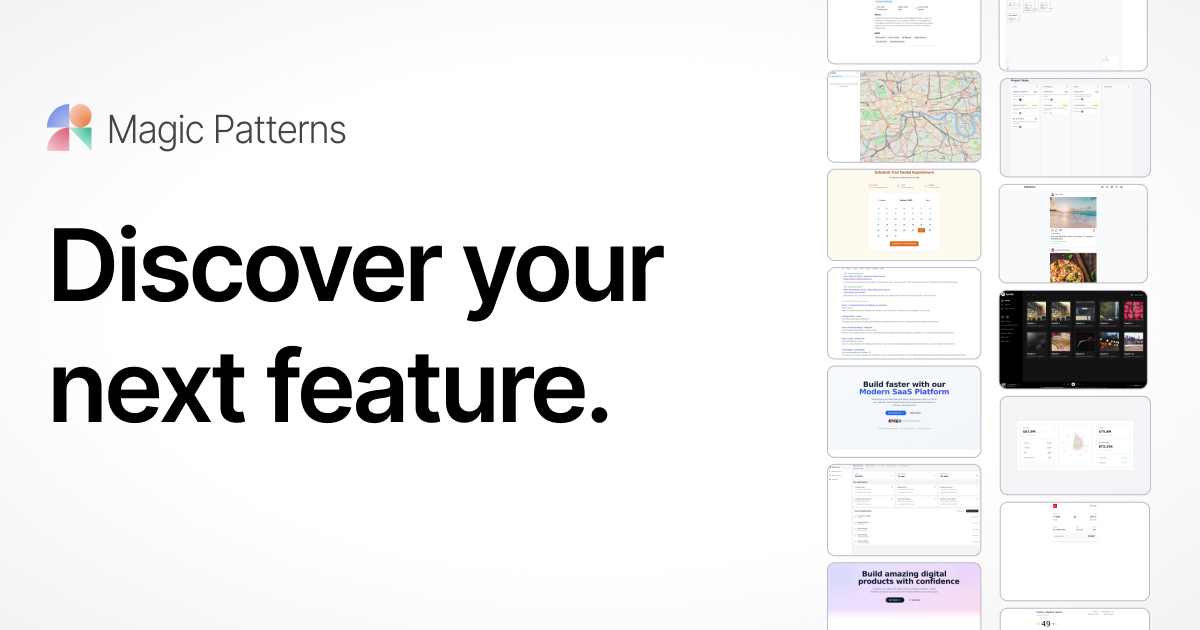
Magic Patterns Product overview

Magic Patterns is an AI-powered prototyping platform for product teams, designers, and developers. It accelerates UI creation by generating interactive prototypes and production-ready code (React, Tailwind CSS) from text prompts, screenshots, or existing websites. It helps teams iterate faster, gather user feedback, and make data-driven decisions.

Preview

Quick facts

Compare product focus, pricing models and audiences. Highlighted rows indicate different listed information; unknown pricing does not mean free.

GeniusUI VS Magic Patterns — Quick facts
Quick factsGeniusUIMagic Patterns
Pricing modelFreemiumFreemium
Product typeWebWeb
Primary focusUi Ux DesignPrototyping
Audience and rolesNo data availableNo data available
CategoriesUi Ux Design · Low Code No Code · PrototypingPrototyping · Low Code No Code · Collaboration
AddedAug 5, 2025Aug 8, 2025
UpdatedNov 19, 2026Nov 19, 2026

Features, usage and use cases

Explore the listed product descriptions, features and workflows. Taxonomy labels alone are not feature evaluations.

GeniusUI

GeniusUI is a revolutionary AI-driven platform designed to fundamentally change how we create user interfaces. In a world where speed and quality are paramount, GeniusUI empowers designers, developers, and product teams to move from idea to interactive mockup at unprecedented speed. By simply describing your vision in natural language, you can generate beautiful, functional, and production-ready designs, effectively saying goodbye to tedious manual coding and time-consuming design iterations.

The platform is built on a sophisticated AI model trained on millions of high-quality design patterns and user flows. This allows it to understand context, aesthetics, and usability principles, ensuring that the generated designs are not only visually appealing but also highly effective and user-friendly. Whether you're building a new mobile app, a complex web dashboard, or a simple landing page, GeniusUI acts as your intelligent design partner, accelerating your workflow and unlocking new levels of creativity.

How to use GeniusUI

The workflow in GeniusUI is designed to be intuitive and straightforward, making UI design accessible to everyone, regardless of their technical background.

  1. Describe Your Vision: Start by typing a simple text prompt describing the UI element or screen you need. For example, 'Create a login screen for a modern music streaming app with a dark theme and social media login options.'
  2. AI-Powered Generation: GeniusUI's AI instantly processes your request and generates several unique design variations. You can browse through different layouts, color schemes, and component styles to find the one that best fits your vision.
  3. Refine and Customize: Select your preferred design and enter the visual editor. Here, you can easily tweak every aspect of the UI. Change colors, adjust typography, swap icons, or modify the layout using a simple drag-and-drop interface or by providing further text-based commands like 'make the primary button green'.
  4. Export and Launch: Once you are satisfied with your design, you can export it in various formats. Download high-resolution images for presentations, export to Figma for further collaboration with your design team, or generate production-ready code in HTML/CSS, React, or Vue to hand off directly to your development team.

Core Features of GeniusUI

  • Text-to-UI Generation: The core engine that converts natural language prompts into complete UI screens and components.
  • AI-Powered Design System: Generate a cohesive set of components (buttons, forms, cards, navigation bars) that form a consistent design system for your project.
  • Multi-Framework Code Export: Export your designs into clean, readable, and production-ready code for popular front-end frameworks like React, Vue, Svelte, and standard HTML/CSS.
  • Interactive Prototyping: Automatically link screens together to create simple, clickable prototypes for user testing and stakeholder presentations.
  • Figma & Sketch Integration: Seamlessly import your generated designs into your favorite design tools for advanced editing and collaboration.
  • Real-time Iteration: Instantly see changes and variations, allowing for rapid exploration of different design directions without manual effort.
  • Theme and Style Adaptation: Easily apply different themes (e.g., dark mode, light mode) or adapt the design to match your existing brand guidelines.

Use Cases for GeniusUI

GeniusUI is a versatile tool that caters to a wide range of professionals:

  • Startups & Entrepreneurs: Quickly create high-fidelity mockups and functional prototypes for investor pitches and minimum viable products (MVPs) without hiring a large team.
  • UI/UX Designers: Accelerate the ideation and wireframing process. Generate dozens of concepts in minutes to overcome creative blocks and focus on high-level user experience strategy.
  • Developers: Eliminate the need to write boilerplate UI code. Generate front-end components and layouts instantly, allowing you to focus on backend logic and application functionality.
  • Product Managers & Marketers: Independently create realistic mockups for new feature proposals, A/B testing, and marketing landing pages without relying on design and engineering resources.

Advantages of GeniusUI

Using GeniusUI provides a significant competitive edge. The primary advantage is the massive increase in speed, reducing the design-to-development cycle from weeks to hours. It democratizes design, making it possible for non-designers to create professional-looking interfaces. This leads to significant cost savings on both design and development resources. Furthermore, the AI-driven approach ensures design consistency and helps teams explore more creative possibilities than they could manually.

Pricing and Plans

GeniusUI offers a flexible pricing structure to suit different needs, from individual creators to large enterprises. While specific pricing may vary, it typically follows a freemium model:

  • Free Plan: Ideal for individuals and hobbyists. Offers a limited number of AI generations per month, basic features, and watermarked exports.
  • Pro Plan: Designed for professionals and freelancers. Includes a high volume of AI generations, access to all core features, code export, Figma integration, and no watermarks.
  • Team/Enterprise Plan: Tailored for agencies and large organizations. Provides unlimited generations, advanced collaboration features, custom design system integration, priority support, and enhanced security.

Magic Patterns

Magic Patterns is a revolutionary AI prototyping platform designed to streamline the workflow for product teams, designers, and frontend engineers. It empowers users to transform ideas into high-fidelity, interactive prototypes and production-ready code in minutes. By leveraging advanced AI, the platform can generate complex user interfaces from simple text descriptions, screenshots of existing applications, or by cloning a website's URL. This dramatically reduces the time and effort required for initial design and development, fostering a culture of rapid experimentation and iteration.

Trusted by professionals at leading companies like Figma and Doordash, Magic Patterns is built for speed and collaboration. It allows teams to quickly build out new feature ideas, test them directly with customers, and gather valuable feedback to make informed, data-driven product decisions. The platform is not just about creating static images; it generates functional components that can be edited and refined in real-time through a conversational chat interface.

How to use Magic Patterns

Using Magic Patterns is an intuitive process designed to be accessible to both technical and non-technical users:

  1. Provide Input: Start by giving the AI a prompt. This can be a text description (e.g., "Create a Kanban board with draggable cards"), a screenshot of a design you like, or the URL of a website you wish to replicate or take inspiration from.
  2. AI Generation: The AI processes your input and generates a fully responsive UI component or page. The underlying technology stack includes modern frameworks like React and Tailwind CSS, ensuring the output is clean and maintainable.
  3. Iterate and Refine: Use the simple chat interface to make live edits. You can request changes like "Make the primary button indigo," "Add a search bar to the header," or "Change the layout to three columns." The AI will apply these changes instantly.
  4. Collaborate with Your Team: Share a link to your live prototype with colleagues. Designers, engineers, and product managers can all view, comment, and even make edits, ensuring everyone is aligned.
  5. Export for Production: Once the design is finalized, you can export it in multiple formats. Export to Figma for further design refinement or grab the production-ready React, HTML, and Tailwind CSS code to hand off to your development team, significantly speeding up the implementation phase.

Core Features of Magic Patterns

  • AI-Powered UI Generation: Create UI components and full pages from text, screenshots, or URLs.
  • Design System Matching: Automatically detects and matches your existing product's styling, colors, and fonts to ensure brand consistency.
  • Rapid Prototyping: Build and test interactive prototypes in minutes to validate ideas with real users.
  • Real-time Team Collaboration: Edit, share, and iterate on designs live with your entire team, breaking down silos between design and engineering.
  • Production-Ready Code Export: Generates clean, maintainable code in React, Tailwind CSS, and HTML.
  • Figma Integration: Seamlessly export designs to Figma for a smooth design-to-development handoff.
  • Enterprise-Ready Security: Offers robust security and compliance features to keep your business data safe.
  • Community Component Library: Explore and use over a million designs created by the community for inspiration or as a starting point.

Use Cases for Magic Patterns

Magic Patterns is versatile and can be used by various roles within an organization:

  • Product Managers: Quickly create high-fidelity mockups for new feature proposals, stakeholder presentations, and sales demos.
  • UI/UX Designers: Accelerate the wireframing and design process by generating multiple layout options and component variations instantly.
  • Frontend Developers: Eliminate boilerplate work by starting with AI-generated, production-quality code, allowing them to focus on complex logic.
  • Startups and Founders: Build and launch MVPs (Minimum Viable Products) and landing pages at a fraction of the traditional time and cost.
  • Marketing Teams: Create realistic product mockups for marketing campaigns and client presentations without needing engineering resources.

Advantages of Magic Patterns

The primary advantage of Magic Patterns is the massive boost in speed and efficiency. It bridges the gap between idea and execution, allowing teams to ship products faster. By enabling rapid experimentation, it helps teams build better products based on direct user feedback. The platform also promotes consistency by adhering to existing design systems and empowers non-technical team members to contribute to the design process, fostering a more collaborative and agile environment.

Pricing and Plans

Magic Patterns offers a freemium model to suit different needs:

  • Free Plan: Ideal for exploring and trialing the platform. It includes limited AI message credits, export to Figma, and custom domains.
  • Hobby Plan ($19/seat/month, billed annually): Designed for hobbyists and individuals with light usage. It offers higher message limits, a faster AI model, private generations, and removes the watermark on previews.
  • Pro Plan ($75/seat/month, billed annually): The best option for professional software builders who need to ship fast. It includes significantly higher message limits, shared team presets, centralized billing, Slack Connect, and priority support.
  • Enterprise Plan (Custom Pricing): Tailored for large organizations, offering custom contracts, advanced security, personalized onboarding, and dedicated support.

Paid plans allow for the commercial use of all generated designs and code.

Positioning

Their taxonomy shows where the products overlap and where each one has a more distinct focus. Unknown fields are shown explicitly and are never filled with assumptions.

Categories

Shared
Low Code No Code
Only GeniusUI
Ui Ux DesignPrototyping
Only Magic Patterns
PrototypingCollaboration

Tags

Shared
code generationfigmalow-codeno-codeprototypingreactui designux design
Only GeniusUI
app designdeveloper toolstext to uiweb design
Only Magic Patterns
collaborationdesign systemfrontend developmentproduct developmentTailwind CSS

Audience and roles

Shared
No listed items
Only GeniusUI
No listed items
Only Magic Patterns
No listed items

Traffic comparison

Traffic is shown on the same scale so differences in market visibility are not visually understated.

How to interpret the traffic data

Both charts share the same months and vertical scale. Each tool identifies its latest reporting month; missing months are left blank, not counted as zero. Regional and source visit counts are estimates calculated from the reported shares.

GeniusUI

No data available

Magic Patterns monthly traffic:

Latest traffic · 2026-05

Monthly visits
241.9K
Avg. visit duration
1:59
Pages per visit
2.46
Bounce rate
45.8%
Data updated 2026-06-15

Monthly traffic trend

  • 2025-09: 278.8K
  • 2026-01: 319.2K
  • 2026-02: 337.8K
  • 2026-03: 304.6K
  • 2026-04: 321.7K
  • 2026-05: 241.9K

Top regions

Top 5 countries/regions
Country/regionPercentageEstimated visits
🇺🇸United States67.21%162.6K
🇮🇳India13.45%32.5K
🇮🇩Indonesia7.21%17.4K
🇵🇭Philippines6.2%15K
🇪🇬Egypt5.93%14.3K

Traffic sources

Source typePercentageEstimated visits
Direct84.88%205.3K
Referral11.86%28.7K
Email3.26%7.9K

Search keywords

claude designmagic patternmagic patternsmagicpatternsmagic patterns ai

Community signals

Ratings, comments, favorites, and likes are community signals—not a substitute for product fit.

GeniusUI

Rating
No data available
Comments
0
Favorites
172
Likes
151

Magic Patterns

Rating
No data available
Comments
0
Favorites
142
Likes
160

GeniusUI vs Magic Patterns · Comparison FAQ

What do GeniusUI and Magic Patterns have in common?
Both tools are listed under Low Code No Code. These categories indicate overlapping use cases; compare their detailed descriptions for workflows, capabilities and limitations.
Are GeniusUI and Magic Patterns free?
Listed pricing models: GeniusUI — Freemium; Magic Patterns — Freemium. Missing pricing is not proof of a free plan, and freemium does not mean every feature is free. Check official sites for current plans, limits and trials.
How should I choose between GeniusUI and Magic Patterns?
The primary listed category is Ui Ux Design for GeniusUI, and Prototyping for Magic Patterns. Compare features, steps and use cases, then verify pricing, data permissions and deployment needs. This page does not include hands-on testing and does not declare a winner from traffic or tags.

Sources and comparison methodology

This page is assembled from ToolMage product listings, taxonomy, traffic statistics and on-site user feedback. It is not a hands-on test or an independent review.
  • Feature and plan descriptions reflect information in the listings, not real-time guarantees. Verify pricing, quotas, availability and privacy terms on the official sites.
  • Traffic uses the reporting months shown. Missing statistics do not mean zero visits, and different periods do not establish growth or superiority. Regional and source visit counts are estimates based on shares.
  • Different tags indicate differences in the listings, not proof that the other product lacks a capability. Ratings, favorites and visits are not used to declare a winner.

Related comparisons