GitHub Copilot
Code Generation
AI TOOL COMPARISON
What is the difference, and which fits your workflow? Compare features, usage, pricing models and traffic side by side.
Code Generation
Code Generation
GitHub Copilot is an AI pair programmer that offers intelligent code completions and suggestions directly in your editor. It helps you write code faster, learn new languages, and stay in the flow by turning natural language prompts into coding suggestions across dozens of languages.
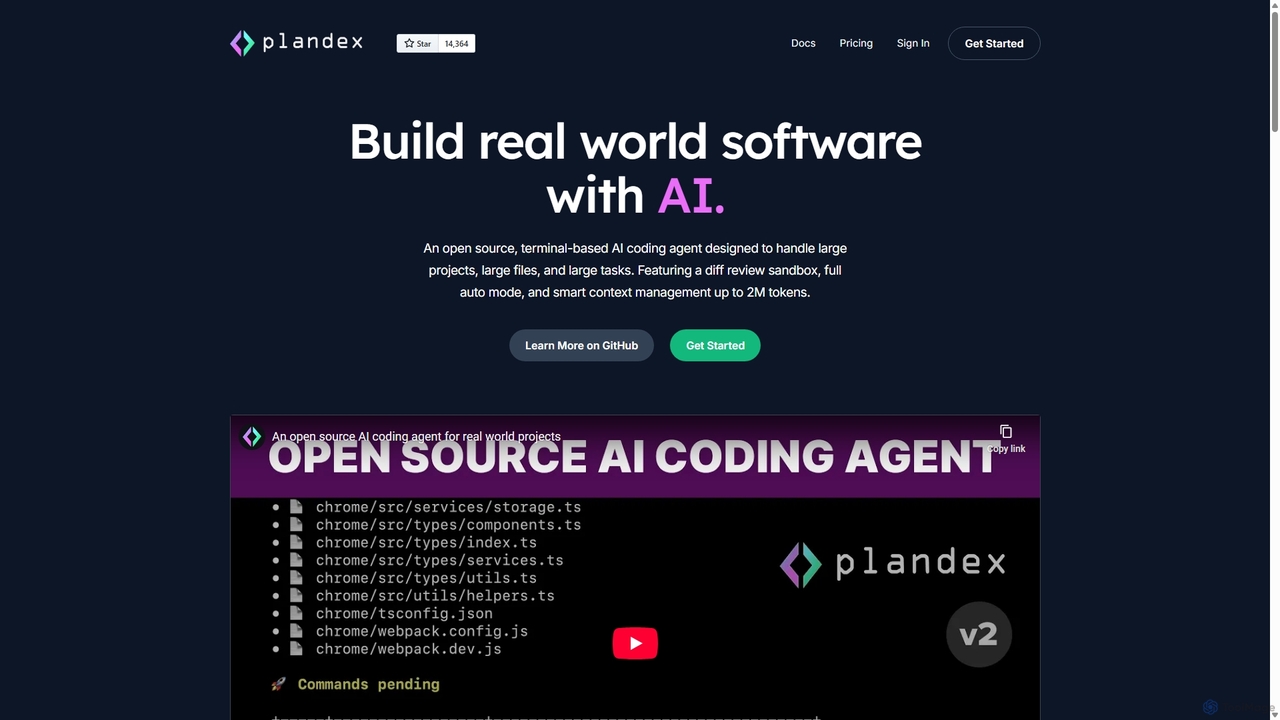
Plandex is an open-source, terminal-based AI coding agent designed for complex, large-scale software development tasks. It excels at handling large projects and files with its 2M token context window. Featuring a diff review sandbox, configurable autonomy, and multi-model support, Plandex empowers developers to build, debug, and refactor entire applications with AI assistance, ensuring control and productivity in a dev-friendly workflow.
Compare product focus, pricing models and audiences. Highlighted rows indicate different listed information; unknown pricing does not mean free.
| Quick facts | GitHub Copilot | Plandex |
|---|---|---|
| Pricing model | Freemium | Freemium |
| Product type | Extensions | App |
| Primary focus | Code Generation | Code Generation |
| Audience and roles | Data Analyst · DevOps Engineer · Product Manager · Researcher · Sales Representative · Software Developer · Student | Backend Developer · Data Scientist · DevOps Engineer · Engineering Manager · Frontend Developer · Full-Stack Developer · Machine Learning Engineer · Software Developer |
| Categories | Code Generation · Code Assistant · Automation | Code Generation · Code Assistant · Automation |
| Added | Sep 19, 2025 | Sep 11, 2025 |
| Updated | Nov 19, 2026 | Nov 19, 2026 |
Explore the listed product descriptions, features and workflows. Taxonomy labels alone are not feature evaluations.
GitHub Copilot is a revolutionary AI-powered tool designed to assist developers in writing code more efficiently. Developed by GitHub and OpenAI, it functions as a sophisticated pair programmer, deeply integrated into the developer's workflow. By leveraging advanced machine learning models, including the powerful GPT-4.1, Copilot analyzes the context of the code you're writing—from comments and function names to the surrounding code—to offer real-time suggestions. These suggestions range from single lines of code to entire functions, significantly accelerating the development process.
Beyond simple code completion, GitHub Copilot has evolved into a comprehensive assistant with features like Copilot Chat and agentic capabilities. This allows developers to interact with the AI using natural language, ask coding questions, get explanations for complex code blocks, and even delegate entire tasks. The AI can now operate in the background, working on tasks like creating a full pull request based on a high-level description, and then notifying the developer for review. This shift towards agentic workflows marks a new era of human-computer collaboration in software development.
Getting started with GitHub Copilot is straightforward. First, you need to sign up for a plan (including the free tier for eligible users) on the GitHub website. Once subscribed, you can install the GitHub Copilot extension in your preferred integrated development environment (IDE). It supports a wide range of popular editors, including Visual Studio Code, JetBrains IDEs (like IntelliJ IDEA, PyCharm), Visual Studio, and Neovim. After installation and authentication with your GitHub account, Copilot will automatically start providing suggestions as you type. You can also use Copilot Chat by opening its dedicated panel or use it directly on the GitHub.com website to automate tasks, prototype ideas, and streamline your workflow without needing a local IDE.
GitHub Copilot is versatile and can be applied in numerous scenarios. Developers use it to rapidly prototype new features by describing the desired functionality in a comment and letting Copilot generate the boilerplate code. It's an excellent tool for learning a new programming language or framework, as it provides idiomatic code examples on the fly. For data scientists, it can help write complex data manipulation scripts and generate visualization code. It's also invaluable for writing documentation, generating unit tests, and refactoring existing code, which helps improve overall code quality and maintainability. Teams can use it to enforce coding standards and accelerate the onboarding of new developers.
The primary advantage of GitHub Copilot is the massive boost in developer productivity. It significantly reduces the time spent on writing repetitive or boilerplate code, allowing developers to focus on more complex problem-solving. It enhances code quality by suggesting best practices and reducing the likelihood of common errors. By providing instant answers and code snippets, it minimizes context switching, helping developers stay in a state of flow. Furthermore, its agentic capabilities are transforming the development lifecycle, automating tedious tasks and enabling a higher level of abstraction in software creation.
GitHub Copilot offers a flexible pricing structure to cater to different users:
Plandex is a sophisticated, open-source AI coding agent engineered to tackle the complexities of modern software development. Operating directly from your terminal, it's designed to go beyond simple code completion and assist with large-scale tasks, from building entire features to refactoring extensive codebases. Plandex bridges the gap between generative AI's potential and the practical demands of professional programming, offering a robust workflow for serious projects.
The core philosophy of Plandex is to empower developers, not replace them. It achieves this by handling the heavy lifting of understanding vast project structures and generating complex code, while keeping the developer firmly in control. With an effective context window of up to 2 million tokens and intelligent project mapping using tree-sitter, Plandex can grasp the intricacies of large repositories, ensuring that its suggestions are contextually aware and relevant.
Using Plandex is an interactive process within the command line. A developer starts by creating a 'plan'—a high-level description of the task, such as "Implement a user authentication system with JWT" or "Refactor the database service to use a connection pool." Plandex then breaks this goal down into actionable steps. It analyzes the existing codebase, identifies the files that need to be created or modified, and generates the necessary code. Crucially, it doesn't apply these changes automatically. Instead, it presents them as a 'diff' in a sandbox environment. The developer can review every single line of change across all affected files, request modifications, or approve the changes. Once approved, Plandex executes the changes, runs specified commands (like tests or linters), and can even automatically debug issues if they arise, creating a powerful, iterative development loop.
Plandex is versatile enough for a wide range of development tasks, including:
Plandex offers a significant competitive edge by being a developer-centric tool. Its main advantages include a massive boost in productivity by automating tedious coding tasks, improved code quality through its mandatory review process, and the ability to tackle projects of a scale that other AI tools cannot handle. Its flexibility in model choice and hosting provides both cost-effectiveness and control, making it a sustainable solution for individuals and teams alike.
Plandex offers flexible pricing to suit different needs:
Their taxonomy shows where the products overlap and where each one has a more distinct focus. Unknown fields are shown explicitly and are never filled with assumptions.
Traffic is shown on the same scale so differences in market visibility are not visually understated.
Both charts share the same months and vertical scale. Each tool identifies its latest reporting month; missing months are left blank, not counted as zero. Regional and source visit counts are estimates calculated from the reported shares.
| Country/region | Percentage | Estimated visits |
|---|---|---|
| 🇺🇸United States | 46.56% | 1.4M |
| 🇮🇳India | 24.41% | 727.8K |
| 🇨🇳China | 11.38% | 339.3K |
| 🇩🇪Germany | 10.08% | 300.5K |
| 🇬🇧United Kingdom | 7.57% | 225.7K |
| Source type | Percentage | Estimated visits |
|---|---|---|
| Direct | 51.87% | 1.5M |
| Referral | 46.12% | 1.4M |
| 2.01% | 59.9K |
| Country/region | Percentage | Estimated visits |
|---|---|---|
| 🇺🇸United States | 45.52% | 9.7K |
| 🇻🇳Vietnam | 16.17% | 3.4K |
| 🇷🇺Russia | 14.18% | 3K |
| 🇹🇷Turkey | 12.11% | 2.6K |
| 🇫🇷France | 12.02% | 2.6K |
Ratings, comments, favorites, and likes are community signals—not a substitute for product fit.
This page is assembled from ToolMage product listings, taxonomy, traffic statistics and on-site user feedback. It is not a hands-on test or an independent review.