Kusho
Code Assistant
AI TOOL COMPARISON
What is the difference, and which fits your workflow? Compare features, usage, pricing models and traffic side by side.
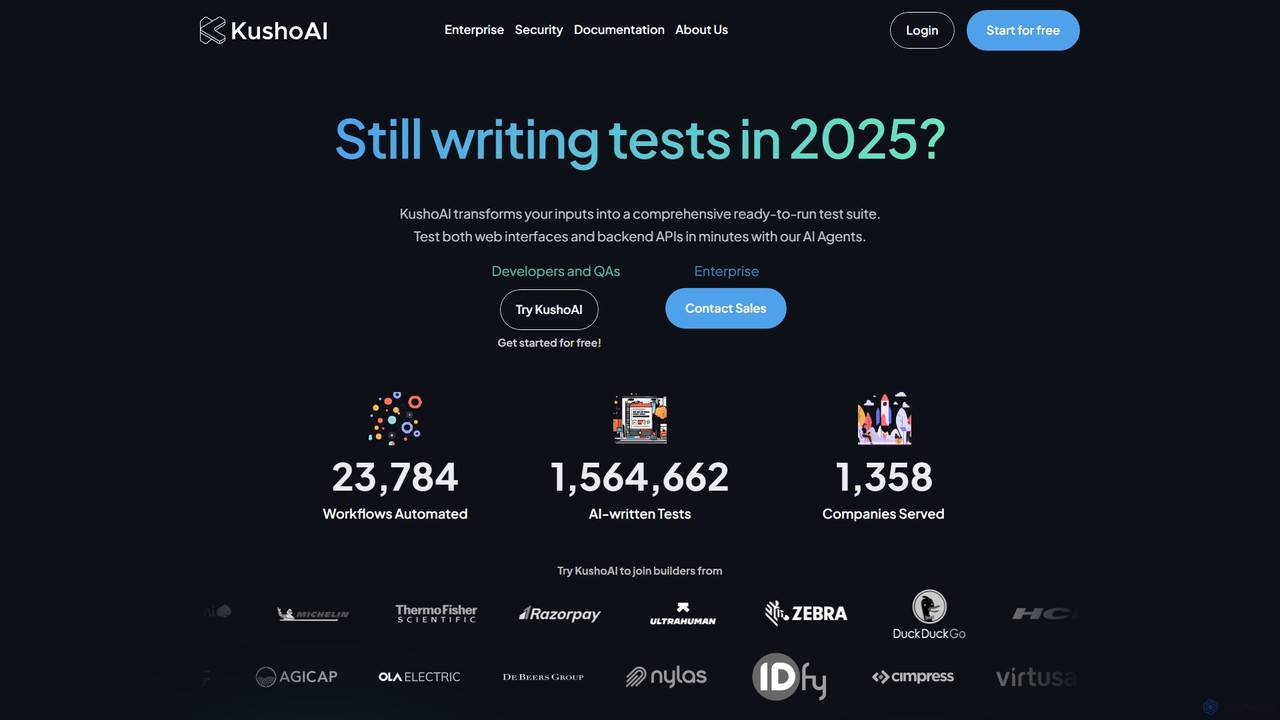
Kusho is an AI-powered platform that automates software testing for developers and enterprises. It uses autonomous AI agents to transform inputs into comprehensive, ready-to-run test suites for both web UIs and backend APIs. By automatically generating and maintaining tests, Kusho helps teams achieve over 90% test coverage, accelerate deployment cycles, and ship bug-free code with confidence.
Testkit is an AI-powered platform designed to automate the software testing lifecycle. It helps development and QA teams generate, execute, and maintain test cases with greater speed and accuracy, significantly reducing manual effort and accelerating the delivery pipeline.
Compare product focus, pricing models and audiences. Highlighted rows indicate different listed information; unknown pricing does not mean free.
| Quick facts | Kusho | Testkit |
|---|---|---|
| Pricing model | Freemium | Freemium |
| Product type | Web | Web |
| Primary focus | Code Assistant | Code Assistant |
| Audience and roles | No data available | No data available |
| Categories | Code Assistant · Testing · Automation | Code Assistant · Testing · Automation |
| Added | Aug 14, 2025 | Aug 11, 2025 |
| Updated | Nov 19, 2026 | Nov 19, 2026 |
Explore the listed product descriptions, features and workflows. Taxonomy labels alone are not feature evaluations.
Kusho is a revolutionary platform that introduces a new era of software engineering through autonomous AI agents. It is designed to eliminate the tedious and time-consuming tasks of manual software testing, allowing developers and QA teams to focus on building innovative products. Kusho specializes in automating the testing process for both the building blocks of modern software: backend APIs and web user interfaces. By leveraging proprietary models combined with powerful foundational LLMs, Kusho can intelligently understand complex application workflows and generate comprehensive, executable test suites in a matter of minutes. This AI-led transformation helps organizations accelerate their deployment velocity, significantly improve code quality, and achieve unprecedented levels of test coverage, ultimately leading to more stable and reliable software releases.
Getting started with Kusho is designed to be a seamless and intuitive process.
1. Provide Your Inputs: Users begin by providing Kusho with inputs related to the application they want to test. This can include API specifications (like OpenAPI/Swagger files), Postman collections, or descriptions of user journeys and workflows for web interfaces.
2. AI-Powered Test Generation: The Kusho AI agent analyzes these inputs, understands the logic, potential edge cases, and complex interactions within the application. Within minutes, it automatically generates a complete, ready-to-run test suite, including various test scenarios and the necessary test code.
3. Execute and Analyze: The generated tests can be executed instantly on the Kusho platform or integrated directly into your existing CI/CD pipeline (e.g., Jenkins, GitHub Actions, CircleCI).
4. Receive Actionable Reports: After execution, Kusho provides tailored reports that highlight any bugs, performance issues, or failures. These reports offer actionable insights, making it easy for developers to identify and fix problems quickly.
5. Autonomous Maintenance: As your codebase evolves, Kusho continuously monitors changes and automatically updates the test suites in real-time, ensuring that your tests remain relevant and effective without any manual intervention.
Development and QA Teams: To automate the creation of unit, integration, and end-to-end tests, saving hundreds of engineering hours and freeing up teams to focus on feature development.
Enterprises with Large Codebases: To manage and maintain an effective testing strategy for hundreds or thousands of APIs, ensuring tests are always up-to-date with the evolving code.
Complex Application Testing: For applications with intricate user journeys and numerous potential interaction paths, Kusho can autonomously generate tests for all combinations.
Accelerating Release Cycles: Organizations looking to increase their deployment velocity can use Kusho to shrink testing timelines from weeks to hours, enabling quicker and more frequent releases.
Improving Software Quality: To achieve near-perfect test coverage, find bugs before they reach production, and deliver a more stable and reliable product to users.
Massive Time Savings: Automates what would typically be hours or days of manual test writing into a process that takes just minutes.
Increased Deployment Velocity: By drastically reducing the testing bottleneck, teams can ship code to production faster and with greater confidence.
Unprecedented Test Coverage: The AI agent explores scenarios and edge cases that humans might overlook, pushing test coverage to levels beyond 90%.
Stress-Free Releases: Comprehensive and constantly updated testing means fewer bugs slip into production, leading to smoother, more reliable deployments.
Zero-Maintenance Tests: The self-updating nature of the tests eliminates the significant engineering effort typically required to maintain a test suite.
Scalability: Effortlessly scales testing efforts as the application grows in complexity, without needing to proportionally increase the size of the QA team.
Kusho operates on a freemium model. There is a Free Plan available to get started and experience the core features of the platform. For teams and organizations with more advanced needs, Kusho offers an Enterprise Plan. The Enterprise plan includes additional features such as on-premises deployment, enhanced security controls, and dedicated support. For detailed pricing information and to discuss the Enterprise plan, prospective customers are encouraged to Contact Sales through the official website.
Testkit is an intelligent test automation platform that leverages artificial intelligence to streamline and enhance the entire software testing process. Designed for modern development teams, Testkit automates the tedious and time-consuming tasks of writing, executing, and maintaining test suites. By analyzing your application's code and user interface, the platform can autonomously generate meaningful end-to-end, integration, and unit tests, ensuring comprehensive coverage and early bug detection.
The platform aims to bridge the gap between development speed and software quality. In today's fast-paced CI/CD environments, traditional testing methods can become a bottleneck. Testkit addresses this by providing a smart, adaptive solution that keeps pace with development, allowing teams to release new features with confidence and without compromising on quality.
Using Testkit is designed to be an intuitive process that integrates seamlessly into existing development workflows. First, you connect your application's repository (e.g., from GitHub, GitLab, or Bitbucket) to the Testkit platform. The AI then scans your codebase and, if applicable, your live application's UI. Based on this analysis, it suggests a suite of relevant test cases. Users can review, modify, and approve these generated tests. Once approved, the tests can be executed on demand or automatically triggered as part of your CI/CD pipeline. The results are presented in a clear, actionable dashboard, highlighting any failures, performance regressions, or visual inconsistencies, making debugging faster and more efficient.
Testkit is versatile and can be applied in various scenarios. For agile development teams, it accelerates sprint cycles by automating regression testing. QA engineers can use it to expand test coverage far beyond what is manually possible, freeing them to focus on more complex exploratory testing. Frontend developers can ensure UI consistency across releases with automated visual testing. For DevOps professionals, integrating Testkit into the CI/CD pipeline establishes a critical quality gate, preventing bugs from reaching production. Startups and small teams can leverage Testkit to build a robust testing culture from the ground up without needing a large, dedicated QA team.
The primary advantage of Testkit is its massive boost in efficiency. It reduces the time spent on writing and maintaining tests by up to 80%. This leads to faster release cycles and a lower cost of quality assurance. The AI-driven approach ensures higher test coverage and the ability to catch bugs that manual testing might miss. Its self-healing capabilities make test suites more resilient and less brittle, solving a major pain point in traditional test automation. Ultimately, Testkit empowers teams to build and ship higher-quality software faster.
Testkit typically offers a freemium model to cater to different team sizes and needs. A free plan is available for individual developers and small projects with a limited number of test runs per month. Paid plans, such as a 'Pro' tier for growing teams and an 'Enterprise' tier for large organizations, offer higher test volumes, parallel test execution, advanced security features, and dedicated support. Pricing is usually based on the number of test runs or users, providing a scalable solution as your testing needs grow.
Their taxonomy shows where the products overlap and where each one has a more distinct focus. Unknown fields are shown explicitly and are never filled with assumptions.
Traffic is shown on the same scale so differences in market visibility are not visually understated.
Both charts share the same months and vertical scale. Each tool identifies its latest reporting month; missing months are left blank, not counted as zero. Regional and source visit counts are estimates calculated from the reported shares.
| Country/region | Percentage | Estimated visits |
|---|---|---|
| 🇮🇳India | 63.86% | 6.6K |
| 🇻🇳Vietnam | 14.12% | 1.5K |
| 🇺🇸United States | 11.35% | 1.2K |
| 🇵🇰Pakistan | 5.99% | 619 |
| 🇹🇷Turkey | 4.68% | 483 |
| Source type | Percentage | Estimated visits |
|---|---|---|
| Direct | 54.1% | 5.6K |
| Referral | 23.05% | 2.4K |
| 22.85% | 2.4K |
No data available
Ratings, comments, favorites, and likes are community signals—not a substitute for product fit.
This page is assembled from ToolMage product listings, taxonomy, traffic statistics and on-site user feedback. It is not a hands-on test or an independent review.