Otto Engineer
Code Assistant
AI TOOL COMPARISON
What is the difference, and which fits your workflow? Compare features, usage, pricing models and traffic side by side.
Code Assistant
Code Assistant
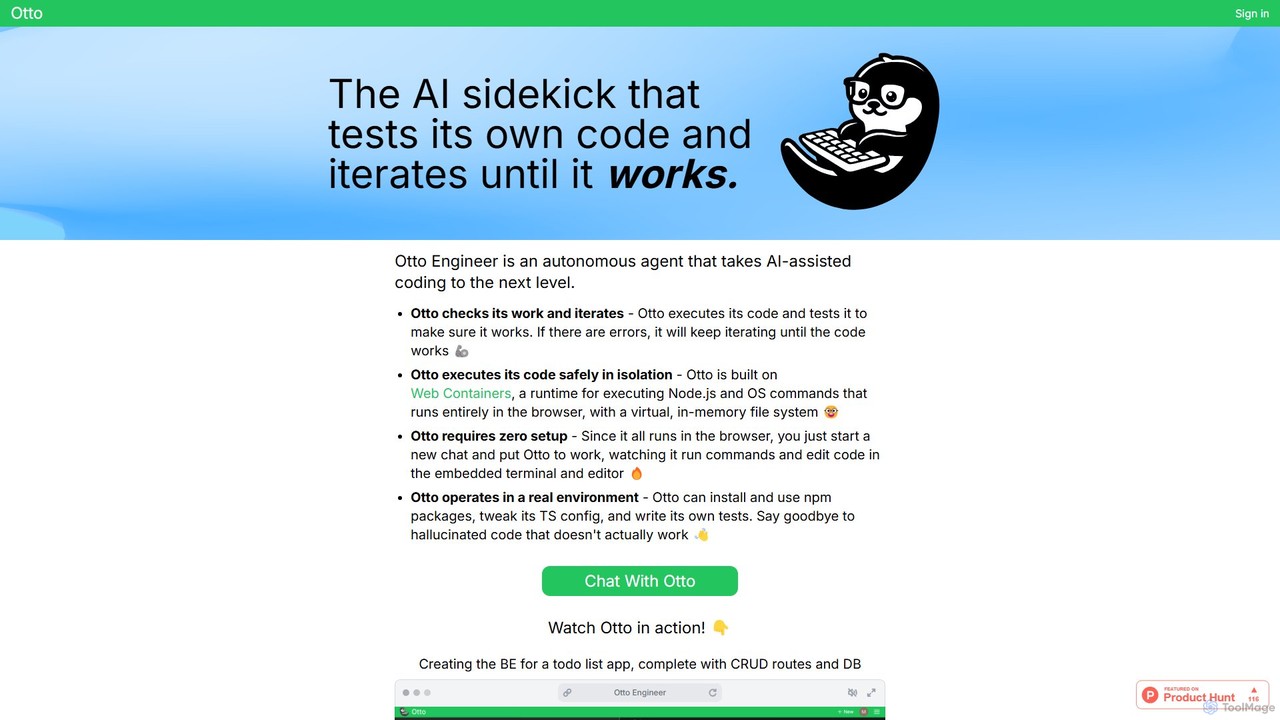
Otto Engineer is an autonomous AI agent that elevates coding by writing, testing, and iterating on code directly in your browser. It operates in a secure, sandboxed environment, requiring zero setup to prototype applications, debug complex issues, and generate reliable, working code.
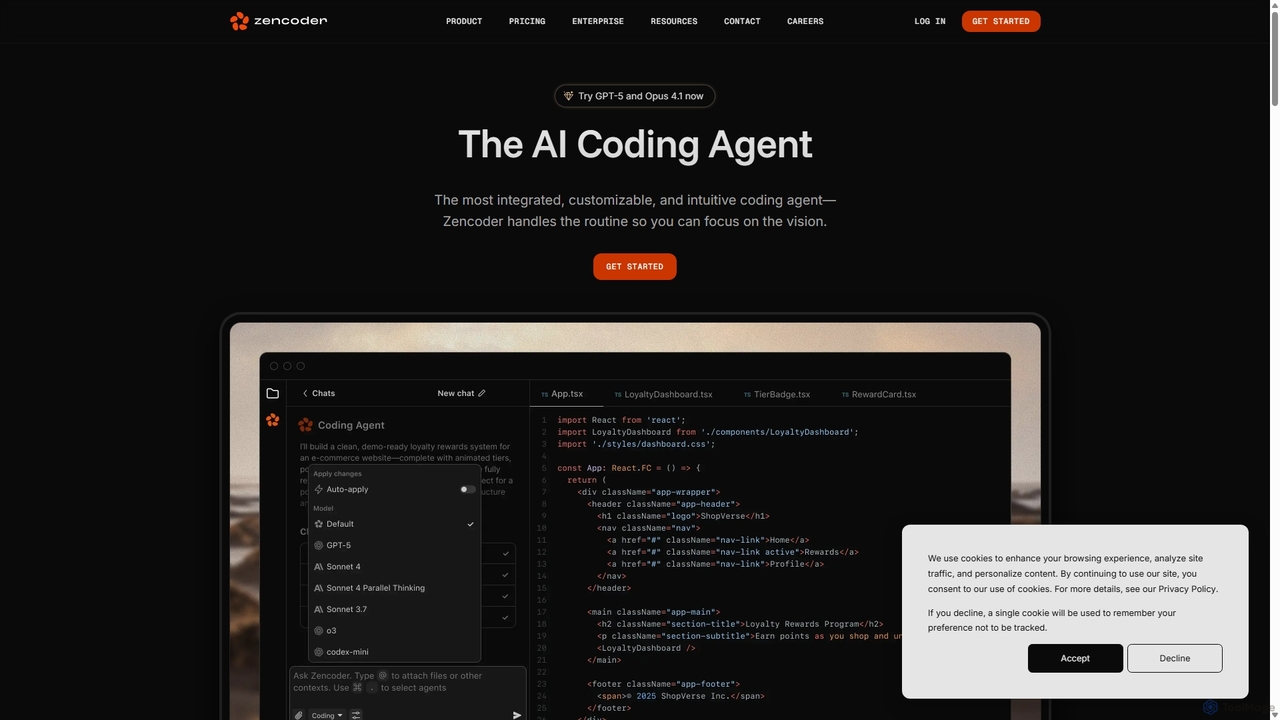
Zencoder is an advanced AI coding agent designed to automate routine development tasks. It deeply integrates into your workflow, understanding your entire codebase to implement features, write tests, fix bugs, and refactor code autonomously. With customizable 'Zen Agents' and seamless integration with VS Code, JetBrains, and over 100 developer tools, Zencoder empowers engineering teams to focus on innovation and ship products faster.
Compare product focus, pricing models and audiences. Highlighted rows indicate different listed information; unknown pricing does not mean free.
| Quick facts | Otto Engineer | Zencoder |
|---|---|---|
| Pricing model | Freemium | Freemium |
| Product type | Web | Web |
| Primary focus | Code Assistant | Code Assistant |
| Audience and roles | No data available | DevOps Engineer · Engineering Manager · Machine Learning Engineer · Product Manager · Quality Assurance Engineer · Software Developer |
| Categories | Code Assistant · Debugging · Automation | Code Assistant · Debugging · Testing · Automation |
| Added | Aug 10, 2025 | Sep 9, 2025 |
| Updated | Nov 19, 2026 | Nov 19, 2026 |
Explore the listed product descriptions, features and workflows. Taxonomy labels alone are not feature evaluations.
Otto Engineer represents the next evolution in AI-assisted development, functioning as a fully autonomous agent designed to handle complex coding tasks from start to finish. Unlike traditional code completion tools that suggest snippets, Otto takes high-level instructions, formulates a plan, writes the code, and most importantly, executes and tests it in a secure, isolated environment. This iterative process ensures the final output is not just syntactically correct, but functionally sound and free of common AI hallucinations.
Built on Web Containers, Otto runs a complete Node.js environment entirely within your browser. This groundbreaking approach provides a virtual, in-memory file system, allowing Otto to perform real-world development tasks like installing npm packages, configuring TypeScript (`tsconfig.json`), and writing its own test suites. The entire process is transparent, with users able to watch Otto work in an embedded terminal and code editor, providing a unique insight into its problem-solving methodology.
Using Otto Engineer is designed to be a seamless, chat-based experience that requires no prior setup:
Developers leverage Otto for a variety of tasks to enhance productivity:
Otto Engineer offers a distinct advantage over other AI coding tools:
Otto Engineer likely operates on a freemium model. This typically includes a free tier with limited access for users to experience the core functionalities. For more extensive use, such as handling larger projects, higher computational limits, and access to premium features, paid subscription plans are expected to be available. For the most accurate and current pricing details, please visit the official Otto Engineer website.
Zencoder is a sophisticated AI Coding Agent built to revolutionize the software development lifecycle. It goes beyond simple code completion by acting as an autonomous partner for engineering teams. By deeply understanding the entire codebase, including complex architectures and cross-repository dependencies, Zencoder handles the mundane and repetitive tasks, allowing developers to concentrate on high-level design and innovation. It is trusted by engineers from startups to Fortune 500 companies and is designed for enterprise-scale development, prioritizing security, compliance, and scalability.
The core of Zencoder's power lies in its 'Zen Agents'—customizable AI agents that can be tailored to your team's specific workflows and best practices. These agents can be created, configured, and deployed to automate everything from generating unit tests to fixing production bugs overnight. This transforms team knowledge into scalable, automated processes, ensuring consistency and quality across all projects.
Getting started with Zencoder is designed to be seamless and intuitive, integrating directly into existing developer environments. First, install the Zencoder extension for your preferred IDE, such as VS Code or any JetBrains IDE (like IntelliJ IDEA, PyCharm). Once installed, connect Zencoder to your development stack. It offers native integrations with over 100 tools including GitHub, GitLab, Jira, Linear, Sentry, and Datadog. You can authorize access to your repositories to give the agent full context of your codebase. For specific tasks, you can interact with Zencoder through its 'Agentic Chat' interface, where you can issue commands in natural language, ask technical questions, or request code generation. For example, you can ask it to 'implement the feature described in JIRA-123' or 'write unit tests for the new checkout service'. To automate workflows, you can configure Zen Agents to trigger on specific events, such as a new Jira ticket or a failing CI/CD build, enabling a 24/7 autonomous engineering workforce.
Zencoder is versatile and can be applied across the development process. Teams use it for automated feature implementation, where an agent takes a Jira ticket description and generates the necessary code across multiple files. For quality assurance, it's used for autonomous testing, with Zentester creating complete test suites for new features. Another key use case is 24/7 bug fixing; an agent can be triggered by a Sentry alert, identify the root cause, write a fix, and open a pull request for review by the time the team starts their day. It also excels at large-scale code refactoring, a task that can take a human developer hours or days. Furthermore, by creating custom Zen Agents, teams can codify and enforce best practices, ensuring standardized code quality and architectural consistency across the organization.
The primary advantage of Zencoder is its ability to act as a force multiplier for engineering teams, significantly boosting productivity and accelerating development cycles. It automates tedious, time-consuming tasks, freeing developers to focus on creative problem-solving. Its deep codebase understanding leads to higher quality, contextually-aware code suggestions compared to simple autocomplete tools. The platform's customizability through Zen Agents allows teams to build a bespoke AI workforce tailored to their unique needs. Finally, its strong emphasis on enterprise-grade security, compliance, and privacy ensures that it can be safely adopted in organizations of any size, protecting sensitive code and data.
Zencoder offers a tiered pricing model to suit individuals, teams, and large enterprises. All plans include core features like the Coding Agent, 100+ integrations, and Zen Agents.
After daily limits are reached on paid plans, service continues in a 'slow mode'. Users can also use their own API keys (BYOK) to bypass daily limits. A 'Premium LLM Call' is counted each time the agent interacts with a large language model to complete a task.
Their taxonomy shows where the products overlap and where each one has a more distinct focus. Unknown fields are shown explicitly and are never filled with assumptions.
Traffic is shown on the same scale so differences in market visibility are not visually understated.
Both charts share the same months and vertical scale. Each tool identifies its latest reporting month; missing months are left blank, not counted as zero. Regional and source visit counts are estimates calculated from the reported shares.
No data available
| Country/region | Percentage | Estimated visits |
|---|---|---|
| 🇺🇸United States | 41.97% | 91.5K |
| 🇮🇳India | 25% | 54.5K |
| 🇮🇹Italy | 16.16% | 35.2K |
| 🇨🇱Chile | 9.94% | 21.7K |
| 🇩🇪Germany | 6.93% | 15.1K |
| Source type | Percentage | Estimated visits |
|---|---|---|
| Direct | 83.12% | 181.1K |
| Referral | 13.94% | 30.4K |
| 2.94% | 6.4K |
Ratings, comments, favorites, and likes are community signals—not a substitute for product fit.
This page is assembled from ToolMage product listings, taxonomy, traffic statistics and on-site user feedback. It is not a hands-on test or an independent review.