ToolMage
Sign in

AI TOOL COMPARISON

Reweb vs Windframe

What is the difference, and which fits your workflow? Compare features, usage, pricing models and traffic side by side.

Jump to key differences

Product overview

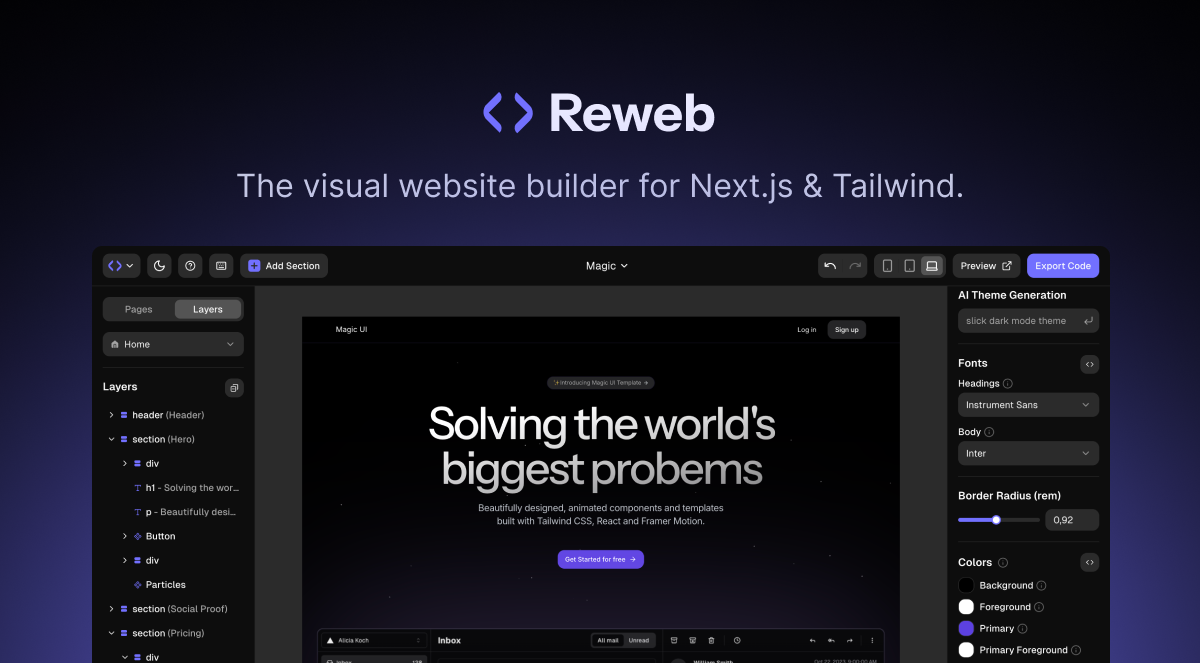
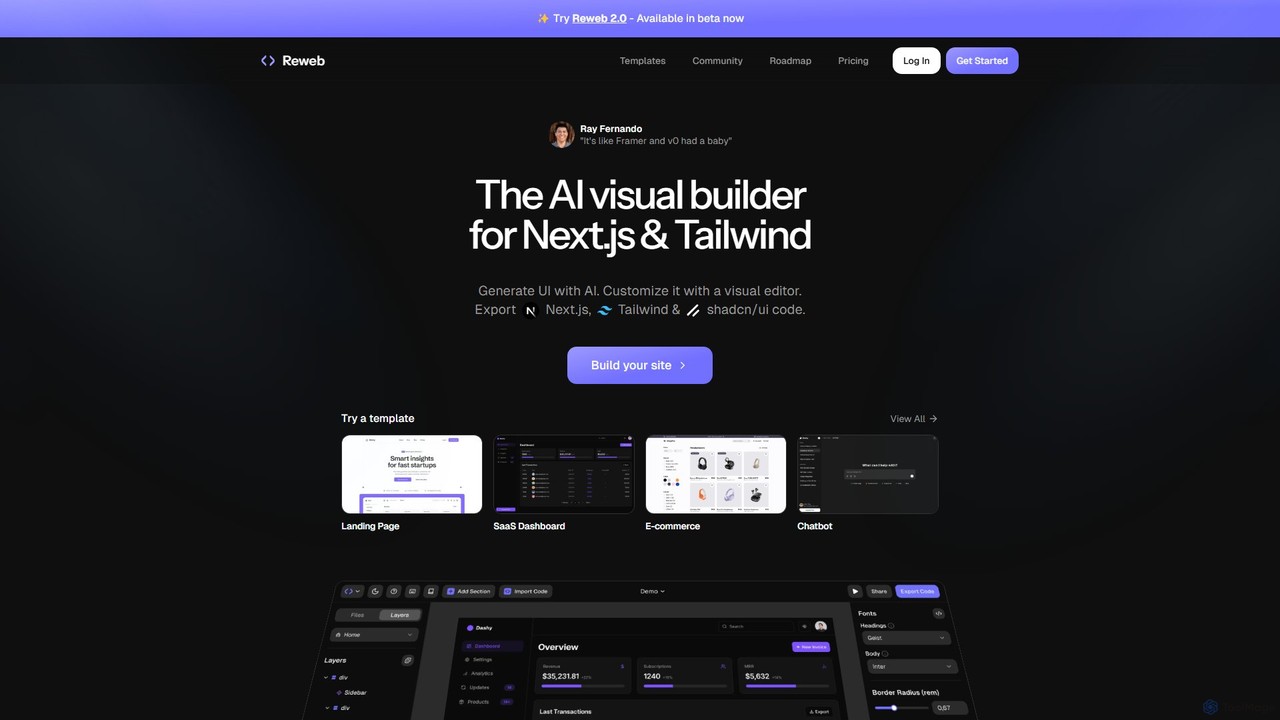
Reweb Product overview

Reweb is an AI-powered visual builder designed for developers. It enables users to generate UI components using AI from text prompts or images, customize them with a sophisticated visual editor, and export high-quality, production-ready code for Next.js, Tailwind CSS, and shadcn/ui. It bridges the gap between no-code platforms and traditional coding, accelerating the development workflow without sacrificing code quality or flexibility.

Preview

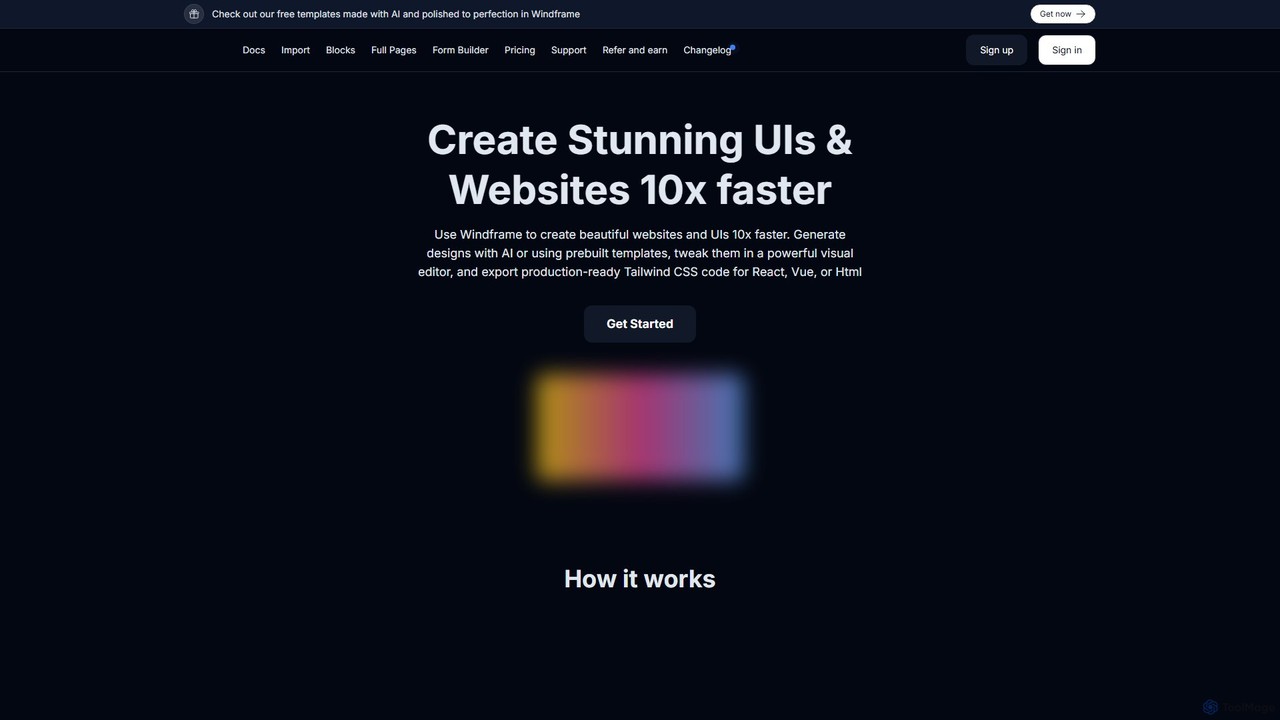
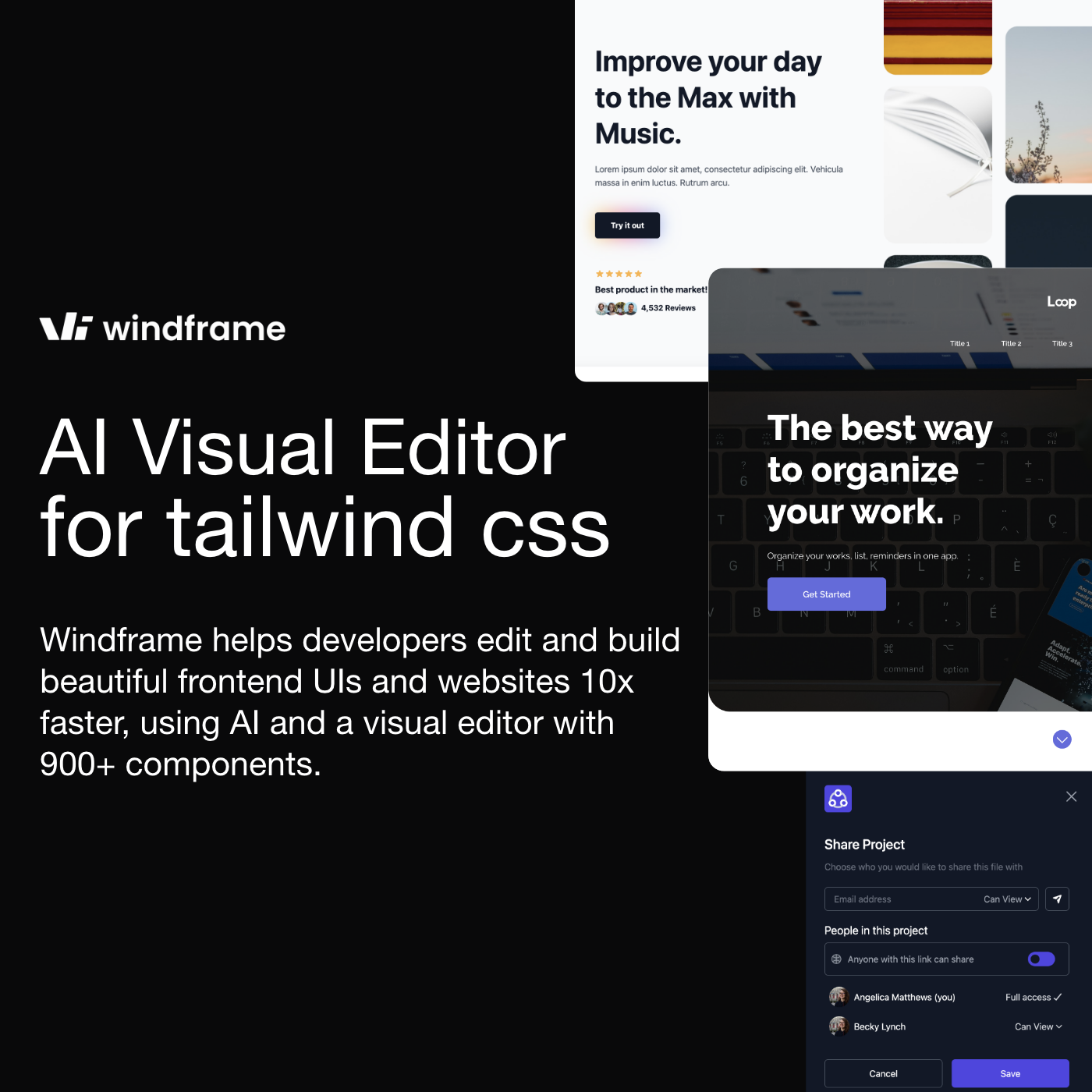
Windframe Product overview

Windframe is an AI-powered visual editor and builder for Tailwind CSS, designed to accelerate UI and website development. It allows users to generate designs with AI prompts, utilize over 1000 pre-built templates, and visually edit projects in real-time. Export production-ready code for React, Vue, HTML, and more, streamlining the workflow for developers, designers, and teams.

Preview

Quick facts

Compare product focus, pricing models and audiences. Highlighted rows indicate different listed information; unknown pricing does not mean free.

Reweb VS Windframe — Quick facts
Quick factsRewebWindframe
Pricing modelFreemiumFreemium
Product typeWebWeb
Primary focusUi UxUi Ux
Audience and rolesNo data availableNo data available
CategoriesUi Ux · Website Builder · Low Code No CodeUi Ux · Website Builder · No Code
AddedAug 10, 2025Aug 5, 2025
UpdatedNov 19, 2026Nov 19, 2026

Features, usage and use cases

Explore the listed product descriptions, features and workflows. Taxonomy labels alone are not feature evaluations.

Reweb

Reweb is a revolutionary AI visual builder crafted specifically for developers working with modern web technologies. It aims to streamline the entire frontend development process by merging the speed of visual editing with the power and flexibility of code. Trusted by over 20,000 developers, Reweb is often described as the perfect hybrid of tools like Framer and AI code generators like v0, offering the best of both worlds.

The platform's core philosophy is to supercharge your development workflow. Instead of starting from a blank screen, you can leverage AI to generate complex UI components and even entire page layouts from simple text prompts or by uploading an image. This generated UI serves as a high-quality starting point, which can then be infinitely customized. The exported code is not a black box; it's clean, readable, and idiomatic Next.js, Tailwind CSS, and shadcn/ui code that developers can easily understand, extend, and host anywhere.

How to use Reweb

The workflow in Reweb is designed to be intuitive and efficient for developers:

  1. Generate with AI: Start your project by describing the UI you want in a text prompt or by uploading a design image. Reweb's AI will generate the corresponding components with Next.js and Tailwind CSS.
  2. Customize Visually: Use the powerful visual editor, which is finely tuned for Tailwind CSS and shadcn/ui. You can adjust styles, layout, and properties using intuitive controls. For non-developers or for quick edits, no-code controls are available to style components without writing any CSS classes.
  3. Import from Figma: Seamlessly import your existing designs from Figma. Reweb will convert them into components that you can then customize and prepare for code export.
  4. Build with Reusable Components: Just like in a React project, you can create your own custom, reusable UI components directly within the editor, ensuring consistency and speeding up future development.
  5. Export High-Quality Code: Once you are satisfied with your design, export the project. You will receive clean, production-grade code built with Next.js, Tailwind CSS, and shadcn/ui. You can use the CLI for even more streamlined exporting.

Core Features of Reweb

  • Generative UI: Create components and layouts from text prompts or images, eliminating the blank-canvas problem.
  • Tailwind Visual Editor: A best-in-class visual editor designed specifically for the nuances of Tailwind CSS and shadcn/ui.
  • High-Quality Code Export: Get clean, maintainable, and production-ready Next.js code that you can own and host anywhere.
  • Templates & Sections: Kickstart your project with a library of beautifully designed and fully customizable templates for landing pages, SaaS dashboards, e-commerce sites, and more.
  • Custom Components: Build your own reusable components visually, mirroring the component-based architecture of React.
  • Figma Import: Convert your Figma designs into functional code with ease.
  • Themes Library: Choose from a set of pre-built themes or use AI to generate a custom color palette and style for your project.
  • No-Code Controls: An accessible way for anyone on the team to make stylistic changes without needing to know Tailwind CSS.

Use Cases for Reweb

Reweb is versatile and ideal for a variety of projects, including:

  • Rapid Prototyping: Quickly build and iterate on UI concepts and present functional prototypes.
  • Landing Page Development: Effortlessly create stunning and responsive landing pages with custom designs.
  • SaaS Application Dashboards: Build complex dashboards and internal tools with pre-built components and templates.
  • E-commerce Sites: Design and develop user interfaces for online stores.
  • Component Libraries: Create and manage a consistent set of UI components for your team or project.

Advantages of Reweb

Reweb stands out by offering a unique combination of speed and control. Unlike traditional no-code builders like Webflow or Framer, Reweb provides full code ownership, allowing you to export and customize without limits. Compared to pure AI code generators, its powerful visual editor provides a much-needed layer of granular control and customization. This developer-first approach ensures that the final output is not just visually appealing but also technically sound and easy to maintain.

Pricing and Plans

Reweb offers a flexible pricing structure to suit different needs:

  • Hobby (Free): Perfect for exploring the platform. Includes 1 user, 2 projects, 5 code exports, and limited access to Reweb AI.
  • Pro ($12/month): Designed for solo developers and designers. Includes everything in Hobby, plus unlimited projects, 10x higher AI limits, unlimited code exports, CLI export, and no Reweb branding.
  • Team ($20/month per user): Ideal for collaborative teams. Includes all Pro features, plus team member invitations, even higher AI limits, priority support, and centralized billing.

A 30% discount is available for annual subscriptions.

Windframe

Windframe is a revolutionary AI-powered visual editor and builder specifically designed for Tailwind CSS. It empowers developers, designers, startups, and agencies to create stunning user interfaces and websites up to 10 times faster than traditional methods. By combining the power of artificial intelligence with an intuitive visual interface, Windframe bridges the gap between design and development, radically improving productivity and streamlining the entire project lifecycle.

The platform offers a dual approach to creation: generate unique designs from simple text prompts using Windframe AI, or kickstart your project with a vast library of over 1000 professionally crafted, responsive templates and blocks. These templates cover a wide range of categories, including landing pages, SaaS dashboards, and e-commerce sites. Furthermore, Windframe allows you to import your existing websites, custom components, or even popular UI libraries like Tailwind UI, Flowbite, and Daisy UI, and edit them visually within the platform.

How to use Windframe

Getting started with Windframe is a straightforward process designed for maximum efficiency:

  1. Create an Account: Sign up on the Windframe website to access the editor. A free trial is available without requiring a credit card.
  2. Start a New Project: You have several options to begin. You can use an AI prompt to generate a design from scratch, browse and select from the 1000+ pre-built templates, or import your own existing HTML/CSS project or components.
  3. Customize Visually: Use the powerful and intuitive visual editor. Drag and drop elements, adjust spacing and colors, fine-tune typography, and modify any aspect of your design. The changes are reflected in real-time on the canvas.
  4. Switch to Code (Optional): For more granular control, seamlessly switch to the integrated code editor. Any changes made in the code are instantly reflected on the visual canvas, and vice versa.
  5. Ensure Responsiveness: Preview your design across various screen sizes (desktop, tablet, mobile) and apply specific styles for each breakpoint to ensure a perfect user experience on all devices.
  6. Export Your Code: Once your design is complete, export the clean, well-structured, production-ready code. Windframe supports exporting to plain HTML, React, Vue, Next.js, Gatsby, and more.

Core Features of Windframe

  • Windframe AI: Generate UIs and components from text prompts. The AI can handle responsive design, element alignment, and even create dark/light mode variants automatically.
  • Extensive Template Library: Access over 1000 professionally designed, fully responsive blocks and full-page templates built with Tailwind CSS.
  • Powerful Visual Editor: An intuitive, real-time drag-and-drop interface for building and customizing designs without writing code.
  • Code & Visual Sync: A built-in code editor that syncs in real-time with the visual canvas, offering the best of both worlds.
  • Import Functionality: Import your own websites, templates, and components, or use popular UI libraries like Tailwind UI, Flowbite, and Daisy UI.
  • Multi-Framework Export: Export high-quality, production-ready code for HTML, React, Vue, Gatsby, Next.js, Nuxt.js, and Angular.
  • Responsive Design Tools: Easily render and edit designs for different screen sizes with a segmented class view that simplifies working with Tailwind's responsive utilities.
  • Team Collaboration: Invite team members to projects, collaborate in real-time, and get feedback directly within the platform.
  • Version History: Save different versions of your project, track changes, and revert to previous points in time effortlessly.

Use Cases for Windframe

Windframe is a versatile tool suitable for various professionals and teams:

  • Developers: Quickly create prototypes, build components, and develop full webpages for work or side projects, focusing on logic rather than tedious design implementation.
  • Startups: Accelerate time-to-market by rapidly building landing pages, product pages, and application UIs, allowing for faster user feedback and iteration.
  • Agencies: Empower teams to build and ship high-quality client projects faster. The collaboration features streamline the design and development process, improving efficiency.
  • Designers: Design functional web pages with a familiar interface and export them directly to code, eliminating the need for manual handoffs and ensuring design fidelity.

Advantages of Windframe

The primary advantage of Windframe is the massive boost in productivity and efficiency. It significantly reduces the time spent on coding UIs from scratch. The platform's flexibility allows users to start from AI prompts, templates, or their own code. The seamless integration of visual editing and code editing caters to both designers and developers. Real-time collaboration features make it an invaluable tool for teams, fostering better communication and faster project delivery.

Pricing and Plans

Windframe offers a freemium model, allowing users to try the platform for free. For full access, there are several paid plans:

  • Freelancer Plan: Available as a monthly ($25/month), quarterly ($50/quarter), or annual ($189/year) subscription. This plan includes unlimited code exports, access to all 1000+ templates, new templates every week, priority support, unlimited saved projects, and a set number of AI requests per billing cycle.
  • Limited Lifetime Plan: A one-time payment of $299 (subject to availability) that grants lifetime access to all current and future features, templates, and updates. It includes a generous allocation of AI requests.

All premium plans provide access to project version history, team access features, and the ability to export to all supported frameworks.

Positioning

Their taxonomy shows where the products overlap and where each one has a more distinct focus. Unknown fields are shown explicitly and are never filled with assumptions.

Categories

Shared
Ui UxWebsite Builder
Only Reweb
Low Code No Code
Only Windframe
No Code

Tags

Shared
developer toolfrontend developmentlow-codeno-codeTailwind CSSUI buildervisual editor
Only Reweb
AI code generationfigma to codeNextJSshadcn/uiweb development
Only Windframe
ai designhtmlreactvuewebsite builder

Audience and roles

Shared
No listed items
Only Reweb
No listed items
Only Windframe
No listed items

Traffic comparison

Traffic is shown on the same scale so differences in market visibility are not visually understated.

How to interpret the traffic data

Both charts share the same months and vertical scale. Each tool identifies its latest reporting month; missing months are left blank, not counted as zero. Regional and source visit counts are estimates calculated from the reported shares.

Reweb monthly traffic:

Latest traffic · 2026-05

Monthly visits
2.9K
Avg. visit duration
0:17
Pages per visit
1.99
Bounce rate
40.59%
Data updated 2026-06-15

Monthly traffic trend

  • 2025-09: 10.4K
  • 2026-01: 6.5K
  • 2026-02: 5K
  • 2026-03: 6.3K
  • 2026-04: 4.2K
  • 2026-05: 2.9K

Top regions

Top 5 countries/regions
Country/regionPercentageEstimated visits
🇺🇸United States78.2%2.3K
🇩🇪Germany21.8%640

Search keywords

rewebreweb builderreweb io

Windframe monthly traffic:

Latest traffic · 2026-05

Monthly visits
40.1K
Avg. visit duration
0:23
Pages per visit
1.95
Bounce rate
38.92%
Data updated 2026-06-11

Monthly traffic trend

  • 2025-09: 80.9K
  • 2026-01: 73.6K
  • 2026-02: 54.9K
  • 2026-03: 48.1K
  • 2026-04: 46.9K
  • 2026-05: 40.1K

Top regions

Top 5 countries/regions
Country/regionPercentageEstimated visits
🇺🇸United States24.75%9.9K
🇳🇬Nigeria24.12%9.7K
🇮🇳India21.38%8.6K
🇻🇳Vietnam16.03%6.4K
🇷🇺Russia13.72%5.5K

Search keywords

bg slate этоcreate websites using ai based react tailwind csstailwind "flex-2"what js framework is easiest for beginners to learnwindframe

Community signals

Ratings, comments, favorites, and likes are community signals—not a substitute for product fit.

Reweb

Rating
No data available
Comments
0
Favorites
163
Likes
174

Windframe

Rating
No data available
Comments
0
Favorites
188
Likes
182

Reweb vs Windframe · Comparison FAQ

What do Reweb and Windframe have in common?
Both tools are listed under Ui Ux、Website Builder. These categories indicate overlapping use cases; compare their detailed descriptions for workflows, capabilities and limitations.
Are Reweb and Windframe free?
Listed pricing models: Reweb — Freemium; Windframe — Freemium. Missing pricing is not proof of a free plan, and freemium does not mean every feature is free. Check official sites for current plans, limits and trials.
How should I choose between Reweb and Windframe?
The primary listed category is Ui Ux for Reweb, and Ui Ux for Windframe. Compare features, steps and use cases, then verify pricing, data permissions and deployment needs. This page does not include hands-on testing and does not declare a winner from traffic or tags.

Sources and comparison methodology

This page is assembled from ToolMage product listings, taxonomy, traffic statistics and on-site user feedback. It is not a hands-on test or an independent review.
  • Feature and plan descriptions reflect information in the listings, not real-time guarantees. Verify pricing, quotas, availability and privacy terms on the official sites.
  • Traffic uses the reporting months shown. Missing statistics do not mean zero visits, and different periods do not establish growth or superiority. Regional and source visit counts are estimates based on shares.
  • Different tags indicate differences in the listings, not proof that the other product lacks a capability. Ratings, favorites and visits are not used to declare a winner.

Related comparisons