

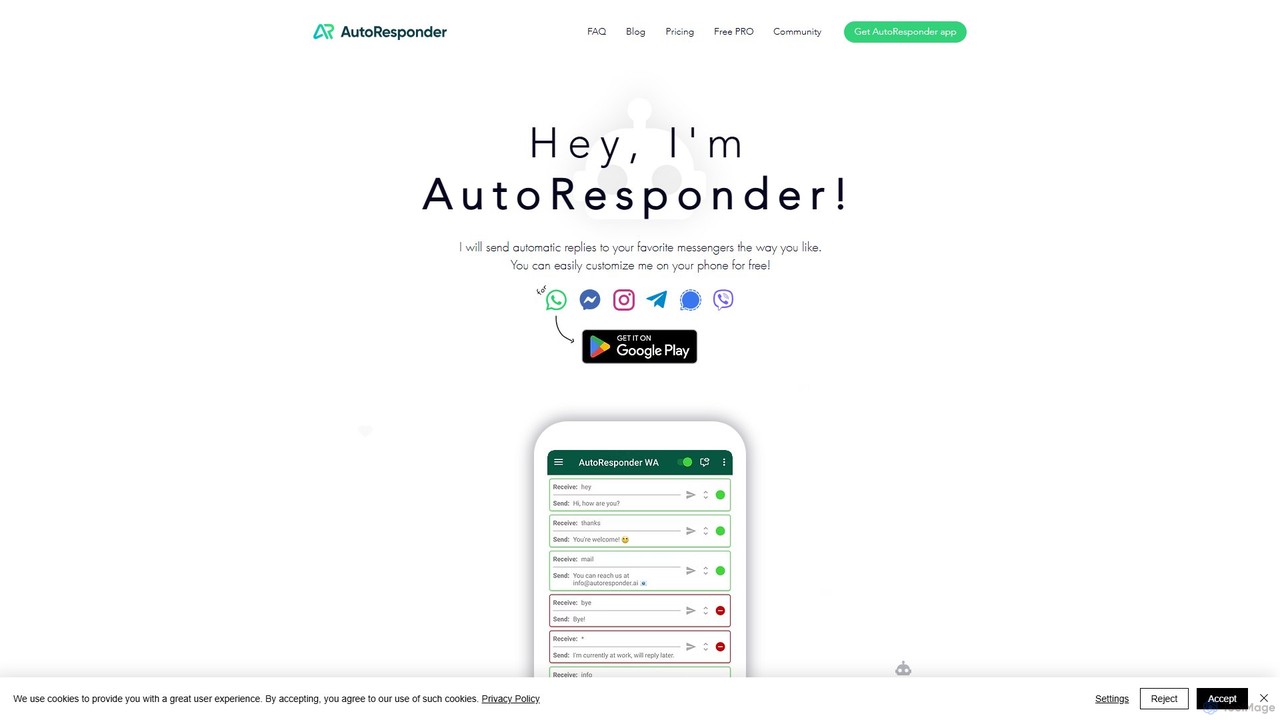
AutoResponder.ai Overview
AutoResponder.ai is a powerful and versatile automation tool designed to manage your communications across the most popular messaging platforms. It operates as a collection of dedicated mobile applications, each tailored for a specific messenger like WhatsApp, Instagram, Facebook Messenger, Telegram, Signal, and Viber. This tool empowers users to set up automatic replies, effectively acting as a personal chatbot to handle incoming messages 24/7. Whether you're a business owner swamped with customer inquiries or an individual wanting to manage notifications while busy, AutoResponder.ai provides a robust solution to streamline your digital conversations.
The core strength of AutoResponder.ai lies in its deep customization and integration capabilities. Users can move beyond simple, static replies by connecting the tool to advanced AI models such as ChatGPT and Google's Gemini, or NLP platforms like Dialogflow. This allows for the creation of dynamic, context-aware, and human-like conversations. Furthermore, its ability to connect with personal web servers and integrate with Tasker opens up a world of possibilities for developers and power users to build complex, automated workflows triggered by incoming messages.
How to use AutoResponder.ai
Using AutoResponder.ai is straightforward and can be set up directly on your mobile phone:
- Download the App: Go to your device's app store and search for the specific AutoResponder app you need (e.g., "AutoResponder for WhatsApp"). Download and install it.
- Grant Permissions: Upon first launch, the app will require notification access to read incoming messages and send replies. Grant this permission for the app to function correctly.
- Create Rules: Tap the '+' icon to add a new rule. A rule consists of a received message pattern (e.g., a specific keyword, a wildcard pattern, or all messages) and the corresponding reply message you want to send.
- Customize Your Replies: You can create simple text replies or use dynamic variables like the sender's name, time, or date for personalized responses. Set rules to trigger on exact matches or similarity matches for more flexibility.
- Configure Advanced Settings: For each rule, you can specify whether to reply to individuals, groups, or both. You can also set delays, define specific contacts to ignore, or schedule the autoresponder to be active only during certain hours (e.g., outside of business hours).
- Integrate with AI (Optional): In the app's settings, you can connect to services like ChatGPT by entering your API key. This allows your auto-replies to be generated by the AI, providing much more sophisticated answers.
Core Features of AutoResponder.ai
- Multi-Platform Support: Dedicated apps for WhatsApp, Facebook Messenger, Instagram, Telegram, Signal, and Viber.
- Highly Customizable Rules: Create an unlimited number of rules with triggers based on exact match, similarity match, and wildcard patterns.
- AI Chatbot Integration: Connects seamlessly with ChatGPT, Gemini (via Google AI), and Dialogflow to deliver intelligent and conversational replies.
- Tasker & Web Server Connectivity: Integrate with Tasker to trigger custom actions on your device or connect to your own web server to process messages with custom logic.
- Personalization Options: Use dynamic placeholders (tags) like {name}, {time}, {date}, and more to personalize your automatic messages.
- Contact & Group Management: Specify rules for individual contacts, groups, or unknown numbers. Create a 'do not reply' list.
- Scheduling: Set specific times and days for the autoresponder to be active, perfect for out-of-office replies.
- Backup & Restore: Easily back up your rules and settings and restore them on a new device.
Use Cases for AutoResponder.ai
For Small Businesses: Automatically answer frequently asked questions (FAQs) about business hours, location, services, or pricing. Acknowledge customer support requests instantly and inform them of the expected response time.
For Social Media Managers: Manage high volumes of DMs on Instagram and Facebook. Automatically reply to common inquiries, run simple keyword-based promotions, or direct followers to a link in the bio.
For E-commerce & Marketplace Sellers: Instantly respond to product availability or shipping questions on platforms like Facebook Marketplace, ensuring you never miss a potential sale due to slow response times.
For Individuals: Set up automatic replies for when you are driving, in a meeting, or on vacation. Let your contacts know you've received their message and will get back to them later.
For Developers: Use the web server integration to build complex chatbots for tasks like order tracking, appointment scheduling, or user verification, all through a simple messaging interface.
Advantages of AutoResponder.ai
The primary advantage of AutoResponder.ai is its ability to save significant amounts of time and improve communication efficiency. It ensures every message receives an instant response, which enhances customer satisfaction and professional image. Its high degree of customization sets it apart from basic auto-reply functions, allowing for tailored and intelligent interactions. The powerful integrations with AI and automation tools like Tasker make it an incredibly versatile tool that can adapt to both simple and highly complex needs.
Pricing and Plans
AutoResponder.ai operates on a freemium model. The core functionalities, including creating basic automatic replies, are available for free, supported by ads. To unlock advanced features, users can upgrade to the Pro version. The Pro version typically includes:
- Removal of all advertisements.
- Unlimited access to advanced features like Tasker integration.
- More sophisticated matching options and rule-setting capabilities.
- Priority support.
The Pro version is usually available as a one-time purchase for each app, making it a cost-effective investment for long-term use.
Traffic
Latest traffic
Status
Monthly traffic trend
- 2025-9: 296.3K
- 2026-1: 378.7K
- 2026-2: 316.9K
- 2026-3: 218.6K
- 2026-4: 188.1K
- 2026-5: 271.0K
Geography
Top 5 countries / regions
- 🇳🇬Nigeria26.9%
- 🇧🇷Brazil26.4%
- 🇮🇳India24.1%
- 🇮🇩Indonesia12.5%
- 🇺🇸United States10.2%
Traffic sources
| Source type | Percentage |
|---|---|
Direct | 98.2% |
Referral | 1.8% |
Top keywords
| Keyword | Cost per click |
|---|---|
| autoresponder | $4.40 |
| autoresponder for wa | $0.39 |
| autoresponder for whatsapp | $0.00 |
| live answer responder ai | $0.00 |
| whatsapp auto reply | $0.22 |
AutoResponder.ai Alternatives
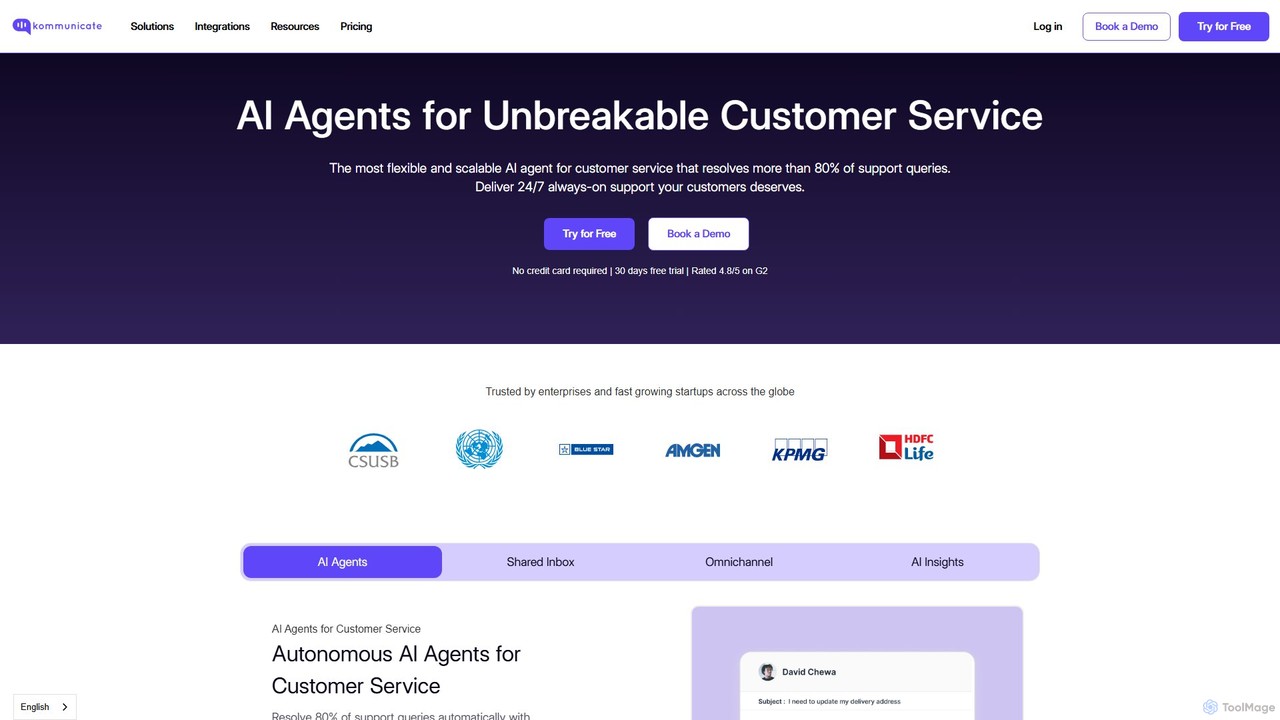
Kommunicate
Kommunicate is an AI-powered customer support automation platform. It enables businesses to build and deploy intelligent chatbots and live chat solutions across websites, mobile apps, and messaging platforms. Featuring a no-code chatbot builder, generative AI capabilities, and extensive integrations, Kommunicate helps automate responses, manage support tickets, and enhance customer engagement to improve service efficiency.
Chatbot
telechat.ai
An AI-powered chatbot platform for automating customer support, sales, and marketing conversations across messaging apps like Telegram. Build no-code bots to engage users, generate leads, and provide 24/7 instant support.
Chatbot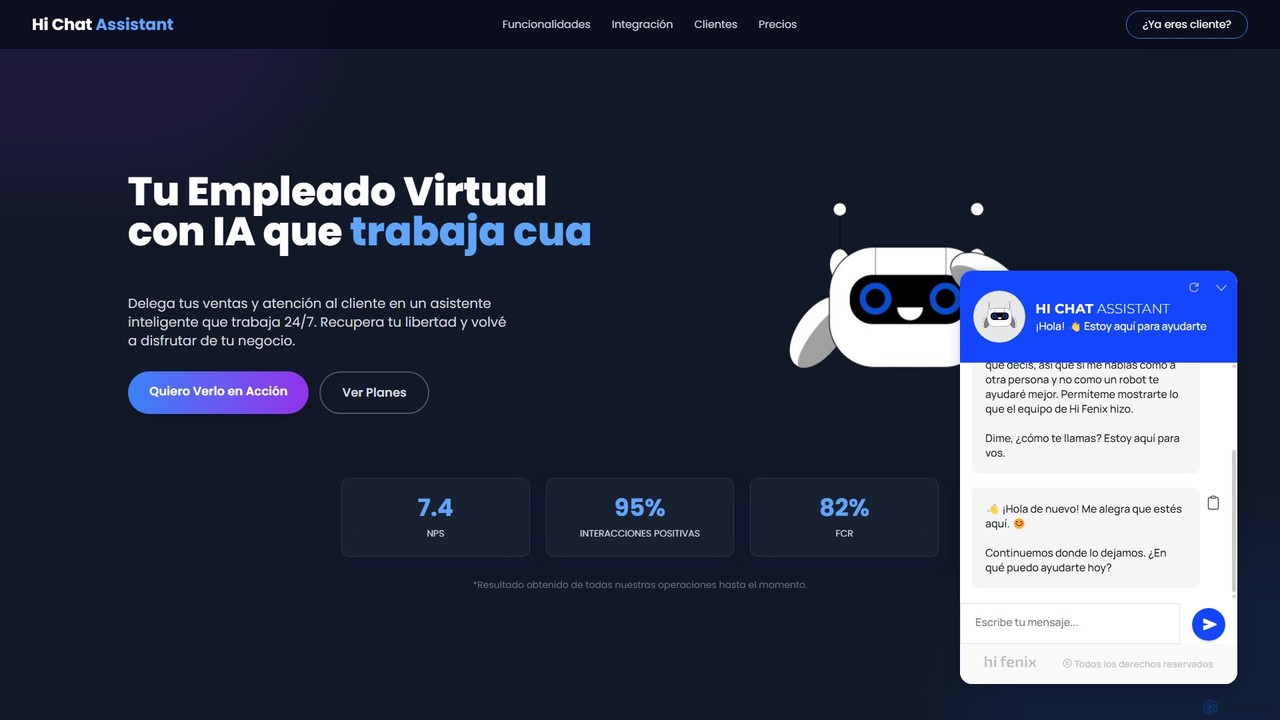
Hi Chat Assistant
Hi Chat Assistant is an advanced AI digital employee designed to automate and enhance customer interactions. It goes beyond standard chatbots by integrating with your core systems like CRM and inventory in real-time, providing complex solutions, and learning continuously. It supports multiple channels including WhatsApp, Web, and Instagram.
Chatbot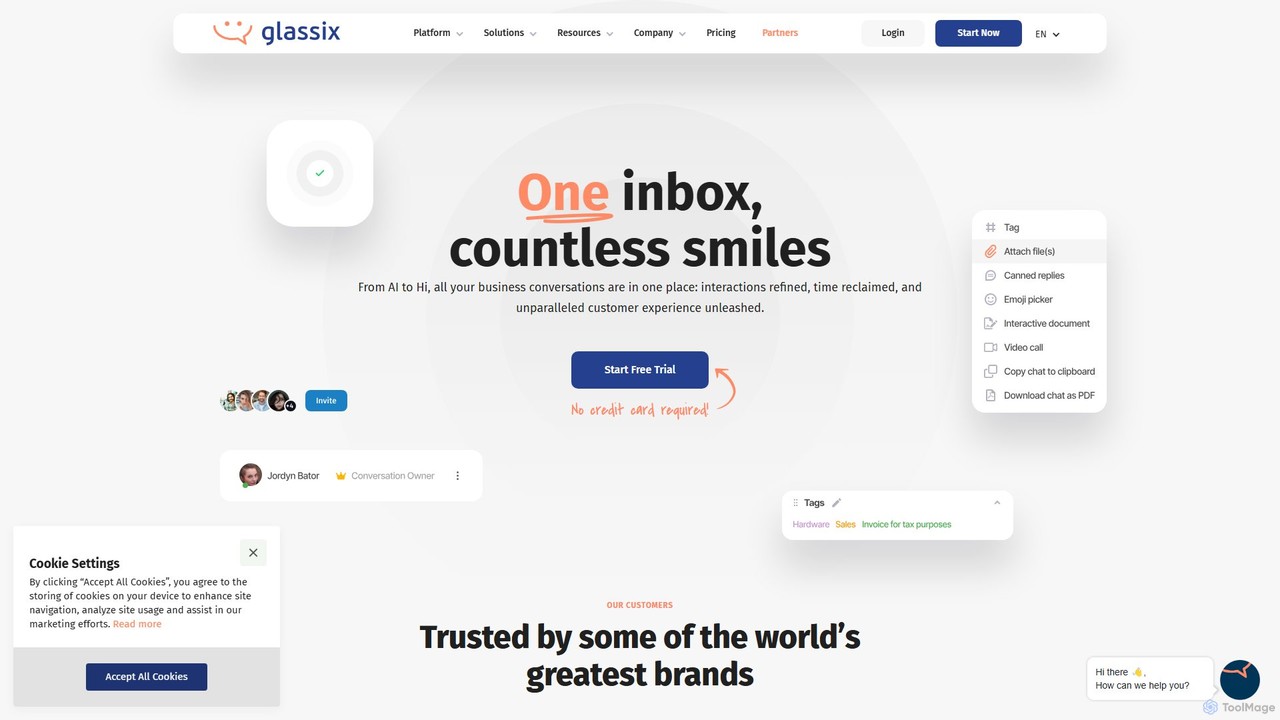
Glassix
Glassix is an AI-powered customer support platform that unifies all business conversations into a single inbox. It features a no-code chatbot builder, advanced AI Agents, and omnichannel support (WhatsApp, social media, chat) to automate interactions, improve agent efficiency, and enhance customer satisfaction.
Chatbot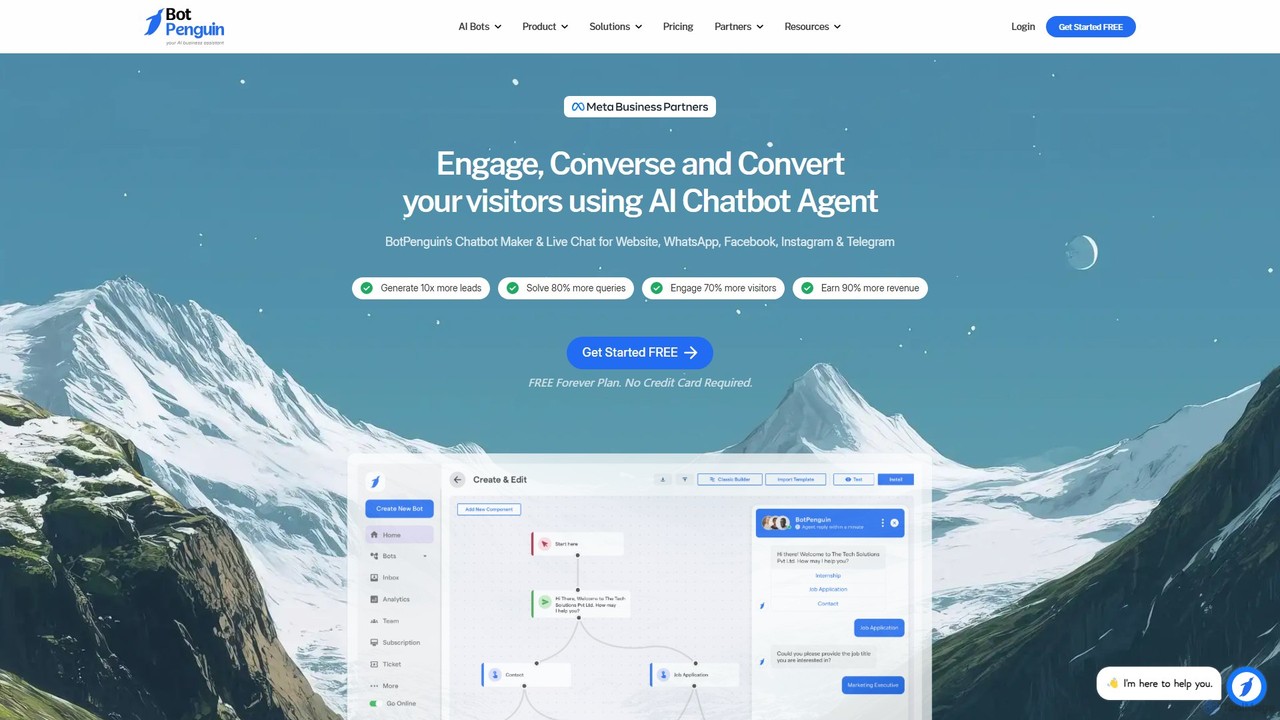
BotPenguin
BotPenguin is a no-code AI chatbot builder that helps businesses automate customer service, marketing, and sales across multiple platforms like websites, WhatsApp, Facebook, and Instagram. It aims to increase lead generation, enhance user engagement, and boost revenue through 24/7 automated conversations and live chat.
ChatbotAutoResponder.ai Categories
AutoResponder.ai Embed Widget
Copy this embed code to place the badge on your blog, article, or product site and send readers directly to this ToolMage detail page.

Related AI tools
UChat
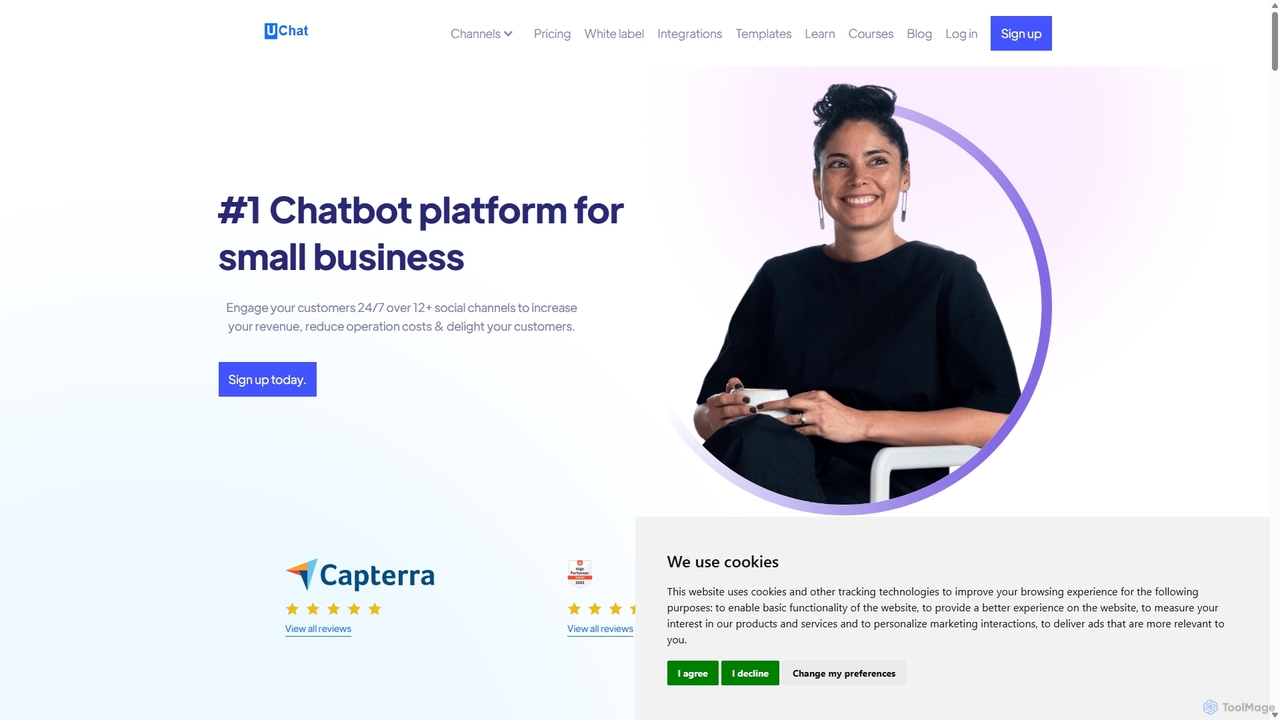
UChat is a powerful no-code, omni-channel chatbot platform designed for businesses to automate customer engagement and sales. It features a visual drag-and-drop flow builder, AI integration with ChatGPT and Dialogflow, and support for over 12 social channels like WhatsApp, Instagram, and Facebook Messenger. UChat helps businesses increase revenue, reduce operational costs, and provide 24/7 customer support without any coding knowledge.
Chatbot BuilderKommunicate
Kommunicate is an AI-powered customer support automation platform. It enables businesses to build and deploy intelligent chatbots and live chat solutions across websites, mobile apps, and messaging platforms. Featuring a no-code chatbot builder, generative AI capabilities, and extensive integrations, Kommunicate helps automate responses, manage support tickets, and enhance customer engagement to improve service efficiency.
Chatbottelechat.ai
An AI-powered chatbot platform for automating customer support, sales, and marketing conversations across messaging apps like Telegram. Build no-code bots to engage users, generate leads, and provide 24/7 instant support.
ChatbotHi Chat Assistant
Hi Chat Assistant is an advanced AI digital employee designed to automate and enhance customer interactions. It goes beyond standard chatbots by integrating with your core systems like CRM and inventory in real-time, providing complex solutions, and learning continuously. It supports multiple channels including WhatsApp, Web, and Instagram.
Chatbot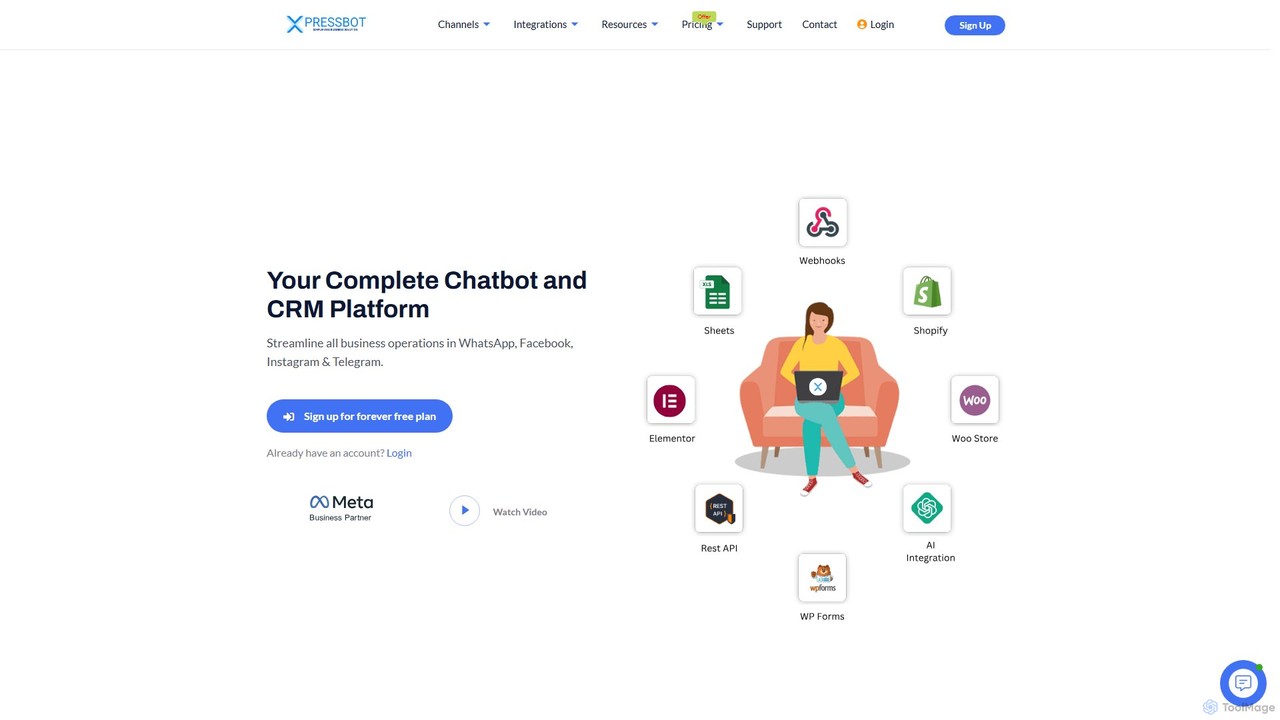
XpressBot
XpressBot is an all-in-one chatbot and CRM platform designed to streamline business operations on WhatsApp, Facebook, Instagram, and Telegram. It features a no-code visual flow builder, AI-powered replies, and e-commerce integration with WhatsApp Catalogs. Ideal for small to medium businesses, it helps automate customer support, manage contacts, and boost sales through conversational marketing and seamless integrations with tools like Shopify and WooCommerce.
Chatbots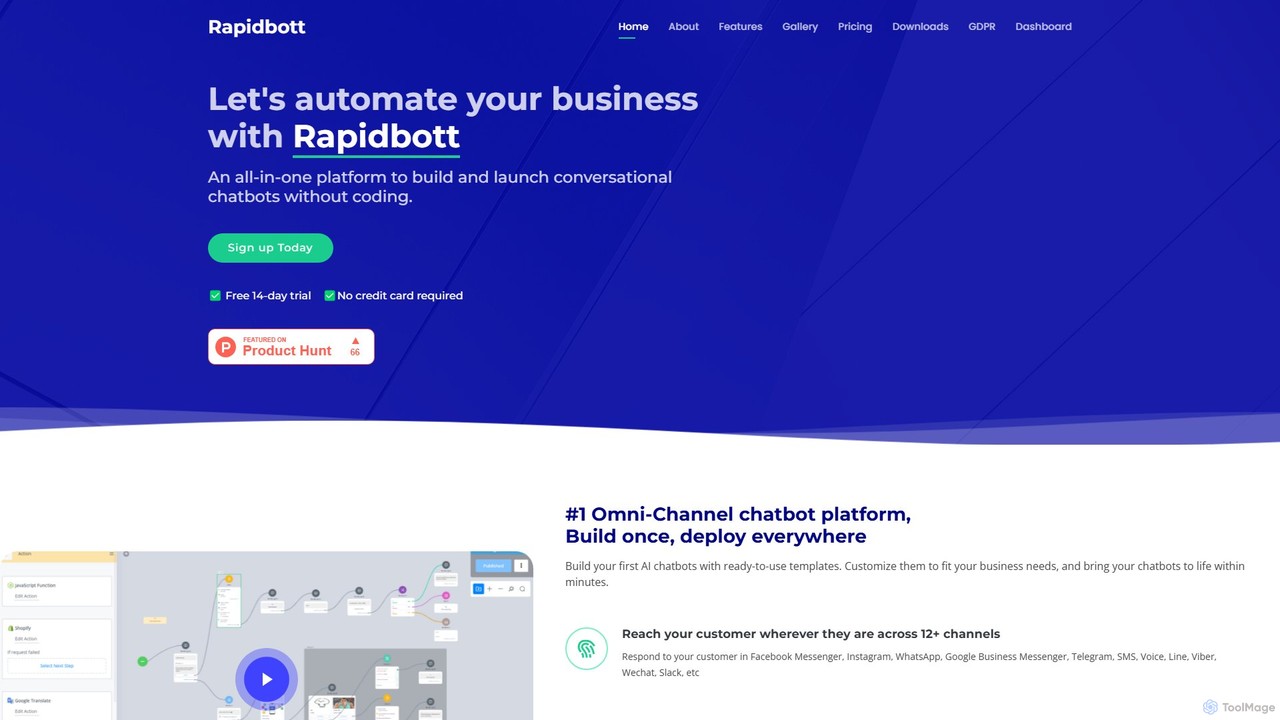
rapidbott
rapidbott is a no-code, omni-channel chatbot platform that allows businesses to build and deploy AI-powered chatbots across 12+ channels. Featuring a drag-and-drop builder, ready-to-use templates, and GPT-3 integration, it automates customer support, lead generation, and e-commerce processes, connecting with tools like Shopify, HubSpot, and Zapier.
Chatbots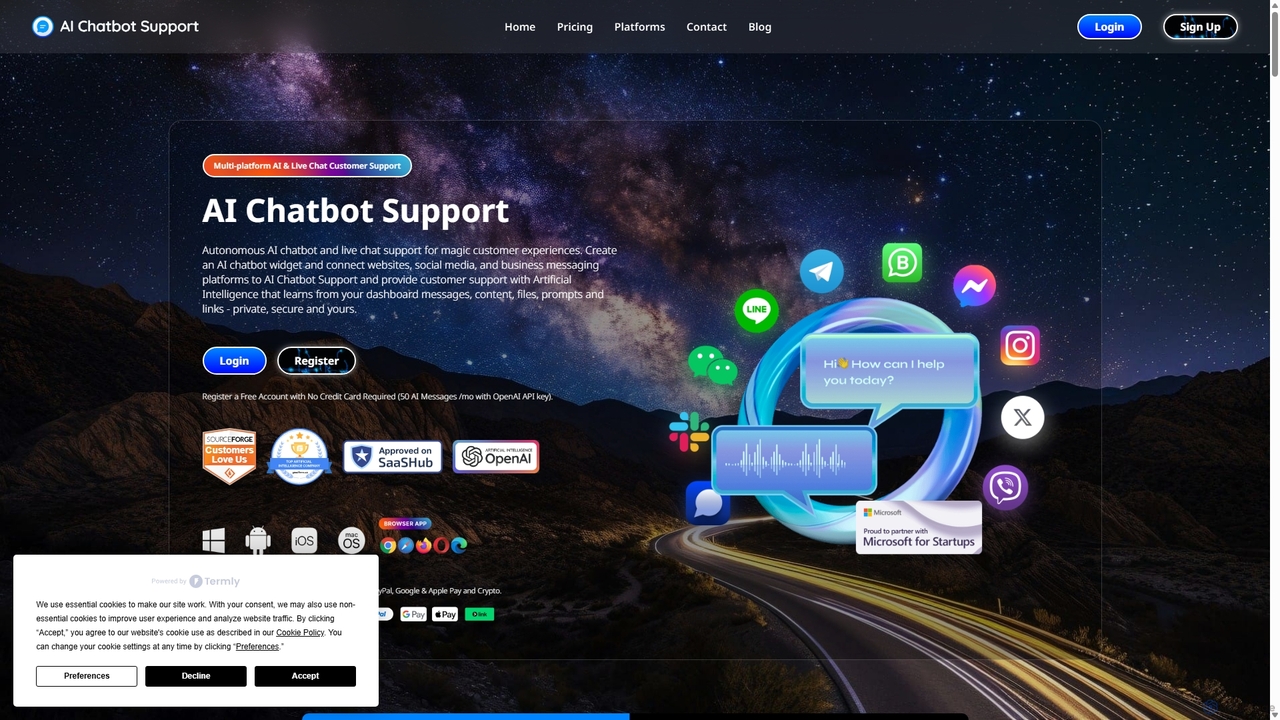
AI Chatbot Support
AI Chatbot Support is a unified customer service platform that provides autonomous AI chatbots and live chat. It integrates with websites, social media, and messaging apps, centralizing all customer interactions into a single AI-powered dashboard. The AI learns from your content to provide accurate, 24/7 support, improving efficiency and customer satisfaction while reducing costs.
ChatbotsGlassix
Glassix is an AI-powered customer support platform that unifies all business conversations into a single inbox. It features a no-code chatbot builder, advanced AI Agents, and omnichannel support (WhatsApp, social media, chat) to automate interactions, improve agent efficiency, and enhance customer satisfaction.
ChatbotBotPenguin
BotPenguin is a no-code AI chatbot builder that helps businesses automate customer service, marketing, and sales across multiple platforms like websites, WhatsApp, Facebook, and Instagram. It aims to increase lead generation, enhance user engagement, and boost revenue through 24/7 automated conversations and live chat.
Chatbot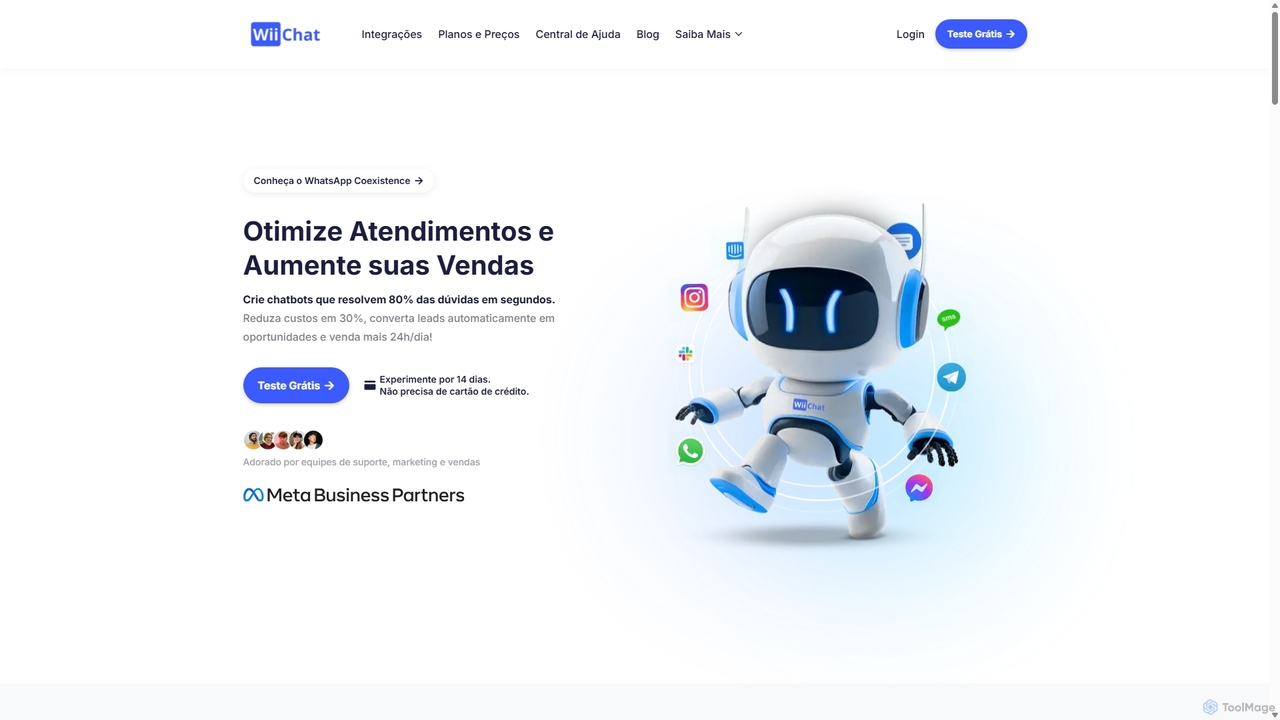
WiiChat
WiiChat is an AI-powered chatbot platform designed for sales, marketing, and support teams. It automates customer interactions across multiple channels like WhatsApp, Instagram, and websites, resolving up to 80% of queries instantly. Features include 24/7 automated service, lead qualification, voice message handling, and seamless integration with popular business tools to boost sales and reduce operational costs.
Chatbot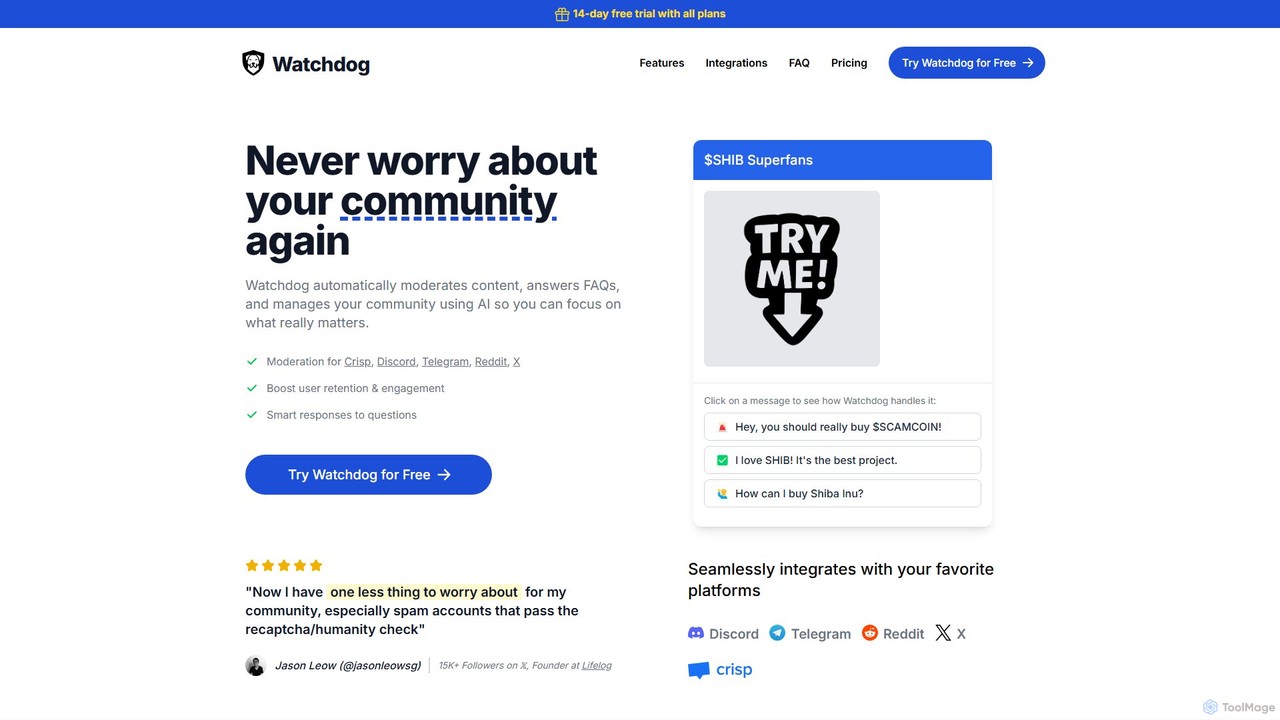
Watchdog
Watchdog is an AI-powered tool that automates community management on platforms like Discord, Telegram, Reddit, and X. It moderates content, answers FAQs, and manages your community 24/7, allowing you to focus on growth. It effectively stops spam and trolls, improves user retention, and creates a safer, more engaging environment for your members.
Moderation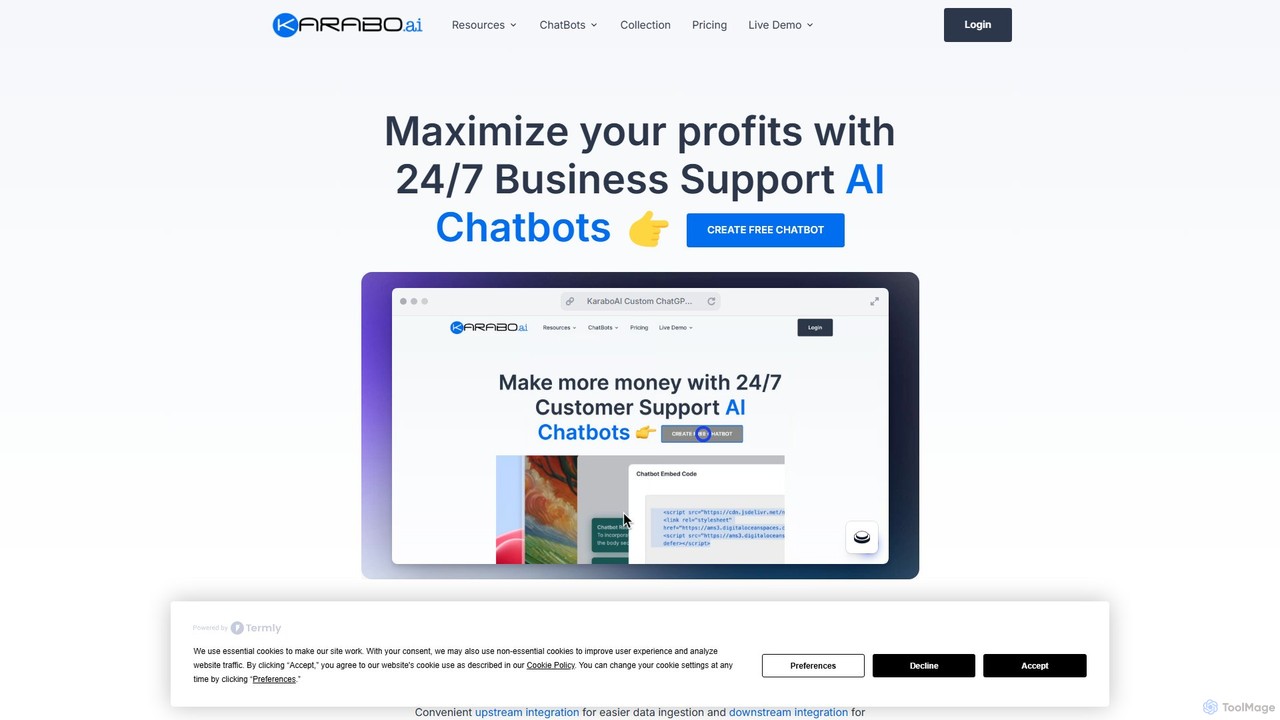
KaraboAI
KaraboAI is a no-code platform for building custom AI chatbots powered by ChatGPT. It helps businesses automate sales, provide 24/7 customer support, and manage appointments. Integrate chatbots with your website, WhatsApp, Messenger, Shopify, and more to increase revenue and reduce operational costs. The platform offers various specialized bots, including for e-commerce, lead generation, and data collection, all manageable from a single dashboard.
Chatbot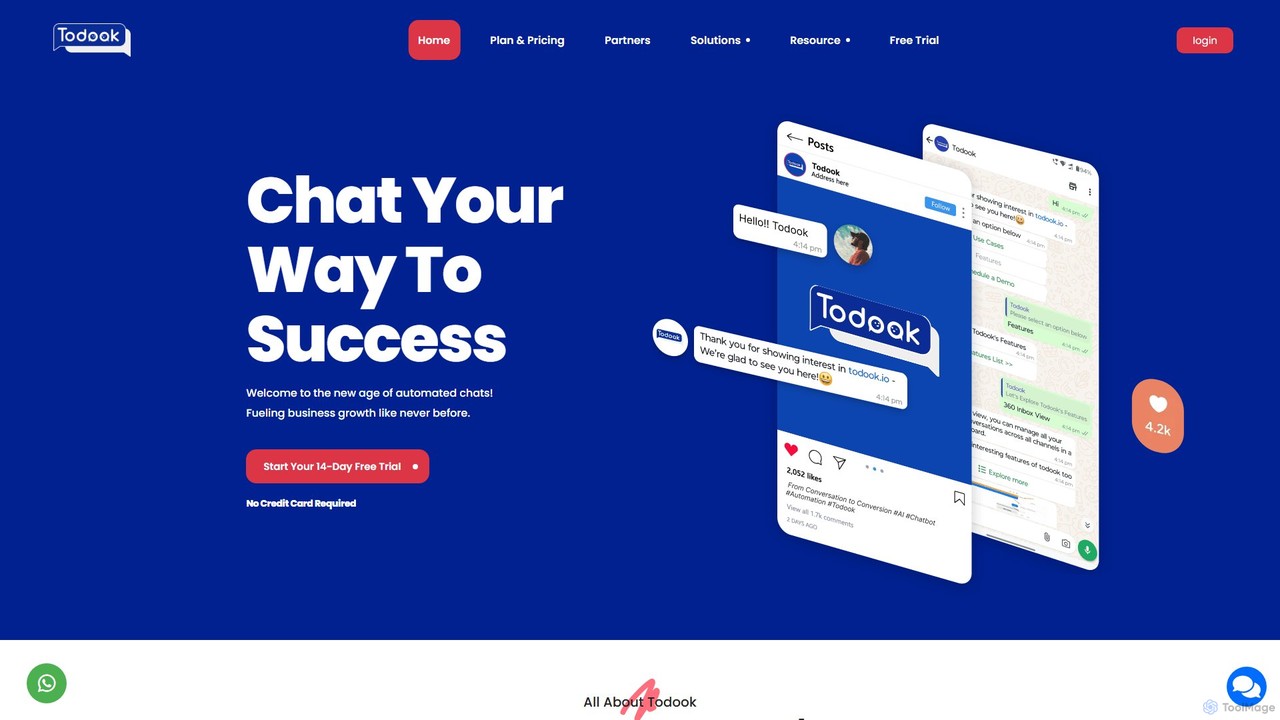
Todook
Todook is an AI-powered conversational platform that helps businesses automate customer support, sales, and engagement across social media channels like Instagram, Facebook, and WhatsApp. It provides features like automated replies, lead generation, AI-driven customer segmentation, and e-commerce integration.
Chatbot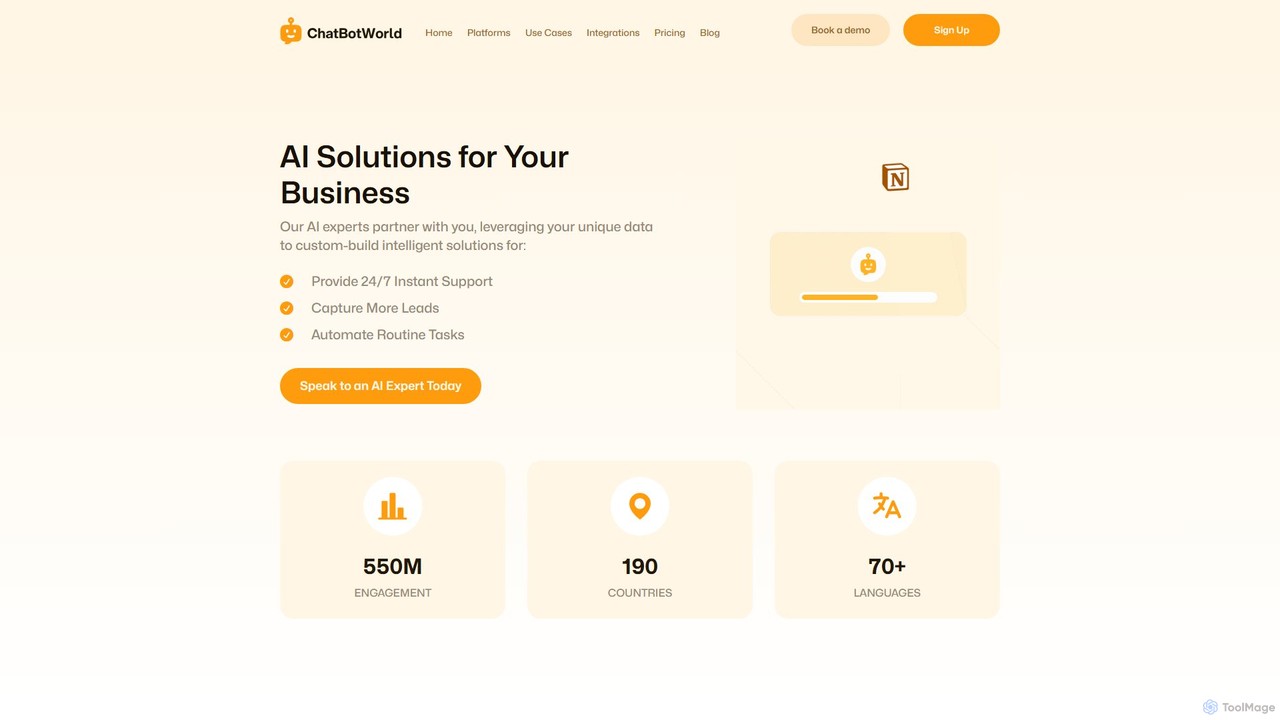
ChatBotWorld
ChatBotWorld offers a fully managed, 'Done-For-You' AI chatbot service for businesses. Their experts build, train, and deploy custom chatbots on your website, WhatsApp, Facebook, and more, using your unique data. The platform aims to automate support, capture leads, and streamline tasks 24/7, with extensive integrations and detailed analytics.
Chatbot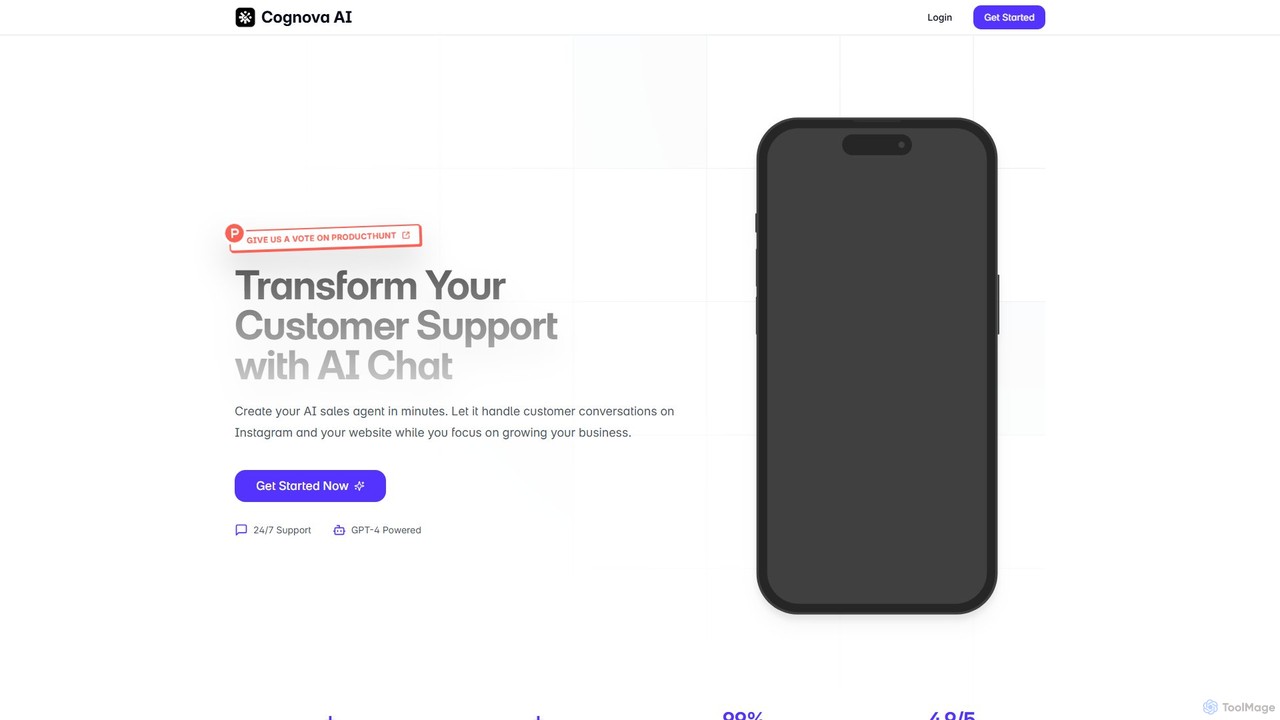
cognova
Cognova is an AI-powered platform that enables businesses to create custom AI sales agents and chatbots in minutes. Powered by GPT-4, it handles customer conversations on your website and Instagram, providing 24/7 support, answering product questions, and generating leads, allowing you to focus on business growth.
Chatbot
AutoResponder.ai Comments (0)
Sign in to comment.
Sign inNo comments yet.