

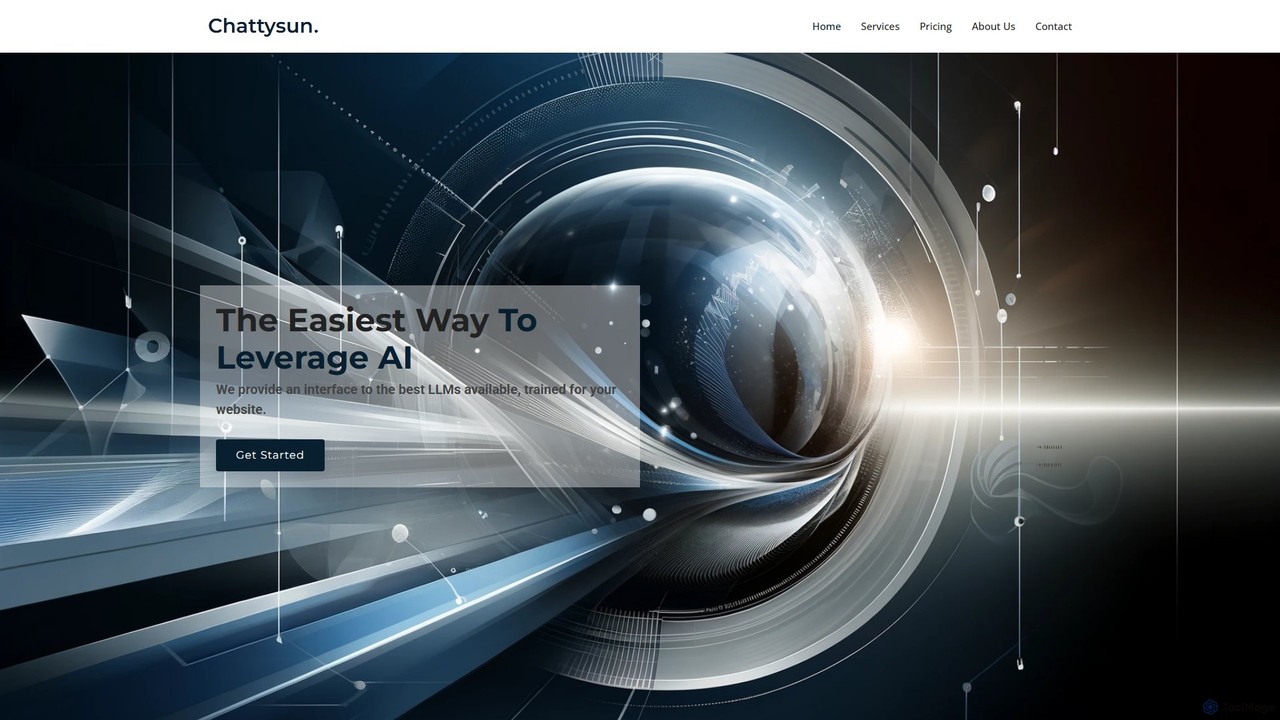
chattysun Overview
Chattysun provides the easiest way for businesses to leverage the power of artificial intelligence on their websites. It offers a sophisticated yet user-friendly interface to the best Large Language Models (LLMs), which are custom-trained on your specific website data. This creates a smart, responsive AI assistant that deeply understands your business, products, and services, revolutionizing the customer service experience. The core mission of Chattysun is to empower online businesses with advanced, easy-to-implement, and customizable AI-driven solutions, ensuring every customer interaction is efficient, personalized, and valuable.
The platform is designed for seamless integration and complete control. With a simple setup process, you can have a powerful AI assistant live on your site in just a few minutes. This assistant works around the clock, ensuring you never miss an opportunity to connect with your audience, answer questions, or capture leads. It acts as a tireless sales and service agent, always available to guide customers and inform them about the benefits of your offerings.
How to use chattysun
Getting started with Chattysun is designed to be a straightforward and quick process, requiring no advanced technical skills. Here’s a typical workflow:
- Sign Up: Create an account on the Chattysun website. You can start with the free plan to explore the features.
- Train Your AI: Provide your website URL. Chattysun will automatically crawl and process the content to build a knowledge base for your AI. You can further enhance this by uploading documents like FAQs, product catalogs, or policy documents.
- Customize Instructions: In your dashboard, you can provide specific instructions to the AI. Define its personality (e.g., friendly, professional, witty), set rules for engagement (e.g., how to handle specific queries), and guide its behavior to perfectly match your brand voice.
- Integrate with Your Website: Chattysun provides a simple JavaScript snippet (a script tag). Copy this code and paste it into the HTML of your website before the closing `` tag. The chat widget will instantly appear on your site.
- Monitor and Intervene: Use the backend dashboard to view all conversations in real-time. You can monitor the AI's performance, analyze customer inquiries, and if necessary, intervene in a conversation to provide human support.
Core Features of chattysun
- Custom AI Training: The AI is trained specifically on your business data, including website content and uploaded documents, ensuring accurate and relevant responses.
- Full Customization and Control: Tailor the AI's instructions, personality, and operational rules to align with your business objectives and brand identity.
- Complete Visibility Dashboard: A comprehensive backend dashboard allows you to monitor all AI-customer interactions, review chat logs, and gain insights into customer needs.
- Easy Setup and Integration: Get your AI chatbot running in minutes with a simple copy-and-paste script tag. No complex coding is required.
- 24/7 Availability: The AI assistant is always online, providing continuous support and engagement to your website visitors day and night.
- Human Intervention Capability: Monitor chats and seamlessly take over from the AI when a human touch is required for complex or sensitive issues.
- Scalable Performance: Powered by the best available LLMs, the assistant can handle a high volume of concurrent conversations without compromising on quality.
Use Cases for chattysun
Chattysun is a versatile tool suitable for various business needs:
- Automated Customer Support: Instantly answer common customer questions about products, services, shipping, return policies, and more, reducing the load on human support teams.
- Lead Generation and Qualification: Proactively engage website visitors, ask qualifying questions, and collect contact information (like names and emails) for your sales team.
- E-commerce Sales Assistant: Act as a virtual shopping assistant, recommending products, providing detailed specifications, and guiding users through the checkout process.
- User Onboarding: For SaaS and tech companies, the AI can guide new users through the initial setup and features of the software, improving the onboarding experience.
- Internal Knowledge Management: Deploy the chatbot on an internal company portal to help employees quickly find information from internal documents and policies.
Advantages of chattysun
Implementing Chattysun offers significant benefits:
- Enhanced Customer Experience: Provide immediate, accurate, and helpful responses 24/7, increasing customer satisfaction and loyalty.
- Increased Operational Efficiency: Automate repetitive inquiries, freeing up your human agents to focus on high-value, complex tasks.
- Cost Savings: Reduce the costs associated with hiring, training, and maintaining a large customer support team.
- Boosted Sales and Conversions: Never miss a sales opportunity. The AI can engage potential customers, answer their questions, and guide them towards a purchase, even outside of business hours.
- Simple and Fast Implementation: Unlike complex enterprise solutions, Chattysun can be deployed quickly without a dedicated IT team.
Pricing and Plans
Chattysun offers a flexible pricing structure to suit businesses of all sizes:
- Free Plan: $0/month. Includes a custom bot for your website, easy setup, access to all features with request limits, and installation via a simple script tag. Ideal for individuals and small businesses getting started.
- Business Plan: $49.99/month. Offers a custom bot with up to 5,000 messages per month, access to the best available AI models, and easy script tag installation. Perfect for growing businesses with moderate traffic.
- Corporate Plan: $199.99/month. Includes up to 20,000 messages per month, precisely tailored instructions for the highest performing AI assistant, and custom behavior, rules, and installation support. Suited for established businesses.
- Advanced Enterprise Plan: Custom pricing. Designed for large organizations with needs for high throughput, custom integrations (including API access), hosted or on-premise solutions, and compliance support. Contact sales for a quote.
chattysun Alternatives
Rushchat
Rushchat is an AI-powered chatbot platform designed for businesses to automate customer support, generate leads, and enhance user engagement. Build and deploy intelligent, no-code chatbots on your website in minutes to provide instant, 24/7 responses and convert more visitors into customers.
Chatbot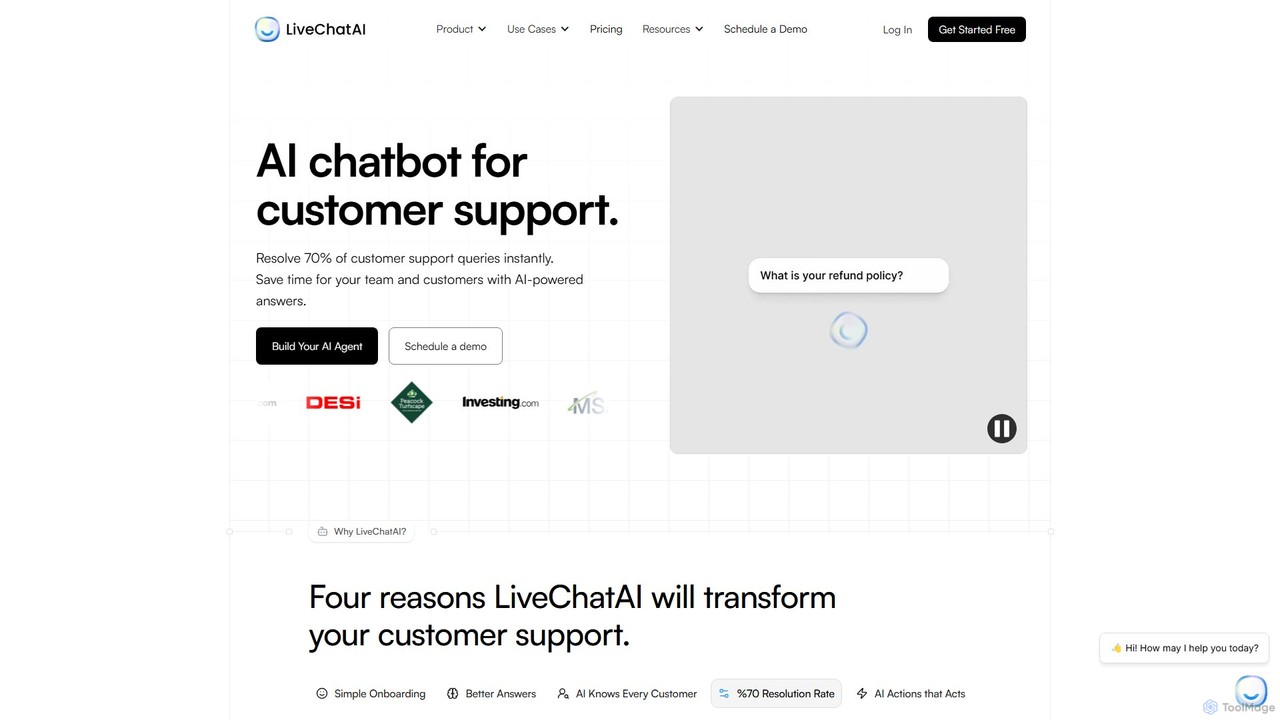
LiveChatAI
LiveChatAI is a GPT-4o powered platform that creates an AI chatbot for customer support, trained on your own data. It aims to instantly resolve up to 70% of customer queries, offering 24/7 automated assistance, seamless human handoff, and powerful AI Actions to automate tasks beyond conversation.
Chatbot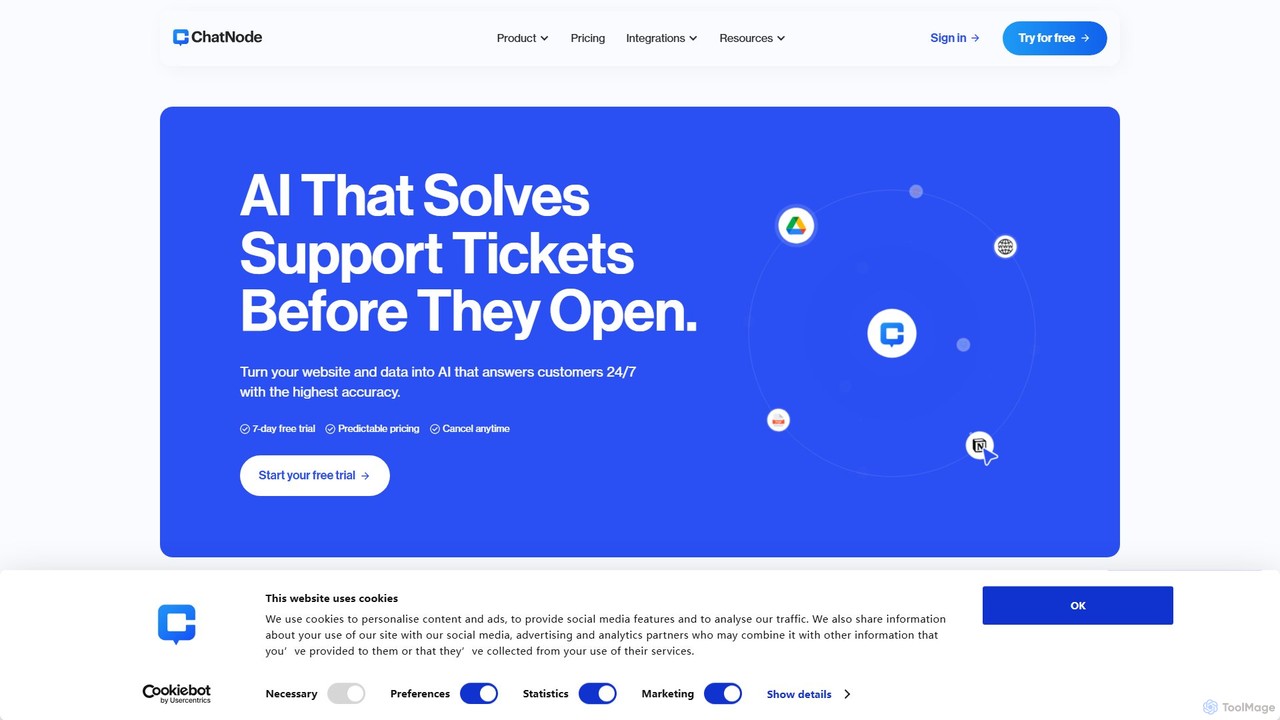
ChatNode
ChatNode is a no-code AI chatbot builder that allows you to create custom chatbots trained on your own data. Easily add a ChatGPT-like assistant to your website to automate customer support, answer questions 24/7, and generate leads, significantly reducing response times and improving user engagement.
Chatbot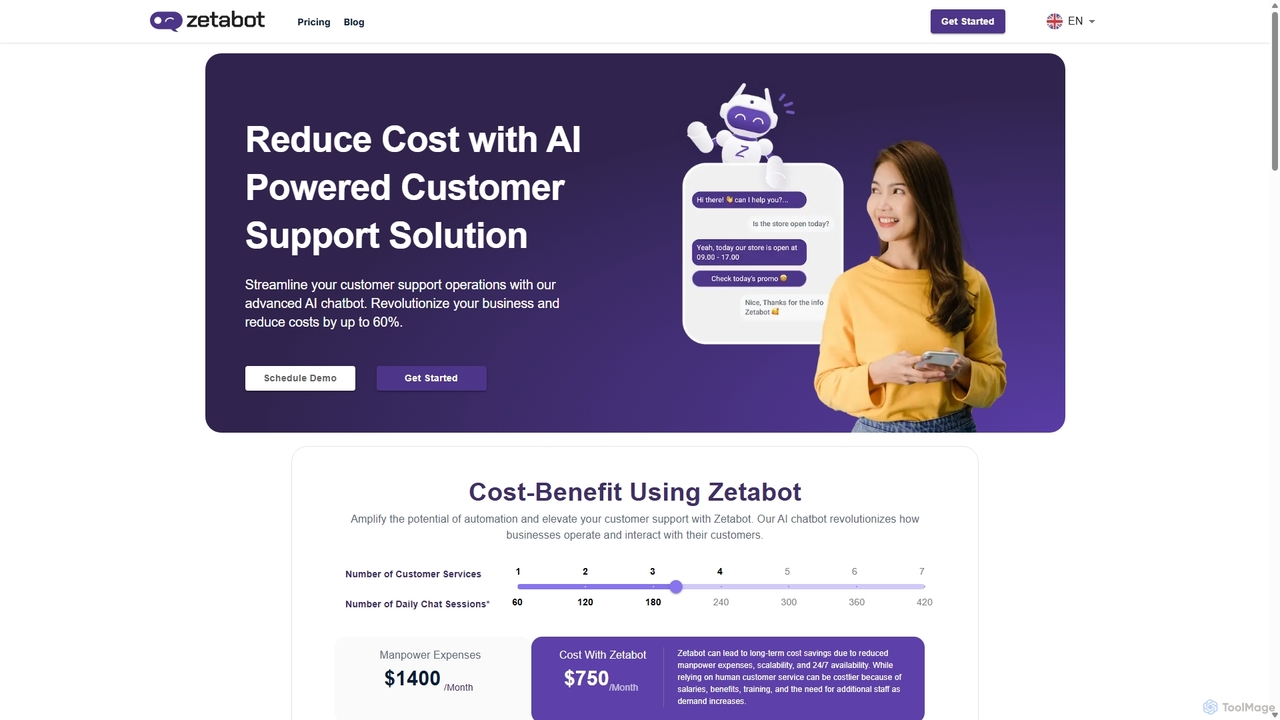
Zetabot
Zetabot is an AI-powered chatbot solution designed for businesses to automate customer support, reduce operational costs by up to 60%, and enhance customer experience. It offers 24/7 availability, learns from interactions, and seamlessly integrates with your website to provide instant, consistent, and accurate responses.
Chatbot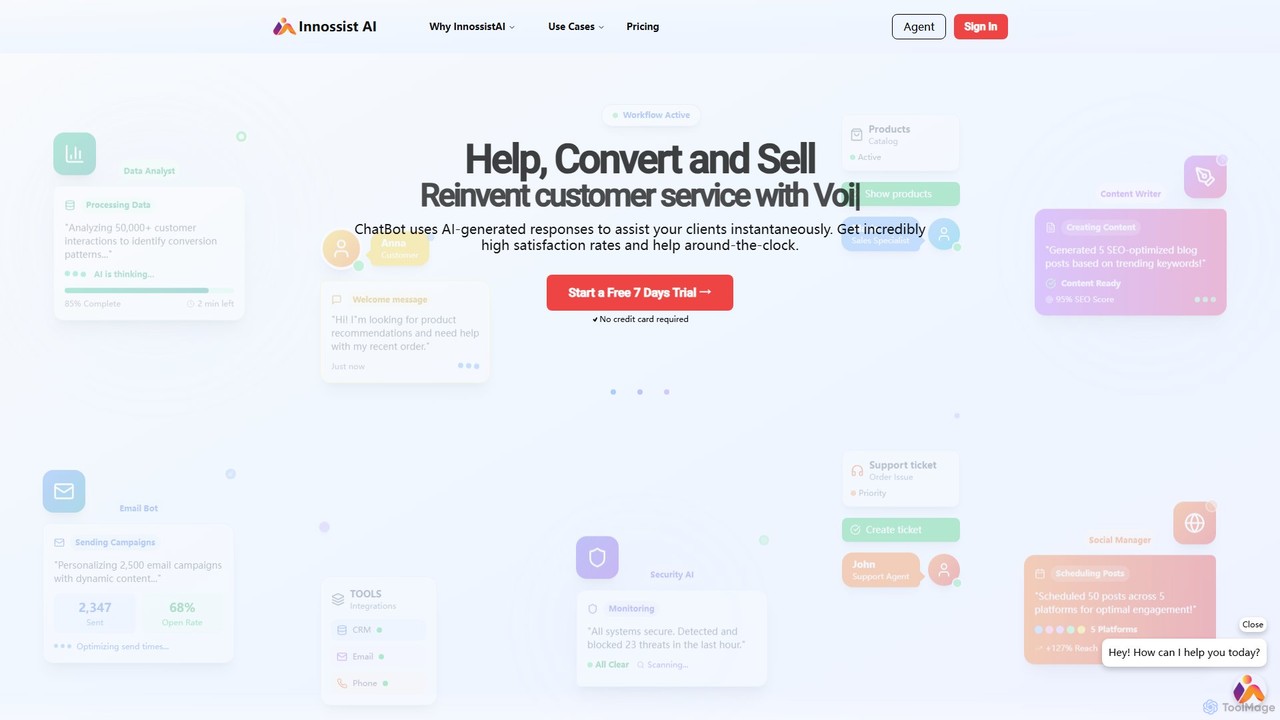
InnossistAI
InnossistAI is an AI-powered support system that enables businesses to create custom chatbots for their websites. Train your AI assistant using your own content, such as websites, PDFs, or text, to provide instant, 24/7 customer service. It automates responses, enhances user satisfaction, and includes features like live agent transfer and audio calls for complex inquiries, streamlining your entire support workflow.
Chatbotchattysun Categories
chattysun Embed Widget
Copy this embed code to place the badge on your blog, article, or product site and send readers directly to this ToolMage detail page.

Related AI tools
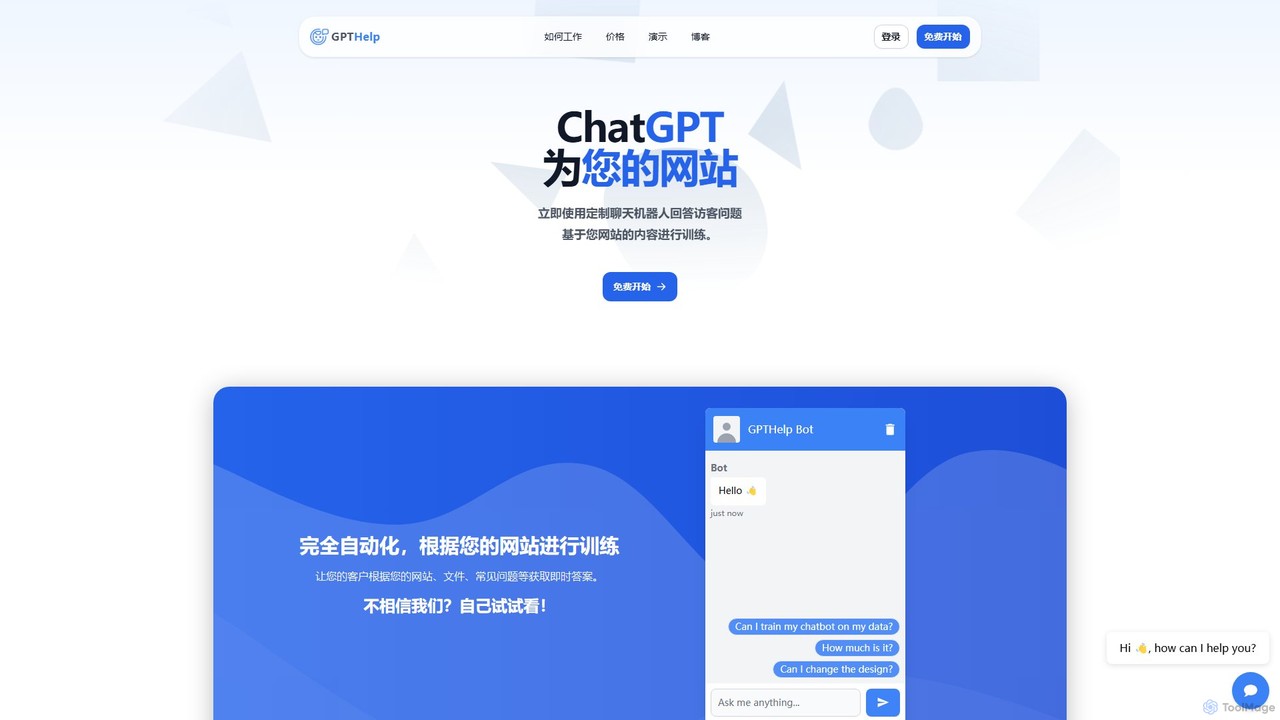
GPTHelp.ai
GPTHelp.ai is an AI-powered platform that allows you to create a custom chatbot for your website in minutes. It trains on your website content, documents, and FAQs to provide instant, accurate answers to visitor questions, automating customer support and enhancing user engagement 24/7.
Chatbot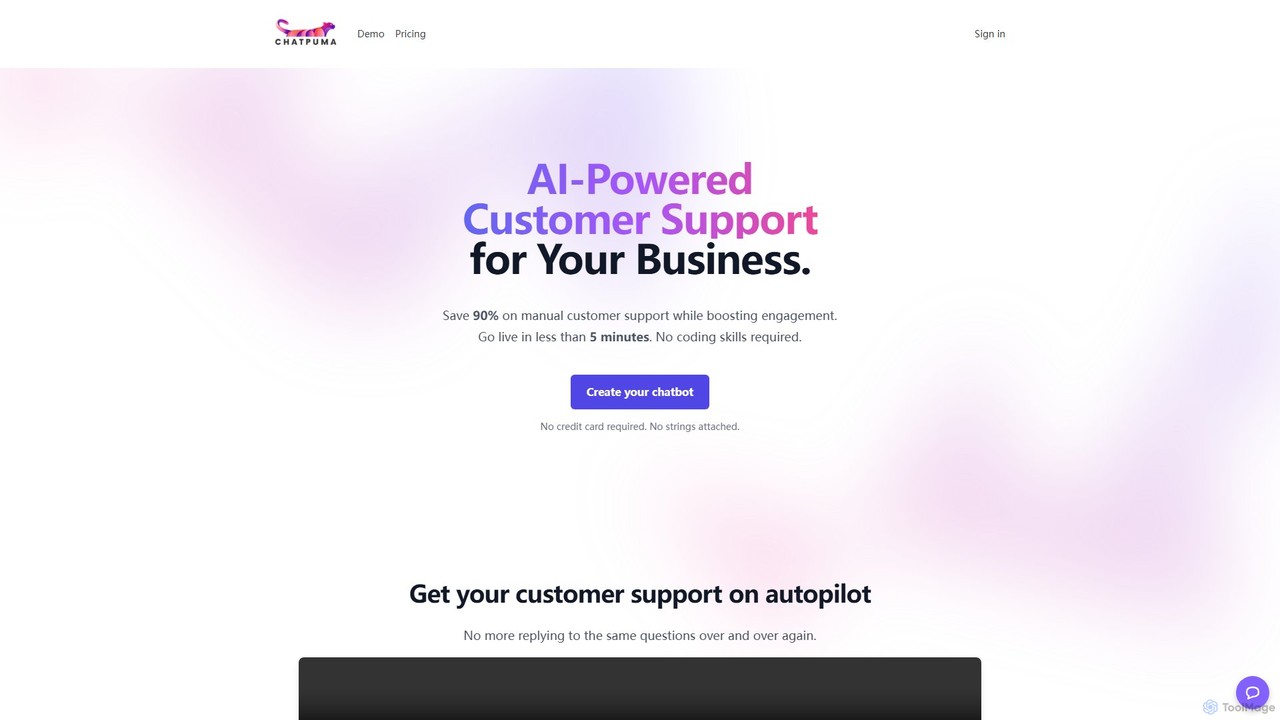
ChatPuma
ChatPuma is a no-code AI chatbot builder designed to enhance customer service. By training on your website content, documents, and files, it creates intelligent chatbots that provide instant, 24/7 support. This automates responses to repetitive questions, reduces operational costs by up to 90%, and boosts sales conversions by personalizing customer interactions. Go live in minutes without any coding skills and integrate a powerful support agent directly into your website.
ChatbotRushchat
Rushchat is an AI-powered chatbot platform designed for businesses to automate customer support, generate leads, and enhance user engagement. Build and deploy intelligent, no-code chatbots on your website in minutes to provide instant, 24/7 responses and convert more visitors into customers.
ChatbotLiveChatAI
LiveChatAI is a GPT-4o powered platform that creates an AI chatbot for customer support, trained on your own data. It aims to instantly resolve up to 70% of customer queries, offering 24/7 automated assistance, seamless human handoff, and powerful AI Actions to automate tasks beyond conversation.
ChatbotChatNode
ChatNode is a no-code AI chatbot builder that allows you to create custom chatbots trained on your own data. Easily add a ChatGPT-like assistant to your website to automate customer support, answer questions 24/7, and generate leads, significantly reducing response times and improving user engagement.
ChatbotZetabot
Zetabot is an AI-powered chatbot solution designed for businesses to automate customer support, reduce operational costs by up to 60%, and enhance customer experience. It offers 24/7 availability, learns from interactions, and seamlessly integrates with your website to provide instant, consistent, and accurate responses.
ChatbotInnossistAI
InnossistAI is an AI-powered support system that enables businesses to create custom chatbots for their websites. Train your AI assistant using your own content, such as websites, PDFs, or text, to provide instant, 24/7 customer service. It automates responses, enhances user satisfaction, and includes features like live agent transfer and audio calls for complex inquiries, streamlining your entire support workflow.
Chatbot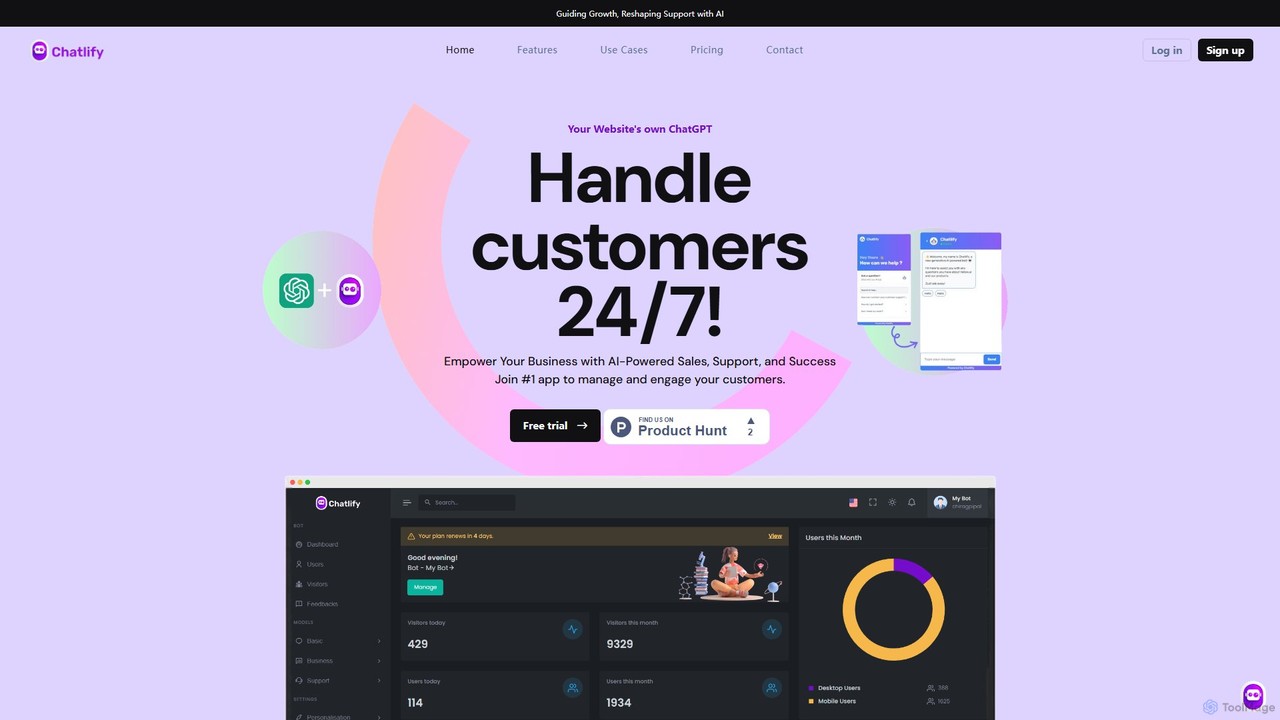
Chatlify
Chatlify is an AI-powered platform that enables businesses to create and deploy intelligent chatbots for their websites. It's designed to automate customer support, boost sales, and enhance user engagement. Build custom chatbots that handle queries, provide personalized recommendations, and operate 24/7, reducing workload and improving conversion rates.
Chatbot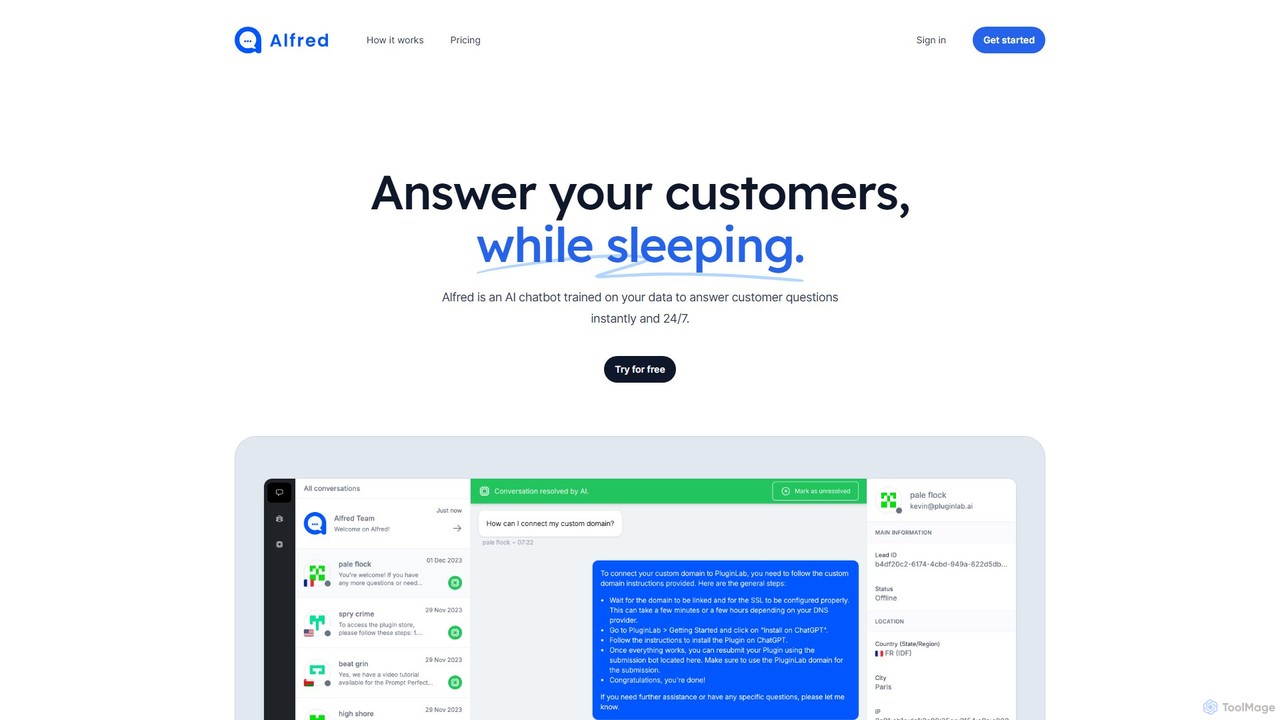
Alfred
Alfred is an AI-powered chatbot that trains on your company's data to provide instant, 24/7 customer support. This no-code platform allows you to build a virtual assistant that answers customer questions, captures leads, and provides valuable insights, all while your team sleeps.
Chatbot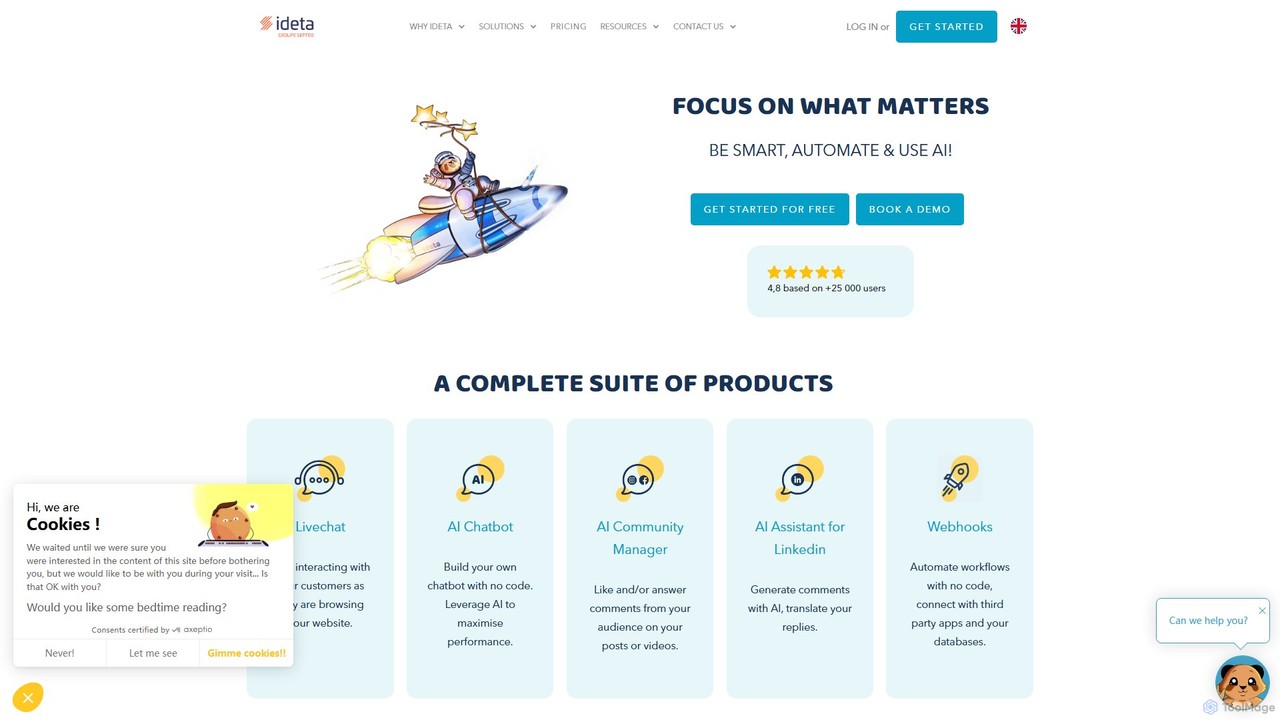
ideta
Ideta is a no-code platform for building, training, and deploying AI-powered chatbots and callbots. It helps businesses automate customer service, generate leads, and streamline internal communication 24/7, with seamless integration and human handover capabilities.
Chatbot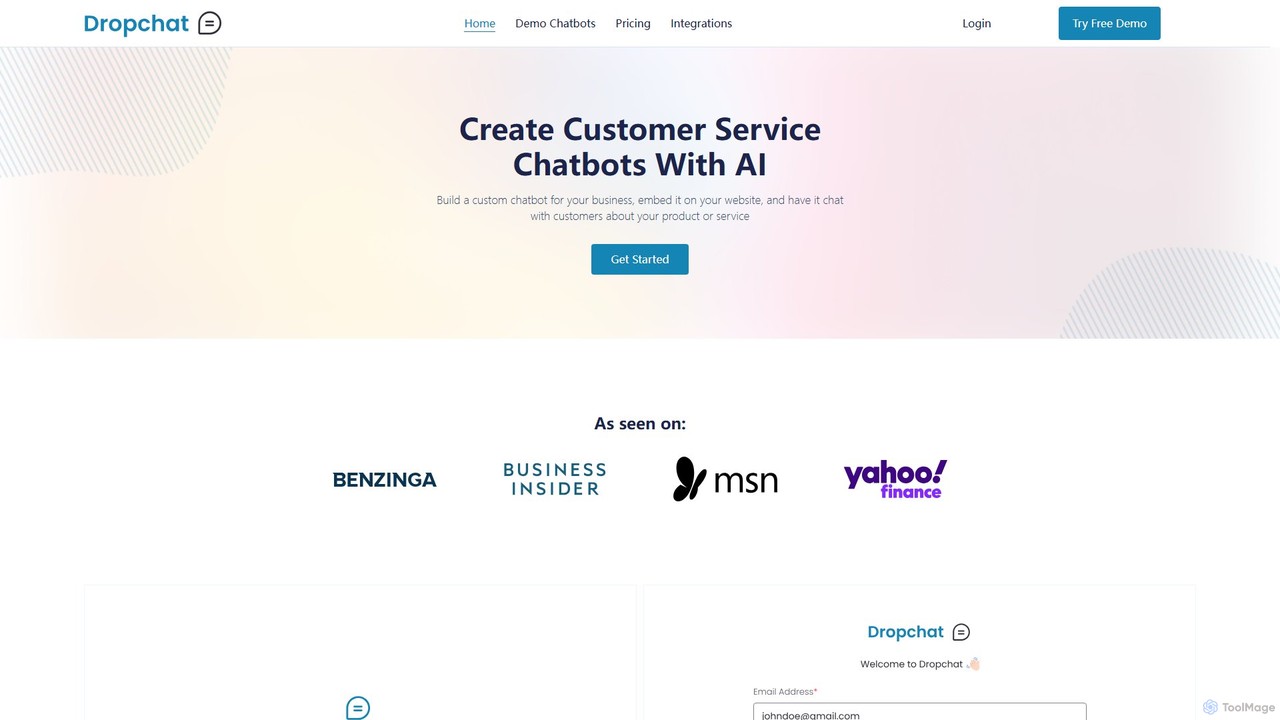
Dropchat
Dropchat is a no-code AI platform that allows businesses to build custom chatbots from their own data. Easily create and embed intelligent chatbots on your website to automate customer service, answer questions 24/7, and engage visitors using content from PDFs, websites, and YouTube videos.
Chatbot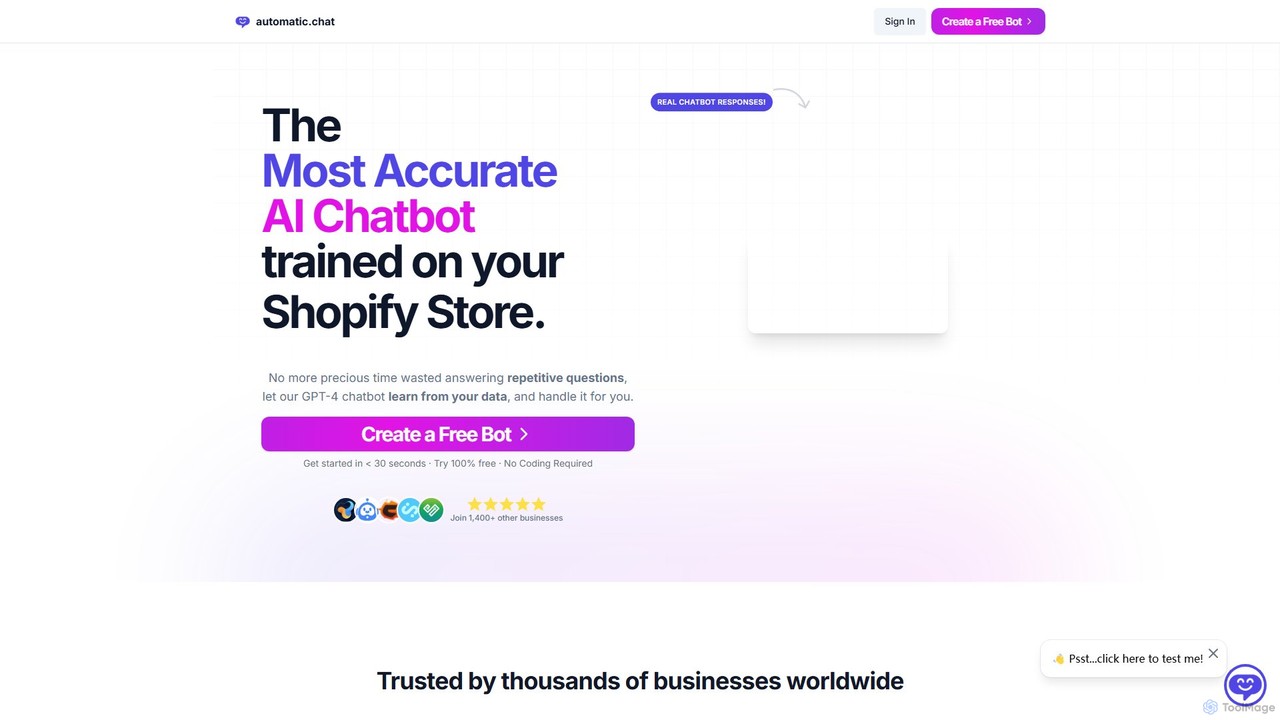
Automatic.chat
Automatic.chat is a no-code AI chatbot builder powered by GPT-4. It allows businesses to create a custom chatbot trained on their own data, such as websites, PDFs, and documents. This automates customer support, answers repetitive questions 24/7, and enhances user engagement. Features include full customization, detailed analytics, chat history, and multilingual support, all designed to save time and improve customer satisfaction.
Chatbot
Jyek
Jyek is an AI agent platform that understands objectives, creates execution plans, uses tools, and delivers verifiable results for complex, multi-step tasks.
Automation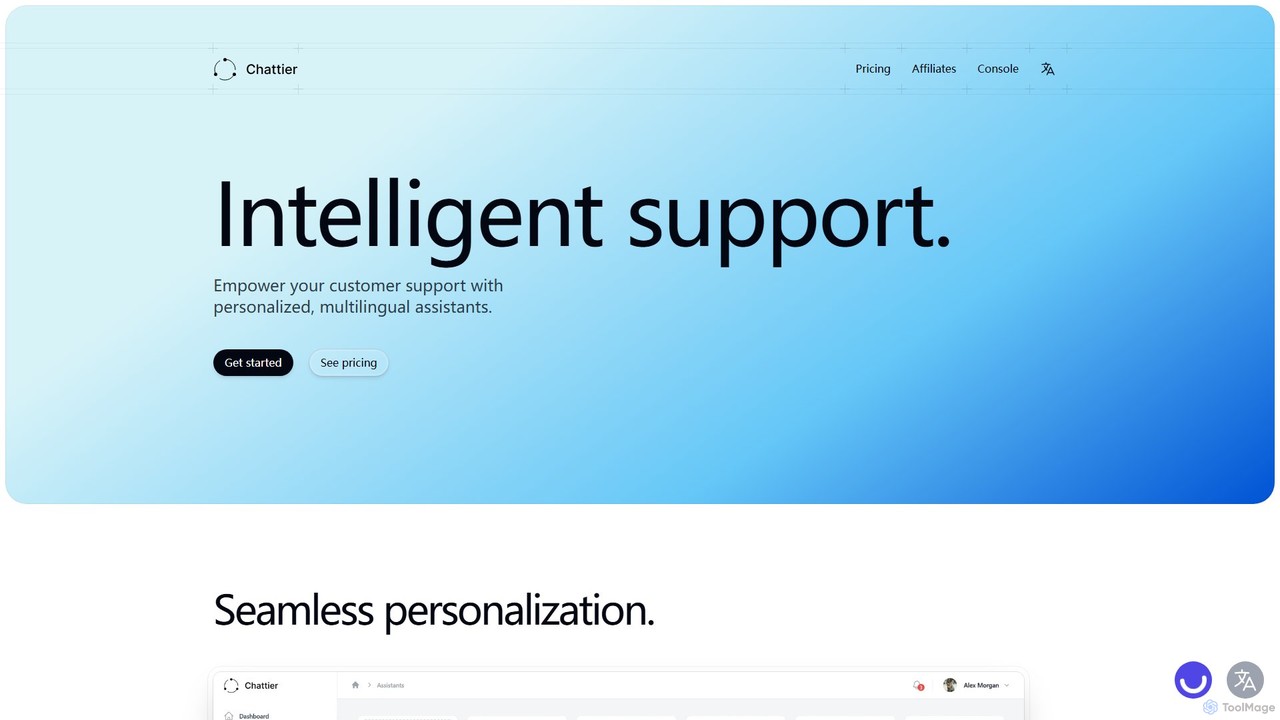
Chattier
Chattier is an AI platform for creating intelligent, personalized, and multilingual customer support assistants. Easily build and embed chatbots on your website to provide 24/7 instant answers, guide users, and enhance overall customer satisfaction using your own knowledge base.
Chatbot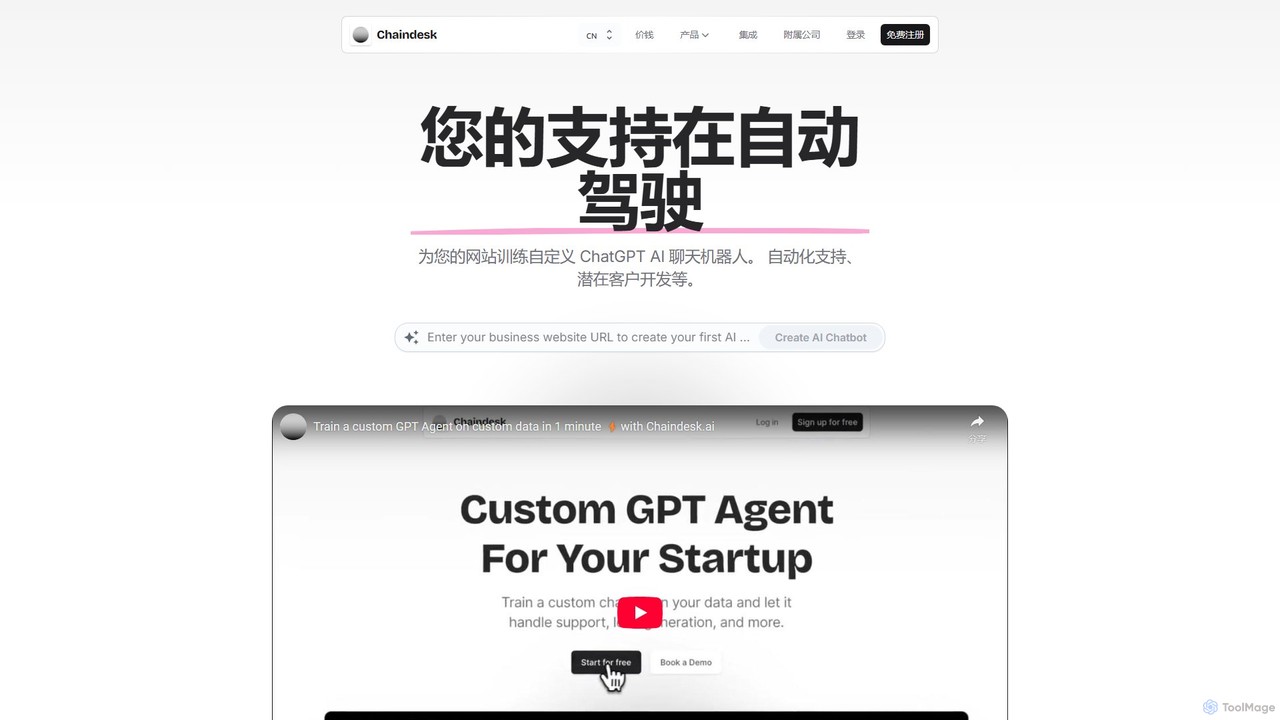
Chaindesk
Chaindesk is a no-code platform that allows you to build custom AI chatbots, powered by models like GPT-4, trained on your own data. Automate customer support, generate leads, and provide instant, 24/7 answers across multiple channels. It integrates with various data sources like Notion, Google Drive, and websites, offering a comprehensive AI support ecosystem with features like a shared inbox, human handover, and AI-powered email assistance.
Chatbot
chattysun Comments (0)
Sign in to comment.
Sign inNo comments yet.