

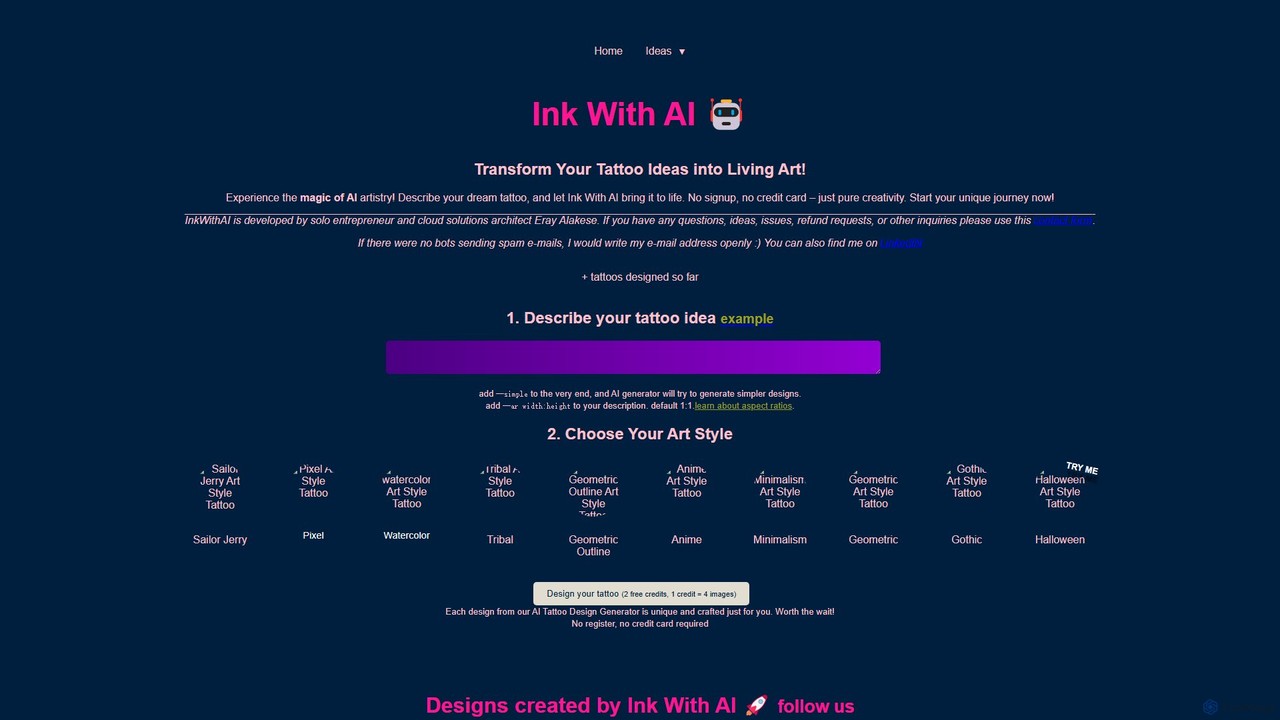
Ink With AI Overview
Ink With AI is a specialized AI-powered platform designed to revolutionize the way people conceptualize and create tattoo designs. It serves as a creative bridge between your imagination and tangible art, allowing you to transform detailed text descriptions into unique, high-quality tattoo visuals. Whether you're a tattoo enthusiast planning your next piece, a first-timer trying to visualize a concept, or a professional tattoo artist seeking fresh inspiration, Ink With AI provides an intuitive and powerful solution. The platform eliminates the initial guesswork and helps you refine your ideas with stunning clarity before ever stepping into a tattoo studio.
The core of Ink With AI is its sophisticated AI engine, which interprets natural language prompts and translates them into visual art across a wide spectrum of styles. Users can explore everything from timeless classics to modern aesthetics, ensuring the final design truly aligns with their personal taste. The process is designed to be seamless and accessible to everyone, regardless of their artistic skill level, making tattoo design a more collaborative and creative journey.
How to use Ink With AI
Using Ink With AI is a straightforward, three-step process designed for simplicity and creativity:
- Describe Your Idea: Begin by typing a detailed description of your dream tattoo into the input field. The more specific you are, the better the AI can capture your vision. Include elements, subjects, moods, and composition. For example, instead of "a dragon," try "a majestic Japanese dragon coiling around a cherry blossom branch, with storm clouds in the background." You can also use advanced commands like adding
--simpleto the end of your prompt for a more minimalist design, or--ar width:height(e.g.,--ar 16:9) to specify a custom aspect ratio. - Choose Your Art Style: Select a style from the extensive gallery that best fits your concept. The platform offers a diverse range of options, including Sailor Jerry, Pixel, Watercolor, Tribal, Geometric, Outline, Anime, Minimalism, Gothic, and Halloween. You can experiment with different styles for the same prompt to see which one resonates most with you.
- Generate and Refine: Click the "Generate" button. Within a minute, the AI will produce a set of four unique images based on your prompt and style selection. You can then review the designs, refine your description, or try a new style to get closer to your perfect tattoo.
Core Features of Ink With AI
- Advanced AI Image Generation: Leverages a powerful AI model to create detailed and artistically nuanced tattoo designs from simple text prompts.
- Diverse Style Gallery: Offers a wide selection of popular and niche tattoo styles, including Watercolor, Tribal, Geometric, Anime, Minimalism, and more, allowing for extensive creative exploration.
- Prompt Customization: Users can add specific commands to their prompts, such as
--simplefor simpler outputs and--arfor custom aspect ratios, giving them greater control over the final result. - Unique and Personalized Designs: Each generated design is unique, ensuring that your tattoo idea is one-of-a-kind and tailored specifically to your description.
- No-Signup Free Trial: Provides 2 free credits (1 credit generates 4 images) to all users without requiring any registration or credit card information, making it easy to try the service.
Use Cases for Ink With AI
Ink With AI is a versatile tool for various users:
- Individuals Seeking Tattoo Inspiration: Anyone planning to get a tattoo can use the tool to explore different ideas, styles, and compositions before committing to a final design and artist.
- Visualizing Abstract Concepts: If you have an idea that's hard to describe verbally to an artist, you can generate a visual reference to communicate your vision more effectively.
- Tattoo Artists Brainstorming: Artists can use Ink With AI as a creative partner to quickly generate a variety of concepts for clients, saving time and sparking new artistic directions.
- Creating Mood Boards: Users can generate a collection of images in different styles to create a mood board, helping them and their artist to align on the desired aesthetic for the final tattoo.
Advantages of Ink With AI
The primary advantage of Ink With AI is its ability to democratize tattoo design. It empowers users with no artistic skill to create and visualize professional-level concepts. It's incredibly accessible, with a user-friendly interface and a free trial that requires no commitment. The tool saves time and money by allowing extensive experimentation before booking a costly consultation with a tattoo artist. Furthermore, the uniqueness of each design ensures that users receive a truly personal piece of art.
Pricing and Plans
Ink With AI operates on a freemium model. New users are welcomed with 2 free credits, where each credit generates a batch of four unique tattoo designs. This allows you to test the platform's capabilities and generate your first couple of ideas completely free of charge, with no need to sign up or provide a credit card. Once the free credits are used, users can purchase additional credit packs to continue creating more designs. This pay-as-you-go system is flexible and allows you to buy credits based on your specific needs.
Ink With AI Alternatives
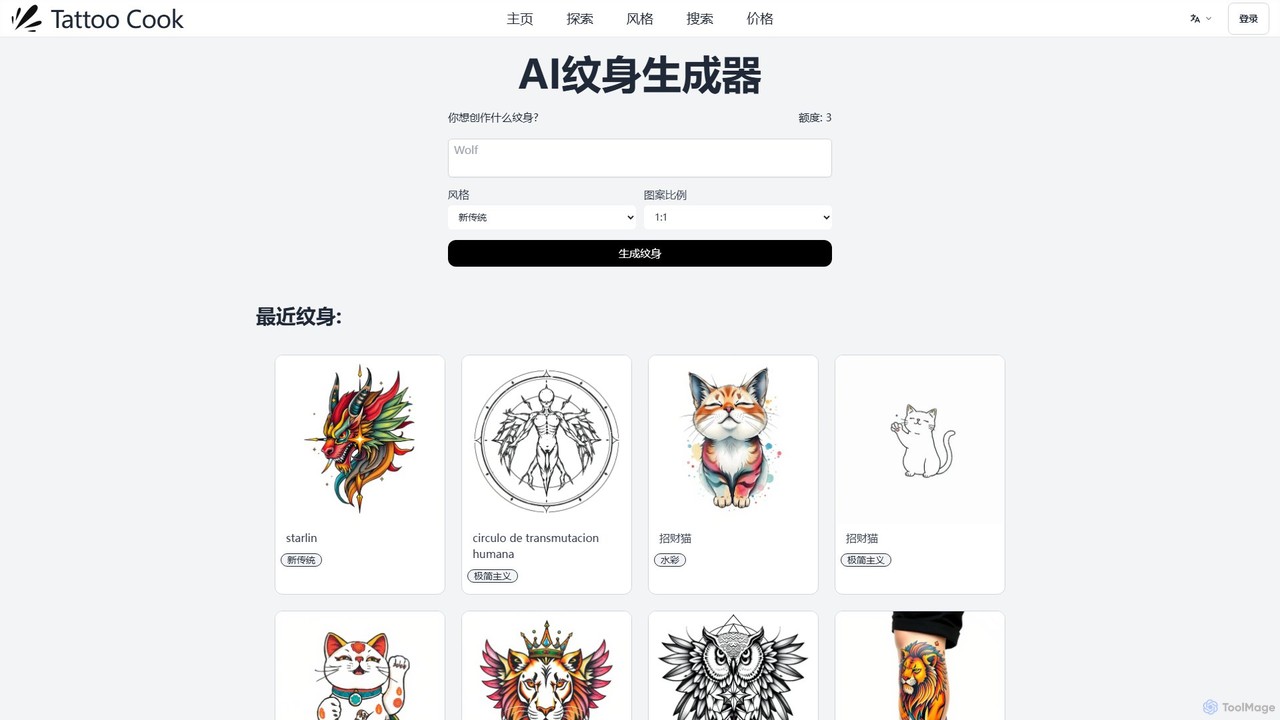
tattoocook
tattoocook is an AI-powered tattoo generator that transforms your text descriptions into unique tattoo designs. It offers over 20 distinct styles, customizable aspect ratios, and a free trial without requiring a login. Ideal for individuals seeking inspiration and tattoo artists looking for a rapid concept creation tool.
Tattoo Design
Tattoodesignpro
Tattoodesignpro is an AI-powered platform that transforms your creative ideas into unique, custom tattoo designs. It serves both individuals seeking personal tattoo art and professional artists looking for inspiration. By simply describing your concept, you can generate a variety of high-quality, detailed designs in numerous artistic styles, making the process of finding the perfect tattoo simple and imaginative.
Tattoo Design
inkgen
inkgen is an AI-powered tattoo generator that transforms your text descriptions into unique, custom tattoo designs. Instantly visualize your ideas in various styles, from minimalist to traditional. Perfect for individuals seeking inspiration and artists looking for a creative boost.
Tattoo Design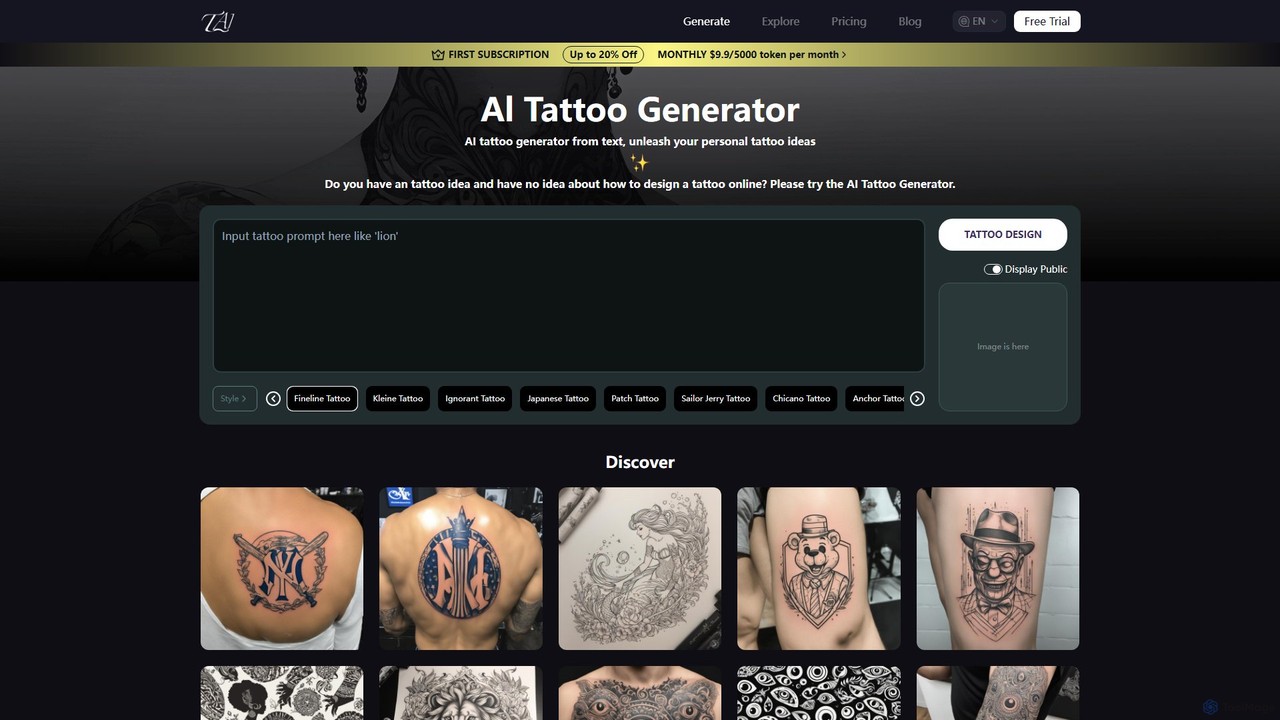
TattooAI
TattooAI is an advanced AI-powered tattoo generator that transforms your text descriptions into unique and personalized tattoo designs. Explore a vast array of styles, from Fineline and Japanese to Watercolor and Realism. Whether you're an individual seeking inspiration for your next piece or a tattoo artist looking for a creative starting point, TattooAI provides a seamless and intuitive platform to visualize your ideas instantly. It offers free exploration and premium plans for private generation.
Tattoo Design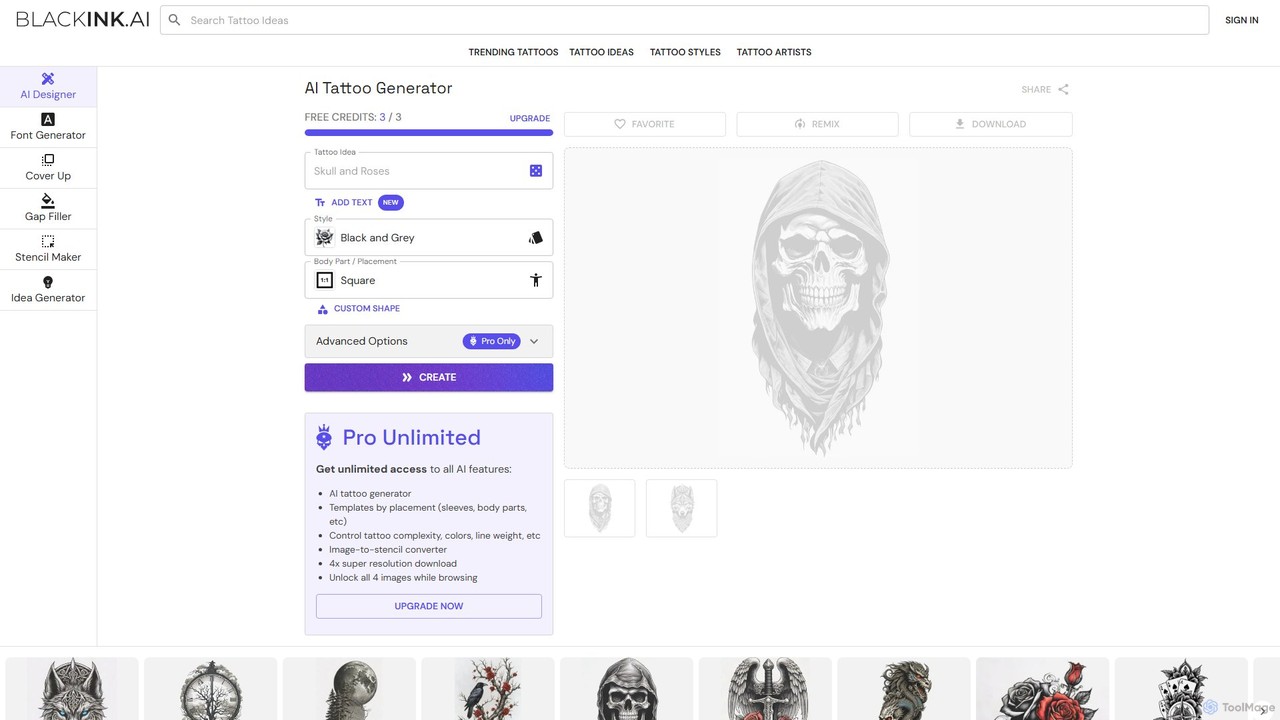
BlackInk
BlackInk is an AI-powered tattoo generator that allows users to create unique, custom tattoo designs in seconds. Simply describe your idea, choose a style, and the AI brings it to life. It offers features like a stencil converter, cover-up and gap filler tools, and high-resolution downloads, making it perfect for tattoo enthusiasts and artists seeking inspiration.
Tattoo DesignInk With AI Categories
Ink With AI Embed Widget
Copy this embed code to place the badge on your blog, article, or product site and send readers directly to this ToolMage detail page.

Related AI tools
tattoocook
tattoocook is an AI-powered tattoo generator that transforms your text descriptions into unique tattoo designs. It offers over 20 distinct styles, customizable aspect ratios, and a free trial without requiring a login. Ideal for individuals seeking inspiration and tattoo artists looking for a rapid concept creation tool.
Tattoo Designinkgen
inkgen is an AI-powered tattoo generator that transforms your text descriptions into unique, custom tattoo designs. Instantly visualize your ideas in various styles, from minimalist to traditional. Perfect for individuals seeking inspiration and artists looking for a creative boost.
Tattoo DesignTattooAI
TattooAI is an advanced AI-powered tattoo generator that transforms your text descriptions into unique and personalized tattoo designs. Explore a vast array of styles, from Fineline and Japanese to Watercolor and Realism. Whether you're an individual seeking inspiration for your next piece or a tattoo artist looking for a creative starting point, TattooAI provides a seamless and intuitive platform to visualize your ideas instantly. It offers free exploration and premium plans for private generation.
Tattoo Design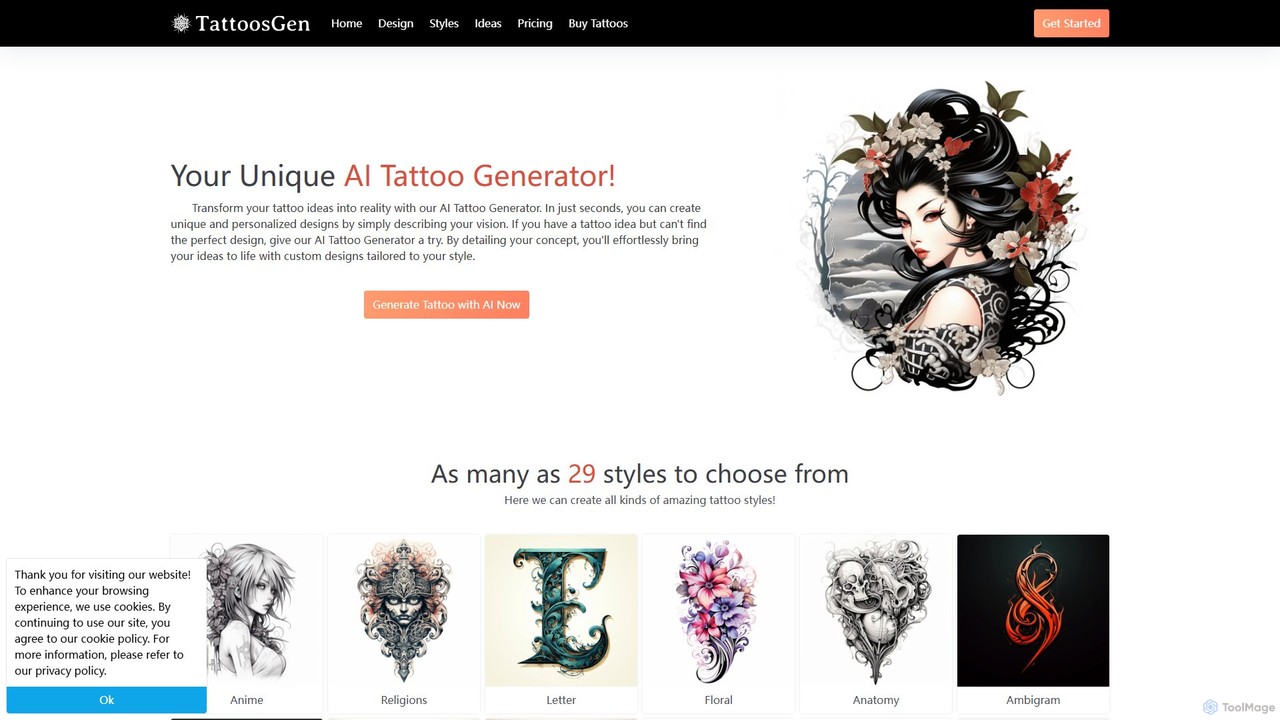
tattoosgen
tattoosgen is an AI-powered tattoo generator that transforms your text ideas into unique, personalized tattoo designs. In seconds, you can explore over 29 distinct styles, customize colors and orientation, and visualize your perfect tattoo before committing.
Tattoo DesignTattoodesignpro
Tattoodesignpro is an AI-powered platform that transforms your creative ideas into unique, custom tattoo designs. It serves both individuals seeking personal tattoo art and professional artists looking for inspiration. By simply describing your concept, you can generate a variety of high-quality, detailed designs in numerous artistic styles, making the process of finding the perfect tattoo simple and imaginative.
Tattoo DesignBlackInk
BlackInk is an AI-powered tattoo generator that allows users to create unique, custom tattoo designs in seconds. Simply describe your idea, choose a style, and the AI brings it to life. It offers features like a stencil converter, cover-up and gap filler tools, and high-resolution downloads, making it perfect for tattoo enthusiasts and artists seeking inspiration.
Tattoo Design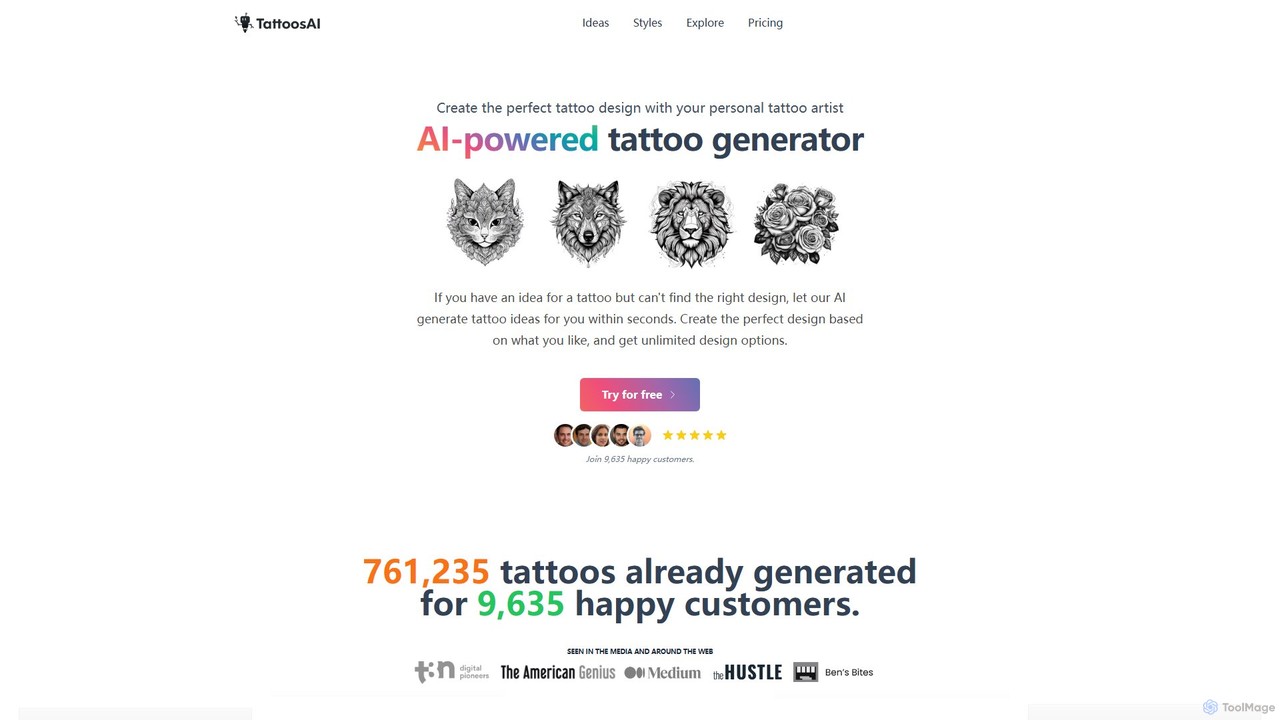
TattoosAI
TattoosAI is an AI-powered tattoo generator that transforms your ideas into unique, custom tattoo designs in seconds. Describe your concept, choose from over 18 distinct styles, and receive unlimited design options. It's your personal digital tattoo artist, perfect for finding inspiration, visualizing ideas, and creating a one-of-a-kind piece before you get inked.
Tattoo Design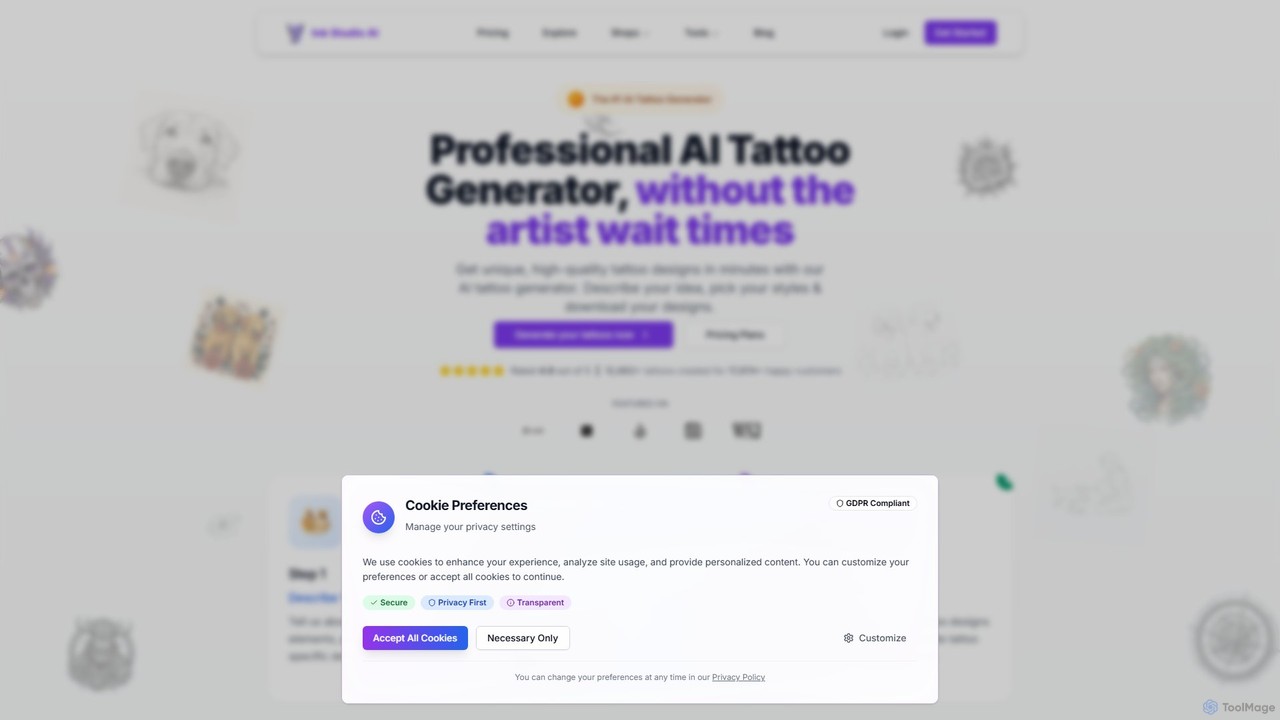
Ink Studio AI
Ink Studio AI is an advanced AI-powered tattoo generator that transforms your ideas into unique, high-quality tattoo designs in minutes. It offers multiple styles, a photo-to-tattoo converter, and a virtual try-on feature, making it easy to visualize and perfect your ideal tattoo before consulting an artist.
Tattoo Design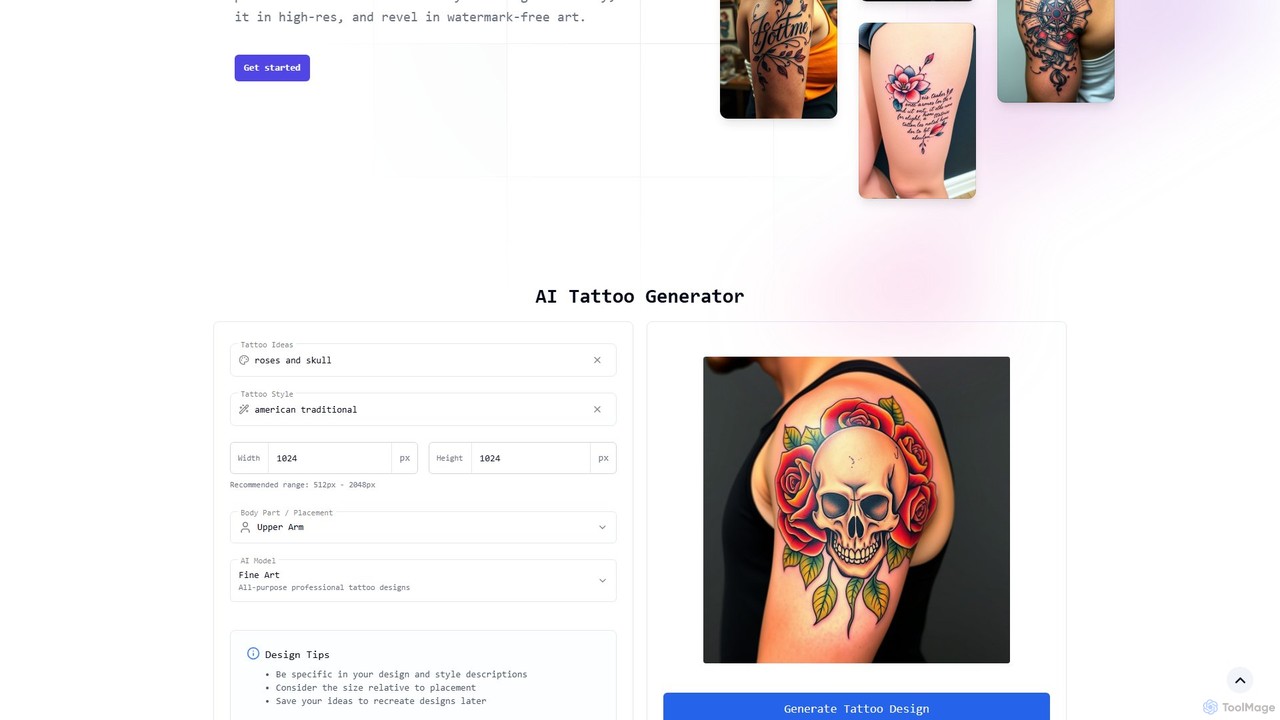
tattoogen
tattoogen is a completely free AI tattoo generator that transforms your ideas into unique, personalized tattoo designs. It offers a wide range of styles, high-resolution downloads without watermarks, and a virtual preview feature, all with no account required.
Tattoo Design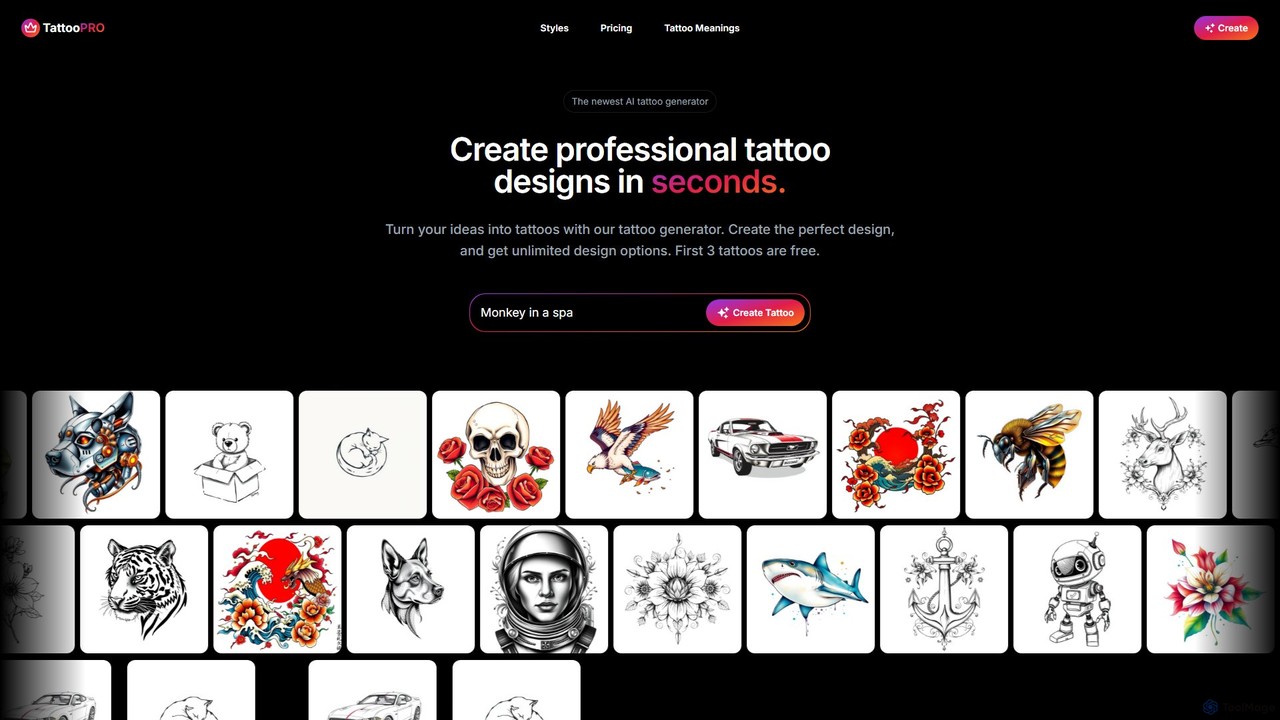
tattoopro
tattoopro is an AI-powered tattoo generator that transforms your ideas into unique, professional tattoo designs in seconds. Simply describe your concept, choose from a vast library of styles like Realistic, Japanese, or Minimalist, and get unlimited high-resolution design options. It's perfect for finding inspiration and visualizing your next tattoo before committing. Features a simple, non-subscription pricing model.
Tattoo Design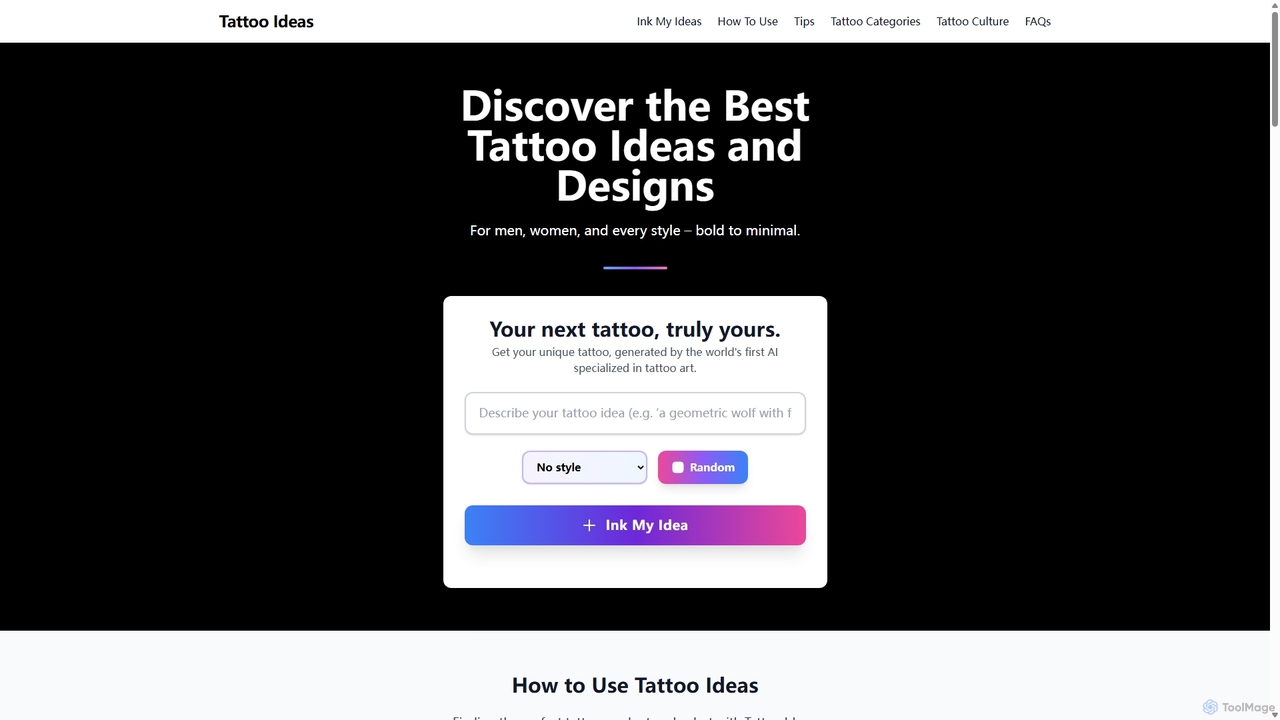
TattooIdeas.tech
An AI-powered platform for tattoo inspiration, offering a vast gallery of high-resolution designs and a unique AI generator to create custom tattoo art from text prompts. Explore styles, meanings, and find the perfect ink for you.
Tattoo Design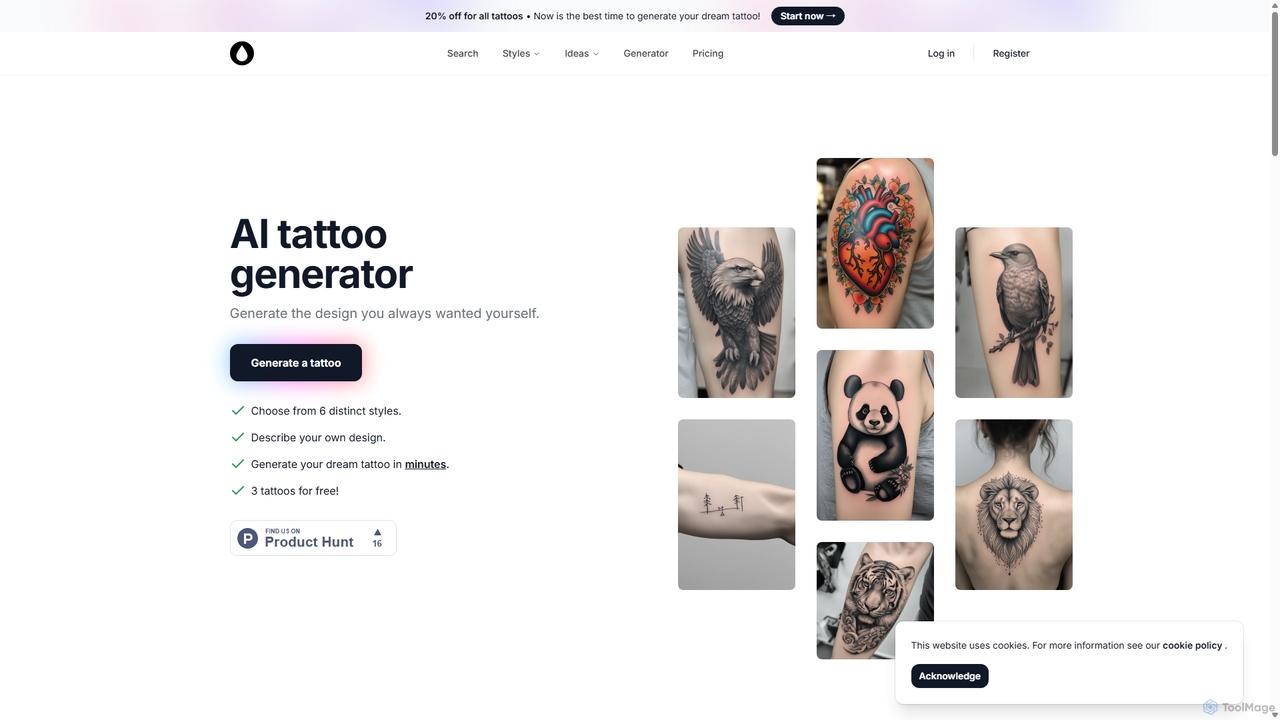
AI Tattoo Generator
AI Tattoo Generator is a specialized tool that creates unique, custom tattoo designs from text descriptions. Users can choose from various styles like Realism, Tribal, and Neo-Traditional to visualize their ideas in minutes. It offers a cost-effective, one-time payment model, providing a wealth of inspiration before consulting a professional tattoo artist.
Generative Art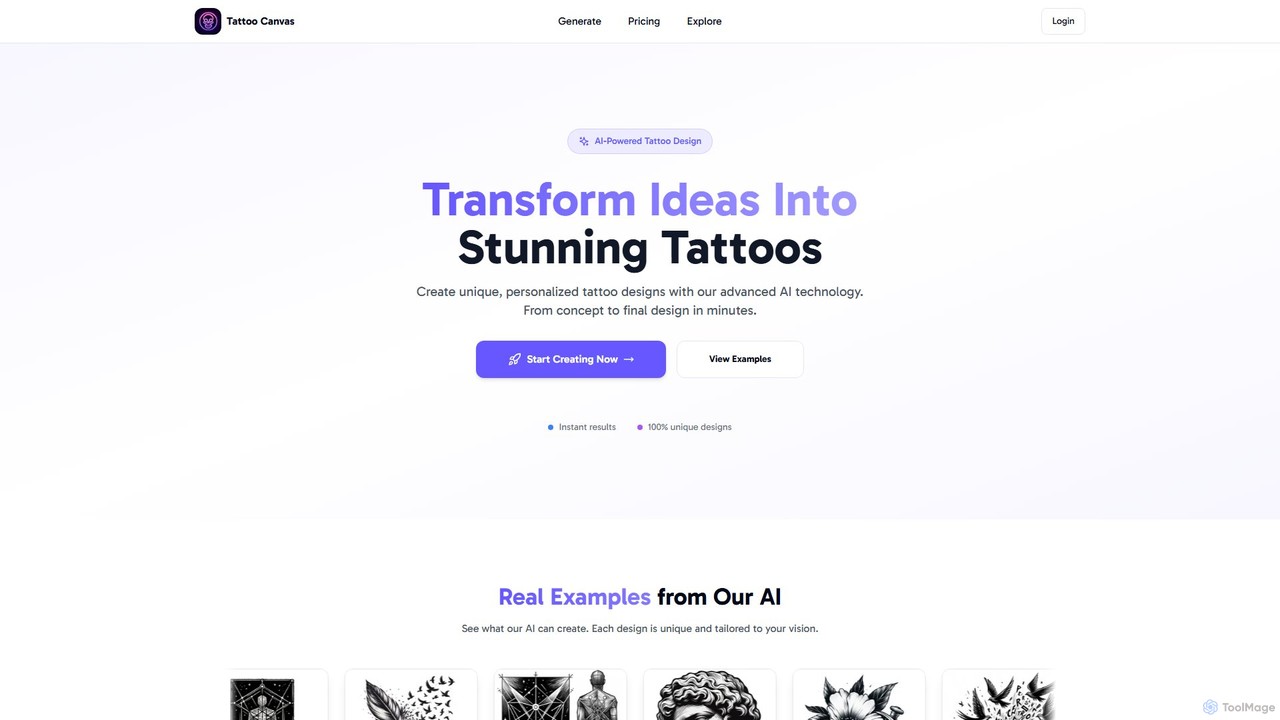
tattoocanvas
Tattoo Canvas is an AI-powered platform that transforms your ideas into unique, personalized tattoo designs. Simply describe your concept, choose from a vast library of styles, and generate stunning, high-quality tattoo visuals in minutes. It's designed for both tattoo enthusiasts seeking inspiration and professional artists looking to streamline their creative process.
Tattoo Design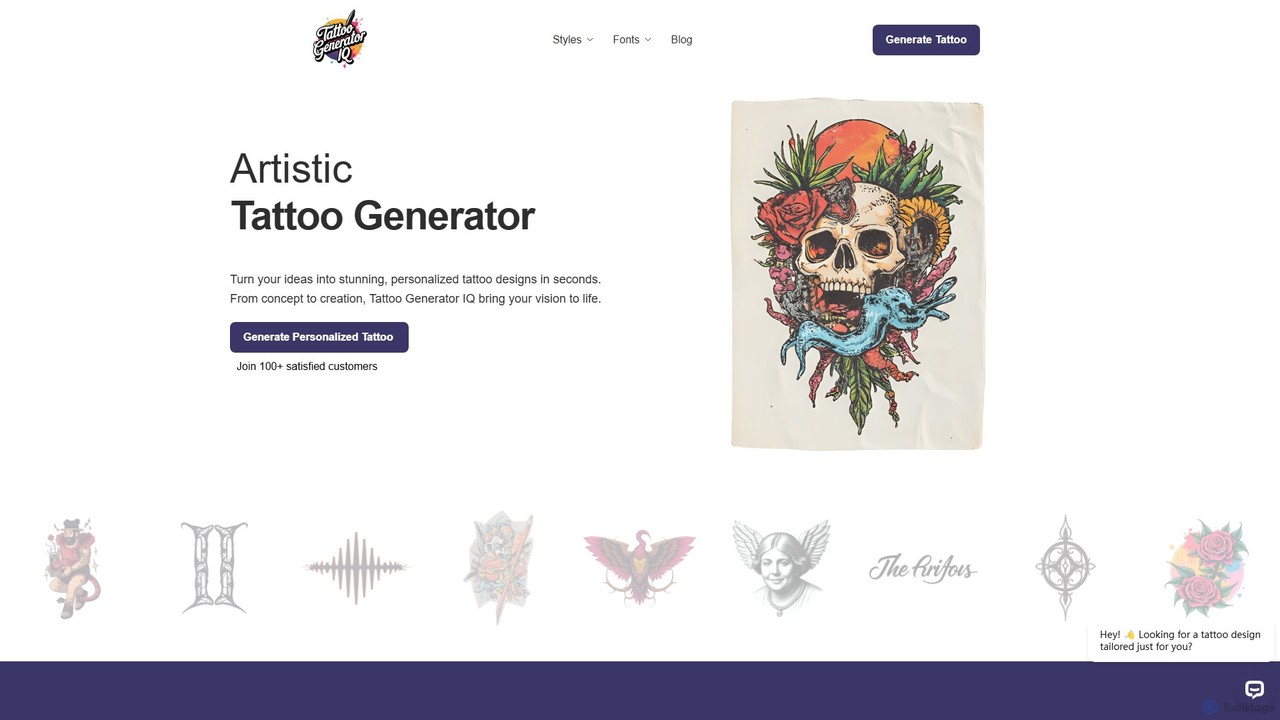
TattooGeneratorIQ
TattooGeneratorIQ is an advanced AI-powered tool that transforms your ideas into stunning, personalized tattoo designs in seconds. It offers a vast library of styles, from Japanese and Tribal to Fine Line and Geometric, allowing you to visualize and refine your perfect tattoo before getting inked. Ideal for both first-timers and seasoned collectors, it provides artist-ready references to bring your unique vision to life.
Tattoo Design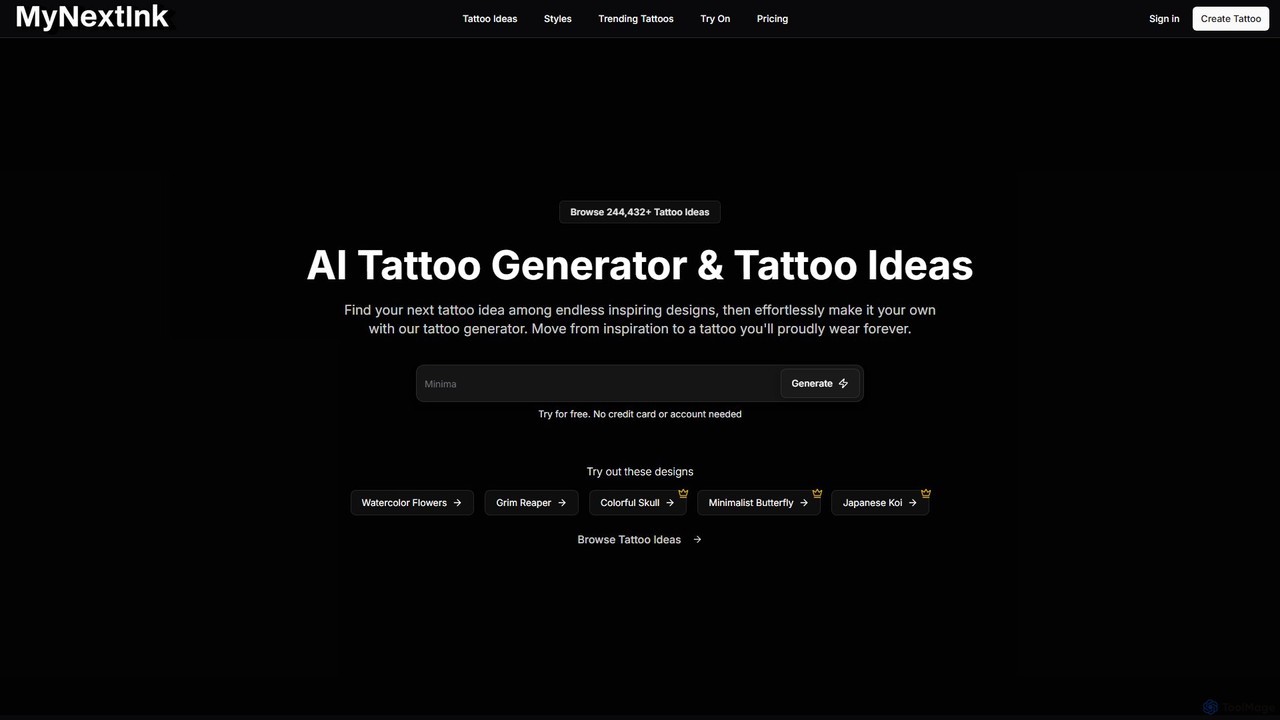
mynextink
MyNextInk is an AI-powered tattoo generator that transforms your ideas into unique, custom tattoo designs. Describe your concept, choose from over a dozen distinct art styles like Fine Line, Japanese, or Watercolor, and instantly generate high-quality visuals. It's the perfect tool for finding inspiration, visualizing your next tattoo, and collaborating effectively with your tattoo artist, moving seamlessly from concept to a design you'll love forever.
Tattoo Design
Ink With AI Comments (0)
Sign in to comment.
Sign inNo comments yet.