
Pika Overview
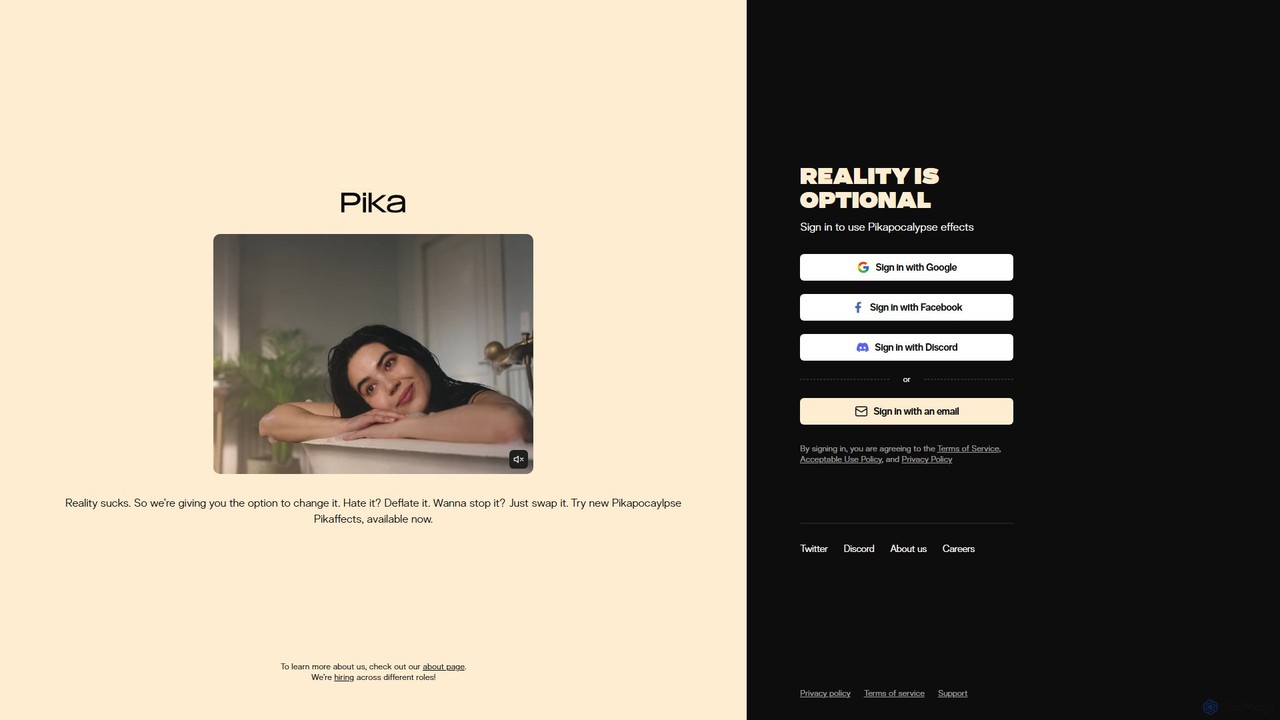
Pika is a cutting-edge AI-powered platform designed to revolutionize video creation. Positioned as an 'idea-to-video' tool, Pika empowers users to generate and edit high-quality videos using simple text prompts, images, or existing video clips. Its mission is to make video creation accessible to everyone, from individual creators and marketers to artists and filmmakers, by providing an intuitive yet powerful suite of tools. The platform's philosophy, hinted at with slogans like "Reality is optional," encourages boundless creativity, allowing users to alter, enhance, or completely reimagine their visual narratives.
How to use Pika
Getting started with Pika is a straightforward process designed for maximum accessibility:
- Sign Up: Create an account on the Pika website using Google, Discord, or an email address.
- Choose Your Creation Mode: On the main dashboard, you'll find a prompt bar. You can start creating in several ways:
- Text-to-Video: Simply type a descriptive prompt of the scene you want to create (e.g., "a cinematic shot of a robot walking through a neon-lit Tokyo street at night").
- Image-to-Video: Upload a static image and add a prompt to animate it (e.g., upload a portrait and prompt "make the person blink and smile subtly").
- Video-to-Video: Upload an existing video clip and use a prompt to transform its style, characters, or environment.
- Refine with Parameters: Use advanced options to control the output. You can add negative prompts to exclude certain elements, adjust the aspect ratio (e.g., 16:9 for YouTube, 9:16 for TikTok), and control the amount of motion.
- Edit and Enhance: Once a video is generated, use Pika's powerful editing tools. Select the video in your library to access options like 'Modify Region', 'Expand Canvas', or 'Extend'.
- Finalize and Download: Add sound effects or lip-synced dialogue, then export your final creation. Videos created on paid plans are watermark-free.
Core Features of Pika
- Text, Image, and Video-to-Video Generation: The core engine can create dynamic video content from various inputs, offering incredible flexibility.
- Modify Region: An inpainting-like feature that allows users to select a specific area of a video and change it with a text prompt. For example, you can change a character's outfit or add an object to the background.
- Expand Canvas: Easily change the aspect ratio of your video. The AI intelligently fills in the new space, transforming a vertical video into a horizontal one, or vice-versa.
- Extend Video: Seamlessly lengthen the duration of your generated clips, allowing for more developed scenes and storytelling.
- Lip Sync: A powerful tool that automatically generates realistic lip movements to match any uploaded audio track, making it easy to add dialogue to characters.
- Sound Effects Generator: Instantly create and add sound effects to your videos by simply describing what you need, enhancing the immersive quality of your creations.
- Diverse Style Support: The model can generate videos in a wide range of styles, including cinematic, 3D animation, anime, and abstract art.
Use Cases for Pika
Pika is a versatile tool suitable for a wide array of applications:
- Social Media Content: Quickly create eye-catching short videos, memes, and animated stories for platforms like TikTok, Instagram Reels, and YouTube Shorts.
- Marketing and Advertising: Generate unique and engaging video ads, product showcases, and promotional content without the high cost of traditional video production.
- Filmmaking and Animation: Used by professionals for storyboarding, pre-visualization, creating concept animations, and generating B-roll footage.
- Digital Art and NFTs: Artists can explore new forms of expression by creating generative video art and dynamic NFTs.
- Personal Projects: Bring personal stories, creative ideas, or even dreams to life in video format for fun or sharing with friends and family.
Advantages of Pika
- User-Friendly Interface: Pika's intuitive design makes advanced video generation accessible to users without any technical or video editing background.
- Creative Freedom and Control: Unlike simple generators, Pika's editing suite (Modify, Expand, Extend) provides granular control over the final output.
- Speed and Efficiency: Drastically reduces the time and resources required to produce high-quality video content, from concept to final render.
- Cost-Effective: Provides a powerful alternative to expensive software, stock footage subscriptions, and hiring animation or production teams.
- Active Community: Pika maintains a vibrant community on platforms like Discord, where users can share creations, get feedback, and learn new techniques.
Pricing and Plans
Pika operates on a freemium model, offering different tiers to suit various needs:
- Free Plan: Ideal for beginners and casual users. It provides a limited number of monthly credits to generate videos. All videos created on this plan will have a Pika watermark.
- Standard Plan: Aimed at regular creators and freelancers. This plan offers a larger monthly credit allowance, removes the watermark, and provides standard-speed generation.
- Pro Plan: Designed for professionals and power users. It includes a substantial number of credits, priority (faster) generation, and full access to all advanced features like Lip Sync and unlimited Sound Effects.
Specific pricing and credit details are available on the Pika website.
Traffic
Latest traffic
Status
Monthly traffic trend
- 2026-1: 2.2M
- 2026-2: 1.8M
- 2026-3: 1.8M
- 2026-4: 1.9M
- 2026-5: 2.2M
Geography
Top 5 countries / regions
- 🇮🇳India32.1%
- 🇺🇸United States30.9%
- 🇷🇺Russia17.6%
- 🇧🇷Brazil10.3%
- 🇩🇪Germany9.1%
Traffic sources
| Source type | Percentage |
|---|---|
Direct | 81.4% |
Referral | 16.3% |
Email | 2.3% |
Top keywords
| Keyword | Cost per click |
|---|---|
| pika | $0.83 |
| pika ai | $0.44 |
| pika art | $0.32 |
| pika labs | $0.43 |
| pika labs ai | $0.40 |
Pika Videos on YouTube

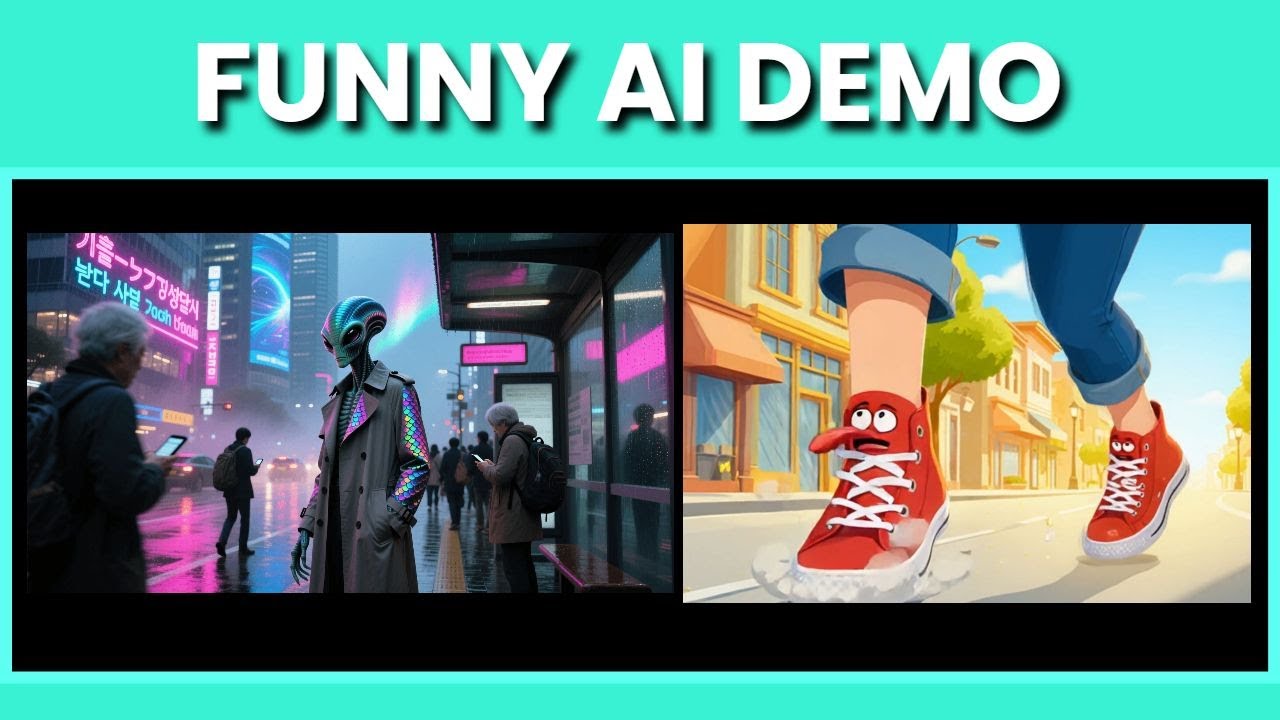
Digital Master Tools

How To In 5 Minutes


Amitesh Tutorials
Pika Alternatives
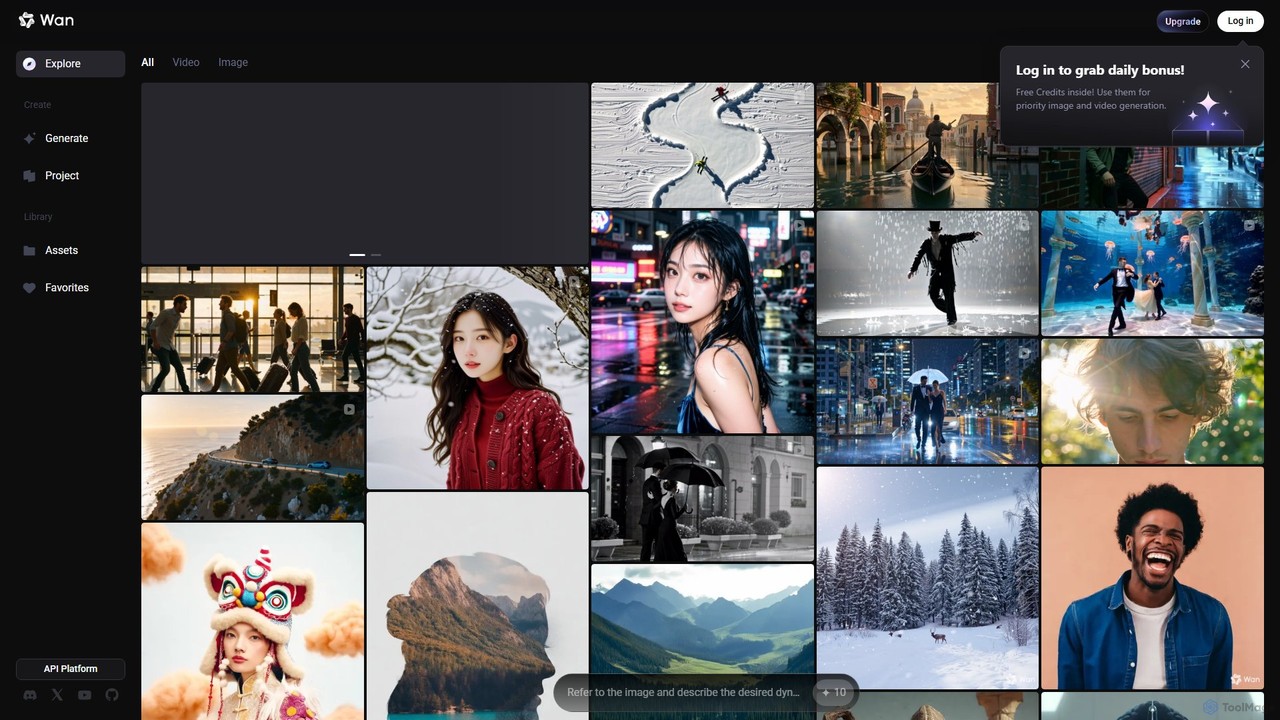
Wan AI
Wan AI is a leading AI video generation platform powered by the Wan 2.2 model. It transforms text prompts and static images into high-quality, dynamic video clips. Ideal for creators, marketers, and developers, it offers an intuitive interface, a project library, and a powerful API for seamless integration.
Generative Art
Tencent Hunyuan AI Video
Tencent Hunyuan AI Video is a powerful generative video tool developed by Tencent. Leveraging the advanced Hunyuan large model, it allows users to create high-quality, dynamic videos from simple text prompts or static images. Designed for creators, marketers, and businesses, it simplifies the video production process, enabling the creation of engaging content for social media, advertising, and artistic projects without complex software.
Generative Art
Dream Machine AI
Dream Machine AI is a powerful and affordable AI video generator that transforms text prompts and images into high-quality, realistic videos. Leveraging a model similar to Luma's Dream Machine, it offers fast 4K video creation in under two minutes, featuring character consistency, cinematic camera movements, and realistic physics. It's designed for creators of all levels to produce professional content for social media, marketing, and storytelling with ease.
Generative Art
stablevideodiffusion.online
An accessible online platform that harnesses the power of Stability AI's Stable Video Diffusion model. Effortlessly transform static images or text prompts into dynamic, high-quality short videos. Ideal for artists, marketers, and content creators looking to produce captivating motion content without complex software or powerful hardware.
Generative Art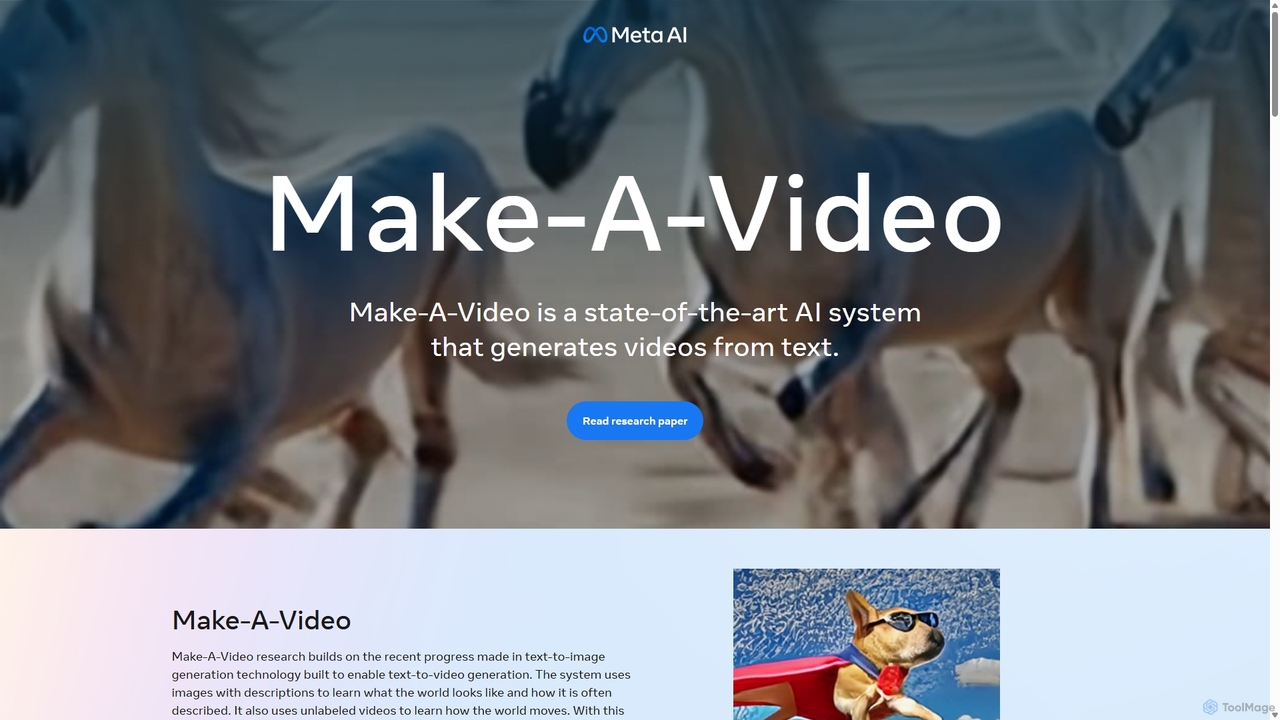
Make-A-Video
Make-A-Video is a state-of-the-art AI system by Meta AI that generates unique, high-quality videos from text prompts. It can also animate static images, create transitions between two images, and produce variations of existing videos. This tool leverages advanced AI to learn how the world looks and moves, enabling users to bring their imagination to life with just a few words.
Generative ArtPika Categories
Pika Embed Widget
Copy this embed code to place the badge on your blog, article, or product site and send readers directly to this ToolMage detail page.

Related AI tools

Nim
Nim is an all-in-one AI video production platform that consolidates the best AI models and editing tools. It enables users to create full-length videos from text or images with features like text-to-video, lip-sync, upscaling, and a comprehensive clip editor, catering to over 1.5 million creators.
Generative ArtWan AI
Wan AI is a leading AI video generation platform powered by the Wan 2.2 model. It transforms text prompts and static images into high-quality, dynamic video clips. Ideal for creators, marketers, and developers, it offers an intuitive interface, a project library, and a powerful API for seamless integration.
Generative ArtTencent Hunyuan AI Video
Tencent Hunyuan AI Video is a powerful generative video tool developed by Tencent. Leveraging the advanced Hunyuan large model, it allows users to create high-quality, dynamic videos from simple text prompts or static images. Designed for creators, marketers, and businesses, it simplifies the video production process, enabling the creation of engaging content for social media, advertising, and artistic projects without complex software.
Generative Art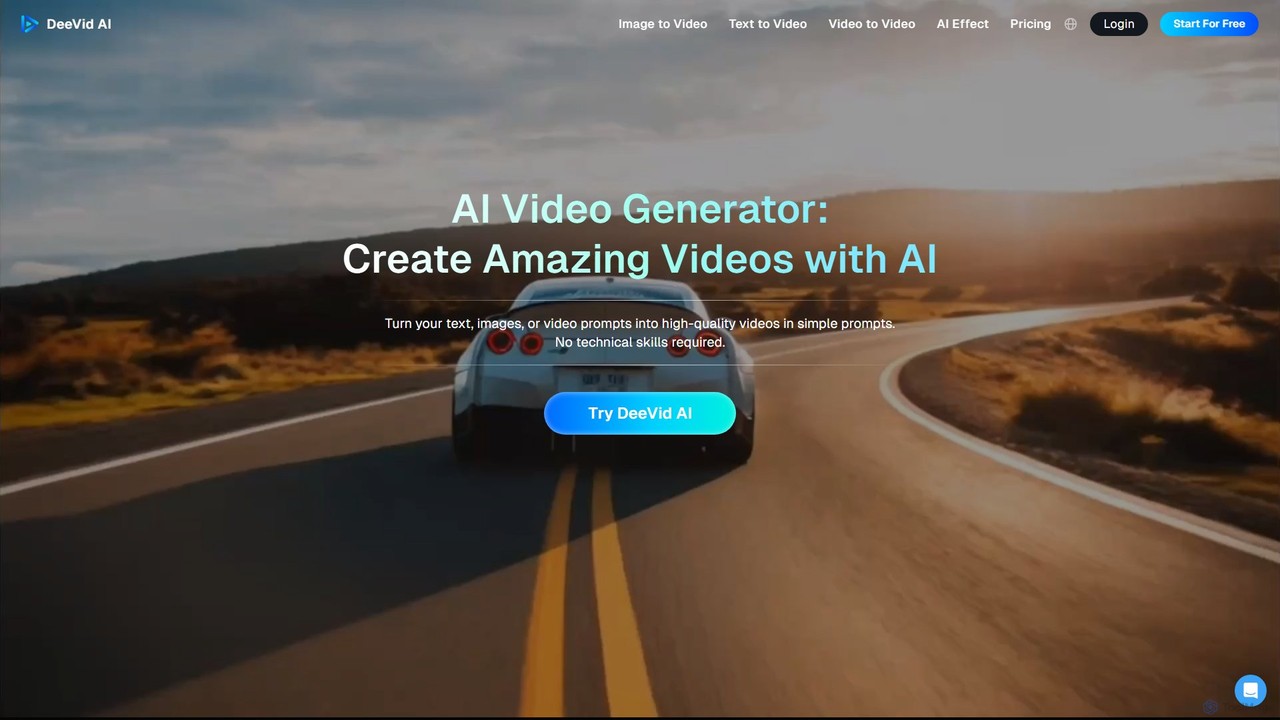
deevid
Deevid is a powerful AI video generator that transforms text, images, and video clips into high-quality, engaging videos. Designed for users of all skill levels, it offers multiple creation modes, including Text-to-Video, Image-to-Video, and Video-to-Video, without requiring any technical expertise. It's ideal for marketers, content creators, and artists looking to produce stunning visual content quickly.
Animation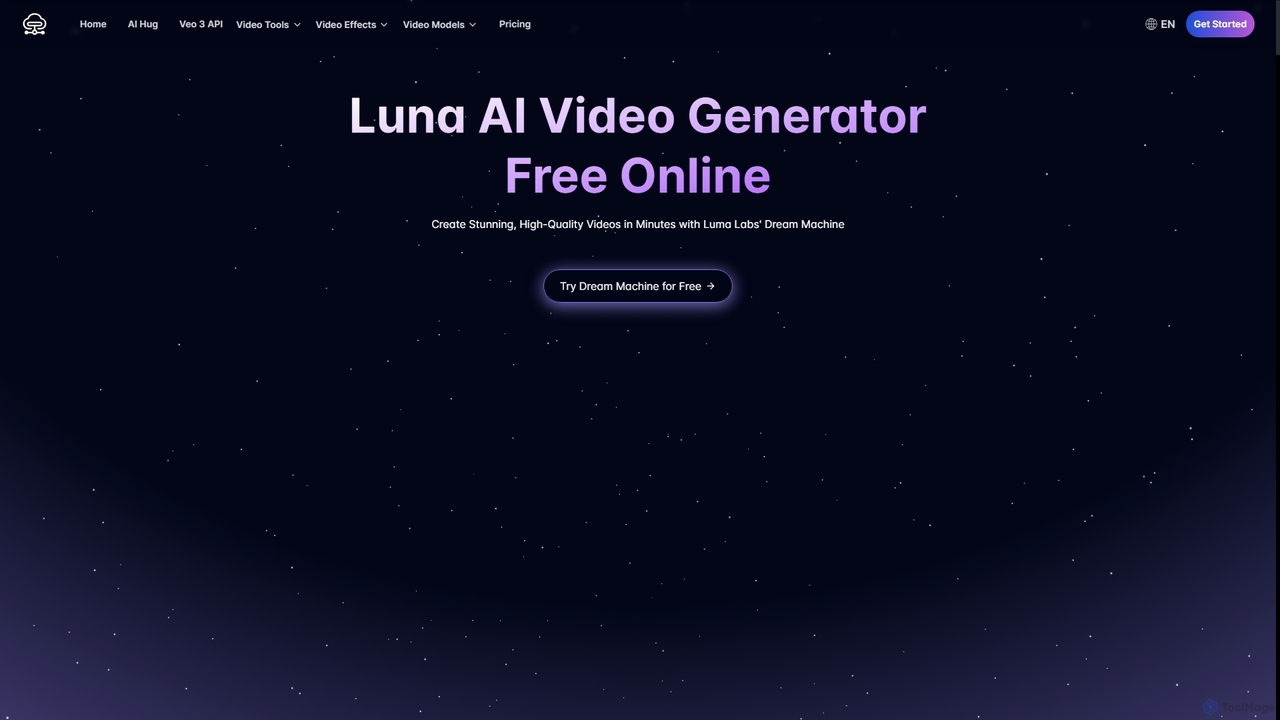
Luna AI
Luna AI is a powerful and free online AI video generator, powered by Luma Labs' Dream Machine. It enables users to effortlessly create stunning, high-quality videos from text prompts or static images in minutes. Designed for accessibility, it requires no prior video editing skills and supports multiple languages, making it ideal for marketers, content creators, and educators.
Animation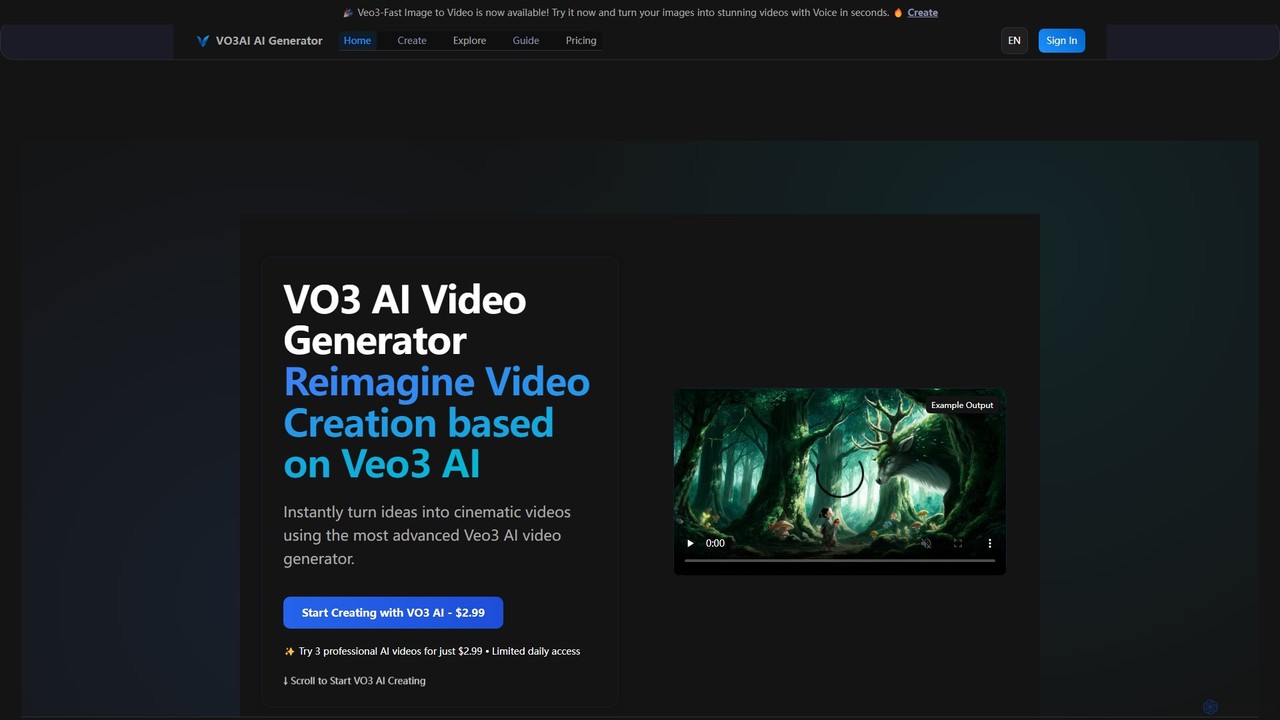
vo3ai
VO3 AI is an advanced video generation platform powered by Google's Veo3 model. It transforms text prompts and static images into high-quality, cinematic videos with synchronized audio. Featuring diverse styles, advanced camera controls, and character consistency, it's designed for creators, marketers, and filmmakers to bring their ideas to life quickly and efficiently.
Animation
Vidu Studio
Vidu Studio is a cutting-edge AI video generator developed by Shengshu Technology and Tsinghua University. It transforms text prompts and images into high-definition, dynamic videos. Featuring an advanced architecture similar to Sora, it excels at creating stylized content, animations, and marketing videos with remarkable speed and quality.
Animation
magichour
magichour is an all-in-one AI creative studio for generating studio-quality images and videos. It offers over 20 tools, including face swap, lip sync, text-to-video, and an AI headshot generator. Designed for creators, marketers, and developers, it simplifies content creation with one-click generation, thousands of templates, and a powerful API, eliminating the need for complex editing software.
Headshot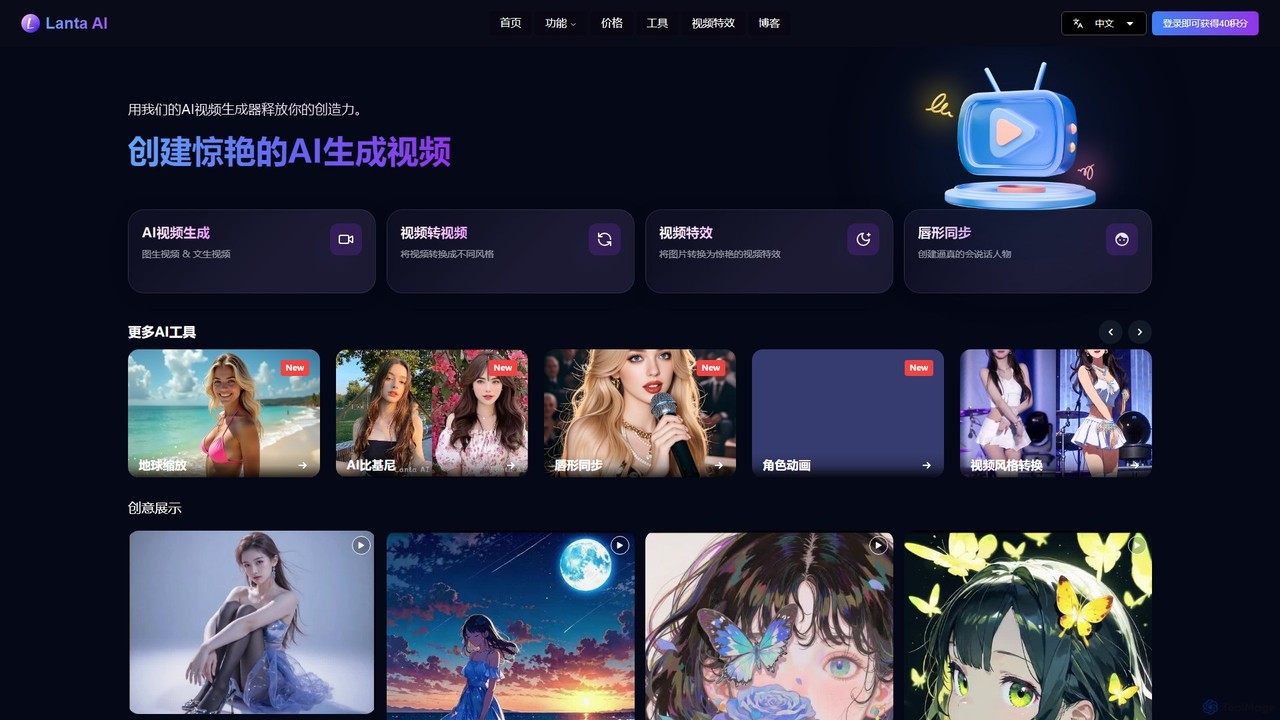
Lanta AI
Lanta AI is a powerful AI video generation platform that transforms your ideas into stunning visual content. It offers a comprehensive suite of tools, including video-to-video style transfer, text-to-video, image-to-video, lip sync, character animation, and an AI-powered video editor. It's designed for creators of all levels to produce professional-quality videos effortlessly.
Avatars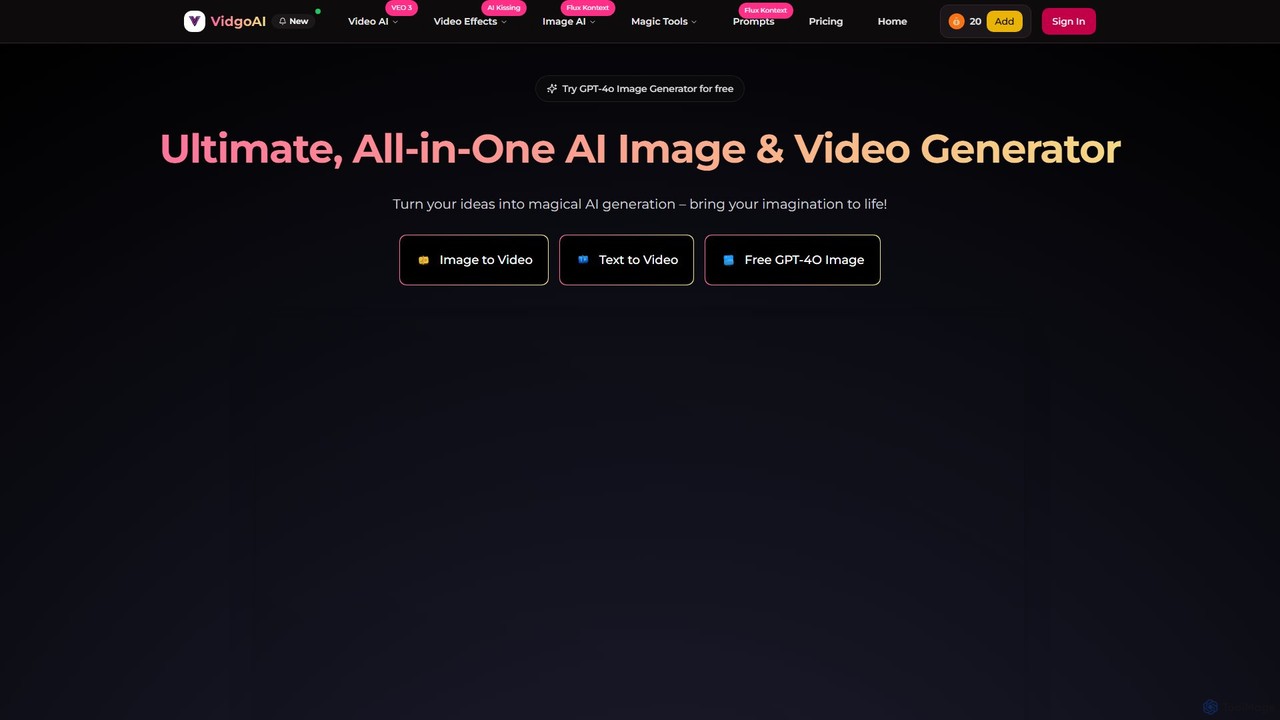
Vidgo
Vidgo is a comprehensive, all-in-one AI creative platform that transforms ideas into stunning videos and images. It integrates leading models like GPT-4o, Kling, and Luma AI, offering features from text-to-video and image-to-video to advanced editing tools like face swap, video upscaling, and over 30 unique AI effects.
Image Generation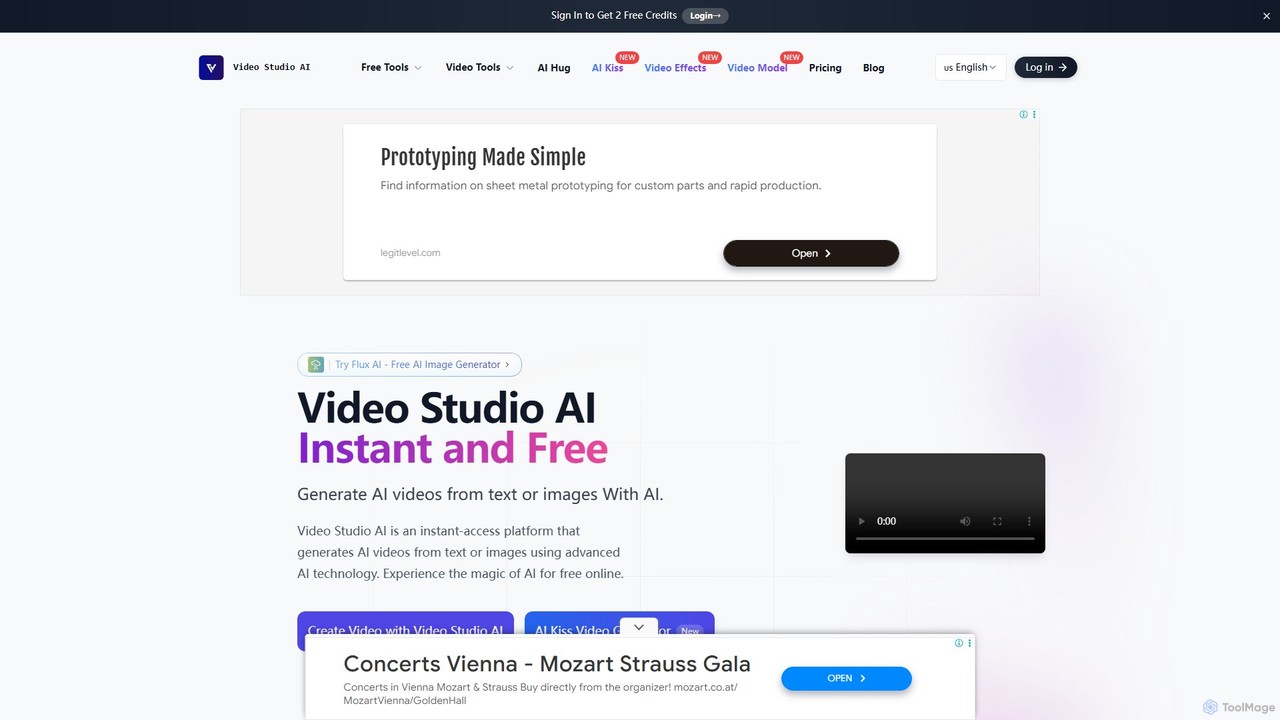
Video Studio AI
Video Studio AI is a powerful online tool that generates high-quality videos from text prompts or static images. It specializes in animating photos with realistic motion, expressions, and high character integrity, making it easy to bring your creative ideas to life in minutes.
Meme Generator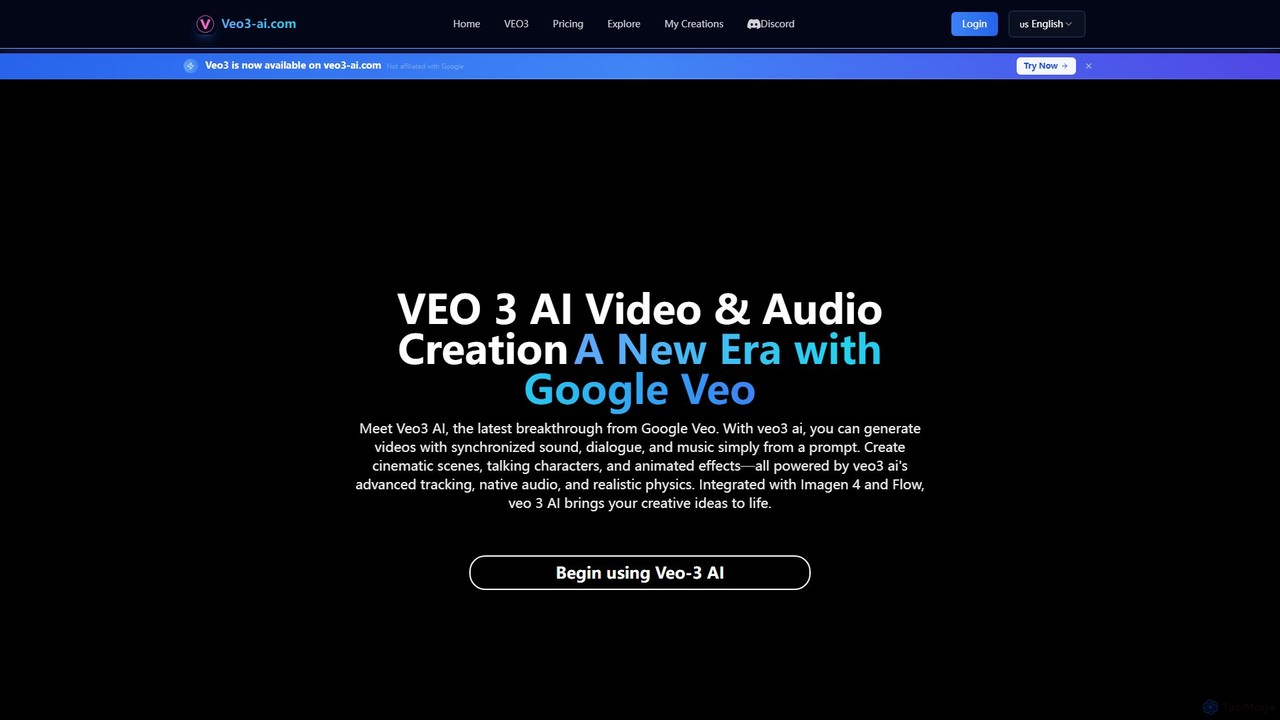
veo3_ai
veo3_ai is an advanced AI video generation platform that transforms text prompts and images into high-quality videos with synchronized audio, dialogue, and music. Leveraging powerful generative models, it enables users to create cinematic scenes, animated characters, and dynamic effects with realistic physics and lip-syncing. It's designed for creators, marketers, and filmmakers seeking an integrated tool for end-to-end video production.
AnimationDream Machine AI
Dream Machine AI is a powerful and affordable AI video generator that transforms text prompts and images into high-quality, realistic videos. Leveraging a model similar to Luma's Dream Machine, it offers fast 4K video creation in under two minutes, featuring character consistency, cinematic camera movements, and realistic physics. It's designed for creators of all levels to produce professional content for social media, marketing, and storytelling with ease.
Generative Artstablevideodiffusion.online
An accessible online platform that harnesses the power of Stability AI's Stable Video Diffusion model. Effortlessly transform static images or text prompts into dynamic, high-quality short videos. Ideal for artists, marketers, and content creators looking to produce captivating motion content without complex software or powerful hardware.
Generative Art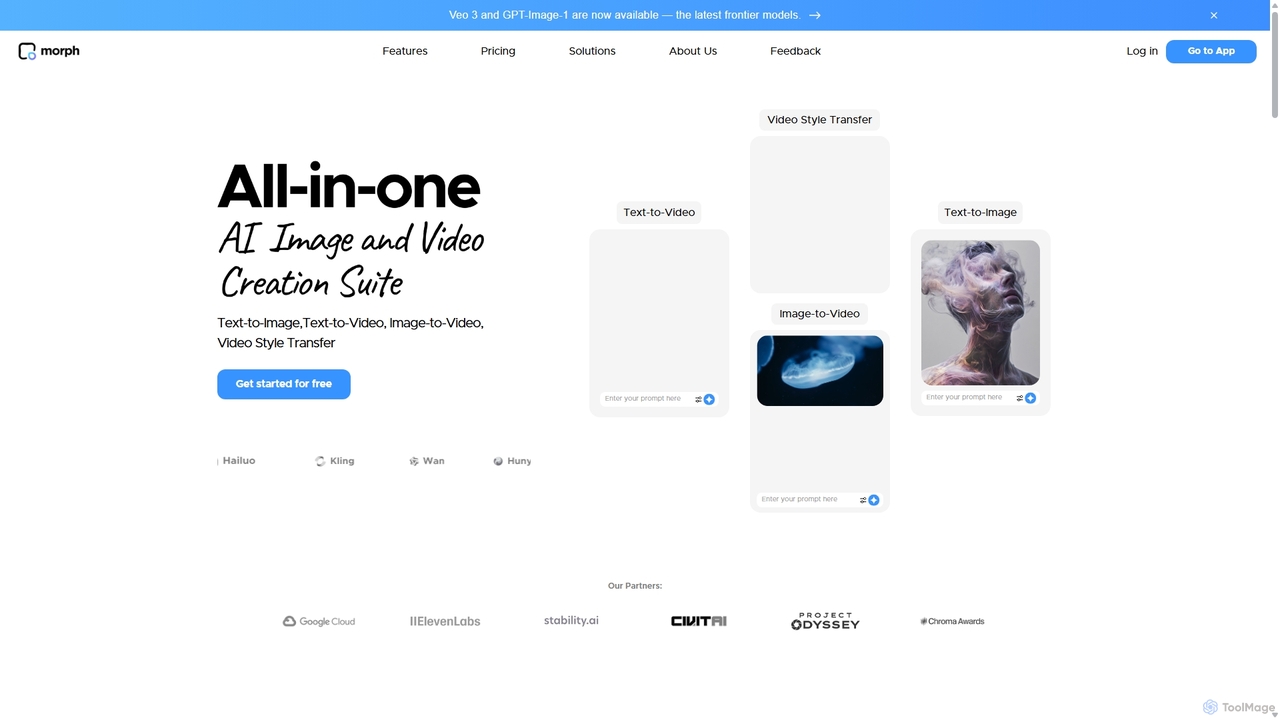
Morph Studio
Morph Studio is an all-in-one AI creation suite for generating and editing images and videos. It transforms text prompts or existing images into dynamic videos, offers advanced style transfer, and provides a unique storyboard-style canvas for complete creative control, catering to both amateur creators and professional filmmakers.
Creative Tools
Pika Comments (0)
Sign in to comment.
Sign inNo comments yet.