

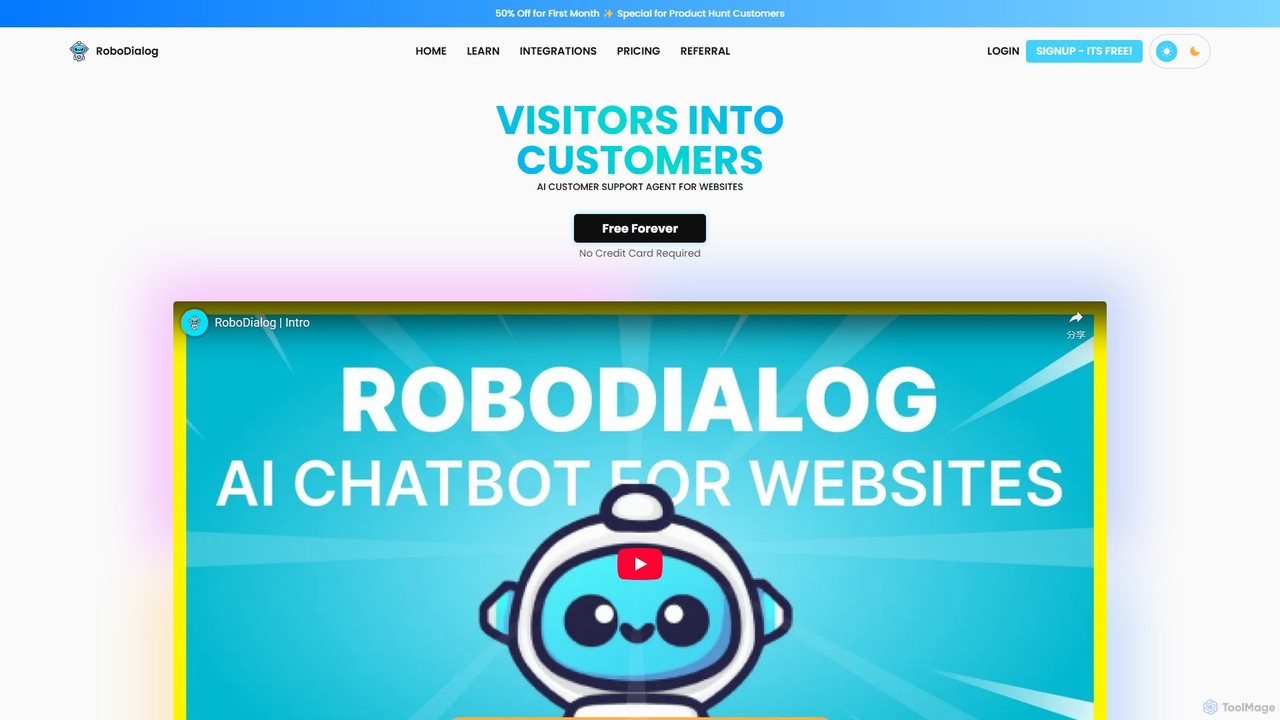
RoboDialog Overview
RoboDialog is a powerful and user-friendly platform that enables businesses to deploy an AI-powered customer support agent on their websites. Its primary goal is to enhance user engagement, provide instant answers to queries, and ultimately convert website visitors into loyal customers. By automating up to 90% of customer interactions, RoboDialog saves businesses significant time and resources, allowing teams to focus on more complex issues. The platform is built on a no-code philosophy, making it accessible to users without any technical expertise.
The core of RoboDialog is its intelligent AI chatbot, which can be trained using a variety of knowledge sources. You can feed it data from your websites, upload documents like PDFs and Word files, provide a list of frequently asked questions and answers, or simply input plain text. This ensures the chatbot becomes an expert on your business, capable of handling everything from simple queries to complex form fillings with a friendly and helpful demeanor.
How to use RoboDialog
Getting started with RoboDialog is a straightforward process designed for simplicity and speed:
- Sign Up and Choose a Plan: Begin by creating an account. RoboDialog offers a 'Free Forever' plan, so you can start without a credit card. For more advanced needs, you can select from Pro, Expert, or Enterprise plans.
- Add Knowledge Sources: Train your chatbot by providing it with data. You can scrape your website content, upload files (PDF, Word), or manually add Q&A pairs and text. The more comprehensive the data, the more accurate the chatbot's responses will be.
- Customize Your Chatbot: Tailor the look and feel of the chatbot widget to match your brand identity. You can customize colors, logos, and its position on both desktop and mobile screens.
- Build the Conversation Flow: Use the intuitive, no-code visual Chatflow builder to design the conversation logic. Drag and drop elements like text, buttons, cards, and forms. You can set up rules for when to create support tickets, call external APIs for live data (e.g., order status), or transfer the chat to a human agent.
- Manage Your Team: Invite your customer support team members to the platform. You can create custom roles and permissions, allowing them to manage support tickets and take over conversations from the AI when necessary.
- Embed on Your Website: Once you're satisfied with the setup, RoboDialog provides a simple code snippet. Just copy and paste this snippet into your website's HTML. The platform supports over 40 integrations, including popular website builders like WordPress, Shopify, Wix, and frameworks like React and Next.js.
- Go Live: Your AI chatbot is now live on your site, ready to engage with visitors 24/7.
Core Features of RoboDialog
- Intelligent AI Chat: Utilizes advanced AI models to understand and respond to user queries accurately, trained on your specific business data.
- No-Code Chatflow Builder: A visual, drag-and-drop interface to create simple or complex multi-directional conversation flows without writing any code.
- Hybrid Human-AI Support: Seamlessly transitions conversations from the AI to human agents. Includes a built-in ticketing and conversation management system for your support team.
- Easy & Wide Integration: Simple copy-paste embedding with support for over 40 platforms, including no-code builders and coding frameworks.
- Deep Customization: Extensive options to customize the chatbot's appearance, including colors, images, and screen position, to align with your brand.
- Team Management: Invite team members, assign roles, and collaborate on handling customer inquiries and support tickets.
- External API Calls: Connect to external data sources via API to provide real-time information, such as order tracking, item availability, or user account details.
- Multiple Knowledge Sources: Train the chatbot using websites, files (PDF, Word), Q&A pairs, and plain text.
Use Cases for RoboDialog
RoboDialog is versatile and can be adapted for numerous industries:
- E-commerce: Answer product questions, check item availability via API, track order statuses, and generate leads by capturing user information in forms.
- Restaurants: Display menus, take reservations or orders using the ticket functionality, answer questions about opening hours, and collect customer feedback.
- Real Estate: Qualify leads by asking pre-screening questions, schedule property viewings, and provide information about listings 24/7.
- Healthcare: Answer common patient questions, schedule appointments, and provide information about services, all while maintaining a professional and helpful tone.
- SaaS & Startups: Onboard new users, provide instant technical support for common issues, and escalate complex problems to the human support team.
- Travel Agencies: Help users find travel packages, answer questions about destinations, and assist with booking inquiries.
Advantages of RoboDialog
RoboDialog offers a competitive edge by combining powerful features with ease of use. Key advantages include significant cost and time savings by automating routine queries, improved customer satisfaction with 24/7 instant support, and increased lead generation and conversion rates. The no-code platform empowers non-technical users to build and manage sophisticated chatbots. The hybrid model ensures that customers always have an escalation path to a human expert, blending the efficiency of AI with the empathy of human interaction. Furthermore, your data remains secure and is never sold to third parties.
Pricing and Plans
RoboDialog offers a flexible pricing structure to suit businesses of all sizes, with options for monthly or yearly billing (which includes 2 months free).
- Free Forever Plan ($0/month): Includes 1 chatbot, 30 AI messages/month, 30 conversations/month, 2 team members, and 500k training characters. A great starting point for individuals and small projects.
- Pro Plan ($20/month): Upgrades to 5 chatbots, 3,000 AI messages/month, unlimited conversations, 10 team members, 5M training characters, and allows for personal branding.
- Expert Plan ($70/month): The recommended plan, offering 15 chatbots, 12,000 AI messages/month, 25 team members, 15M training characters, and the ability to remove the 'Powered by RoboDialog' branding.
- Enterprise Plan ($200/month): Designed for large-scale operations, with 50 chatbots, 40,000 AI messages/month, 50 team members, and 60M training characters.
RoboDialog Alternatives
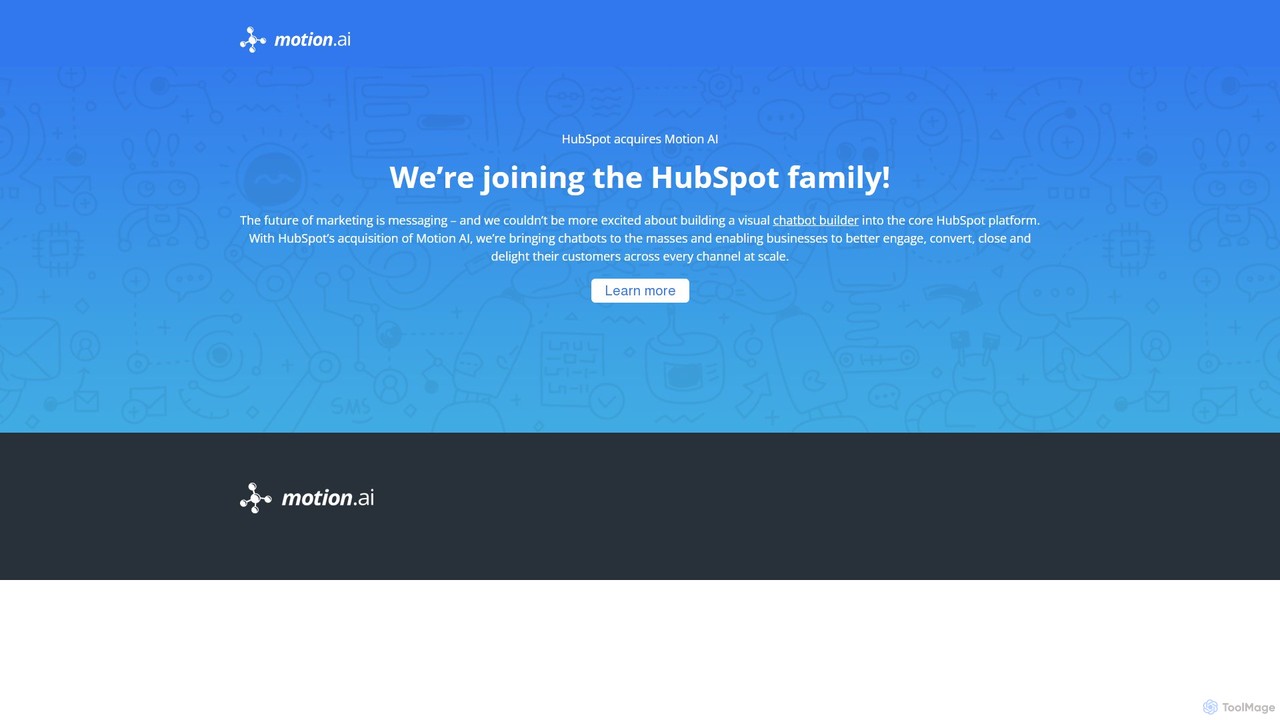
Motion AI
Motion AI is a powerful visual chatbot builder, now integrated into the HubSpot platform. It enables businesses to easily create and deploy AI-powered chatbots without coding. These chatbots help automate customer support, generate and qualify leads, and enhance user engagement across websites and messaging apps, leveraging the full power of HubSpot's CRM ecosystem.
Chatbot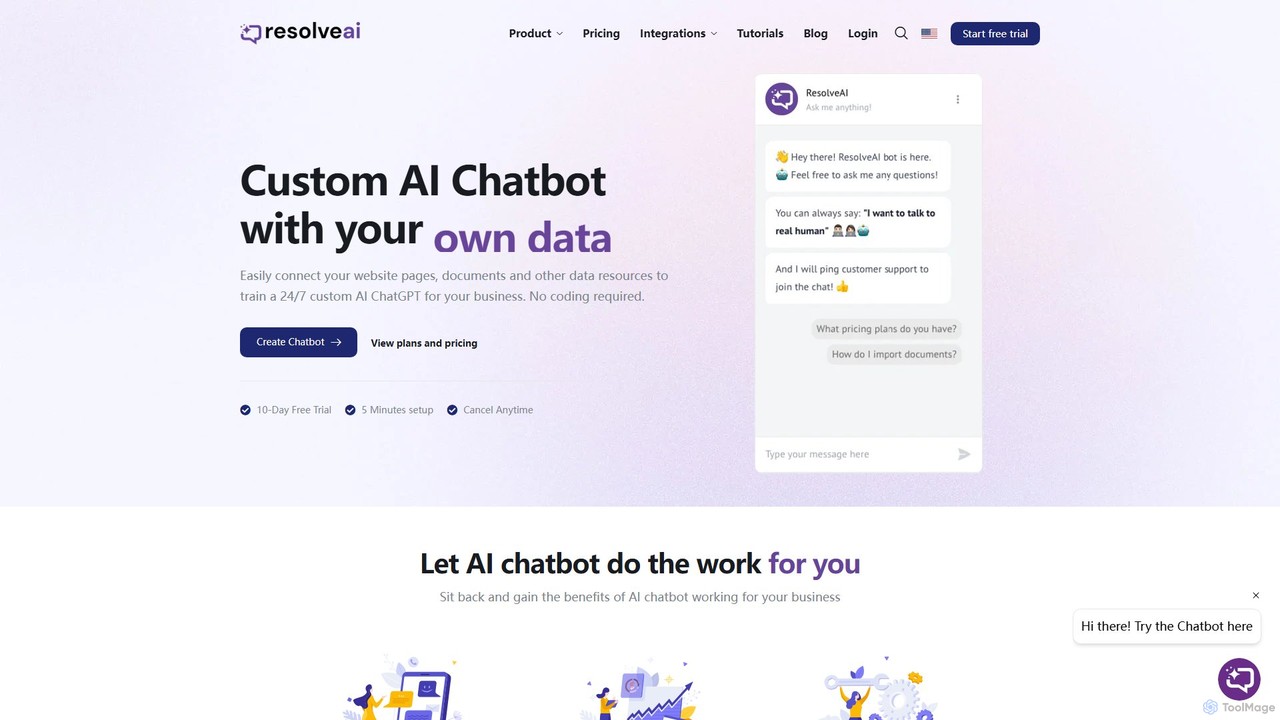
resolveai
resolveai is a no-code platform that enables businesses to create custom AI chatbots trained on their own data. Easily connect website pages, documents, and other resources to build a 24/7 AI assistant that reflects your brand's persona. It enhances customer engagement, automates support, and increases conversion rates. Key features include integrations with popular platforms like WhatsApp and Slack, a booking assistant, and human chat takeover, all with a simple 5-minute setup.
Chatbot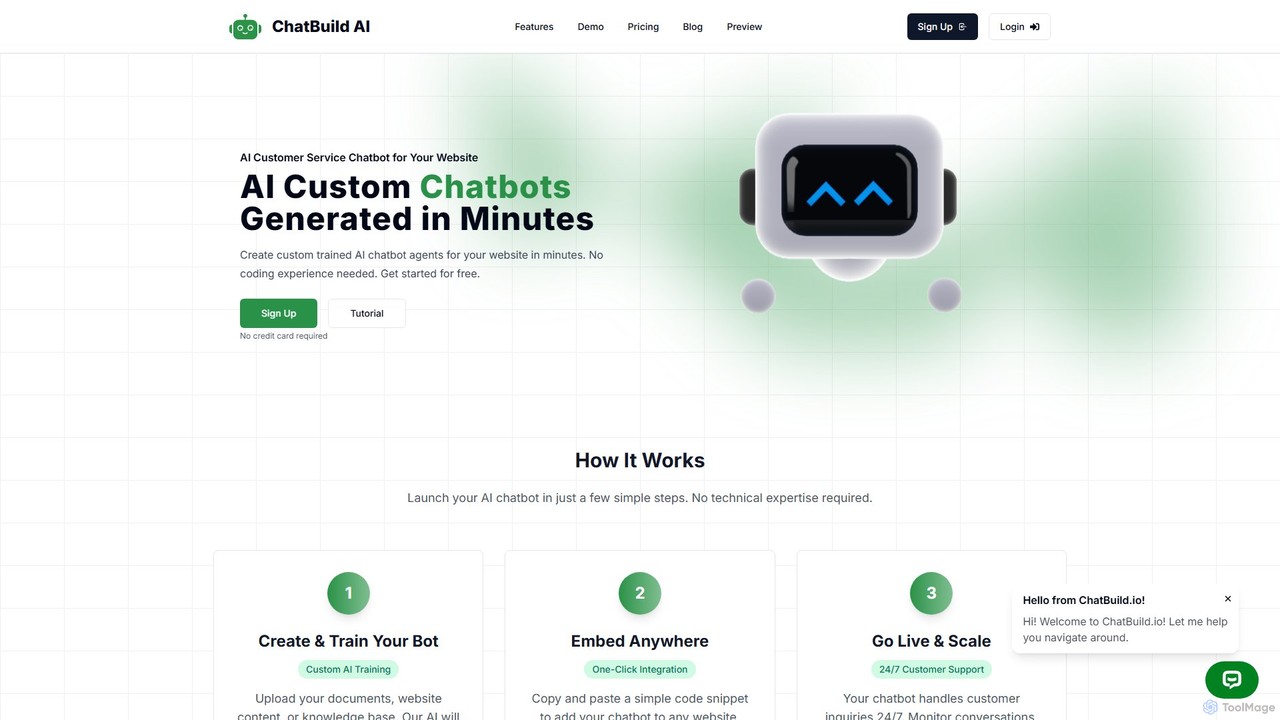
ChatBuild
ChatBuild is a no-code platform that allows you to create and train custom AI chatbot widgets for your website in minutes. By using your own documents, website content, or knowledge base, ChatBuild creates a personalized chatbot that can handle customer inquiries 24/7, automate support, qualify leads, and increase conversions.
Chatbot
Landbot
Landbot is a no-code AI chatbot generator that empowers marketing, sales, and customer service teams to create engaging conversational experiences. It helps automate lead generation, qualify prospects, provide 24/7 support, and book appointments across multiple channels like websites, WhatsApp, and Facebook Messenger, ultimately driving revenue and improving customer satisfaction.
Chatbot
Chatwith
Chatwith is a no-code platform for creating custom AI chatbots trained on your own data, such as websites, documents, and videos. It instantly answers customer queries 24/7, integrates with over 5000 apps to perform actions, and supports 95+ languages. Fully customizable and easy to embed, it helps businesses boost sales, improve support, and generate leads without any coding required.
ChatbotRoboDialog Categories
RoboDialog Embed Widget
Copy this embed code to place the badge on your blog, article, or product site and send readers directly to this ToolMage detail page.

Related AI tools
Mansaibots
Mansaibots offers advanced AI chatbot solutions for businesses to automate customer support, boost sales, and enhance user engagement 24/7. Easily build, train with your own data (files, URLs, databases), and deploy chatbots on your website via a simple code snippet or WordPress plugin. Key features include appointment scheduling, e-commerce integration, live chat handoff, and data analysis. It's designed to reduce costs, improve customer satisfaction, and drive conversions.
Chatbotresolveai
resolveai is a no-code platform that enables businesses to create custom AI chatbots trained on their own data. Easily connect website pages, documents, and other resources to build a 24/7 AI assistant that reflects your brand's persona. It enhances customer engagement, automates support, and increases conversion rates. Key features include integrations with popular platforms like WhatsApp and Slack, a booking assistant, and human chat takeover, all with a simple 5-minute setup.
ChatbotChatBuild
ChatBuild is a no-code platform that allows you to create and train custom AI chatbot widgets for your website in minutes. By using your own documents, website content, or knowledge base, ChatBuild creates a personalized chatbot that can handle customer inquiries 24/7, automate support, qualify leads, and increase conversions.
Chatbot
Chat Data
Chat Data is an AI platform to create custom 24/7 AI agents and live chatbots from your own data. Connect websites, documents, or e-commerce stores to build an intelligent assistant. It features real-time voice chat, multi-modal inputs, deep integrations (WhatsApp, Slack), and advanced capabilities like AI actions, full white-labeling with SSO, and HIPAA-compliant models for comprehensive business automation.
Chatbot
Chatling
Chatling is a no-code platform that allows you to build a custom AI chatbot trained on your own data. Instantly answer visitor questions, generate leads, and improve customer support 24/7. Simply provide a link to your website or upload files, and Chatling will create a ChatGPT-like chatbot that can be embedded on your site in minutes.
Chatbots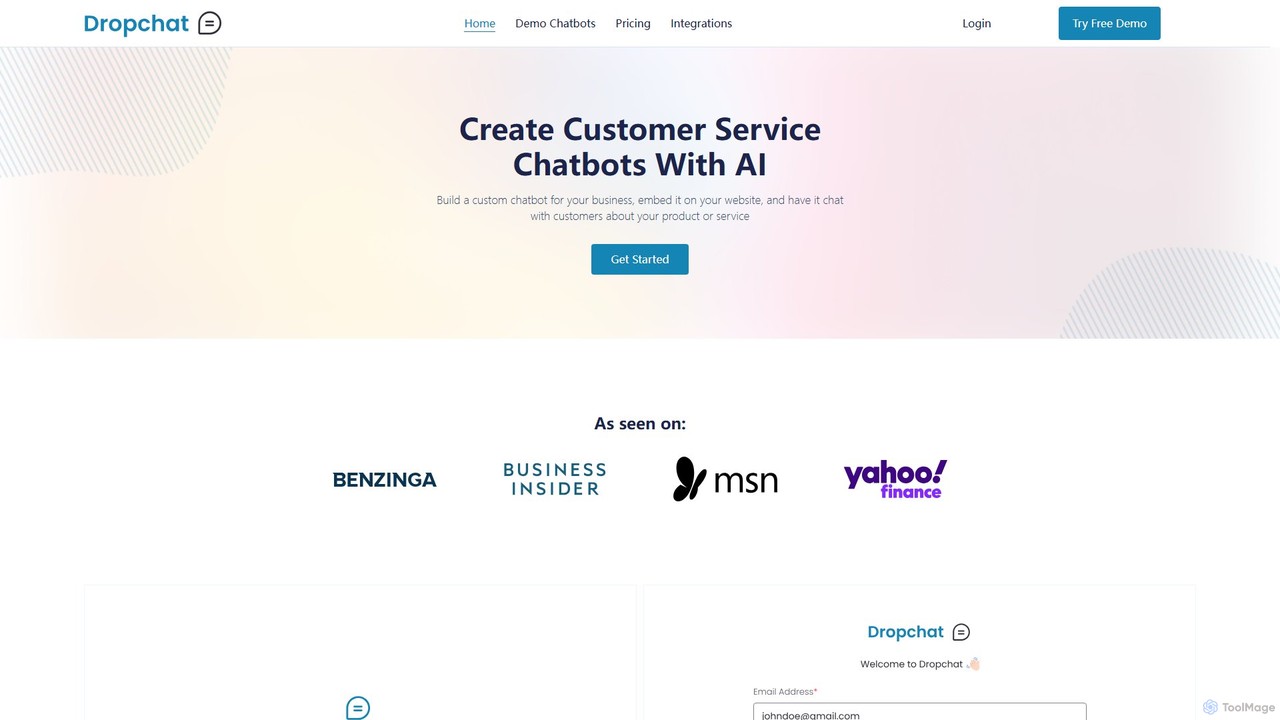
Dropchat
Dropchat is a no-code AI platform that allows businesses to build custom chatbots from their own data. Easily create and embed intelligent chatbots on your website to automate customer service, answer questions 24/7, and engage visitors using content from PDFs, websites, and YouTube videos.
Chatbot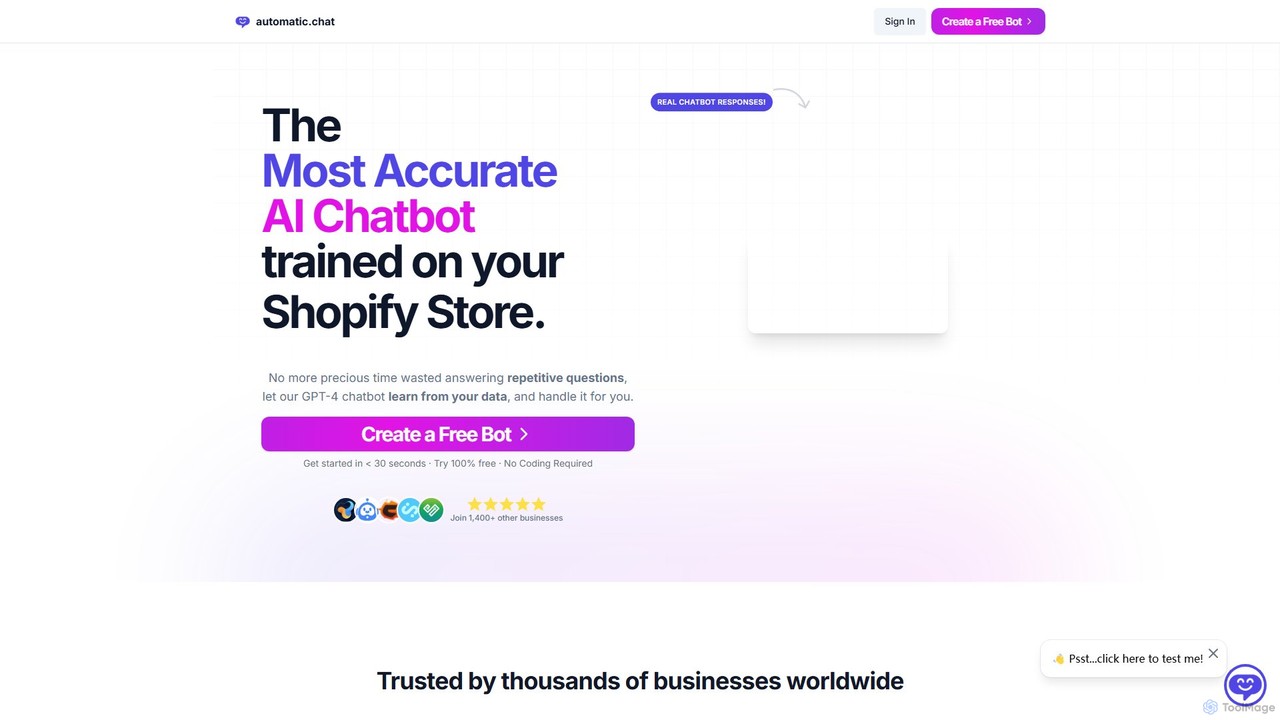
Automatic.chat
Automatic.chat is a no-code AI chatbot builder powered by GPT-4. It allows businesses to create a custom chatbot trained on their own data, such as websites, PDFs, and documents. This automates customer support, answers repetitive questions 24/7, and enhances user engagement. Features include full customization, detailed analytics, chat history, and multilingual support, all designed to save time and improve customer satisfaction.
Chatbot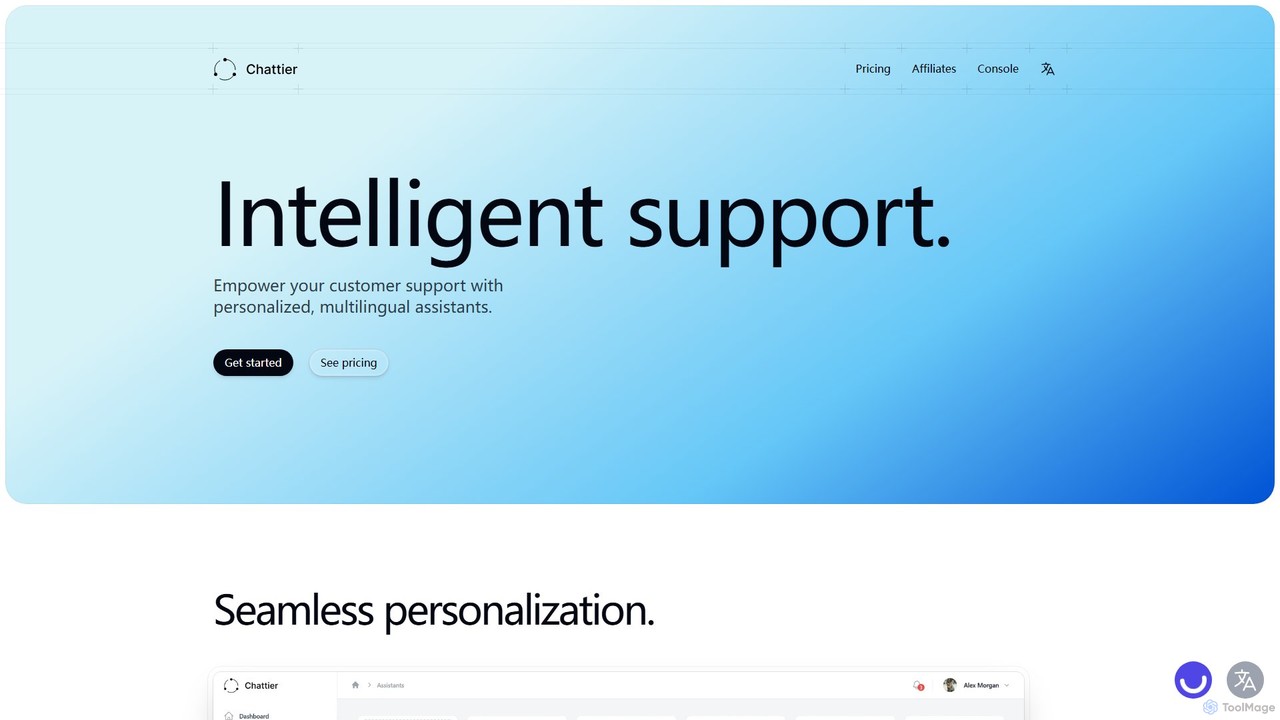
Chattier
Chattier is an AI platform for creating intelligent, personalized, and multilingual customer support assistants. Easily build and embed chatbots on your website to provide 24/7 instant answers, guide users, and enhance overall customer satisfaction using your own knowledge base.
Chatbot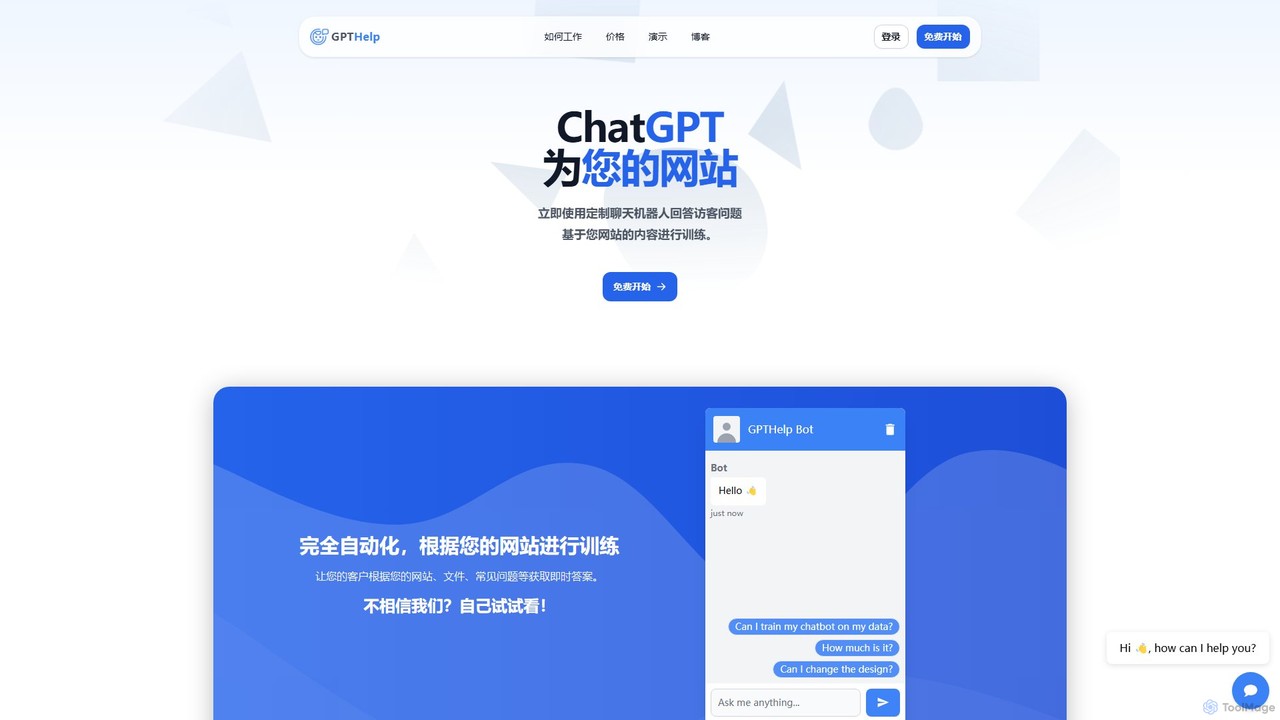
GPTHelp.ai
GPTHelp.ai is an AI-powered platform that allows you to create a custom chatbot for your website in minutes. It trains on your website content, documents, and FAQs to provide instant, accurate answers to visitor questions, automating customer support and enhancing user engagement 24/7.
Chatbot
Jyek
Jyek is an AI agent platform that understands objectives, creates execution plans, uses tools, and delivers verifiable results for complex, multi-step tasks.
Automation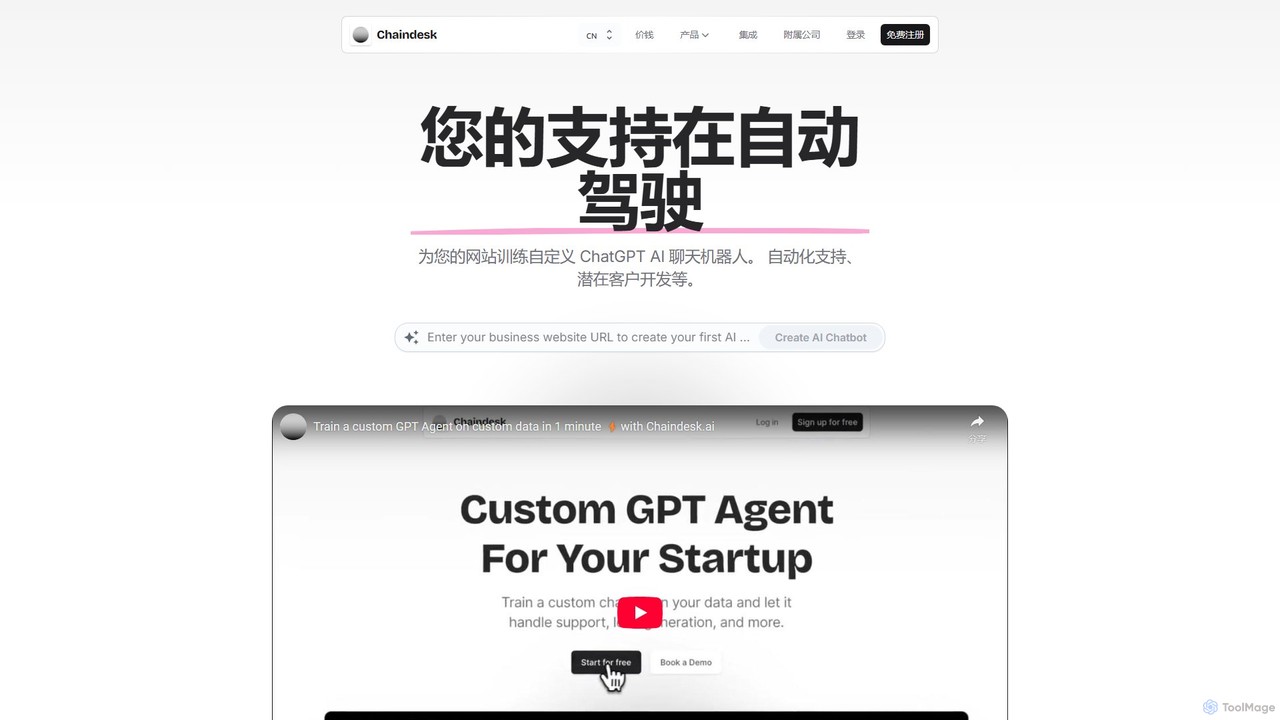
Chaindesk
Chaindesk is a no-code platform that allows you to build custom AI chatbots, powered by models like GPT-4, trained on your own data. Automate customer support, generate leads, and provide instant, 24/7 answers across multiple channels. It integrates with various data sources like Notion, Google Drive, and websites, offering a comprehensive AI support ecosystem with features like a shared inbox, human handover, and AI-powered email assistance.
Chatbot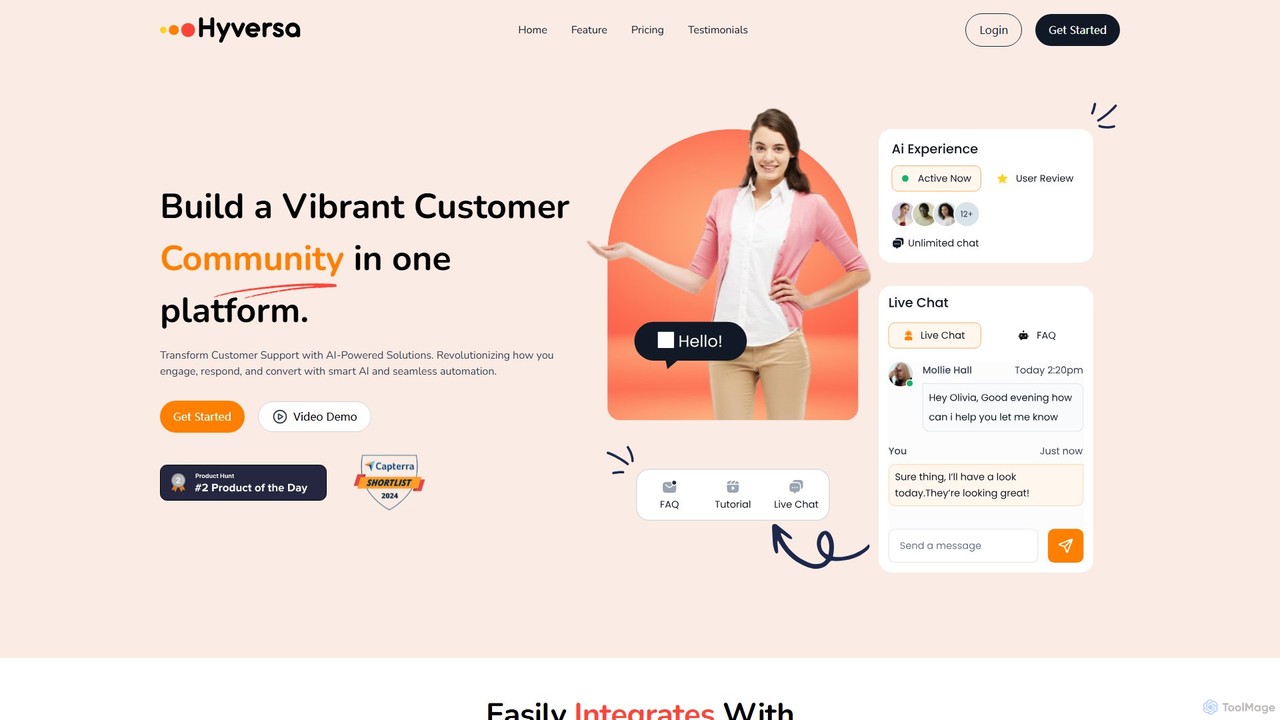
Hyversa
Hyversa is an all-in-one, AI-powered customer support and community-building platform. It integrates AI chatbots, live chat, CRM, and a no-code workflow builder to help businesses enhance customer engagement, automate support, and convert visitors into leads. By combining AI efficiency with a human touch, Hyversa streamlines communication and boosts customer satisfaction.
Chatbot
Chatness AI
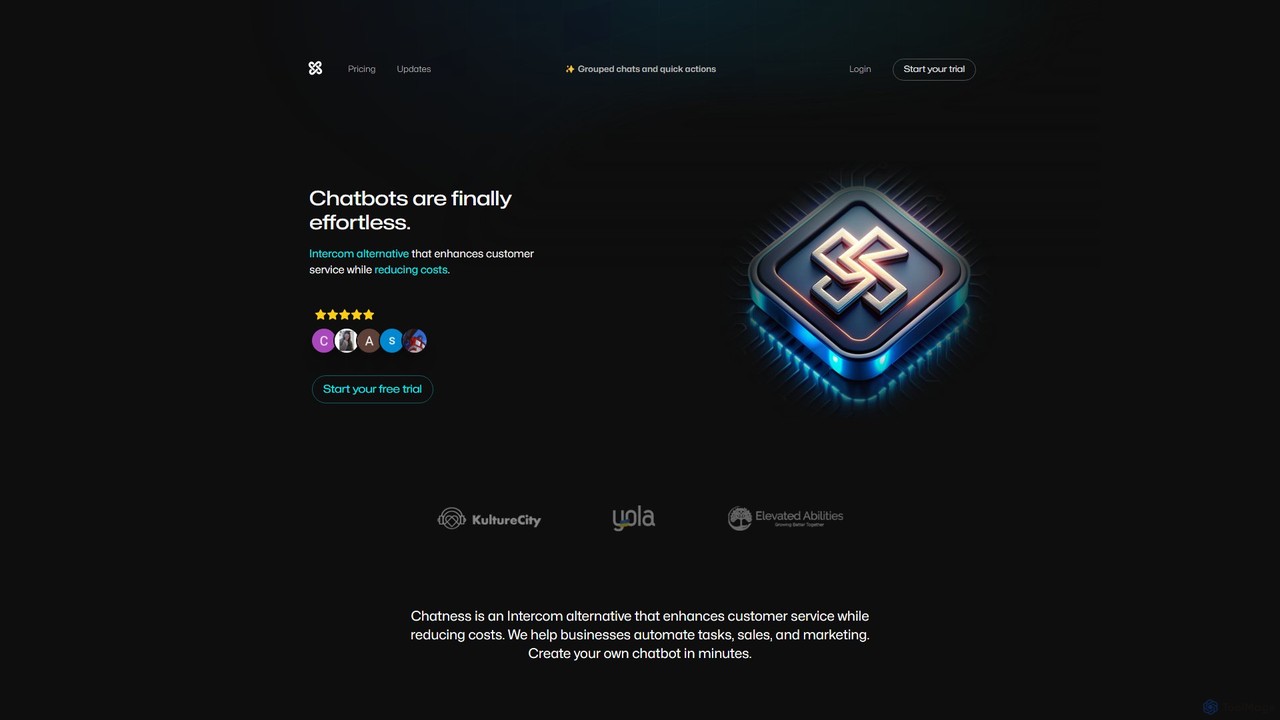
Chatness AI is a powerful platform for creating custom AI chatbots effortlessly. As an Intercom alternative, it helps businesses enhance customer service, automate sales and marketing tasks, and reduce operational costs. With a lightweight widget, seamless integrations with popular tools like WhatsApp and Messenger, and robust developer APIs, you can build and deploy a sophisticated chatbot assistant in minutes to engage users, collect leads, and provide instant support on any website or app.
Chatbot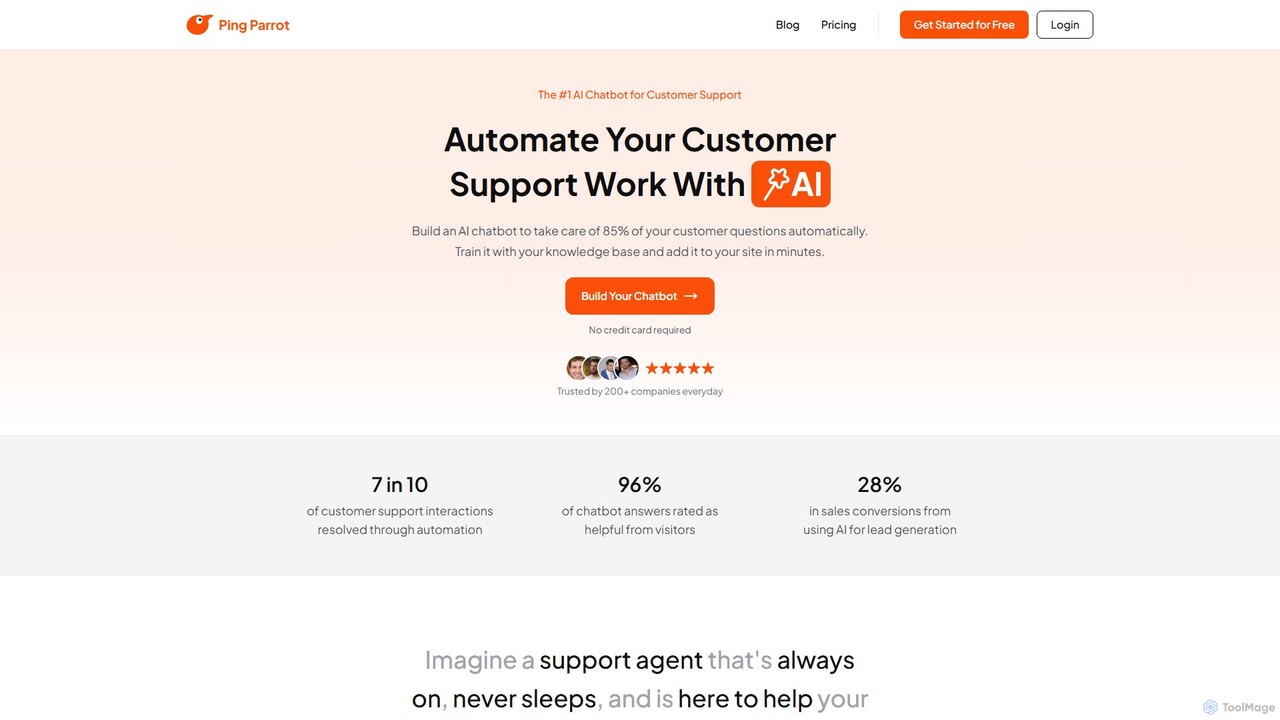
PingParrot
PingParrot is an AI-powered platform that enables businesses to create and deploy intelligent customer support chatbots. Train your chatbot using your website content or FAQs to provide instant, 24/7, multi-language support. It features easy embedding, brand customization, conversation analytics, and a seamless human agent takeover option, all starting with a forever-free plan.
Chatbot
RoboDialog Comments (0)
Sign in to comment.
Sign inNo comments yet.