

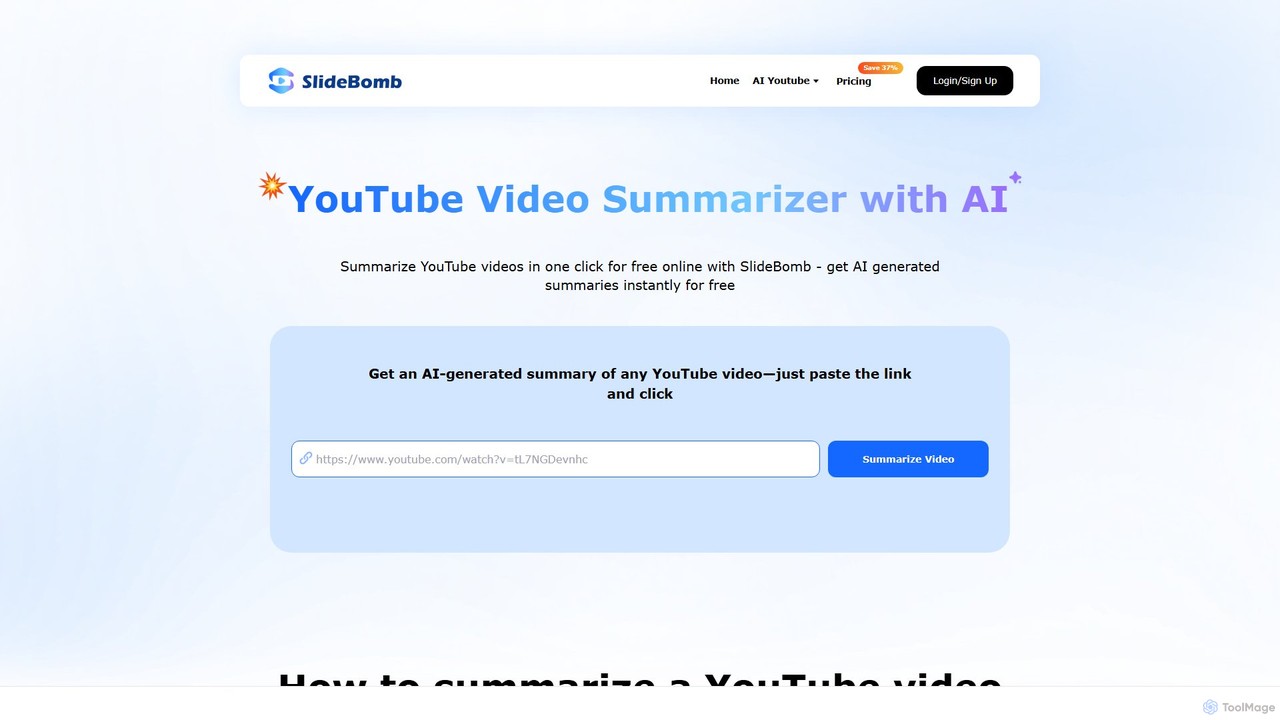
Slidebomb Overview
Slidebomb is an innovative and user-friendly online tool designed to transform the way you consume video content. By leveraging advanced artificial intelligence, Slidebomb provides concise and accurate summaries of any YouTube video in just a single click. This platform is built for efficiency, allowing users to extract the core message and key insights from lengthy lectures, tutorials, news reports, or documentaries without spending hours watching them. It's a powerful productivity enhancer for a wide range of users, from students and educators to professionals and casual viewers.
The core of Slidebomb is its powerful AI summarization engine. It analyzes the video's transcript (or generates one if unavailable for shorter videos) to identify the most crucial points, arguments, and conclusions, presenting them in a well-structured, easy-to-read text format. This not only saves a significant amount of time but also improves information retention and learning efficiency. The platform is designed with simplicity in mind, ensuring a seamless and intuitive user experience for everyone.
How to use Slidebomb
Summarizing a YouTube video with Slidebomb is an incredibly straightforward process that takes only three simple steps:
- Get YouTube Video URL: Find the YouTube video you want to summarize and copy its URL from your browser's address bar or the share menu.
- Generate the Summary: Paste the copied URL into the designated input field on the Slidebomb website. Click the "Summarize Video" button to initiate the AI analysis.
- View the AI Summary: Within seconds, Slidebomb will generate and display a comprehensive summary of the video. You can then read, copy, or share the valuable insights you've gained.
Core Features of Slidebomb
- AI-Powered Summarization: Utilizes sophisticated AI algorithms to deliver high-quality, coherent summaries that capture the essence of the video content.
- Transcript Generation: Can process videos with existing subtitles or generate transcripts for videos without them (subject to length limits on certain plans).
- Batch Processing: Paid plans allow users to summarize multiple videos at once (up to 20 videos simultaneously on the Unlimited plan), drastically improving workflow for research or content curation.
- Support for Long Videos: Capable of summarizing videos of any length if they have subtitles. For videos without subtitles, paid plans support lengths up to 60 minutes.
- Ad-Free Experience: Subscribers to any paid plan enjoy a clean, ad-free interface for uninterrupted focus.
- Early Access to New Features: Paid users get priority access to the latest tools and updates developed by the Slidebomb team.
Use Cases for Slidebomb
Slidebomb is a versatile tool with applications across various fields:
- Study & Education: Students can quickly summarize long lectures and educational content to extract key concepts for exam preparation and assignments. Teachers can use it to create lesson plans and supplementary materials from educational videos.
- Professionals & Conferences: Business professionals can stay updated on industry trends, competitor analyses, and conference talks without dedicating hours to watching full videos.
- News & Trends: Users can get concise summaries of breaking news, political commentary, and expert discussions to stay informed in a fast-paced world.
- Content Creators & Researchers: YouTubers and researchers can quickly analyze existing content for inspiration, fact-checking, or gathering information, speeding up their workflow.
- Casual Watchers: Anyone short on time can get the gist of long reviews, documentaries, or tutorials before deciding whether to watch the full video.
Advantages of Slidebomb
The primary advantage of Slidebomb is its ability to save time and increase productivity. It distills hours of video content into minutes of reading. The tool enhances learning by highlighting essential points, making it easier to grasp and retain information. Its user-friendly interface makes it accessible to everyone, regardless of technical skill. The summaries are not just compact but also complete, ensuring you don't miss out on critical information.
Pricing and Plans
Slidebomb operates on a freemium model, offering both a free service and premium subscription plans for advanced users.
- Free Plan: Allows users to summarize videos for free, likely with limitations on the number of summaries, video length, or features.
- Pro Plan: Priced at $6.25/month (billed annually at $75). Includes 4000 credits/month, summarization for videos up to 20 minutes without subtitles, and batch summarization of up to 5 videos.
- Ultra Plan: Priced at $11.5/month (billed annually at $138). Includes 8000 credits/month, summarization for videos up to 40 minutes without subtitles, and batch summarization of up to 10 videos.
- Unlimited Plan: Priced at $15/month (billed annually at $180). Offers unlimited credits, summarization for videos up to 60 minutes without subtitles, and batch summarization of up to 20 videos.
All paid plans are ad-free, provide early access to new features, and come with a satisfaction guarantee and the option to cancel anytime.
Slidebomb Alternatives
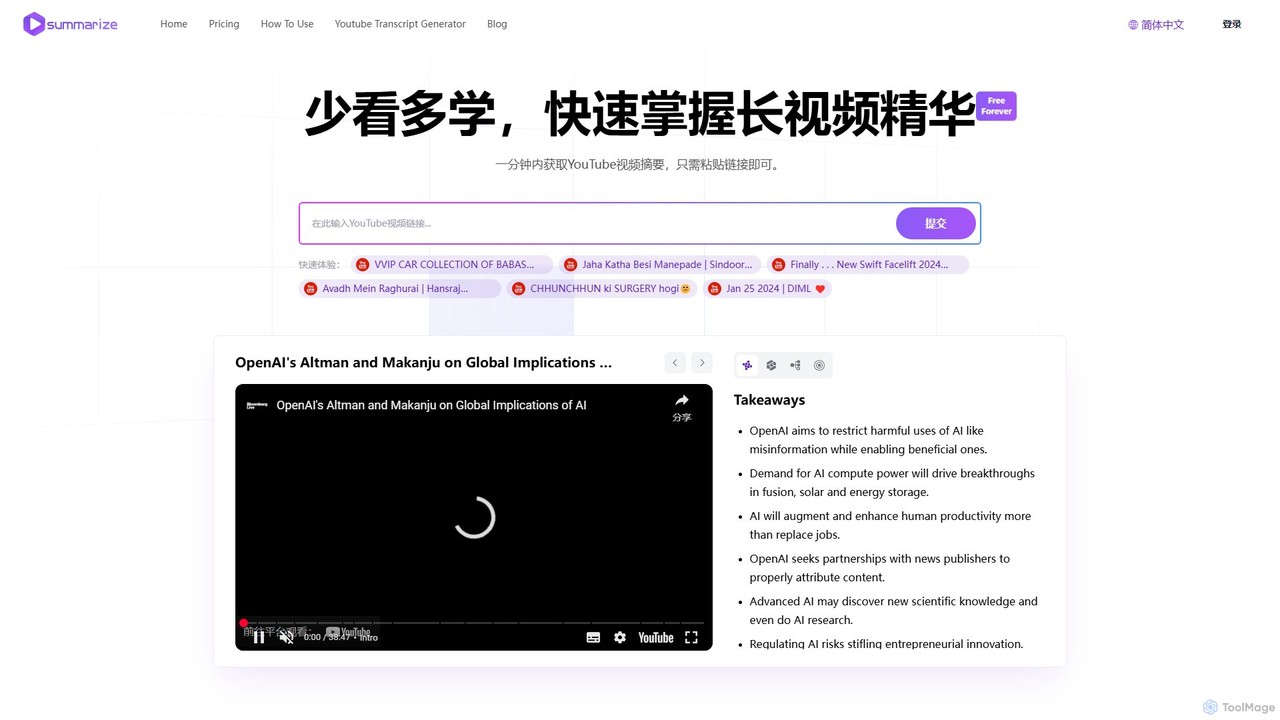
Summarize.ing
Summarize.ing is an AI-powered tool that instantly generates comprehensive summaries of any YouTube video. Powered by Claude 3.5 Sonnet, it extracts key points, creates mind maps, and provides FAQs to help you learn faster and save valuable time. Simply paste a video link to get detailed, multi-dimensional insights in under a minute. Ideal for students, researchers, and lifelong learners.
Learning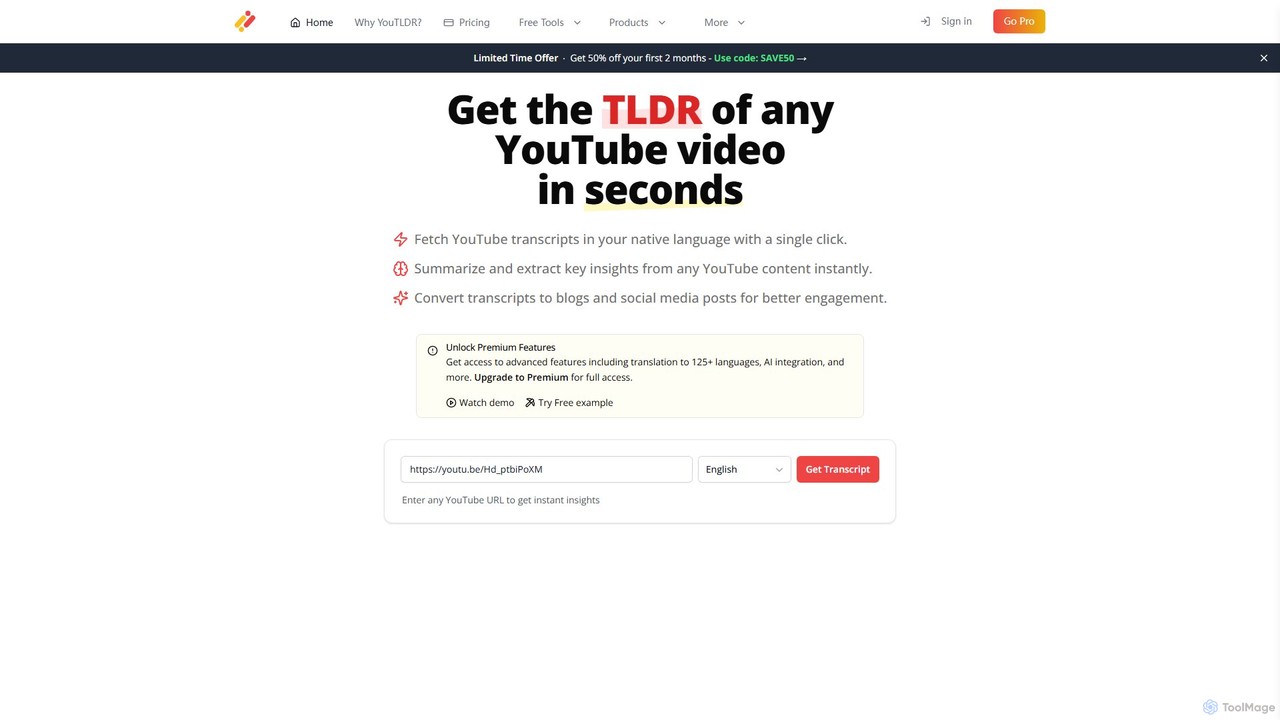
you-tldr
you-tldr is an AI-powered tool that instantly summarizes any YouTube video. It generates transcripts, extracts key insights, and allows you to interact with the video content through an AI chatbot. It also helps repurpose videos into blogs, social media posts, and more, supporting over 125 languages.
Learning
noiz
noiz is an AI-powered productivity suite designed to save you time. Its core feature is a YouTube video summarizer that provides instant, timestamped summaries and transcripts in over 40 languages. It also offers a collection of free AI tools for content creation, marketing, and education, making it a versatile assistant for students, creators, and professionals.
Learning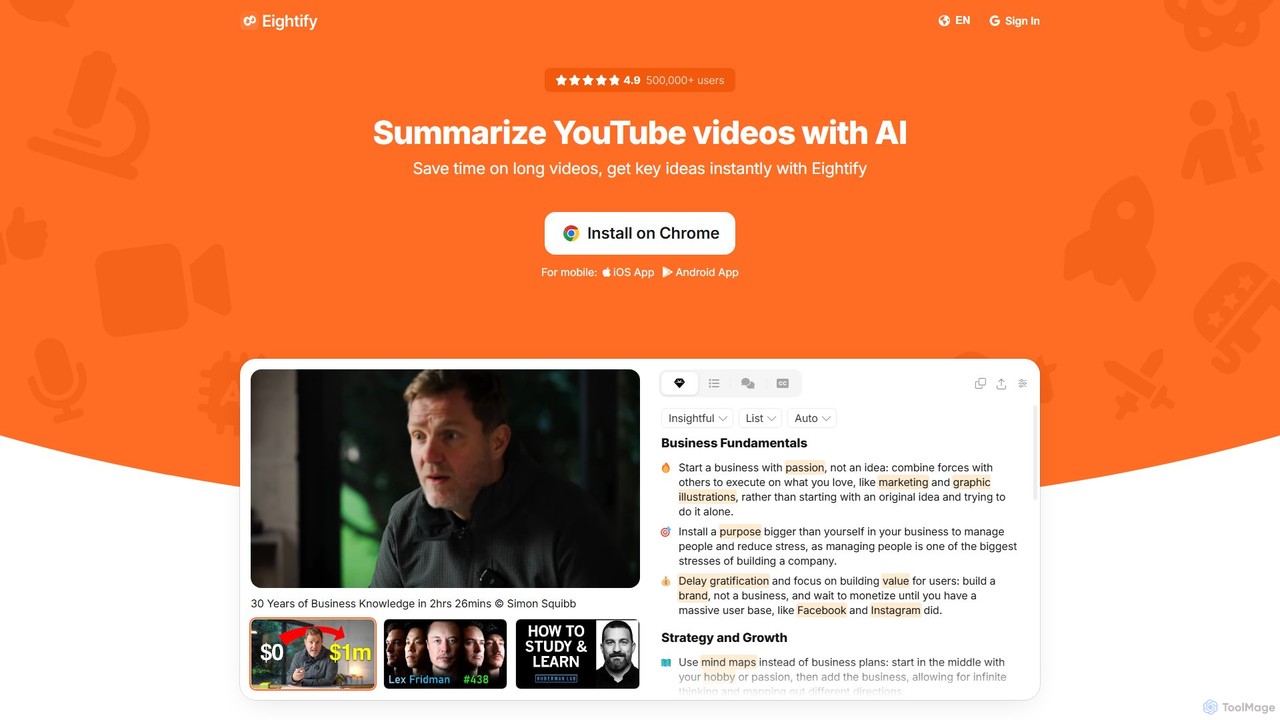
Eightify
Eightify is an AI-powered YouTube video summarizer that saves you time by generating concise, accurate summaries. Available as a browser extension and mobile app, it extracts key ideas, provides timestamped outlines, and transcribes video content. With support for over 40 languages, it's the perfect tool for professionals, students, and content creators to quickly grasp the essence of long videos, boosting productivity and learning efficiency.
Learning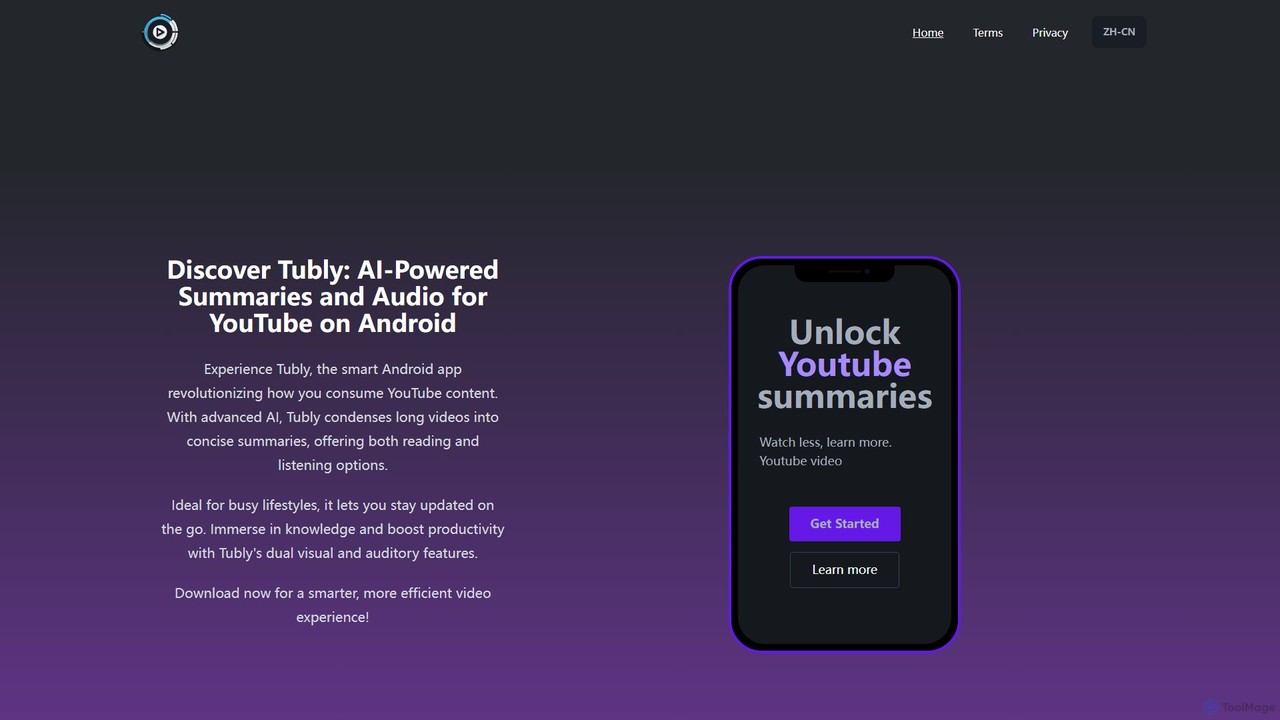
Tubly
Tubly is an AI-powered Android app that transforms long YouTube videos into concise text and audio summaries. It features multilingual translation, interactive timestamps, and a feed summarizer to help you learn more in less time. Ideal for busy individuals, it boosts productivity by making video content easily digestible on the go.
LearningSlidebomb Categories
Slidebomb Embed Widget
Copy this embed code to place the badge on your blog, article, or product site and send readers directly to this ToolMage detail page.

Related AI tools
Summarize.ing
Summarize.ing is an AI-powered tool that instantly generates comprehensive summaries of any YouTube video. Powered by Claude 3.5 Sonnet, it extracts key points, creates mind maps, and provides FAQs to help you learn faster and save valuable time. Simply paste a video link to get detailed, multi-dimensional insights in under a minute. Ideal for students, researchers, and lifelong learners.
Learning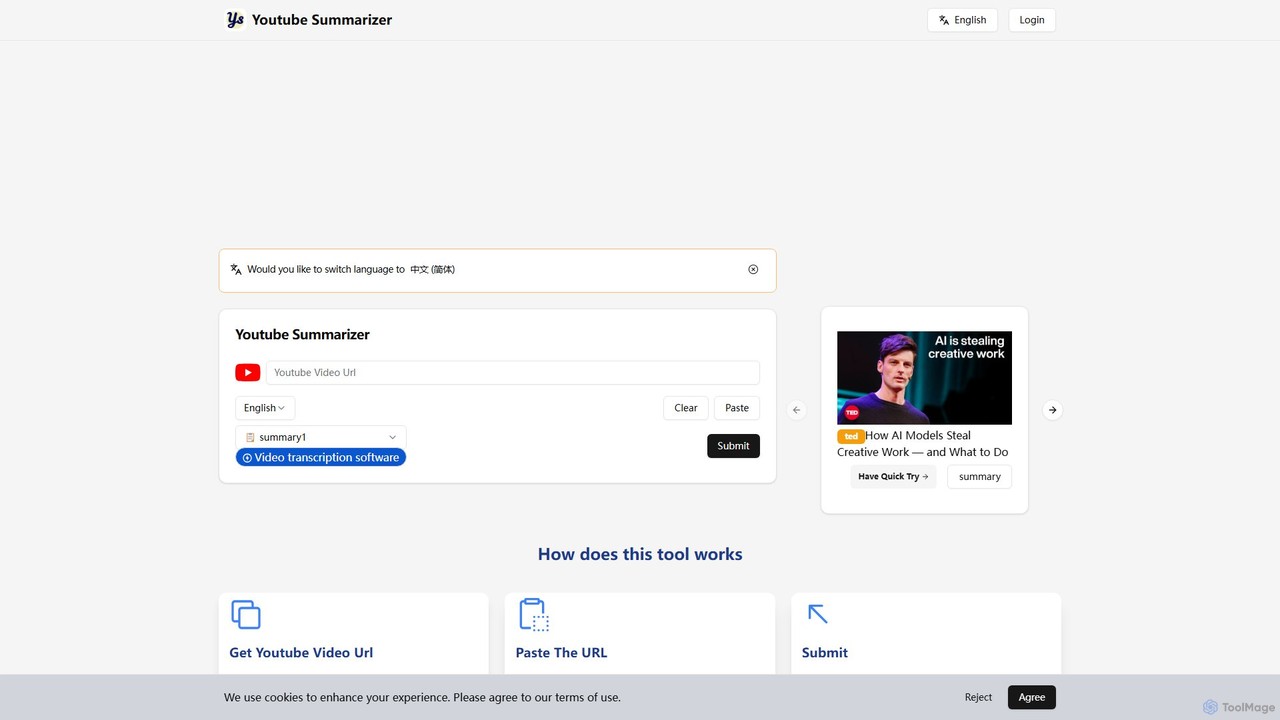
youtubesummarizer
youtubesummarizer is a free, AI-powered online tool that instantly generates concise summaries and full transcripts of YouTube videos. Simply paste a video URL to get key insights, saving time on long lectures, tutorials, and talks. It supports multiple languages, requires no account, and works on any device, making it an essential productivity tool for students, professionals, and lifelong learners.
Learning Toolsnoiz
noiz is an AI-powered productivity suite designed to save you time. Its core feature is a YouTube video summarizer that provides instant, timestamped summaries and transcripts in over 40 languages. It also offers a collection of free AI tools for content creation, marketing, and education, making it a versatile assistant for students, creators, and professionals.
LearningEightify
Eightify is an AI-powered YouTube video summarizer that saves you time by generating concise, accurate summaries. Available as a browser extension and mobile app, it extracts key ideas, provides timestamped outlines, and transcribes video content. With support for over 40 languages, it's the perfect tool for professionals, students, and content creators to quickly grasp the essence of long videos, boosting productivity and learning efficiency.
LearningTubly
Tubly is an AI-powered Android app that transforms long YouTube videos into concise text and audio summaries. It features multilingual translation, interactive timestamps, and a feed summarizer to help you learn more in less time. Ideal for busy individuals, it boosts productivity by making video content easily digestible on the go.
Learning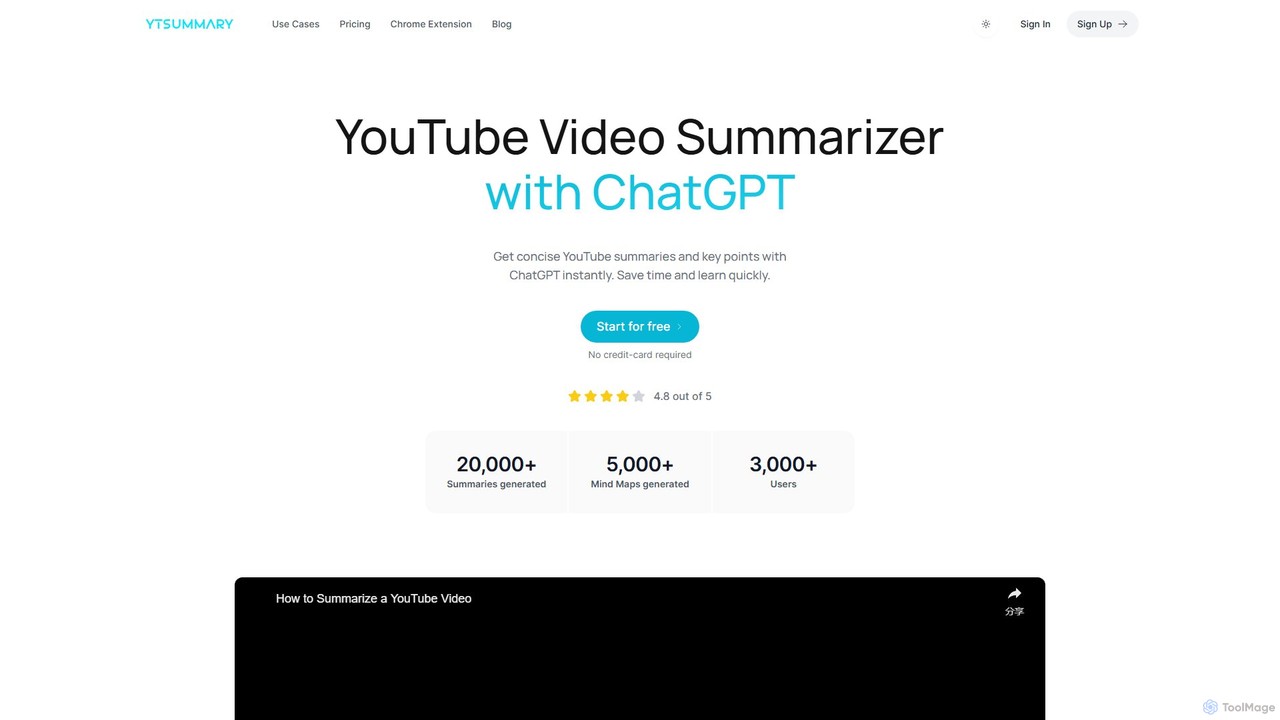
ytsummary
ytsummary is a ChatGPT-powered AI tool that instantly generates concise summaries, key points, and visual mind maps for any YouTube video. It's designed to save you time, enhance learning, and boost productivity by allowing you to grasp the core content of long videos without watching them in their entirety. It supports multiple languages, various export formats, and includes a convenient Chrome extension.
Learning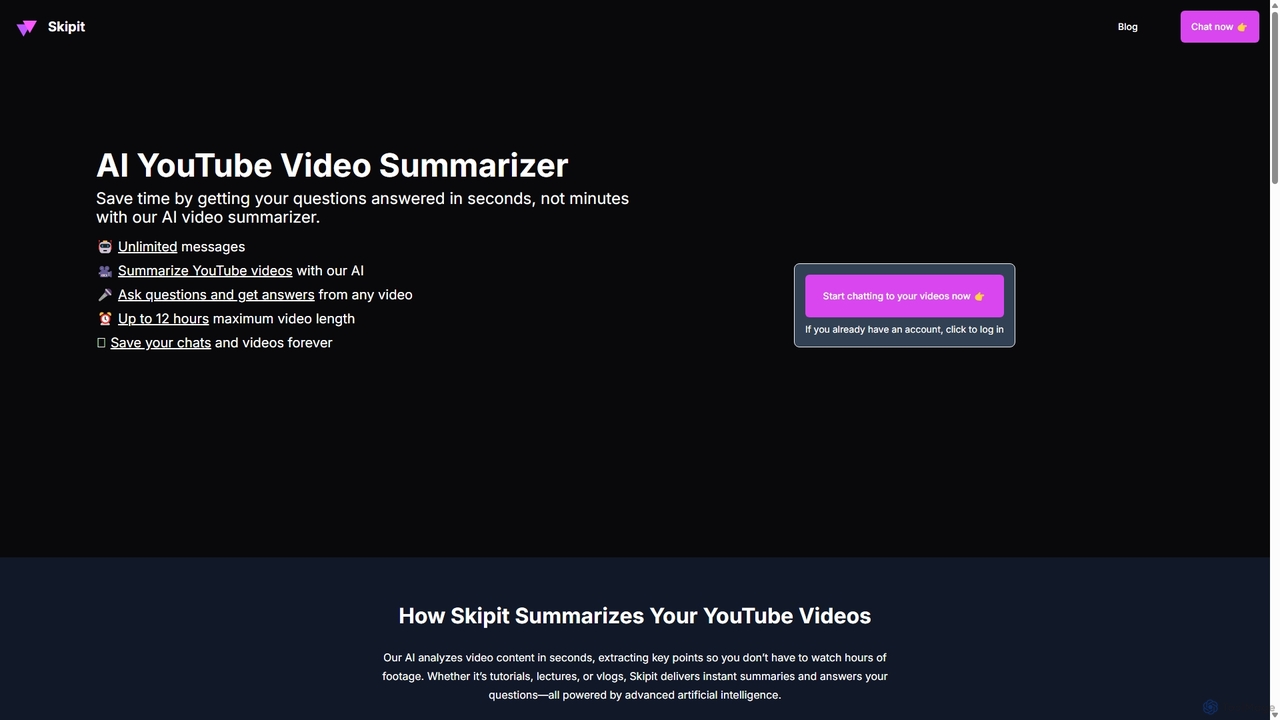
Skipit
Skipit is an AI-powered tool that summarizes YouTube videos instantly. It allows you to chat with any video, ask specific questions, and get key insights in seconds without watching the entire content. Ideal for students, professionals, and creators, it supports videos up to 12 hours long, saving you valuable time and boosting productivity.
Learning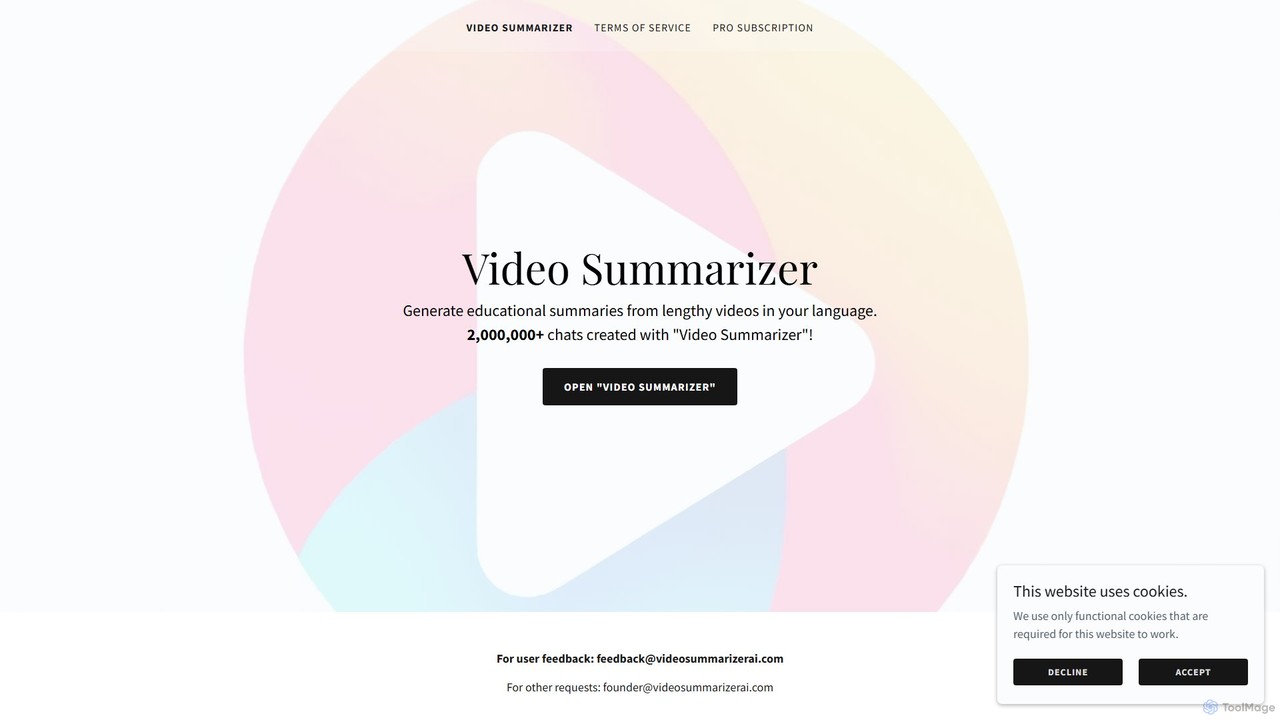
Video Summarizer AI
Video Summarizer AI is an intelligent tool that generates concise, educational summaries from lengthy videos in multiple languages. Ideal for students, researchers, and professionals, it quickly extracts key information from lectures, webinars, and talks, saving you valuable time.
Learning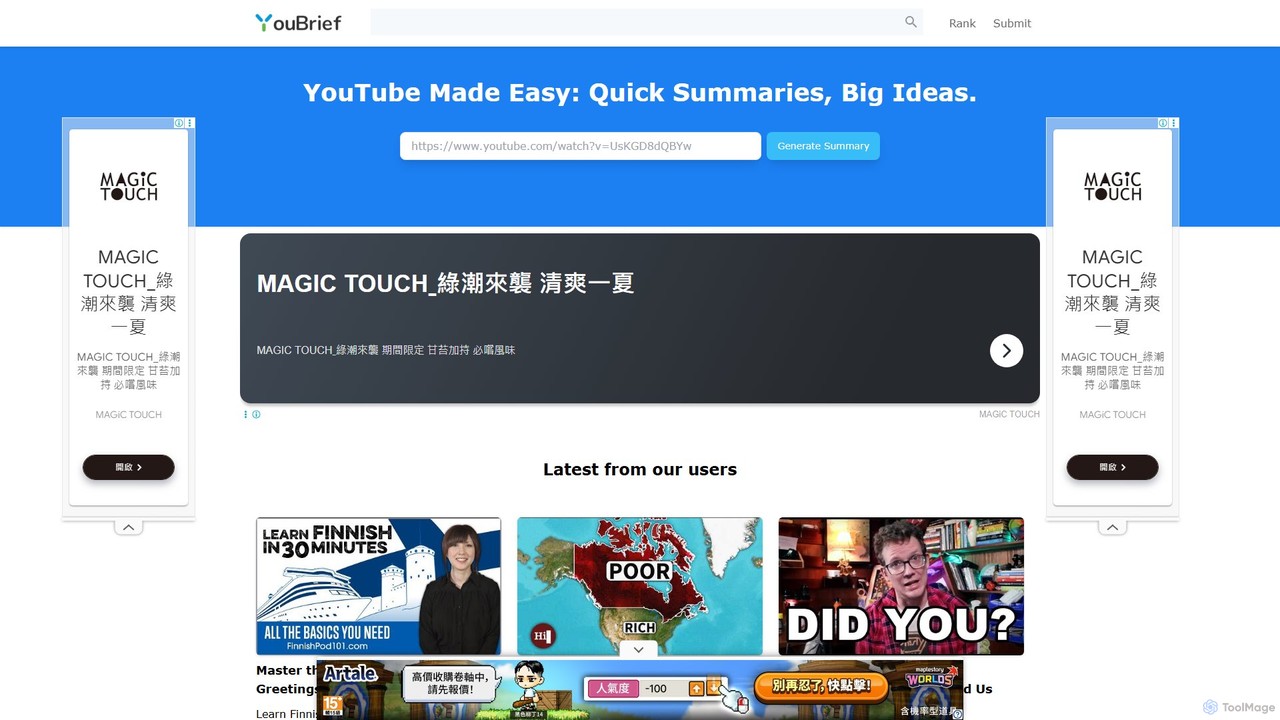
YouBrief
YouBrief is an AI-powered tool that transforms long YouTube videos into concise, easy-to-read summaries. It extracts key insights, generates Q&A sections, and provides timestamped breakdowns to help you learn faster and save time. Ideal for students, professionals, and lifelong learners who want to absorb video content efficiently.
Learning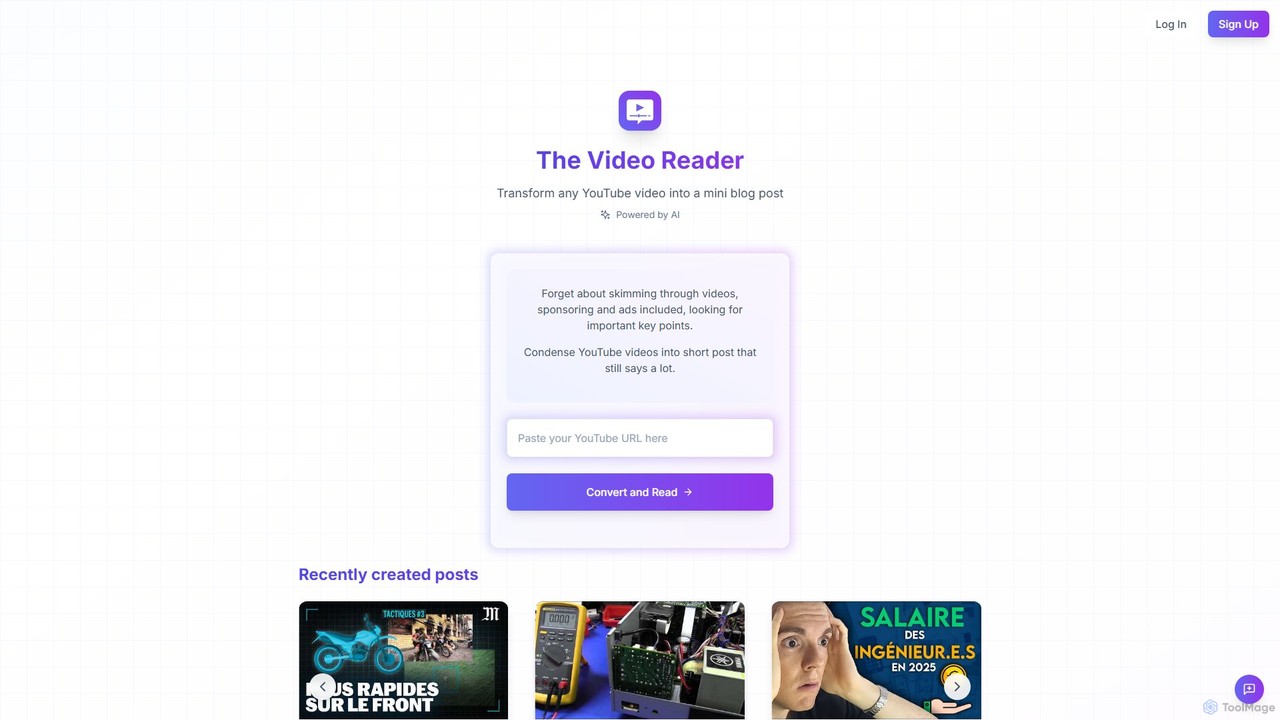
The Video Reader
The Video Reader is an AI-powered tool that transforms any YouTube video into a concise, readable blog post. It automatically transcribes, summarizes, and extracts key points, allowing you to grasp the core message of a video in minutes. Ideal for students, researchers, and content creators looking to save time and repurpose content efficiently.
Repurposing
Sumvideo
Sumvideo is an AI-powered Chrome extension that transforms long YouTube videos into concise, easy-to-read summaries. Save hours of screen time by instantly extracting key points, main ideas, and actionable insights. Ideal for students, researchers, and professionals looking to boost productivity and learn more efficiently without watching entire videos.
Chrome Extensions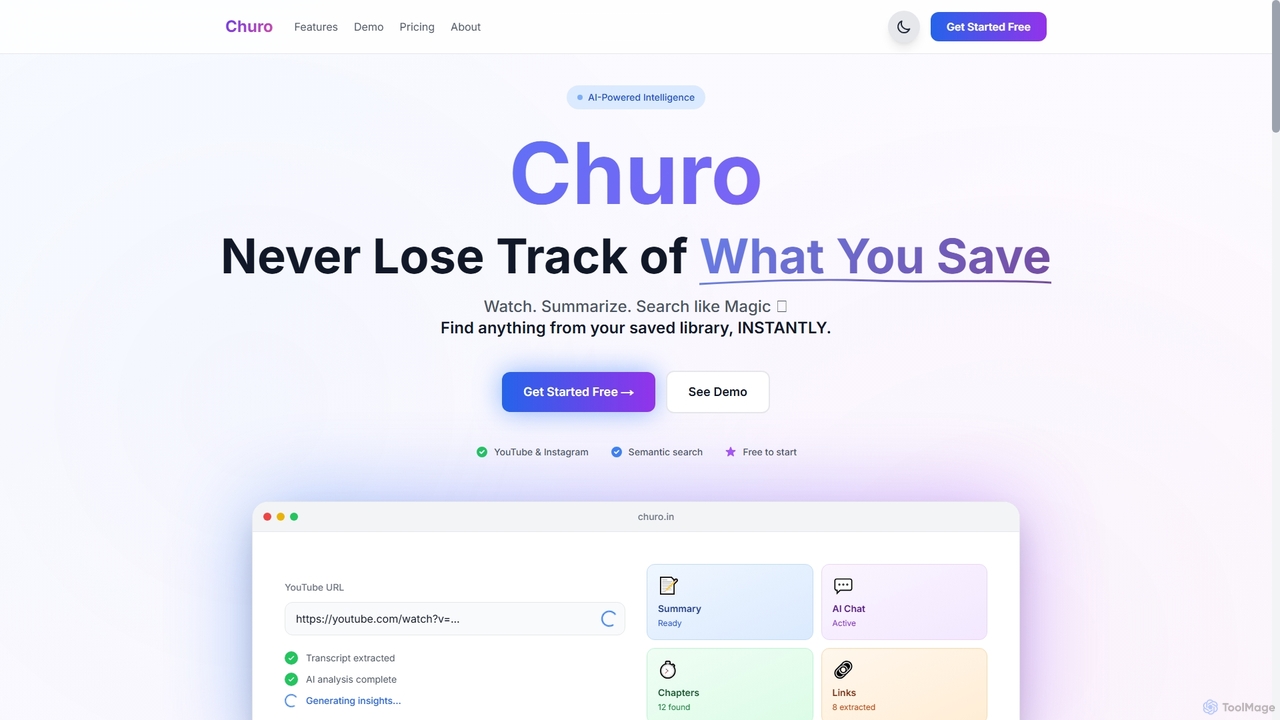
Churo
Churo is an AI-powered video summarizer and knowledge management tool that helps users save, search, and recall information from YouTube videos and Instagram reels. It provides instant AI summaries, semantic search capabilities, and a unified library to transform saved content into an organized, searchable knowledge base.
Learning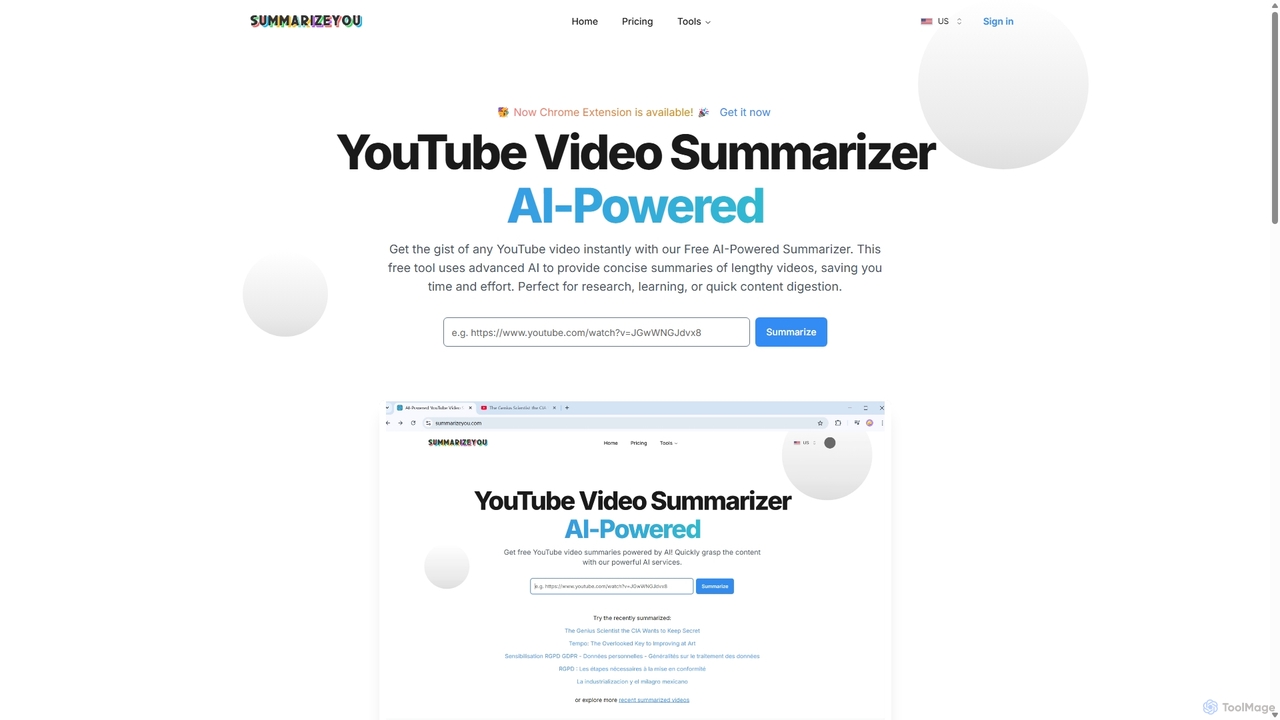
SummarizeYou
SummarizeYou is an AI-powered tool that instantly summarizes YouTube videos. It provides concise summaries, timestamped breakdowns, downloadable subtitles, and interactive mind maps, saving time for students, researchers, and professionals. It also features a Chrome extension for seamless integration.
Learning
tldwai
tldwai is an AI-powered video summarizer that transforms long videos from YouTube or local files into concise, easy-to-read text summaries. It supports a vast range of languages, helping users save time, overcome language barriers, and quickly grasp key information from any video content.
Learning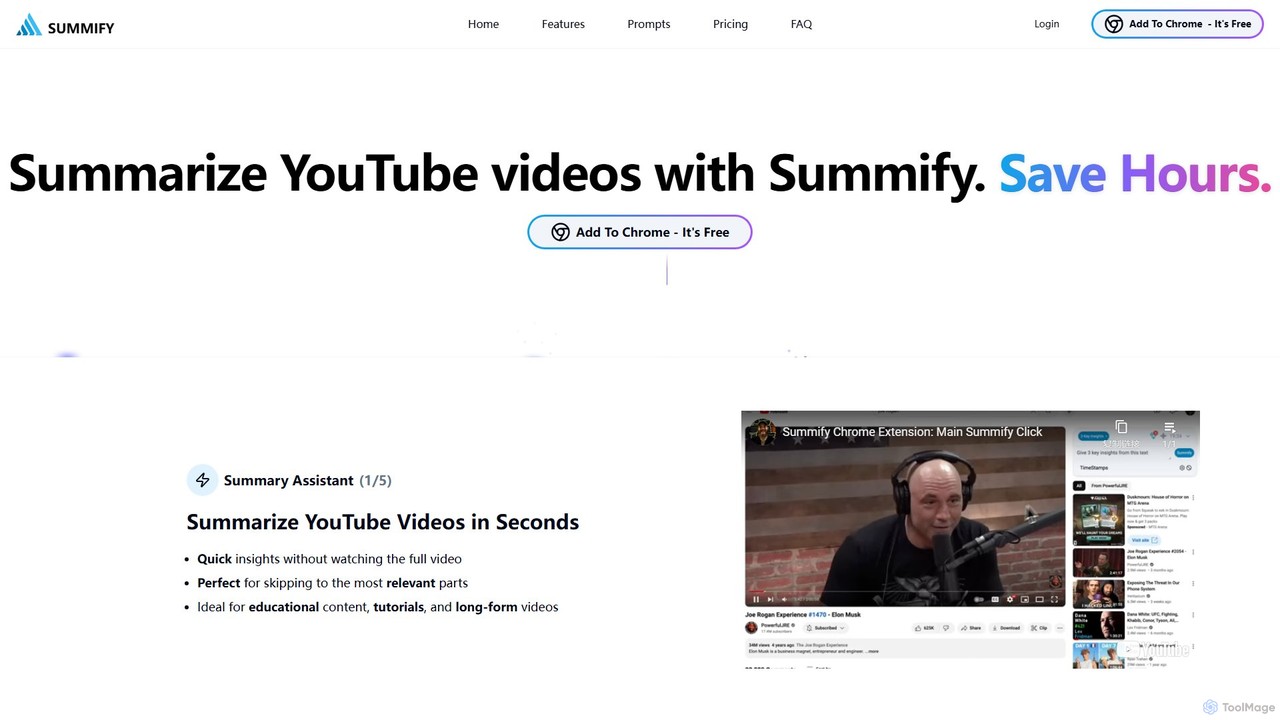
SummifyAI
SummifyAI is a powerful Chrome extension that uses AI to summarize YouTube videos in seconds. It helps users save time by providing quick insights, summarizing specific timestamps, and allowing custom questions about the video content. Ideal for students, professionals, and researchers, it transforms videos into a searchable knowledge base.
Chrome Extensions
Slidebomb Comments (0)
Sign in to comment.
Sign inNo comments yet.