Accessibility Best in category 1 results Visual Aids AI Tool

Popular AI tools in the Visual Aids field of Accessibility include TextWiz, etc., helping you quickly improve efficiency.

TextWiz

TextWiz

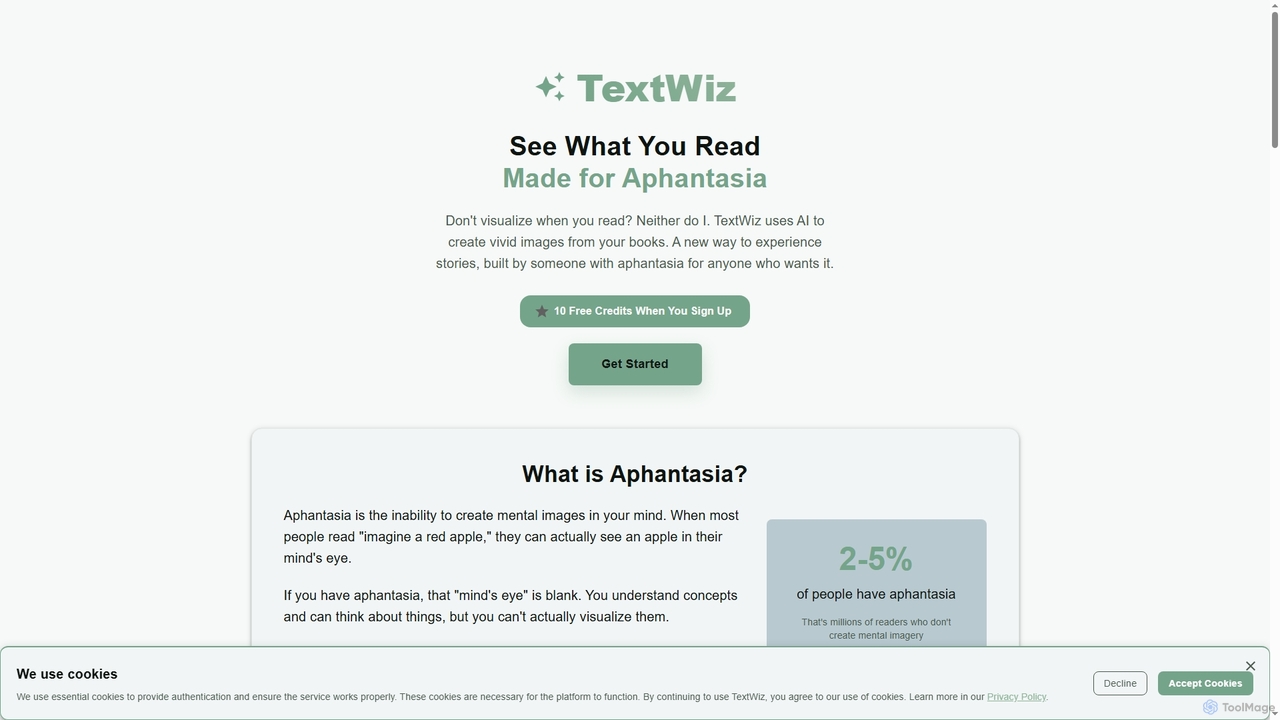
TextWiz is an innovative AI tool designed to transform your digital books into visually rich experiences. It generates …

2.3K

About Visual Aids

Visual Aids are a class of AI-powered tools designed to interpret and convert visual information into accessible formats, such as audio or enhanced text. These tools leverage technologies like text-to-speech (TTS), optical character recognition (OCR), and image analysis to describe on-screen elements, text, and real-world objects. Their primary purpose is to make digital and physical environments more navigable and understandable for individuals with visual impairments. As a key component of Accessibility, they bridge the gap between visual content and users who cannot perceive it easily.

Core Features

  • Screen Reading & Text-to-Speech (TTS): Articulates on-screen text, including menus, buttons, and document content, into natural-sounding speech.
  • Image & Object Recognition: Uses AI to analyze images and camera feeds, providing audio descriptions of objects, scenes, and faces.
  • Color & Contrast Enhancement: Adjusts screen colors and contrast levels to improve readability for users with color blindness or low vision.
  • Screen Magnification: Enlarges specific areas of the screen, often with options for smoothing text and maintaining clarity.
  • Optical Character Recognition (OCR): Extracts and reads text from images, PDFs, and physical documents captured by a camera.

Use Cases

These tools are essential for users with varying degrees of visual impairment, from blindness and low vision to color blindness. They are widely used in educational settings for accessing digital textbooks, in the workplace for navigating software and documents, and in daily life for tasks like reading menus or identifying products. Developers and designers also use these tools to test the accessibility of their websites and applications.

How to Choose

When selecting a Visual Aid tool, consider its compatibility with your operating system (e.g., Windows, macOS, Android) and primary applications (e.g., web browsers, office suites). Evaluate the quality and naturalness of the TTS voice and the accuracy of its OCR and image recognition capabilities. Look for customization options, such as adjustable speech rate, magnification levels, and color schemes, to tailor the tool to specific needs. Finally, consider its performance and resource consumption on your device.

Visual AidsUse Cases

1

Navigating Websites for Visually Impaired Users

A user with blindness needs to access daily news and online articles. They use a screen reader tool, a type of Visual Aid, which audibly reads out website content, including headlines, text, and link descriptions. The tool's AI helps interpret complex layouts, identify headings for quick navigation, and describe images using alt-text or AI-generated captions. This allows the user to browse the web independently, stay informed, and interact with digital content as effectively as a sighted user.

2

Improving Readability for Low Vision Students

A student with low vision finds it difficult to read digital textbooks on a standard screen. By using a screen magnifier tool, they can enlarge the text and images to a comfortable size. Additionally, they activate a high-contrast mode, which changes the background and text colors to combinations like yellow on black, significantly reducing eye strain. This combination of magnification and color enhancement allows the student to study for longer periods, comprehend complex diagrams, and participate fully in digital learning environments.

3

Understanding Visuals in Social Media and Presentations

An employee needs to review a presentation containing many charts and images, but they cannot see the content clearly. They use an AI image description tool that integrates with their browser. As they navigate the presentation slides, the tool automatically generates and reads aloud a concise description of each visual element, such as 'A bar chart showing a 30% increase in Q3 sales' or 'A team photo in the office'. This enables the employee to grasp the full context of the presentation without needing manual assistance, fostering independence and inclusion in the workplace.

4

Identifying Real-World Objects with a Smartphone

A person with a visual impairment is shopping in a supermarket and needs to distinguish between different canned goods. They use a Visual Aid app on their smartphone which utilizes the camera. By pointing the camera at a can, the app's object recognition feature identifies the product and reads the label aloud, for example, 'Canned diced tomatoes'. This technology extends beyond shopping, helping users identify currency, read mail, or recognize friends, significantly enhancing their independence in daily activities.

5

Assisting Designers with Color Blindness

A graphic designer with color blindness needs to create a website that is accessible to all users. They use a color contrast enhancement tool to simulate how their design appears to people with different types of color vision deficiencies. The tool provides real-time feedback and suggests alternative color palettes that meet Web Content Accessibility Guidelines (WCAG) standards. This ensures the final design has sufficient contrast for text and graphical elements, making the website usable and visually clear for everyone, regardless of their color perception.

6

Converting Printed Documents to Accessible Audio

A researcher receives a physical copy of an academic journal but cannot read the small print. Instead of struggling, they use an Optical Character Recognition (OCR) app. They take a photo of a page with their phone, and the app quickly processes the image, extracts all the text, and converts it into a digital format. The integrated text-to-speech function then reads the article aloud, allowing the researcher to absorb the information efficiently and comfortably. This process digitizes inaccessible physical media, making knowledge more readily available.

Visual AidsFrequently Asked Questions