Inboxie
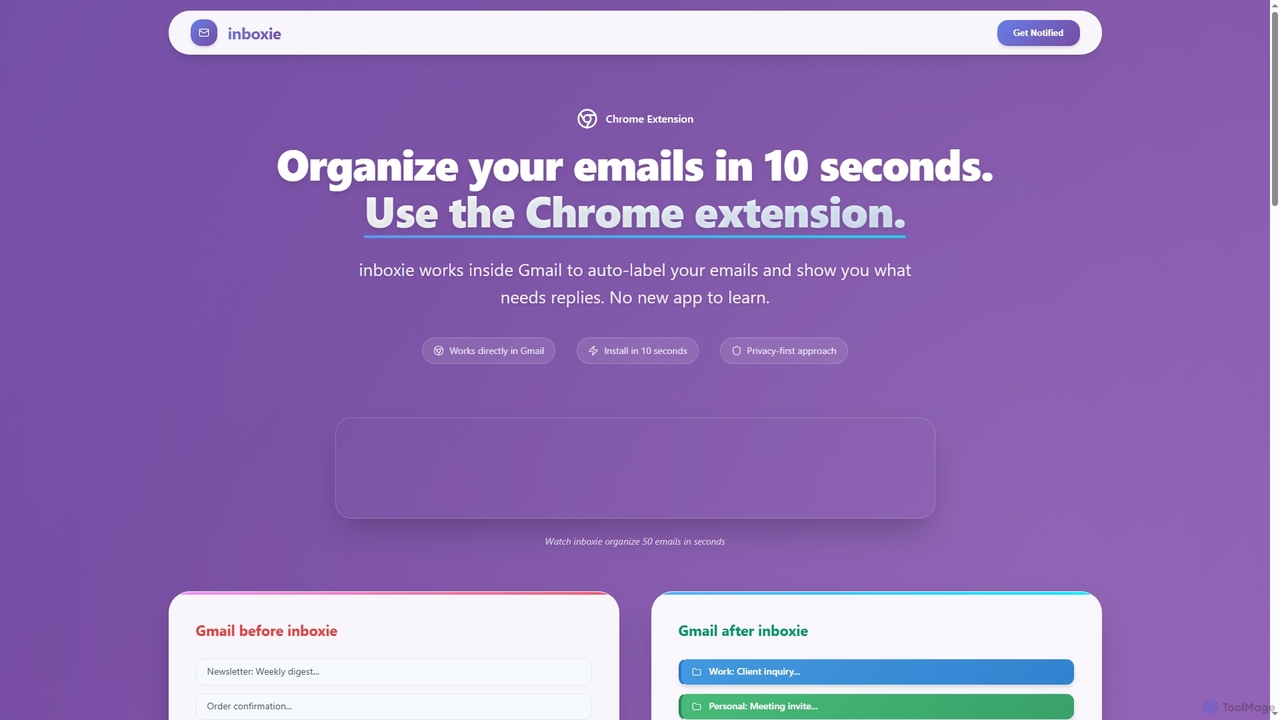
Inboxie is an AI-powered Chrome extension designed to organize your Gmail inbox efficiently. It automatically labels emails, highlights …
Inboxie is an AI-powered Chrome extension designed to organize your Gmail inbox efficiently. It automatically labels emails, highlights those requiring a response, and provides a smart inbox view, all within your existing Gmail interface. Streamline your email management and achieve inbox clarity in seconds.
About Inbox Management
Inbox Management tools are AI-powered assistants specifically designed to streamline and optimize the handling of emails and other digital communications. Leveraging advanced natural language processing (NLP) and machine learning, these tools analyze incoming messages, prioritize important communications, and automate routine tasks. Their primary value lies in reducing digital clutter, saving significant time, and ensuring users focus on high-priority interactions, thereby enhancing overall productivity and responsiveness within the broader AI Assistant category.
Core Features
- Email Prioritization: Automatically identifies and highlights urgent or important emails based on content, sender, and user behavior.
- Automated Response Generation: Drafts quick replies, suggests full email responses, or generates personalized messages using AI, saving typing time.
- Email Summarization: Condenses long email threads or individual messages into concise summaries, allowing for rapid comprehension.
- Task and Reminder Creation: Extracts actionable items from emails and automatically creates tasks, calendar events, or follow-up reminders.
- Spam and Clutter Filtering: Intelligently filters out unwanted emails, newsletters, and low-priority communications beyond basic spam detection.
Use Cases
Professionals across various industries, from sales and marketing to customer support and executive roles, utilize AI inbox management tools. They are particularly beneficial for individuals overwhelmed by high volumes of daily communications, helping them maintain focus and ensure timely responses. These tools integrate seamlessly into existing workflows, transforming chaotic inboxes into organized, actionable communication hubs.
How to Choose
When selecting an AI inbox management tool, consider its integration capabilities with your existing email client (e.g., Gmail, Outlook), the accuracy and customization options for AI-generated responses, and its ability to learn from your specific communication patterns. Evaluate the level of automation offered, from simple prioritization to full draft generation, and assess data privacy policies to ensure your sensitive information is protected. Scalability and pricing models are also crucial for teams and enterprises.
Inbox ManagementUse Cases
Prioritizing Critical Client Communications
Sales professionals often receive hundreds of emails daily, making it challenging to identify urgent client inquiries. An AI inbox management tool automatically flags emails from key clients or those containing high-priority keywords like "urgent" or "proposal," ensuring immediate attention. This helps sales teams respond promptly to critical leads and existing customers, preventing missed opportunities and improving client satisfaction.
Automating Routine Customer Support Replies
Customer service agents frequently answer repetitive questions. AI inbox management tools can analyze incoming support emails and suggest or even automatically draft responses to common queries, such as "how to reset password" or "shipping status." This significantly reduces response times, frees up agents to handle complex issues, and maintains consistent service quality.
Summarizing Long Project Update Threads
Project managers are often buried under lengthy email threads detailing project updates, discussions, and decisions. An AI tool can summarize these threads into concise bullet points, highlighting key decisions, action items, and responsible parties. This allows project managers to quickly grasp the current status without reading every message, saving valuable time and ensuring they stay informed.
Drafting Personalized Marketing Outreach Emails
Marketing specialists need to send personalized emails to various segments. AI inbox management can assist by generating initial drafts for outreach campaigns, tailoring content based on recipient profiles or previous interactions. This accelerates the email creation process, allowing marketers to launch more targeted campaigns efficiently and improve engagement rates.
Managing Executive Communication Overload
Executives receive a vast volume of internal and external communications. AI inbox management tools help by filtering out noise, prioritizing messages from direct reports or critical stakeholders, and even drafting responses for routine approvals or information requests. This enables executives to focus on strategic decisions rather than getting bogged down in administrative email tasks.
Organizing and Archiving Research Papers and Newsletters
Researchers and academics often subscribe to numerous journals and newsletters, leading to an overflowing inbox. An AI tool can automatically categorize these incoming publications, extract key abstracts, and suggest relevant articles based on the user's research interests. This helps maintain an organized repository of information and ensures important research is not overlooked.