Plexigen AI
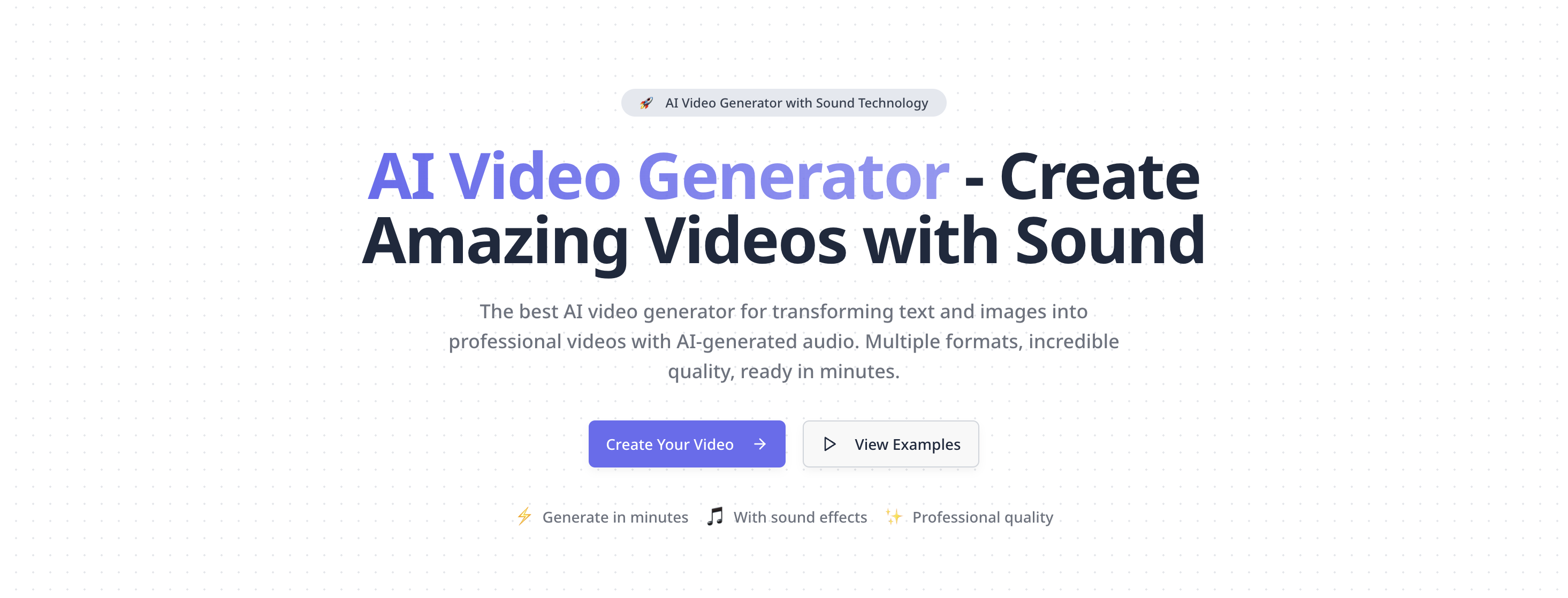
Best AI video generator with sound. Create professional videos from text & images. High-quality AI video generation, multiple …
Best AI video generator with sound. Create professional videos from text & images. High-quality AI video generation, multiple formats, fast rendering.
Kuaijianji
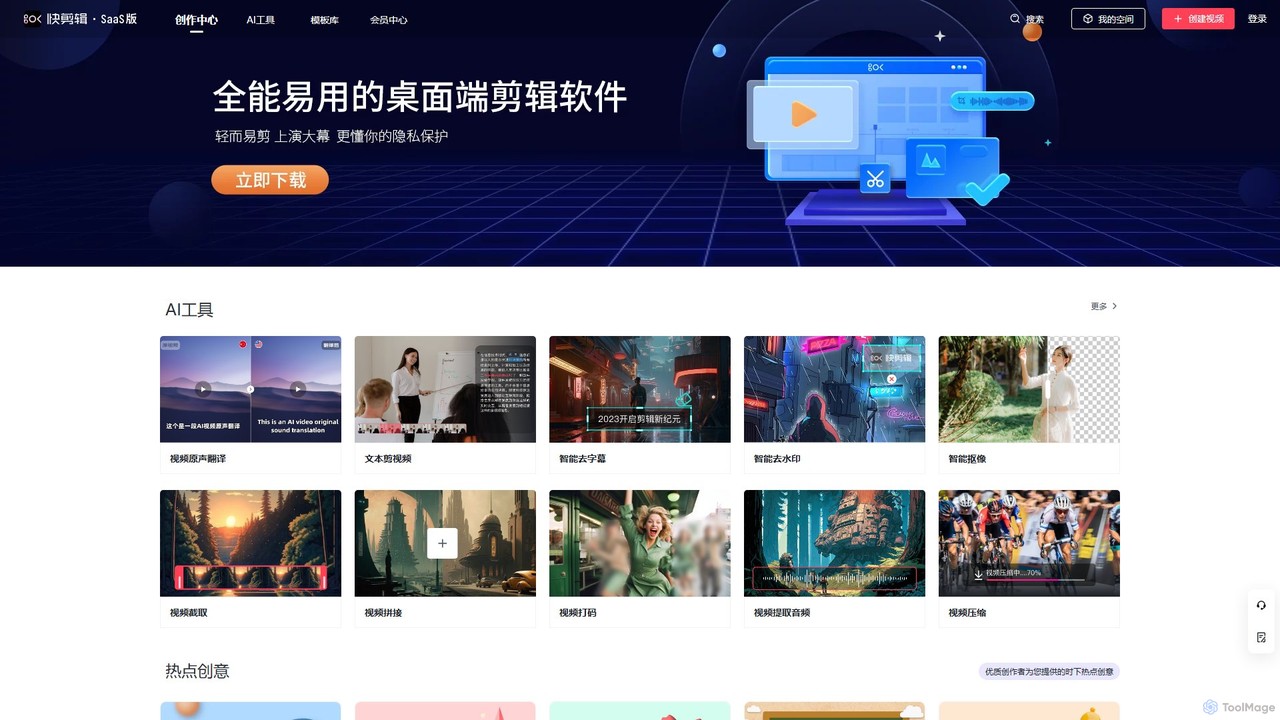
Kuaijianji is an AI-powered online video creation platform that simplifies video editing through a vast template library and …
Kuaijianji is an AI-powered online video creation platform that simplifies video editing through a vast template library and intelligent tools. It enables users to quickly create professional videos for marketing, social media, and business communications, featuring text-to-video, smart cutout, and AI translation.
About Text To Video
Text To Video tools are a class of AI applications that automatically generate video content from text descriptions, scripts, or prompts. These tools utilize advanced generative models to interpret textual input and synthesize corresponding visual sequences, often including motion, scenes, and characters. This technology significantly lowers the barrier to video creation, enabling users without professional editing skills to produce marketing materials, social media content, and explanatory videos efficiently. Many platforms also offer control over visual style, camera angles, and character consistency, providing a high degree of creative flexibility.
Core Features
- Prompt-Based Scene Generation: Converts descriptive text prompts into distinct, coherent video clips or scenes.
- AI Narration and Voiceover: Automatically generates a voiceover from the input script in various languages and voices.
- Style Customization: Allows users to define the visual aesthetic, such as cinematic, animated, 3D, or realistic.
- Character Consistency: Maintains the appearance of specific characters across multiple scenes for narrative continuity.
- Automated Editing: Intelligently assembles generated clips, adds transitions, and adjusts pacing based on the script's structure.
Use Cases
Text To Video tools are widely used in digital marketing, content creation, and education. Social media managers use them to quickly generate engaging video ads and posts from simple text ideas. Content creators convert blog posts or articles into summary videos for platforms like YouTube. Educators and corporate trainers create simple animated explainers to visualize complex concepts without needing animation software.
How to Choose
When selecting a Text To Video tool, evaluate the video quality and realism it can produce. Consider the range of customization options, including style controls, aspect ratios, and camera movements. Assess the generation speed and any limitations on video length. Finally, compare pricing models, which may be based on subscription tiers, per-video credits, or include watermarks on free plans.
Text To VideoUse Cases
Generate Short-Form Social Media Ads
A social media marketer for an e-commerce brand needs to create multiple video ads for a new product launch. Instead of a costly video shoot, they use a Text To Video tool. They input several ad copy variations like 'Introducing the new Aqua-Fresh sneaker, ultimate comfort for your daily run.' The AI generates 15-second video clips showcasing sneakers in different dynamic settings, complete with upbeat background music and an AI-generated voiceover. This allows them to A/B test dozens of ad creatives in the time it would take to produce one traditionally.
Convert Blog Posts into Engaging Videos
A content creator wants to repurpose their popular blog articles for a YouTube audience. Manually creating videos for each post is time-consuming. By using a Text To Video tool, they can paste the text of an article, for example, 'Top 5 Travel Destinations in Southeast Asia.' The tool automatically identifies key points, generates relevant scenes for each destination (e.g., beaches in Thailand, temples in Cambodia), adds a narration using the article's text, and compiles it into a 3-minute summary video. This strategy helps them reach a new audience and increase content output with minimal effort.
Create Simple Educational Explainer Videos
An educator needs to explain the concept of photosynthesis to their students in a visually engaging way. Lacking animation skills, they turn to a Text To Video tool. They input a simple script: 'Step 1: The sun shines on a plant's leaves. Step 2: The leaves absorb sunlight, water, and carbon dioxide. Step 3: The plant converts these into glucose for energy.' The AI generates a short, animated video showing each step with simple graphics and clear narration. This visual aid makes the complex topic easier for students to understand and remember compared to a text-only explanation.
Visualize Product Concepts for Presentations
A product manager is preparing a presentation for stakeholders about a new mobile app feature. To make the concept tangible, they use a Text To Video tool. They write a prompt like: 'A user opens the app, taps the new 'Magic Edit' button. A photo of a beach appears. The user types 'add a sunset', and the sky in the photo changes to a beautiful sunset.' The tool generates a 20-second animated video that simulates this user flow. This visual demonstration is far more impactful than static mockups or a lengthy verbal description, helping stakeholders quickly grasp the feature's value.
Storyboard Ideas for Music Videos
An independent musician has a concept for a music video but lacks the budget for a full production team to create storyboards. They use a Text To Video tool to quickly visualize scenes. By inputting lyrics or descriptive prompts like 'A lone astronaut floating in a sea of stars, looking at a distant Earth,' the AI generates short, atmospheric clips. While not final footage, these generated videos serve as a dynamic storyboard or 'animatic,' helping the artist and potential collaborators align on the visual direction and mood before committing to filming, saving significant time and resources.
Drafting Internal Corporate Communications
An HR manager needs to communicate a new company-wide policy. To ensure the message is engaging and easily digestible, they opt for a video instead of a long email. They use a Text To Video tool and input the key points of the new policy. The tool generates a simple animated video with a professional AI voiceover, using brand-consistent colors and logos. This video can be shared on the company's intranet or in a newsletter, increasing the likelihood that employees will watch and understand the new information compared to just reading a text-heavy document.