ToolMage
Sign in

Best 1 Cloud Monitoring AI tools for Analytics

Popular Cloud Monitoring AI tools in Analytics include TENET, helping you work more efficiently.

TENET
Paid

TENET

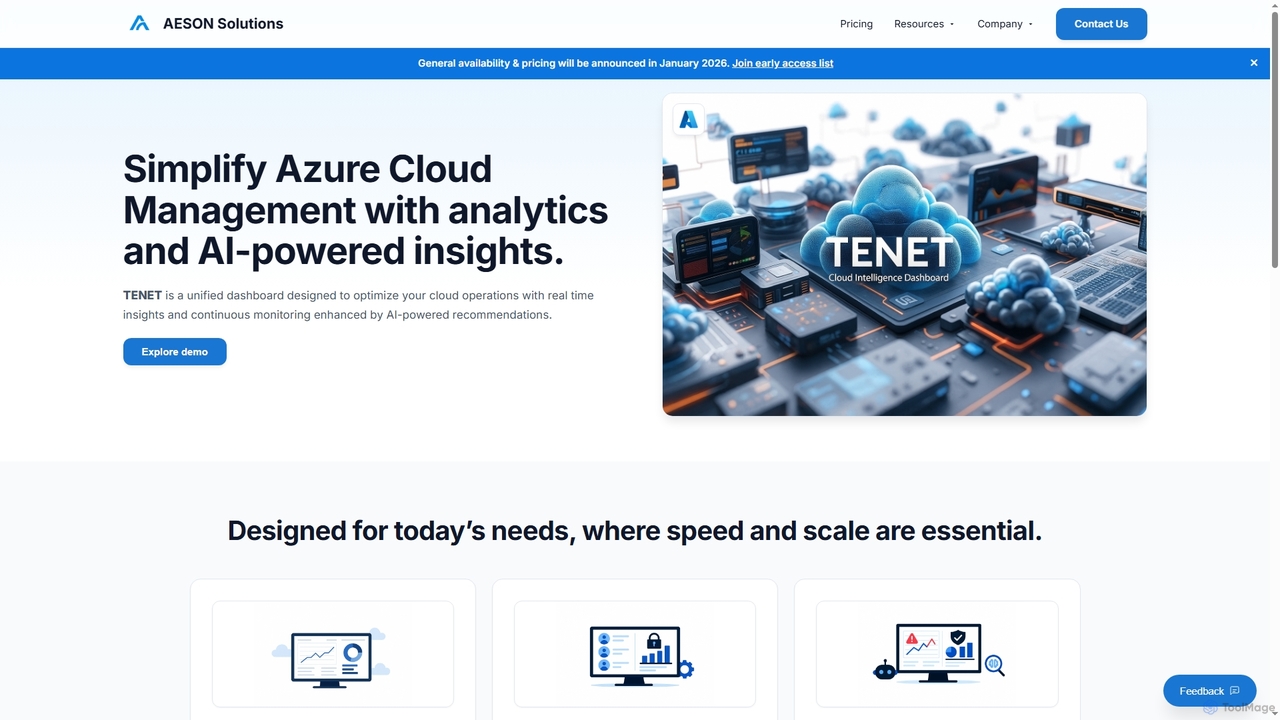
TENET is an AI-powered Azure Cloud Intelligence Platform by AESON Solutions, designed to simplify cloud management. It provides a unified dashboard with real-time analytics and continuous monitoring, enhanced by AI-driven insights and recommendations to optimize cloud operations, detect anomalies, and strengthen security.

Cloud Operations
Visits 6.8KFavorites 120Likes 131

About Cloud Monitoring

Cloud Monitoring tools are a specialized category within analytics that provide real-time visibility into the performance, health, and availability of cloud infrastructure and applications. These tools leverage automated data collection and advanced analytics to track key metrics, identify anomalies, and ensure optimal operational efficiency. They are essential for maintaining service reliability, optimizing resource utilization, and proactively addressing potential issues in dynamic cloud environments.

Core Features

  • Real-time Metrics Collection: Continuously gathers performance data from cloud resources like CPU, memory, network I/O, and disk usage.
  • Log Management & Analysis: Centralizes, indexes, and analyzes logs from various cloud services for troubleshooting and security.
  • Alerting & Notifications: Configurable alerts based on predefined thresholds or detected anomalies, delivered via various channels.
  • Application Performance Monitoring (APM): Tracks end-to-end application performance, identifying bottlenecks and user experience issues.
  • Cost Optimization Insights: Provides data on resource usage to help identify underutilized resources and optimize cloud spending.

Applicable Scenarios

DevOps teams use cloud monitoring to track application deployments, identify performance regressions, and ensure continuous delivery pipelines run smoothly. Site Reliability Engineers (SREs) rely on these tools for proactive incident management, setting up alerts for critical system health indicators to maintain high availability. Cloud architects and IT managers utilize monitoring data to optimize resource allocation, forecast capacity needs, and manage cloud costs effectively across their infrastructure.

How to Choose

When selecting a cloud monitoring solution, consider its compatibility with your specific cloud providers (AWS, Azure, GCP) and the breadth of services it supports. Evaluate its data collection capabilities, including real-time metrics, logs, and traces, and the flexibility of its alerting system. Look for robust visualization and reporting features, and assess its scalability and pricing model to ensure it aligns with your operational needs and budget.

Cloud Monitoring use cases

1

Optimizing Cloud Resource Utilization

DevOps engineers use cloud monitoring dashboards to identify idle or underutilized virtual machines and databases. By analyzing usage patterns and performance metrics, they can right-size resources, scale down unnecessary instances, and automatically shut down non-production environments during off-hours, leading to a significant reduction in unnecessary cloud expenditure, often by up to 30%.

2

Proactive Incident Detection & Resolution

Site Reliability Engineering (SRE) teams configure alerts for unusual spikes in error rates, latency, or resource consumption for critical microservices. When an anomaly is detected, the cloud monitoring system automatically notifies the on-call team via PagerDuty or Slack, enabling them to investigate and resolve issues quickly, often before they impact end-users or service level agreements (SLAs).

3

Ensuring Application Performance & User Experience

Application owners and product managers track key APM metrics like response times, transaction throughput, and error rates across different geographic regions and user segments. This helps pinpoint performance bottlenecks in specific services, database queries, or third-party API calls, ensuring a smooth and consistent user experience for their customers globally.

4

Security Event Monitoring & Compliance

Security operations teams centralize logs from firewalls, identity services, network flows, and cloud-native security services. Cloud monitoring tools help detect suspicious login attempts, unauthorized access patterns, data exfiltration attempts, and compliance violations (e.g., HIPAA, GDPR), triggering immediate alerts for investigation and enabling rapid response to potential threats.

5

Capacity Planning & Forecasting

Infrastructure managers and cloud architects analyze historical resource usage trends (CPU, memory, network I/O, storage) provided by cloud monitoring tools. This data helps them predict future capacity needs, inform decisions on scaling up or down resources, and prevent performance degradation during peak loads, thereby avoiding both over-provisioning and under-provisioning of cloud infrastructure.

6

Troubleshooting Complex Distributed Systems

Developers and support teams use distributed tracing features within cloud monitoring platforms to visualize the end-to-end flow of requests across multiple microservices, serverless functions, and databases. This helps them quickly pinpoint the exact service or component causing an error, latency, or slowdown in a complex cloud-native application, significantly reducing mean time to resolution (MTTR).

Cloud Monitoring FAQ

What is Cloud Monitoring?

Cloud Monitoring is the continuous process of collecting and analyzing data about the performance, health, and availability of cloud-based resources and applications. It provides real-time insights into infrastructure metrics, application performance, and security events, enabling proactive management and issue resolution. Its core purpose is to ensure the smooth and efficient operation of cloud environments.

How does Cloud Monitoring differ from general IT Monitoring?

Cloud Monitoring specifically focuses on the dynamic, distributed, and often ephemeral nature of cloud environments. Unlike traditional IT monitoring, it integrates deeply with cloud provider APIs, handles auto-scaling resources, and often includes cost optimization and serverless function monitoring, which are unique to the cloud. It's designed for the elasticity and complexity inherent in cloud infrastructure.

What are the key benefits of implementing Cloud Monitoring?

Implementing cloud monitoring offers several key benefits. It improves system reliability and uptime through proactive issue detection and rapid resolution. It enhances application performance and user experience by identifying bottlenecks. Furthermore, it aids in cost optimization by highlighting underutilized resources and supports security and compliance by monitoring for suspicious activities and policy violations across your cloud estate.

What types of data do Cloud Monitoring tools collect?

Cloud monitoring tools typically collect a wide range of data to provide comprehensive insights. This includes infrastructure metrics (CPU, memory, network I/O, disk usage), application performance metrics (response times, error rates, transaction throughput), logs from various services (web servers, databases, operating systems), and traces for distributed applications. Some also collect cost data and security events, offering a holistic view of cloud operations.

How do I choose the right Cloud Monitoring solution for my business?

When choosing a cloud monitoring solution, consider its compatibility with your specific cloud providers (e.g., AWS, Azure, GCP) and the breadth of services it supports. Evaluate the depth of its monitoring capabilities (metrics, logs, APM, security), ease of integration with your existing tools, scalability, and pricing model. Also, assess the quality of its visualization, alerting, and reporting features to ensure they meet your operational needs and budget effectively.