Cloud Management Best in category 1 results Azure Optimization AI Tool

Popular AI tools in the Azure Optimization field of Cloud Management include TENET, etc., helping you quickly improve efficiency.

TENET

TENET

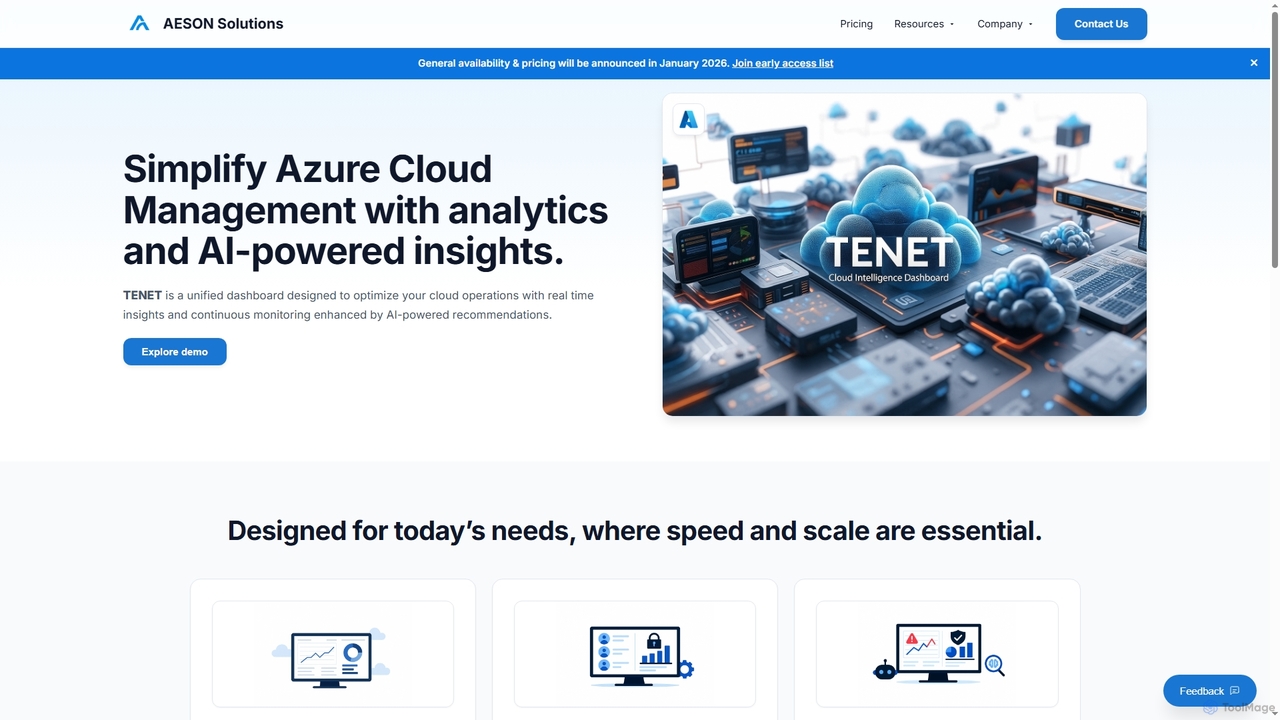
TENET is an AI-powered Azure Cloud Intelligence Platform by AESON Solutions, designed to simplify cloud management. It provides …

3.1K

About Azure Optimization

Azure Optimization tools are a specialized category within cloud management that focus on enhancing the efficiency, performance, and cost-effectiveness of Microsoft Azure cloud resources. These tools leverage advanced analytics, AI, and automation to identify underutilized resources, recommend cost-saving measures, and ensure optimal performance for applications and services deployed on Azure. Their primary value lies in transforming complex Azure environments into streamlined, high-performing, and budget-friendly operations, enabling businesses to maximize their cloud investment while maintaining reliability and scalability.

Core Features

  • Cost Management & Analysis: Tracks Azure spending, identifies waste, and provides recommendations for cost reduction through rightsizing and reservation planning.
  • Performance Monitoring & Tuning: Continuously monitors Azure services, identifies bottlenecks, and suggests configurations or scaling adjustments to improve application performance.
  • Resource Governance & Compliance: Enforces organizational policies, ensures resource tagging, and helps maintain compliance with industry standards and internal guidelines.
  • Automation & Remediation: Automates routine optimization tasks, such as shutting down idle resources or scaling services based on demand, and automatically remediates identified issues.
  • Security Posture Management: Analyzes Azure configurations for security vulnerabilities and misconfigurations, providing actionable insights to strengthen cloud security.

Applicable Scenarios

Azure Optimization tools are essential for IT managers, cloud architects, and finance teams in organizations heavily reliant on Microsoft Azure. They are used to manage large-scale Azure deployments, control spiraling cloud costs, ensure critical applications meet performance SLAs, and maintain a secure and compliant cloud environment. These tools are particularly valuable for enterprises with dynamic workloads and complex resource dependencies.

How to Choose

When selecting Azure Optimization tools, consider their integration capabilities with existing Azure services and third-party tools, the breadth of optimization features (cost, performance, security, governance), the level of automation offered, and the clarity of reporting and recommendation engines. Evaluate the tool's ability to provide granular insights, support multi-subscription environments, and align with your organization's specific operational and financial goals for Azure.

Azure OptimizationUse Cases

1

Reducing Unnecessary Azure Spending

A finance manager at a growing SaaS company uses Azure Optimization tools to identify and eliminate wasteful spending across their Azure subscriptions. By analyzing resource utilization patterns, the tool automatically flags idle virtual machines, unattached storage disks, and over-provisioned databases, providing actionable recommendations. Implementing these suggestions leads to a 20% reduction in monthly Azure bills, freeing up budget for new development initiatives without impacting service availability.

2

Enhancing Application Performance for E-commerce

An e-commerce platform's DevOps team leverages Azure Optimization to ensure their critical applications deliver peak performance during high traffic events like sales. The tools continuously monitor web app response times, database query performance, and network latency. When performance bottlenecks are detected, the system recommends scaling up specific Azure App Service plans or optimizing database indexes, preventing slowdowns and ensuring a smooth customer experience, even under heavy load.

3

Automating Resource Rightsizing and Scaling

A cloud architect in a large enterprise utilizes Azure Optimization to automate the rightsizing and scaling of their extensive Azure VM fleet. Instead of manual adjustments, the tool analyzes historical usage data and real-time metrics to automatically recommend or execute changes to VM sizes, ensuring resources match actual demand. This automation not only saves significant operational time but also prevents both under-provisioning (performance issues) and over-provisioning (cost waste).

4

Ensuring Azure Security and Compliance Posture

A security officer in a regulated industry employs Azure Optimization solutions to continuously assess and improve their Azure environment's security and compliance posture. The tools scan for misconfigured network security groups, unencrypted storage accounts, and non-compliant resource tags. They provide detailed reports and automated remediation steps, helping the organization meet industry regulations like HIPAA or GDPR and significantly reduce the risk of data breaches.

5

Streamlining Azure Governance Across Departments

An IT director manages multiple departments, each with its own Azure subscriptions and resource deployments. Azure Optimization tools enable centralized governance by enforcing consistent naming conventions, tagging policies, and resource deployment rules across all subscriptions. This ensures better visibility, easier cost allocation, and adherence to corporate standards, preventing "shadow IT" and maintaining a well-organized cloud estate.

6

Proactive Identification of Performance Bottlenecks

A development team relies on Azure Optimization to proactively identify and resolve potential performance bottlenecks before they impact users. The tools provide predictive analytics based on historical data and current trends, alerting the team to impending resource exhaustion or service degradation. This allows developers to optimize code, adjust configurations, or scale resources in advance, ensuring application stability and a seamless user experience.

Azure OptimizationFrequently Asked Questions