getpivotly
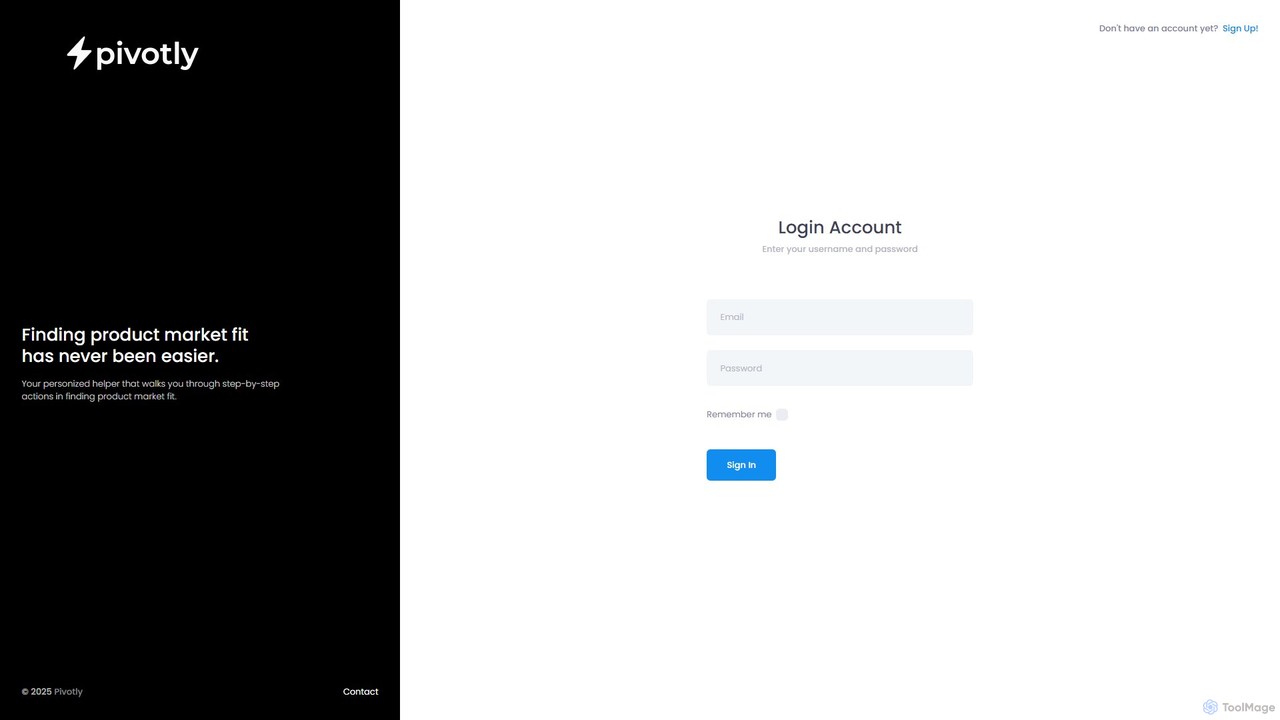
getpivotly is an AI-powered platform designed to guide startups and businesses through the complex process of achieving Product-Market …
getpivotly is an AI-powered platform designed to guide startups and businesses through the complex process of achieving Product-Market Fit (PMF). It acts as a personalized helper, providing step-by-step actions, analyzing user feedback, and offering data-driven insights to help you build products that customers truly need and love.
About User Analytics
User Analytics tools are a specialized category of AI software designed to capture, analyze, and visualize individual user behavior within digital products like websites and applications. They utilize technologies such as session replay, heatmaps, and funnel analysis to move beyond aggregated metrics and uncover the 'why' behind user actions. This provides deep, qualitative insights into the user experience, helping teams identify points of friction, discover usability issues, and understand user intent. Ultimately, these tools empower businesses to optimize product design, improve conversion rates, and reduce customer churn based on direct behavioral evidence.
Core Features
- Session Replay: Records and plays back individual user sessions, showing mouse movements, clicks, and scrolling to provide a visual record of their journey.
- Heatmaps & Clickmaps: Aggregates user interaction data to create visual overlays on pages, highlighting the most and least engaged areas.
- Conversion Funnel Analysis: Tracks user progression through key workflows (e.g., signup, checkout) to identify where and why users drop off.
- AI-Powered Anomaly Detection: Automatically identifies unusual user behavior, frustration signals (like 'rage clicks'), and potential technical errors.
- Behavioral Segmentation: Groups users into cohorts based on their actions, allowing for targeted analysis of specific user groups.
Use Cases
User Analytics tools are essential for product managers, UX/UI designers, marketers, and customer support teams. They are used to validate design hypotheses with real-world data, optimize conversion paths on e-commerce sites, identify and replicate bugs reported by users, and improve feature adoption in SaaS products. By understanding user struggles, teams can make data-informed decisions to enhance usability and overall product value.
How to Choose
When selecting a User Analytics tool, consider its impact on website performance, as tracking scripts can slow down loading times. Evaluate its data privacy and security features to ensure compliance with regulations like GDPR. Assess the depth of its analytical capabilities, including the quality of session replays and the intelligence of its AI insights. Finally, check for seamless integrations with other platforms in your stack, such as A/B testing or customer support tools.

User AnalyticsUse Cases
Optimize E-commerce Checkout Funnel
An e-commerce manager observes a high cart abandonment rate using their web analytics tool. To understand why, they turn to a User Analytics platform. By watching session replays of users who drop off, they discover that a confusing discount code field is causing frustration. Heatmaps also reveal that the 'Guest Checkout' option is barely visible and rarely clicked. Armed with this qualitative data, the team redesigns the checkout page, simplifying the coupon field and making the guest option more prominent. This leads to a measurable 15% reduction in cart abandonment and a significant uplift in revenue.
Improve SaaS Product Feature Adoption
A product manager for a SaaS application launches a new, powerful feature but sees low adoption rates. They use a User Analytics tool to create a funnel tracking the steps from first seeing the feature to successfully using it. The data shows a massive drop-off at the configuration step. By analyzing session replays of users who failed at this stage, the PM identifies a poorly labeled button and a confusing workflow. They create a behavioral cohort of 'power users' who adopted the feature to see what paths they took, informing a redesign of the feature's onboarding flow. The changes lead to a 40% increase in feature adoption within the first month.
Identify and Replicate User-Reported Bugs
A customer support team receives a ticket from a user reporting a vague issue: 'The dashboard isn't working.' Instead of a lengthy back-and-forth, the support agent uses the User Analytics tool to find the user's recent sessions. By watching a session replay, the agent sees the exact sequence of actions the user took that led to a JavaScript error. They can see the user's browser, operating system, and the specific console error. The agent attaches a link to the session replay in the bug report for the development team, enabling them to replicate and fix the issue in hours instead of days.
Validate UX/UI Design Hypotheses
A UX designer proposes a redesign of a mobile app's home screen, hypothesizing it will increase engagement with key features. Before committing to full development, they release the new design to 10% of users as an A/B test. They use a User Analytics tool to compare behavior between the old and new designs. Clickmaps on the new design confirm that users are interacting with the target features more frequently. Scroll maps show deeper engagement, with more users reaching the bottom of the screen. This quantitative behavioral data validates the designer's hypothesis, providing a strong case to roll out the new design to all users.
Enhance Content Engagement on a Blog
A content marketer writes a long-form, high-value blog post but notices it has a high bounce rate and low time on page. Using a User Analytics tool, they analyze scroll maps and discover that 80% of readers leave before reaching the halfway point. Session replays show users quickly scanning and then leaving. The marketer hypothesizes the content is too dense. They reformat the article with more headings, bullet points, and images to improve scannability. After the changes, scroll maps show a significant improvement, with 60% of users now reaching the call-to-action at the end, leading to a higher lead generation rate from the post.
Reduce Churn by Identifying User Frustration
A product team is concerned about a rising churn rate. They use an AI-powered User Analytics tool that automatically surfaces sessions with 'frustration signals' like rage clicks (repeatedly clicking in one area) and error clicks. By filtering for these sessions, they quickly identify a recurring issue where users are clicking on a non-interactive element in the settings page, expecting it to be a button. This small but persistent usability flaw was causing significant user frustration, contributing to churn. The team makes the element clickable, resolving a hidden pain point and receiving positive feedback from users who had previously struggled.