Best of the Year 2 results App Development AI Tools

Popular AI tools in the App Development field include Superapp、SupaDupaAI, etc., helping you quickly improve efficiency.

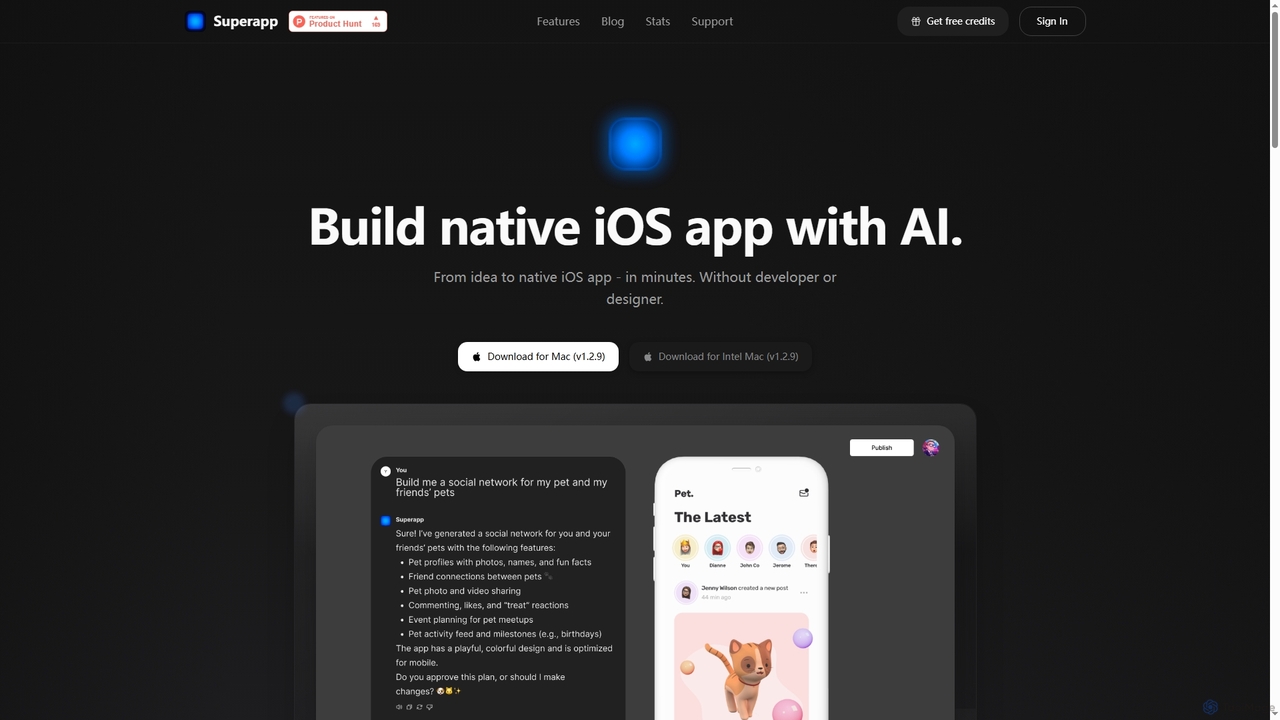
Superapp

Superapp

Superapp is an AI-powered desktop application for Mac that enables anyone, regardless of technical skill, to build native …

101.4K
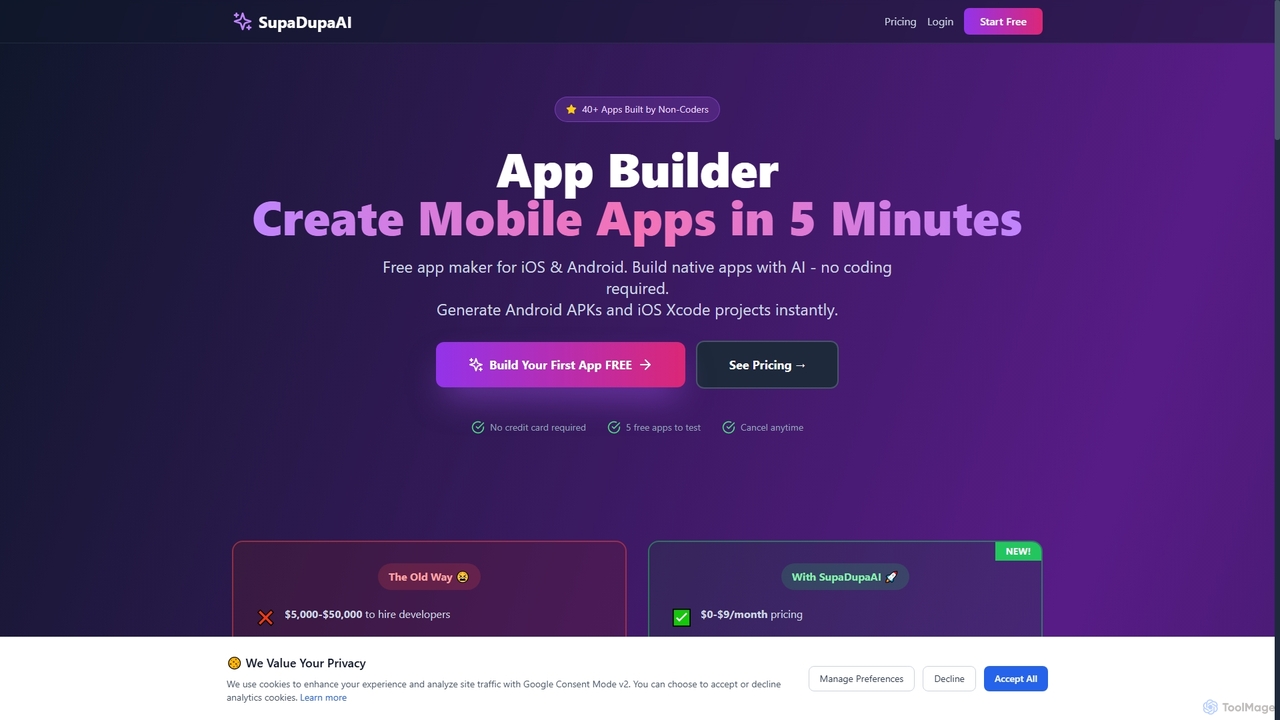
SupaDupaAI

SupaDupaAI

SupaDupaAI is an AI-powered no-code app builder that allows users to create native iOS and Android mobile applications …

3.7K

About App Development

AI App Development tools are a class of software that leverages artificial intelligence to automate, accelerate, and enhance the process of creating applications. These tools utilize machine learning models, particularly large language models, to understand natural language prompts, generate code, identify bugs, and even design user interfaces. They empower developers to build, test, and deploy software faster, reduce repetitive tasks, and integrate sophisticated AI features into their applications. This results in shorter development cycles and more intelligent, feature-rich end products.

Core Features

  • AI-Powered Code Generation: Automatically writes code snippets, functions, or entire application modules from natural language descriptions.
  • Automated Testing and Debugging: Identifies potential bugs, suggests code fixes, and generates unit tests to ensure code quality and stability.
  • Intelligent UI/UX Design Assistance: Generates user interface layouts, components, and even entire screens from sketches or text prompts.
  • Natural Language to Query Conversion: Translates plain language requests into executable database queries (e.g., SQL) or API calls.
  • Predictive Analytics Integration: Simplifies the process of embedding machine learning models for features like recommendation engines or user behavior prediction.

Use Cases

These tools are used by a wide range of professionals, from individual developers and startups to large enterprise teams. They are particularly effective for rapid prototyping, building Minimum Viable Products (MVPs), automating the creation of boilerplate code, and refactoring legacy systems. Product managers and designers also use them to quickly visualize concepts and create functional mockups without extensive coding knowledge.

How to Choose

When selecting an AI App Development tool, consider its compatibility with your existing technology stack, including programming languages and frameworks. Evaluate its integration capabilities with your IDE, version control systems, and CI/CD pipelines. Assess the scope of its AI assistance—whether it's focused on code completion, full-stack generation, or testing. Finally, consider the tool's learning curve and how it fits into your team's workflow.

App DevelopmentUse Cases

1

Accelerate MVP Development for Startups

A startup founder with a limited budget and a small technical team needs to build a Minimum Viable Product (MVP) quickly to validate a business idea and attract investors. By using an AI app development tool, they can describe the core features, data models, and user flows in natural language. The AI generates the foundational backend code, database schema, and frontend components in minutes. This allows the team to focus on refining the unique value proposition and user experience, reducing the time-to-market from months to weeks and significantly lowering initial development costs.

2

Automate Unit Test Generation for Enterprises

A quality assurance (QA) engineer in a large enterprise is tasked with maintaining high code coverage for a complex application. Manually writing unit tests for every new feature is time-consuming and prone to human error. They integrate an AI-powered testing tool into their CI/CD pipeline. The tool automatically analyzes new code commits, understands the logic, and generates a comprehensive suite of unit tests that cover edge cases and potential failure points. This automates a significant portion of the QA process, increases test coverage from 70% to over 90%, and allows developers to catch bugs earlier in the development cycle.

3

Convert UI Designs to Code Instantly

A front-end developer receives a detailed UI design from a designer in a format like Figma or a sketch on a whiteboard. Instead of manually writing HTML, CSS, and JavaScript to replicate the design, they use an AI tool that can interpret visual inputs. They upload the design file or take a picture of the sketch. The AI analyzes the layout, components, colors, and fonts, and generates clean, responsive front-end code (e.g., in React or Vue.js). This drastically reduces the time spent on pixel-perfect implementation, allowing the developer to focus on functionality and interactivity.

4

Refactor Legacy Codebases with AI Assistance

A maintenance team is responsible for a large, aging codebase with inconsistent coding styles and potential performance bottlenecks. Refactoring it manually is a daunting and risky task. They employ an AI development tool that specializes in code analysis and refactoring. The tool scans the entire codebase, identifies sections with 'code smell', suggests modernizing outdated syntax, and proposes optimizations for inefficient algorithms. It can perform bulk changes consistently across thousands of files, adding comments to explain the changes. This helps the team improve code quality, maintainability, and performance with much lower effort and risk.

5

Build Internal Tools with Natural Language

A marketing manager needs a custom dashboard to track campaign performance from multiple sources (Google Analytics, social media APIs, CRM data). Instead of waiting for the engineering team, they use a low-code/no-code AI platform. They describe the desired dashboard in plain English: "Create a dashboard with a line chart showing weekly website traffic, a bar chart for social media engagement by platform, and a table of top 10 leads from the CRM." The AI interprets this, connects to the data sources, and generates a fully functional, interactive dashboard. This empowers non-technical staff to build their own tools, freeing up developer resources for core product work.

6

Generate API Documentation Automatically

A backend developer has just finished building a new set of REST APIs for a mobile application. Writing comprehensive, accurate, and easy-to-understand documentation is a tedious but crucial task. They use an AI tool that integrates with their codebase. The tool analyzes the API endpoints, request/response models, and the code logic within each function. It then automatically generates documentation in a standard format like OpenAPI (Swagger), complete with endpoint descriptions, parameter details, and code examples in multiple programming languages. This ensures the documentation is always up-to-date with the code and saves the developer hours of manual writing.

App DevelopmentFrequently Asked Questions