
getalpaca.io
getalpaca.io is a powerful AI plugin for Adobe Photoshop that integrates Stable Diffusion's image generation capabilities directly into …
getalpaca.io is a powerful AI plugin for Adobe Photoshop that integrates Stable Diffusion's image generation capabilities directly into your workflow. Create stunning visuals, concepts, and assets from text prompts without ever leaving Photoshop, streamlining your creative process.
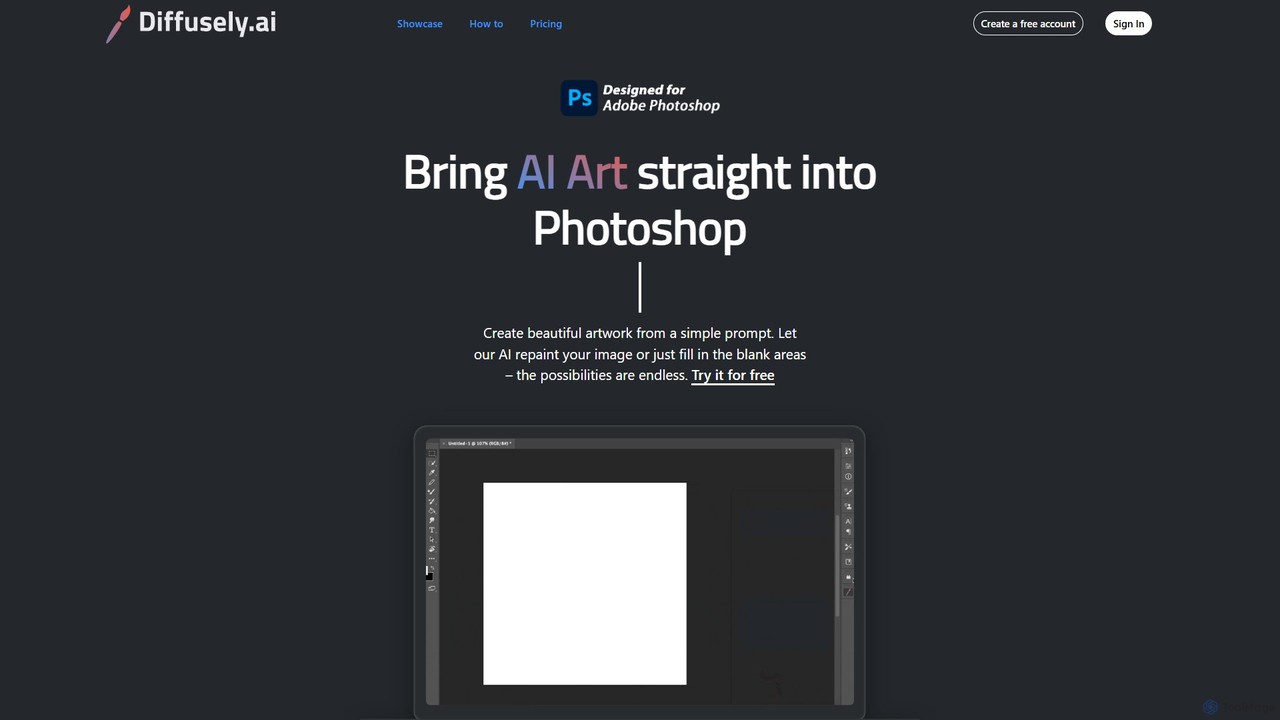
diffusely
An AI art generation plugin for Adobe Photoshop that allows you to create, edit, and enhance images directly …
An AI art generation plugin for Adobe Photoshop that allows you to create, edit, and enhance images directly within your workflow using simple text prompts. Ideal for artists, designers, and photographers.
About Art
AI Art tools are a class of software that use artificial intelligence, particularly generative models, to create or modify artistic media. These tools leverage deep learning algorithms like Diffusion Models and Generative Adversarial Networks (GANs) to interpret text prompts or source images and produce novel visual, auditory, or 3D outputs. They empower artists, designers, and creators to rapidly visualize concepts, explore new aesthetic styles, and automate complex creative tasks. This technology significantly lowers the technical barrier to artistic creation, enabling a wider audience to bring their ideas to life.
Core Features
- Text-to-Media Generation: Creates images, music, or video clips directly from written descriptions (prompts).
- Image-to-Image Transformation: Modifies an existing image based on text instructions or a reference style, including inpainting and outpainting.
- Style Transfer: Applies the artistic style of one image to the content of another.
- AI Music Composition: Generates original musical pieces based on genre, mood, or instrument inputs.
- 3D Asset Creation: Produces 3D models from text prompts or 2D images for use in games, animation, or VR.
Use Cases
AI Art tools are widely used across creative industries. Concept artists in gaming and film use them to accelerate character and environment design. Marketing teams generate unique visuals for ad campaigns and social media, avoiding stock photo limitations. Musicians and podcasters create royalty-free background music tailored to their content's mood and length.
How to Choose
When selecting an AI Art tool, first consider the primary output medium you need—image, video, audio, or 3D. Evaluate the level of control and customization offered, from simple prompts to advanced parameter tuning. Assess the quality and distinct aesthetic of the underlying AI model. Finally, carefully review the tool's usage rights and licensing terms, especially for commercial projects.
ArtUse Cases
Conceptual Art for Game and Film Production
A concept artist or art director working on a new video game needs to establish the visual style for a key environment. Instead of spending days manually sketching multiple options, they use an AI art tool. By inputting detailed prompts like 'ancient overgrown temple ruins, jungle setting, ethereal morning light, moss-covered stone,' they can generate dozens of high-quality visual concepts in minutes. This allows the team to rapidly iterate on the art direction, select a final look, and provide a clear visual brief for the production artists, accelerating the pre-production phase significantly.
Creating Unique Marketing and Social Media Visuals
A marketing manager needs a continuous stream of eye-catching images for an ad campaign on social media. Relying on stock photos can be expensive and generic. Using an AI art generator, they can create highly specific, on-brand visuals by prompting 'a minimalist product shot of a blue sneaker on a geometric pastel background, studio lighting'. The tool can produce hundreds of variations, ensuring fresh content for A/B testing and different ad placements. This approach reduces costs, saves time searching for stock images, and results in a more cohesive and unique brand aesthetic that captures audience attention.
Generating Royalty-Free Music for Videos and Podcasts
A YouTuber or podcaster needs background music for their latest episode. Searching through vast libraries of royalty-free music is time-consuming and they often can't find a track that perfectly matches the mood and length. Using an AI music generator, they can specify parameters like 'acoustic folk, uplifting mood, 2 minutes 30 seconds, featuring guitar and piano'. The AI composes a unique, high-quality track that fits their exact needs. This provides a custom soundtrack without copyright concerns, enhances the production value of their content, and saves hours of searching for the right music.
Prototyping Architectural and Interior Designs
An interior designer wants to show a client several design options for a living room. Creating detailed 3D renders for each option is slow and costly. Instead, the designer takes a photo of the existing room and uses an AI image-to-image tool. By providing prompts like 'transform into a minimalist Scandinavian style with light wood floors and neutral furniture' or 'reimagine as a modern industrial loft with exposed brick and metal accents,' they can generate realistic visualizations in seconds. This allows for immediate client feedback and rapid design iteration, streamlining the approval process and helping clients better envision the final space.
Designing Custom Patterns for Textiles and Products
A fashion designer is developing a new collection and needs a unique, seamless pattern for a fabric print. Manually creating intricate patterns can be very labor-intensive. Using an AI pattern generator, the designer can input a prompt like 'art deco floral pattern, gold and emerald green, seamless tile'. The AI generates multiple original, tileable patterns that can be immediately used for fabric samples. This process allows for the exploration of countless creative directions and produces production-ready assets in a fraction of the time, enabling more innovative and diverse product lines.
AI-Assisted Storyboarding for Animation and Film
A film director needs to visualize a complex action sequence for a new movie. Drawing a detailed storyboard by hand is time-consuming and can be difficult to modify. Using an AI art tool, the director or a storyboard artist can input script descriptions like 'wide shot, a futuristic car chase on a crowded city highway at night'. The AI generates consistent panels showing the action from different angles and shot types (e.g., 'close-up on driver's face'). This dramatically reduces manual drawing time, allows for quick experimentation with camera placement and pacing, and provides a clear visual guide for the entire production crew.