ToolMage
Sign in

Best 3 Audio Processing AI tools

Popular Audio Processing AI tools include TranslateMom, LipSync Studio, and Bsub, helping you work more efficiently.

Paid

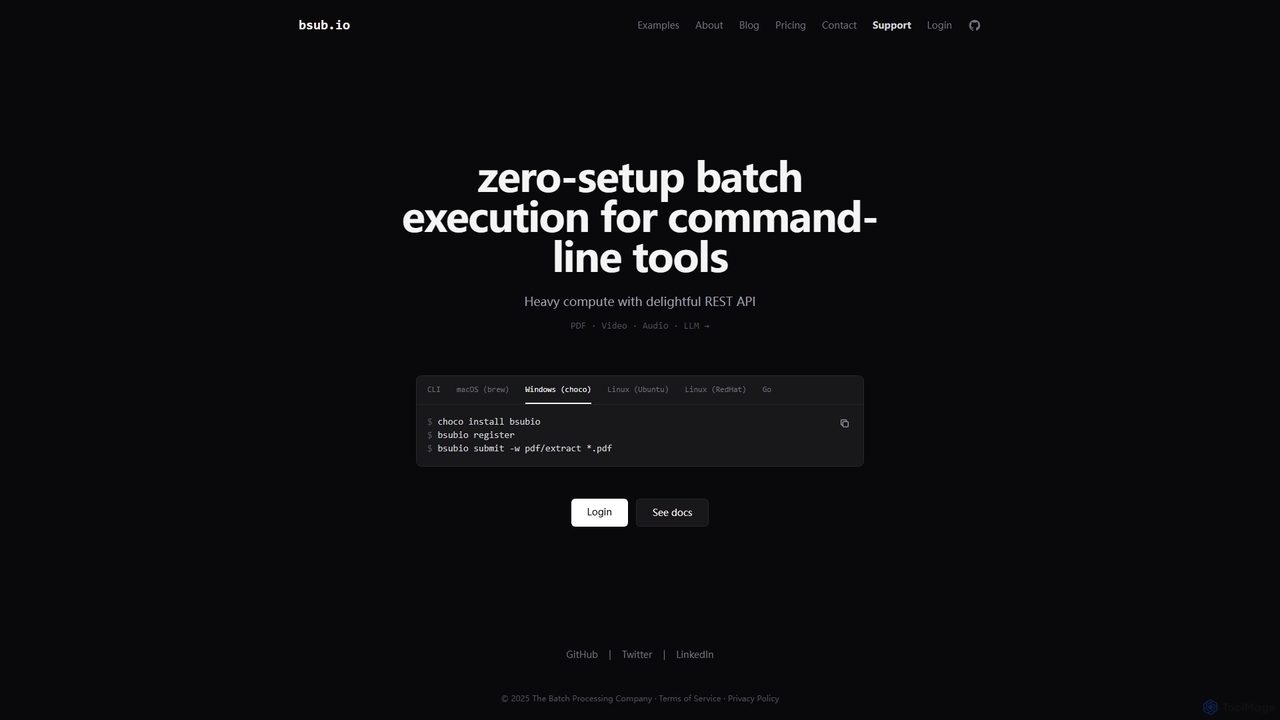
Bsub

Bsub is a zero-setup batch processing platform designed for developers to execute command-line tools at scale. It simplifies heavy computational tasks like PDF extraction, video transcoding, audio transcription, and large language model (LLM) batch inference through a simple REST API, eliminating infrastructure management and scaling concerns.

Transcription
Visits 5.6KFavorites 97Likes 110
Paid

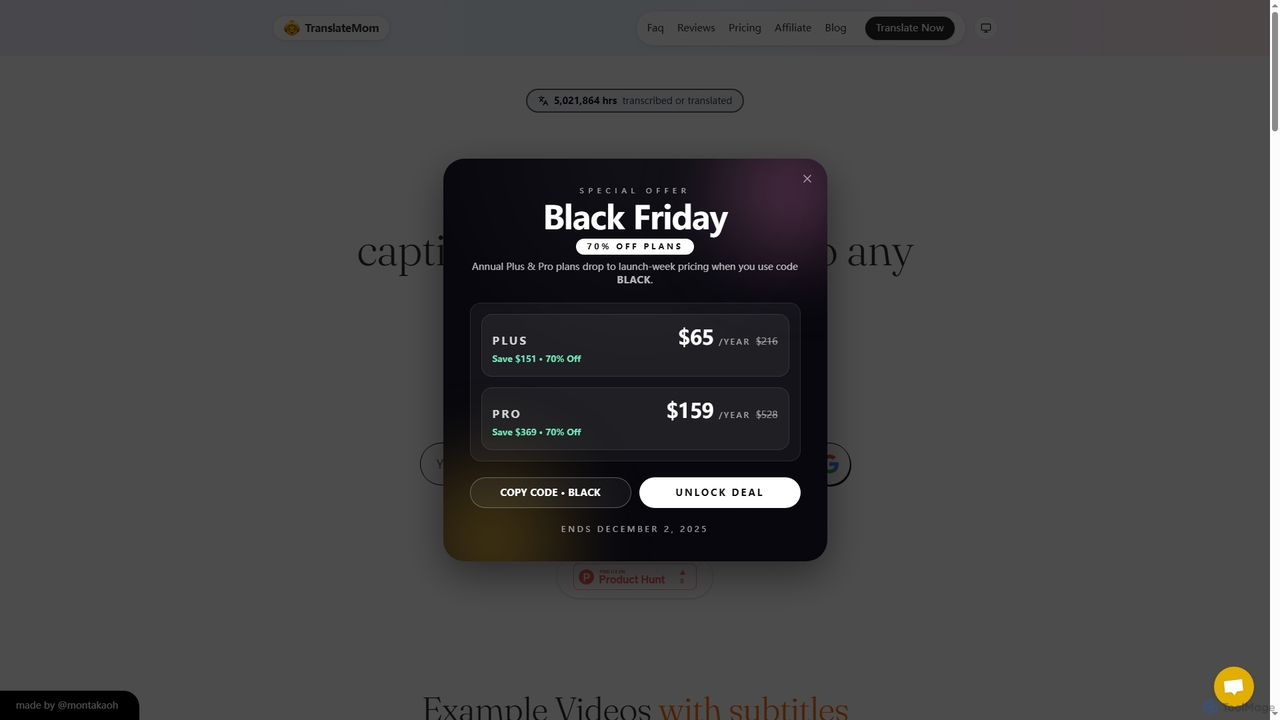
TranslateMom

TranslateMom is an AI-powered video translation, dubbing, and captioning tool designed to help content creators, marketers, and educators reach a global audience. It supports over 100 languages for subtitles and translation, and 29 languages for AI dubbing, making video localization fast and efficient.

3D
Visits 127.2KFavorites 111Likes 123
Paid

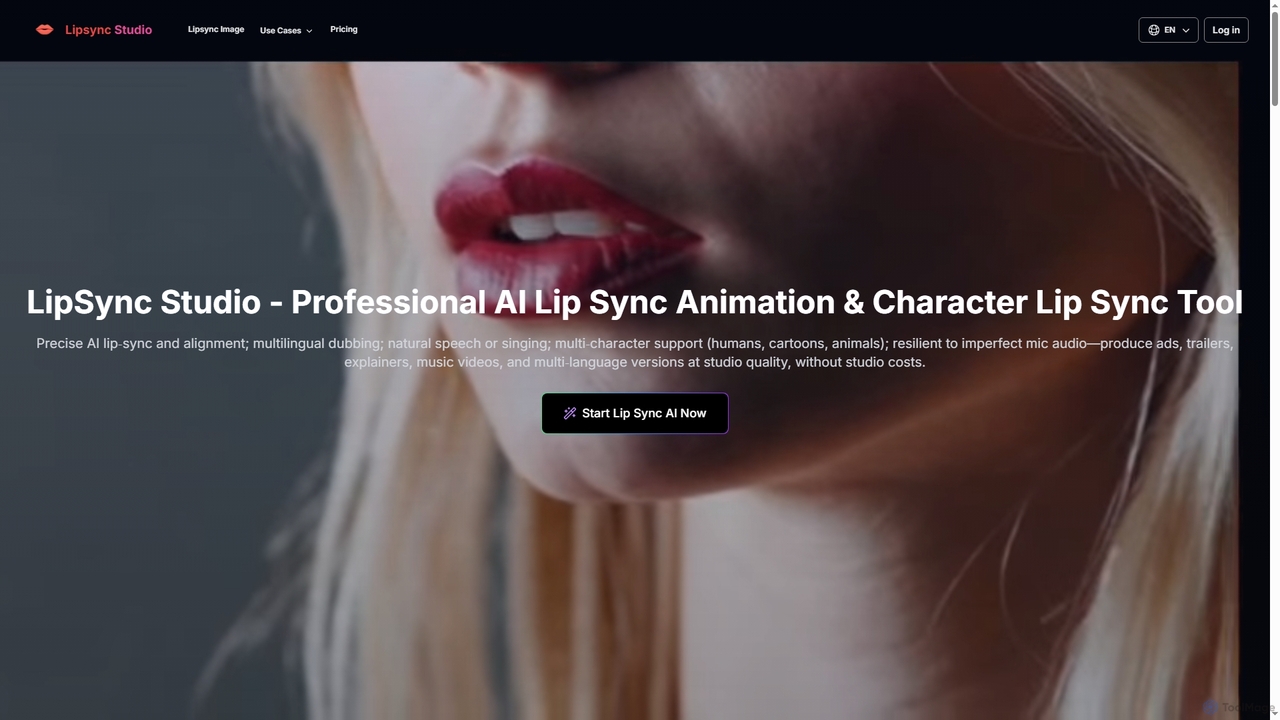
LipSync Studio

LipSync Studio is an advanced AI tool for creating professional lip-sync animations and character lip-sync videos. It supports multilingual dubbing in over 100 languages, natural speech or singing synchronization, and multi-character animation for humans, cartoons, and animals. Produce high-quality content for ads, trailers, explainers, and music videos without traditional studio costs.

3D
Visits 118KFavorites 113Likes 103

About Audio Processing

AI Audio Processing tools are a class of software that leverage artificial intelligence to analyze, modify, and generate audio content. These tools utilize advanced machine learning models, including speech recognition and signal processing, to automate complex tasks that traditionally required manual effort and expertise. They are designed to enhance audio quality, extract valuable insights from speech, create realistic synthetic voices, and even compose original music. This technology provides powerful capabilities for content creators, musicians, developers, and businesses to streamline workflows and unlock new creative possibilities.

Core Features

  • Speech-to-Text Transcription: Accurately converts spoken language from audio or video files into written text, often with speaker identification.
  • Noise Reduction & Enhancement: Intelligently identifies and removes unwanted background noise, such as hiss, hum, or chatter, while clarifying speech.
  • Voice Synthesis & Cloning: Generates human-like speech from text (Text-to-Speech) or creates a digital replica of a specific person's voice.
  • Audio Separation (Stem Splitting): Isolates individual elements from a mixed audio track, such as separating vocals from instrumental parts.
  • Music Generation: Composes royalty-free music tracks based on user prompts specifying genre, mood, or instrumentation.

Use Cases

These tools are widely used in media production, where podcasters and video editors apply them to clean up recordings and generate voiceovers. In business, they are used for transcribing meetings and analyzing customer service calls for quality assurance. Musicians and producers leverage audio separation for remixing and sampling, while developers integrate voice synthesis and recognition into applications and services.

How to Choose

When selecting an AI Audio Processing tool, first identify your primary need—whether it's transcription, noise reduction, or voice generation. Evaluate the tool's accuracy and the quality of its output, as this can vary significantly. Consider its ease of use and whether it offers an API for integration into your existing workflows. Finally, compare pricing models, such as subscriptions or pay-per-use, to find a solution that fits your budget and usage frequency.

Featured tool rankings

Audio Processing use cases

1

Enhancing Podcast Audio Quality

A podcast creator records an interview in a location with noticeable background hum. Instead of spending hours manually editing, they upload the audio file to an AI tool. The tool automatically identifies and removes the hum, balances the volume levels between the host and the guest, and even removes long pauses and filler words like 'um' and 'ah'. The result is a clean, professional-sounding episode produced in a fraction of the time, allowing the creator to focus on content rather than technical editing.

2

Automating Meeting Transcription and Summaries

A project manager needs to document a critical client meeting. They use an AI transcription service that records the call. Immediately after the meeting, the tool provides a full, speaker-diarized transcript. Furthermore, its AI capabilities generate a concise summary highlighting key decisions, action items, and deadlines discussed. This automated record is then shared with the team, ensuring everyone is aligned and saving the manager hours of manual note-taking and summarization.

3

Creating Remixes with AI Stem Separation

A music producer wants to create a remix of a popular song but doesn't have access to the original multitrack recording. They use an AI stem separation tool to upload the final song file. The AI analyzes the track and splits it into high-quality individual stems: vocals, drums, bass, and other instruments. The producer can now isolate the acapella to layer over a new beat or use the instrumental as a backing track, unlocking creative possibilities that were previously only possible in professional studios.

4

Generating Realistic Voiceovers for Videos

A marketing team needs to produce a product demo video for a global audience. Instead of hiring multiple voice actors for different languages, they use an AI text-to-speech (TTS) tool. They input the translated script, select a voice profile that matches their brand (e.g., professional, energetic), and adjust pacing and emphasis. The tool generates a natural-sounding voiceover in minutes. They can even use voice cloning to maintain the voice of their primary brand spokesperson across all languages, ensuring consistency and drastically reducing production costs and timelines.

5

Analyzing Customer Service Calls for Insights

A quality assurance manager at a call center wants to understand common customer issues and agent performance. They use an AI audio processing tool to transcribe and analyze thousands of recorded calls. The AI automatically detects customer sentiment (e.g., frustrated, satisfied), identifies keywords related to product complaints, and measures agent script adherence. This provides actionable data to improve training, update support documentation, and address recurring product issues without manually listening to hundreds of hours of calls.

6

Generating Royalty-Free Background Music

A YouTuber needs unique background music for their weekly videos but wants to avoid copyright strikes and expensive licensing fees. They use an AI music generator, specifying the desired genre (e.g., 'lo-fi hip hop'), mood ('chill'), and duration (3 minutes). The AI composes a completely new, royalty-free track that fits the video's atmosphere perfectly. This allows the creator to have a consistent and original soundtrack for their channel, enhancing production value without requiring any musical knowledge or budget for custom compositions.

Audio Processing FAQ

What are AI Audio Processing tools?

AI Audio Processing tools are software applications that use artificial intelligence to perform advanced tasks on audio data. Unlike traditional editors, they automate processes like transcribing speech to text, removing complex background noise, separating musical instruments from a song, or generating entirely new audio like voiceovers and music. Their primary goal is to make complex audio manipulation accessible, fast, and efficient for a wide range of users.

How do I choose the right AI Audio Processing tool?

To choose the right tool, consider these factors:

  • Primary Function: Identify your main task. Do you need transcription, noise reduction, voice cloning, or music generation? Different tools specialize in different areas.
  • Accuracy and Quality: Look for samples or use a free trial to evaluate the output. For transcription, check word error rate. For audio enhancement, listen for artifacts.
  • Ease of Use: Choose a tool with an interface that matches your technical skill level. Some are simple web-based uploaders, while others are complex plugins or APIs.
  • Pricing Model: Compare costs. Some charge per minute of audio, others have monthly subscriptions. Select one that aligns with your expected usage and budget.
What's the difference between AI audio processing and traditional audio editors?

Traditional audio editors (like Adobe Audition or Audacity) provide a manual toolkit for sound manipulation. Users need technical skills to perform tasks like noise reduction or vocal tuning. AI audio processing tools, in contrast, automate these complex tasks. Instead of manually finding and cutting breaths, an AI tool can do it with one click. Furthermore, AI enables generative capabilities—like creating a voice from text or composing music—that are fundamentally beyond the scope of traditional editors.

What are the main functions of AI Audio Processing tools?

The main functions revolve around analysis, enhancement, and generation. Key examples include:

  • Speech-to-Text: Converting spoken words into text for subtitles, notes, or analysis.
  • Noise Reduction: Cleaning up audio by removing unwanted sounds like wind, hum, or clicks.
  • Text-to-Speech (TTS): Synthesizing artificial voices from written text for voiceovers or accessibility.
  • Stem Separation: Deconstructing a song into its component parts (vocals, bass, drums).
  • Voice Cloning: Creating a digital model of a specific voice to generate new speech in that voice.
Who can benefit from using AI Audio Processing tools?

A wide range of professionals and creators can benefit. Content Creators (podcasters, YouTubers) use them to improve production quality. Musicians and Producers leverage them for creative tasks like sampling and remixing. Businesses use them to transcribe meetings and analyze customer interactions. Developers integrate their APIs to build voice-enabled applications. Finally, Students and Researchers use them to transcribe lectures and analyze audio data for their work.