Jumper
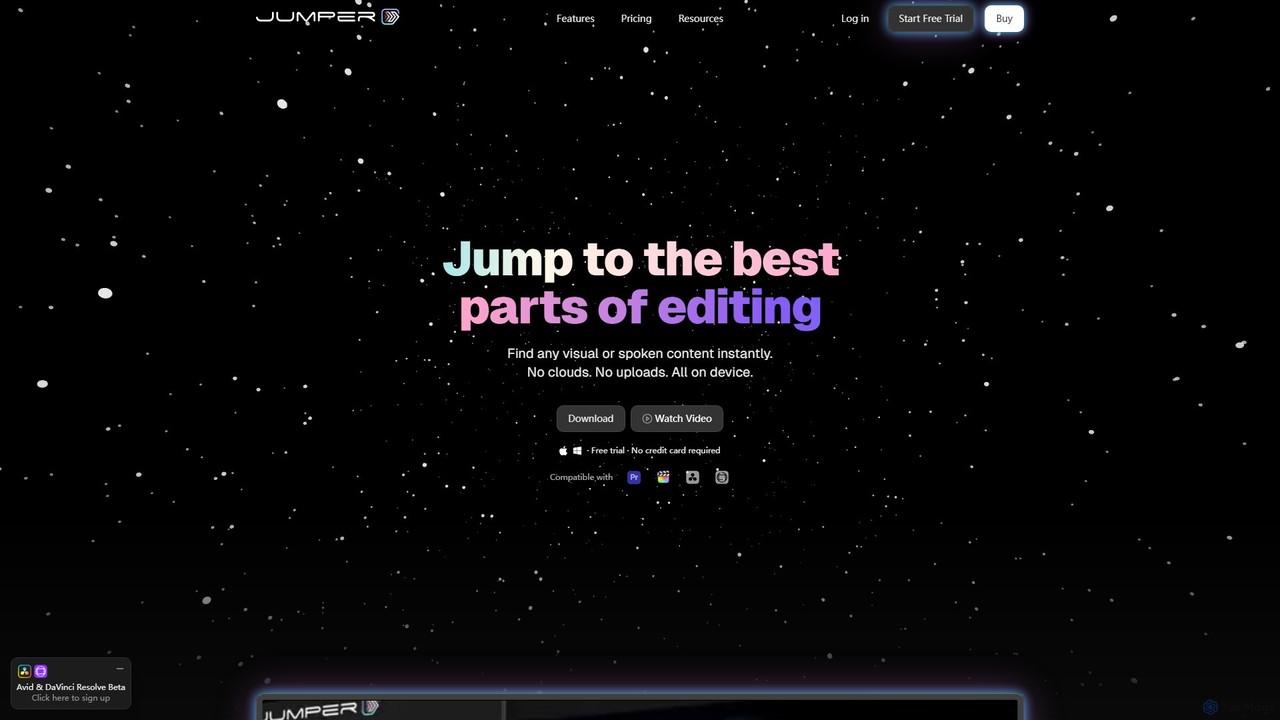
Jumper is an AI-powered video editing assistant that integrates with professional editing software. It enables editors to instantly …
Jumper is an AI-powered video editing assistant that integrates with professional editing software. It enables editors to instantly search through hours of footage for any visual or spoken content, all locally on their device. By eliminating cloud uploads, Jumper offers unparalleled speed, privacy, and a streamlined workflow, saving countless hours on every project.
About Transcription
Transcription tools are AI-powered solutions that convert spoken language from audio or video into written text. Leveraging advanced Automatic Speech Recognition (ASR) technology, these tools accurately process diverse accents, languages, and speech patterns. They provide immense value by transforming ephemeral spoken content into searchable, editable, and accessible text, streamlining workflows for content creators, researchers, and businesses alike.
Core Features
- High Accuracy ASR: Converts speech to text with high precision, even in noisy environments or with multiple speakers.
- Speaker Diarization: Automatically identifies and labels different speakers in a conversation, enhancing readability.
- Timestamping & Punctuation: Adds precise timestamps and correct punctuation, making the transcript easy to navigate and understand.
- Multi-language Support: Offers transcription services for a wide array of global languages and dialects.
- Custom Vocabulary: Allows users to add specific terms, names, or jargon to improve accuracy for specialized content.
Use Cases
Transcription tools are indispensable across various sectors. Journalists use them to quickly transcribe interviews for reporting, while educators leverage them to create accessible lecture notes for students. Businesses utilize these tools for converting meeting recordings into searchable minutes, analyzing customer service calls, and generating subtitles for video content, significantly improving information accessibility and operational efficiency.
How to Choose
When selecting a transcription tool, prioritize accuracy, especially for specialized terminology or multiple speakers. Evaluate its language support, export formats (e.g., SRT, TXT, DOCX), and integration capabilities with existing workflows. Consider pricing models, security features for sensitive data, and whether real-time transcription is a necessary feature for your specific needs.
TranscriptionUse Cases
Transcribing Interviews and Podcasts for Content Creation
Journalists and podcasters use AI transcription tools to quickly convert recorded interviews, press conferences, or podcast episodes into text. This allows for efficient editing, fact-checking, and the creation of show notes or articles, saving hours of manual typing and speeding up content delivery.
Automating Meeting Minutes and Lecture Notes
Professionals and students utilize transcription software to automatically generate written records of meetings, webinars, or university lectures. This ensures no critical information is missed, facilitates easy searching for specific topics, and provides accessible study materials or corporate archives.
Generating Accurate Subtitles for Videos
Content creators and marketers employ transcription tools to create precise subtitles and captions for their video content across platforms like YouTube, social media, and e-learning courses. This enhances accessibility for hearing-impaired audiences and improves SEO by making video content searchable.
Analyzing Customer Feedback from Call Recordings
Businesses leverage transcription to convert customer service calls, focus group discussions, or user interviews into text. This enables efficient analysis of customer sentiment, identification of common issues, and extraction of valuable insights for product development and service improvement.
Expediting Legal and Medical Record Keeping
Legal professionals use transcription for depositions, court proceedings, and client consultations, while medical practitioners apply it to patient notes and consultations. The tools provide accurate, timestamped records, crucial for compliance, evidence, and efficient documentation in highly regulated fields.
Enhancing Accessibility for Hearing-Impaired Individuals
Organizations and individuals use transcription tools to provide text alternatives for audio-visual content, making it accessible to hearing-impaired audiences. This includes live captioning for events or transcribing educational materials, fostering greater inclusivity and compliance with accessibility standards.