ContentGT
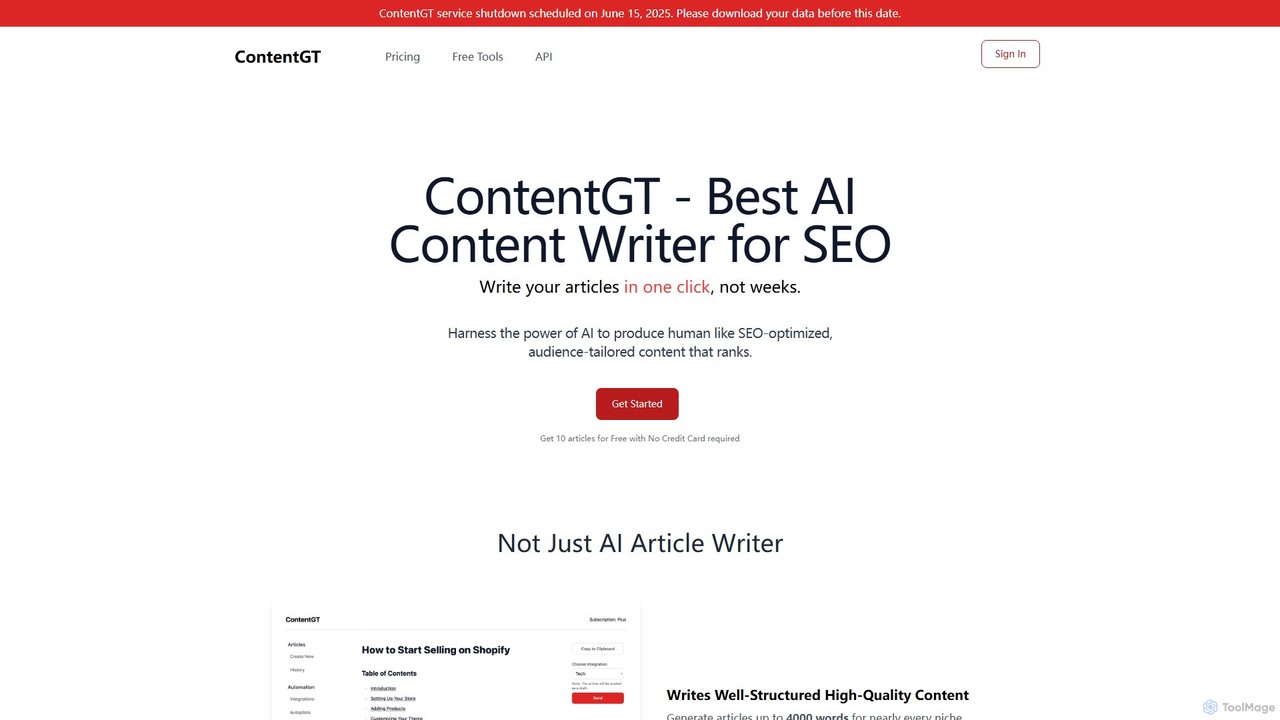
ContentGT is an AI-powered content writer designed to generate high-quality, human-like, and SEO-optimized articles in a single click. …
ContentGT is an AI-powered content writer designed to generate high-quality, human-like, and SEO-optimized articles in a single click. It streamlines content creation by offering features like WordPress integration, autoposting, and the inclusion of relevant images and videos, making it ideal for bloggers, marketers, and SEO specialists.
About Automation
AI Automation tools for blogging are specialized platforms designed to streamline repetitive tasks within the content creation and management lifecycle. They leverage AI to connect different apps and services, executing predefined workflows without manual intervention. This allows bloggers and content teams to automate content distribution, social media promotion, and internal processes, freeing up time for strategic work. These tools go beyond simple scheduling by enabling complex, multi-step sequences triggered by specific events, such as a new post being published.
Core Features
- Workflow Automation: Build multi-step workflows that connect your CMS, social media, and email marketing tools.
- Content Repurposing: Automatically convert blog posts into different formats like tweets, LinkedIn updates, or email newsletters.
- Smart Scheduling: Intelligently schedule content publication and promotion based on audience engagement data.
- Data Integration: Sync data between different platforms, such as pulling analytics into a content planning dashboard.
Use Cases
These tools are ideal for solo bloggers managing multiple social channels, content marketing teams aiming for consistent publishing schedules, and digital agencies handling content for various clients. For example, a workflow can automatically share a new WordPress post to Twitter and LinkedIn, and then schedule a follow-up email to subscribers a day later.
How to Choose
When selecting a blogging automation tool, evaluate its integration library—ensure it supports your CMS, social media accounts, and email service. Consider the complexity of workflows you need; some tools offer simple linear automations, while others provide advanced logic with conditions. Also, assess the user interface for ease of use and the pricing model based on the number of tasks you plan to run.

AutomationUse Cases
Automate Social Media Promotion for New Posts
A solo blogger connects their WordPress site to their social media accounts. They create a workflow where publishing a new post automatically triggers the generation of a unique tweet, a LinkedIn update with a professional summary, and a Facebook post with a featured image. The tool can even schedule follow-up posts over the next week, ensuring consistent promotion without manual effort.
Streamline Content from Draft to Publication
A content marketing team uses an automation tool to manage their editorial calendar. When a writer moves a draft from Google Docs to a 'Ready for Review' folder, the tool automatically notifies the editor in Slack. Once approved, it converts the document to HTML, creates a draft in their CMS, and assigns it to the publisher, reducing communication overhead and manual steps.
Repurpose Blog Posts into Email Newsletters
An online business owner sets up an automation to boost their email marketing. Each time a new article is published on their blog, the tool automatically extracts the title, a summary, and the featured image. It then populates a pre-designed email newsletter template in their email marketing platform (like Mailchimp) and saves it as a draft for final review, saving hours of manual copy-pasting.
Auto-Generate Content Briefs for Writers
An SEO agency managing multiple blogs uses automation to scale content production. They input a target keyword into a spreadsheet, which triggers a workflow. The tool uses an integrated AI writer to research the keyword, analyze top-ranking competitors, and generate a detailed content brief including a suggested outline, related keywords, and word count goals. This brief is then automatically sent to the assigned writer.
Synchronize Content Across Multiple Platforms
A creator who publishes content on their personal blog, Medium, and LinkedIn wants to maintain consistency. They create an automation that monitors their primary blog's RSS feed. When a new post is detected, the tool automatically cross-posts a canonicalized version to Medium and creates a summary post on LinkedIn that links back to the original article, maximizing reach while protecting SEO.
Automate Internal Link Building Suggestions
A niche website owner with hundreds of articles needs to improve their site's SEO structure. They use an automation tool that scans a newly published article for relevant keywords and phrases. The tool then searches their existing content library for related articles and suggests a list of potential internal links, complete with appropriate anchor text, directly within their CMS editor.